


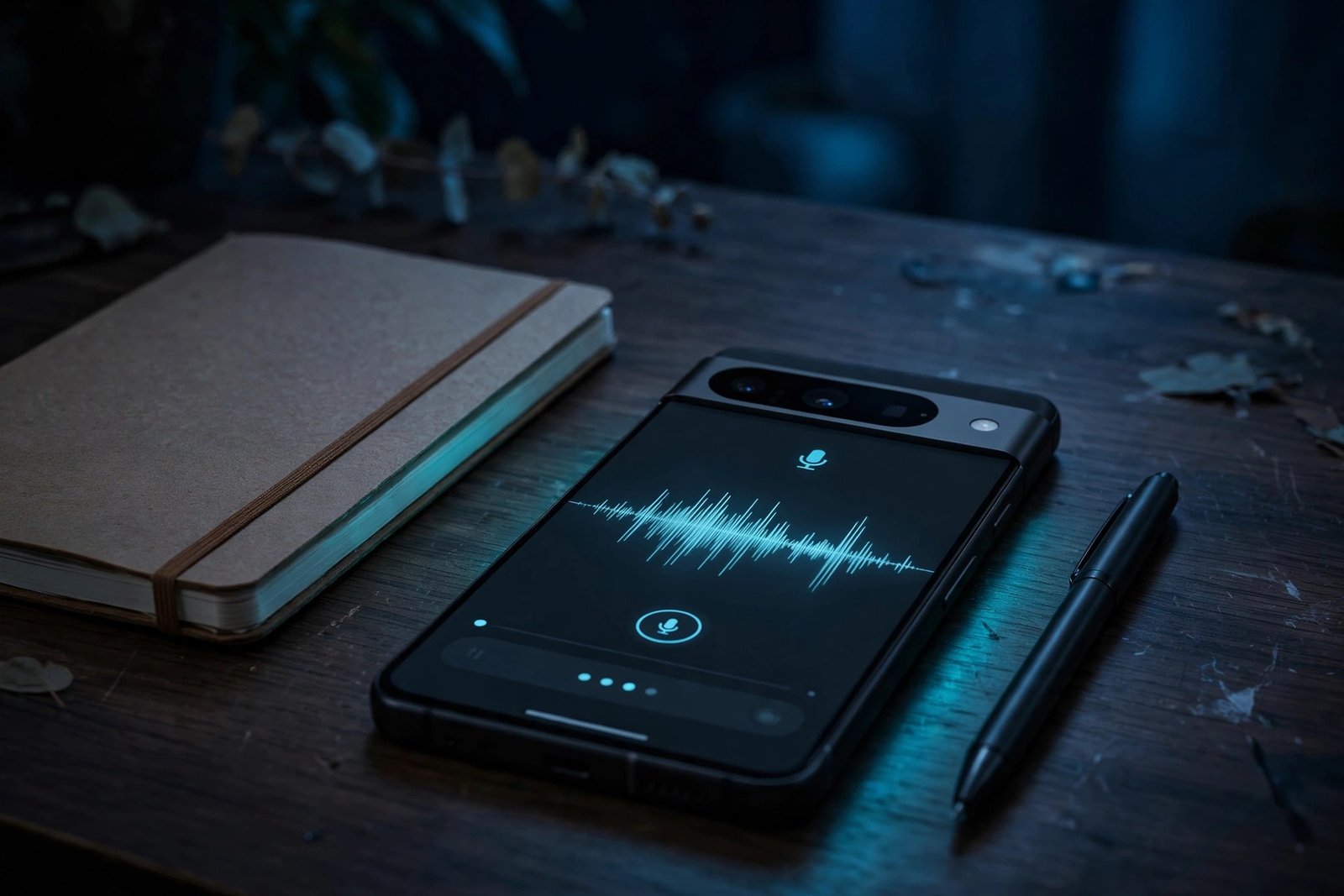
Google’s Pixel Journal app has had an obvious gap since it launched: you could write about your day, add photos, attach a location or a workout — but you could not record your voice. For a journaling app, that was a strange omission, and it is finally being fixed. A sizable update rolling out now adds Recorder audio entries to Pixel Journal, along with something arguably more important: a way to export your journal and actually take your entries with you.
The update is version 2026.10.27.x of Pixel Journal, and it is the app’s first major release since August. It arrives alongside a matching Pixel Recorder update, version 4.2.20261001.x. According to 9to5Google, both updates were widely rolling out as of November 16, 2026 — a notable change from just a few days earlier, when the audio feature was visible in the app but did not actually work.
That detail matters, because this story has two chapters. When the update first appeared around November 10, the new “Record new audio” button was already sitting in the app’s Add item menu, but tapping it only prompted users to update Pixel Recorder — and no Recorder update was available in the Play Store at the time. The feature was, in effect, a door with no room behind it. The November 16 update from 9to5Google confirms the Recorder update has now landed and the integration is live. If you tried it last week and hit a dead end, it is worth trying again.
Curiously, neither update was mentioned as part of the November 2026 Pixel Drop, even though the timing overlaps. Google’s Pixel Drop announcement on November 10 covered a long list of new features, but Pixel Journal’s audio and export additions were not among them. They are rolling out quietly through the Play Store instead, which may explain why many Pixel owners have not noticed them yet.
Key Takeaways
- The news: Pixel Journal version 2026.10.27.x adds Recorder audio entries and a full journal export option, rolling out via Google Play.
- Audio entries: Two new options in the Add item menu — “Record new audio” and “Add existing recording” — attach voice clips to entries with an inline player and a transcript.
- The catch that is now fixed: When the update first appeared, the audio button did nothing because the matching Pixel Recorder update (4.2.20261001.x) was not yet in the Play Store. As of November 16, both updates are widely rolling out.
- Export: A new “Export your journal” option in settings creates a ZIP file of all your entries, including images, with text saved as HTML files you can open in any browser.
- Availability: Pixel Journal runs on Pixel 8 and later, after Google extended it from the Pixel 10 series to the Pixel 9 and Pixel 8.
- How to get it: Update both apps from the Play Store, then open each app and force stop it if the new options do not appear right away.
What the Recorder Integration Actually Does
The new audio options live where you would expect them: inside a journal entry, tap the plus button to open the Add item menu, and you will now see “Record new audio” alongside the existing options to take a photo or video, add a photo, attach a Health Connect activity, or add a location and map.
“Record new audio” launches the Recorder app straight into a new recording session. When you finish, the clip is attached to your journal entry as an audio item, with an inline player so you can listen back without leaving the app. “Add existing recording” does the other half of the job: it opens a list of recordings you have already made in Pixel Recorder, so a voice memo captured earlier in the day can be attached to an entry after the fact.
Each audio entry also shows a transcript, according to 9to5Google, and the audio item can be removed from the entry if you change your mind. That combination — a playable clip plus readable text — is what makes this more than a simple attachment. A voice entry becomes searchable, skimmable text in your journal timeline, rather than a black-box audio file you have to play back to understand.
There is one point worth stating carefully. When Android Authority examined the app’s code earlier in the rollout, it found references to importing existing recordings and transcripts, but those features were not active yet at the time of its check. The November 16 reporting from 9to5Google describes the transcript as part of the live update, and the Recorder update that was missing a week ago is now rolling out. Even so, this is a staged Play Store rollout, so the exact behaviour on your phone may depend on whether both app updates have actually reached you. If the audio options appear but the transcript does not, you are probably on the Journal update without the matching Recorder build yet.
Voice entries are a common feature in journaling apps, and their absence was one of the most obvious gaps in Pixel Journal. Google’s implementation is deliberately simple — record, attach, play back, read the transcript — and it leans on Recorder, an app Pixel owners already use for lectures, interviews and meetings. The integration makes sense: a quick voice note after a meeting or a walk can now sit in the same timeline as the typed notes and photos from the same day.
Export Your Journal: Your Entries Are Finally Portable
The second addition may matter more in the long run. Pixel Journal now has an “Export your journal” option in its settings, and it does what the name promises: it creates a ZIP file containing all of your entries, including images, which you can save locally and view offline.
Text entries are exported as HTML files, a standard web format that opens in any browser without a special viewer. That means your journal is no longer locked inside Google’s app: the backup can be stored on your own device, moved to another note-taking tool, or simply kept as an archive. Android Authority notes that once the Recorder integration is fully active, voice recordings will presumably be included in later exports as well — although that is expected behaviour rather than something anyone has verified yet, since the audio feature only just went live.
This fixes a long-standing pain point for a journaling app. A journal is, by definition, a personal record that accumulates over years, and an app that offers no way out is asking users to trust that it will always be there. Google’s own ecosystem has a history of apps and services being shut down, so the ability to take a complete local copy of your entries is not a minor convenience — it is the difference between a journal you own and one you are renting.
A few questions remain unanswered in the reporting so far, and they are worth flagging honestly rather than guessing at. No outlet has specified whether Health Connect entries or location and map attachments carry over in full in the export, whether the archive preserves entry dates and ordering, or whether the ZIP file is encrypted. Until someone tests a full export and checks, treat the feature as a solid backup of your text and photos, and verify the rest yourself before relying on it for a complete archive.
Which Pixels Get It, and How to Get the Update
Pixel Journal launched exclusively with the Pixel 10 series, and Google has since extended it to the Pixel 9 and Pixel 8. Reporting on the update puts general Journal access, export included, at Pixel 8 and later. No outlet has listed a separate, narrower device range for the audio recording feature once it goes live, so the working assumption is that any Pixel that runs the Journal app gets both features — but that is an assumption, not a confirmed device list, and older Pixels may see the features arrive later or not at all.
The update is rolling out through Google Play now, and as with staged rollouts, it may take a few days to reach every eligible device. If you want to check, open the Play Store and look for updates to Pixel Journal and Pixel Recorder. You need both: Journal version 2026.10.27.x and Recorder version 4.2.20261001.x. 9to5Google adds a practical tip — after installing, open both apps and force stop them, which appears to help the new options surface.
If the “Record new audio” option appears but tapping it still asks you to update Recorder, the Recorder update simply has not reached your device yet. That was the exact situation for everyone during the first week of the rollout, and the fix is the same: wait for the Recorder update to appear in the Play Store, then try again. There is no setting to force it, and no sideloading workaround is needed — both updates are standard Play Store releases.
Why This Update Matters More Than It Looks
On the surface, this is a modest app update: two new menu options and a settings toggle. But it closes the two biggest gaps in Pixel Journal in a single release, and it does so at a moment when Google is pushing Pixel software hard. The November 2026 Pixel Drop, announced on November 10 alongside Android 17 QPR2, brought features like Create My Widget and Gemini Intelligence to Pixel 10 and 11 phones — yet the Journal update was not part of that announcement, and it is rolling out separately.
That separation is a reminder that Pixel features do not all arrive through the same channel. Some come with the monthly Pixel Drop, some through Play Store app updates, and some through Google Play Services. If you only watch the Pixel Drop announcements, you will miss updates like this one. The Pixel Journal update is a case in point: it was first spotted by Android Authority on November 11, updated by 9to5Google on November 16, and it is only now reaching most users in working form.
Google’s Pixel phones keep getting quiet upgrades outside the monthly drops — see how the Google Pixel Gets a New Family Hub in Settings — Here’s What It Does adds a Family menu for shared Google One storage.
The Journal update rolled out separately from the big November release — catch up on the November Pixel Drop Still Missing on Many Pixels a Week After Launch to see which Drop features are still trickling out.
Google is refreshing its apps across the board — Gmail Gets a Colorful Material 3 Expressive Makeover — Settings Redesign Starts Rolling Out is another Play Store update worth checking.
For Pixel owners who actually journal, the practical advice is simple. Update both apps, try the audio feature, and run an export now so you have a local backup of your entries before your journal grows any larger. The export costs nothing and takes a few taps, and it is the kind of thing you will be glad you did the first time you switch phones or worry about losing your data.
And if the Recorder update has not reached you yet, do not assume the feature is broken. This rollout took a week to go from “button with no backend” to “widely rolling out”, and staged Play Store releases do not land everywhere on the same day. Check the Play Store, force stop both apps after updating, and give it a few days.
How to Add a Voice Entry to Pixel Journal
- Update Pixel Journal to version 2026.10.27.x and Pixel Recorder to version 4.2.20261001.x from the Google Play Store.
- Open a journal entry (or start a new one) and tap the plus button to open the Add item menu.
- Tap “Record new audio” to start a fresh recording in the Recorder app, or “Add existing recording” to attach a clip you already made.
- Finish the recording and return to the entry — the clip appears with an inline audio player and a transcript.
- To remove an audio entry, delete the audio item from the entry; the recording itself stays in the Recorder app.
How to Export Your Pixel Journal
- Open Pixel Journal and go to Settings.
- Tap “Export your journal”.
- Wait for the app to build the ZIP file containing all of your entries, including images.
- Save the ZIP file to your device, then unpack it and open index.html in any browser to read your entries offline.
FAQs
Is the Pixel Journal Recorder integration live yet?
Yes — as of November 16, 2026, both required updates are widely rolling out: Pixel Journal version 2026.10.27.x and Pixel Recorder version 4.2.20261001.x. When the Journal update first appeared around November 10, the audio button did nothing because the matching Recorder update was not yet in the Play Store. That gap has now closed, so if you update both apps, the ‘Record new audio’ and ‘Add existing recording’ options should work. The rollout is staged, so it may take a few days to reach every device.
Which Pixel phones get the Pixel Journal audio and export features?
Pixel Journal runs on Pixel 8 and later, after Google extended it from the Pixel 10 series to the Pixel 9 and Pixel 8. No outlet has published a separate, narrower device list for the audio recording feature, so the working assumption is that any Pixel running the Journal app gets both features. That has not been officially confirmed per model, so older Pixels may see the features arrive later or not at all.
How do I add a voice recording to a Pixel Journal entry?
Open an entry, tap the plus button to open the Add item menu, and choose ‘Record new audio’ to start a fresh recording in the Recorder app, or ‘Add existing recording’ to attach a clip you already made. The recording appears in the entry with an inline audio player and a transcript, and you can remove the audio item from the entry at any time.
What does the Pixel Journal export include?
The ‘Export your journal’ option in settings creates a ZIP file of all your entries, including images, with text saved as HTML files you can open in any browser. Whether Health Connect entries, location attachments, entry dates and ordering carry over in full — or whether the ZIP is encrypted — has not been confirmed in the reporting so far, so verify your own export before treating it as a complete archive.
Why wasn’t the Pixel Journal update part of the November Pixel Drop?
Google never listed the Journal update in its November 2026 Pixel Drop announcement, even though the timing overlaps. The update is rolling out separately through the Google Play Store as an app update, alongside a matching Pixel Recorder update. Pixel features arrive through several channels — Pixel Drops, Play Store app updates and Google Play Services — so app updates like this one can ship independently of the monthly Drop.
Sources: 9to5Google, “Pixel Journal update rolls out Recorder integration, file export [U]” (16 November 2026); Android Authority, “Pixel Journal inches closes towards Google Recorder integration” (11 November 2026); Gadget Hacks coverage of the Pixel Journal export (16 November 2026, corroborating).
