


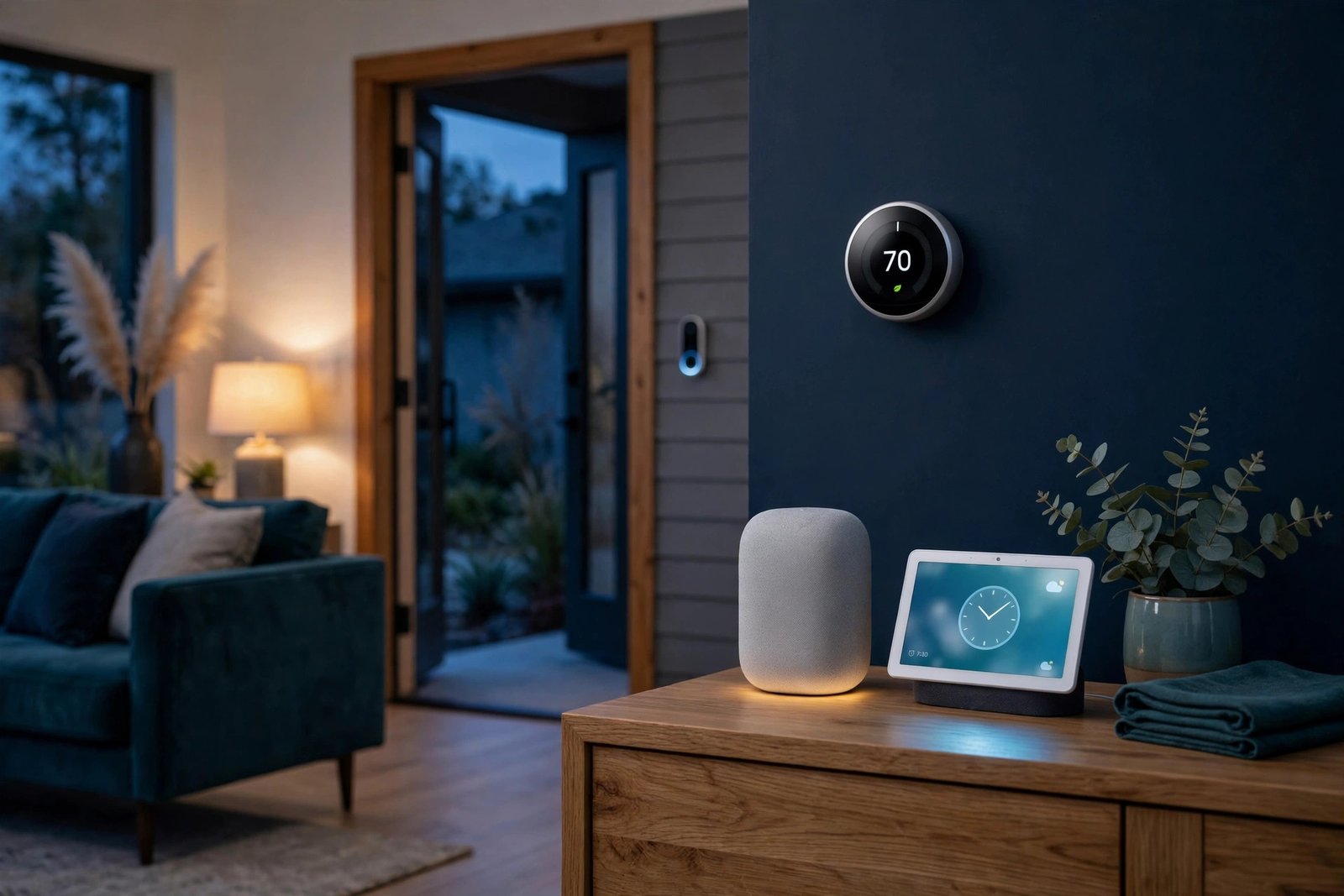
Google has set the end dates. The Nest app — the app millions of people still use to check their cameras, adjust their thermostats and lock their doors — will stop working on January 25, 2027. A few months later, on August 2, 2027, Google Assistant will disappear from Google’s smart speakers and smart displays for good, replaced by Gemini for Home.
Google announced both dates on November 20, 2026, in a post on its official Google Home and Nest Community forum. The good news is that none of your Nest hardware is being retired: your thermostats, cameras, doorbells, smoke alarms and locks will keep working. The bad news is that if you still use the Nest app — especially with an old Nest account — there are a few things you need to do before the deadlines, or you could lose access to your devices, your saved video clips and even your account data.
This guide explains exactly what is shutting down, what moves over automatically, what you could lose, and the step-by-step actions to take now.
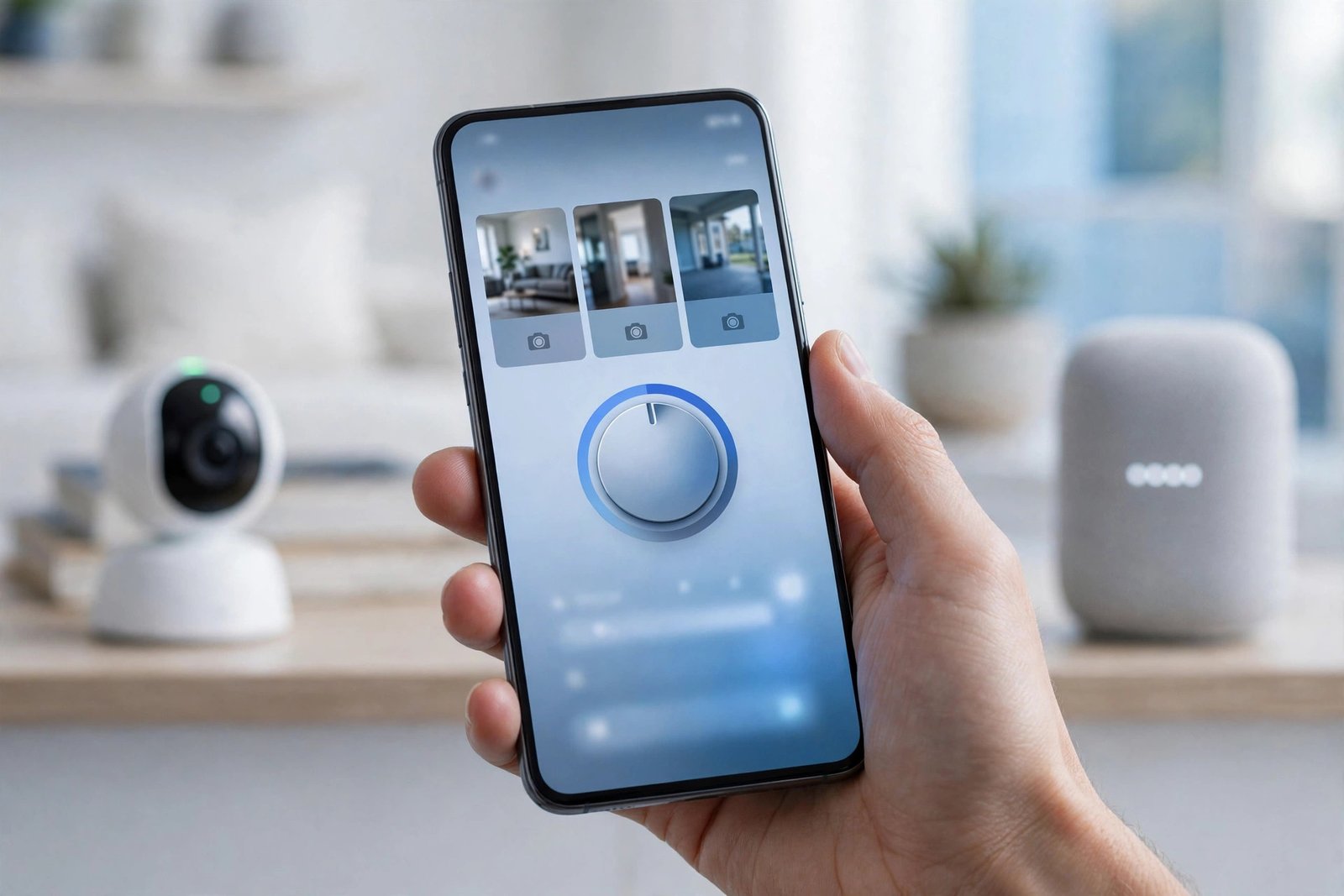
What happened: two shutdowns, two dates
Google is ending two long-running products in 2027, and the two dates are easy to mix up — so here they are, clearly:
| What is ending | Date | What replaces it |
|---|---|---|
| Nest app (Android, iOS and web) | January 25, 2027 | Google Home app |
| Google Assistant on speakers and smart displays | August 2, 2027 | Gemini for Home |
The Nest app is more than 15 years old. It launched back when Nest was an independent company, before Google bought it, and it has been the control centre for Nest thermostats, cameras, doorbells, smoke alarms and smart locks ever since. Google says it is retiring the app so it can “focus all of [its] engineering, security, and feature investments on one unified, modern experience” — the Google Home app.
The Assistant shutdown is the second half of the same plan. Google already removed Assistant from Android phones in September 2026, replacing it with Gemini. Now the same change is coming to the home: from August 2, 2027, every remaining Google smart speaker and smart display will run Gemini for Home instead of Google Assistant.
Importantly, Google has stressed that this is a retirement of apps and a voice assistant — not of hardware. “No Nest thermostats, cameras, doorbells, smoke alarms, or locks are losing support with this change,” the company said. Every device that works today will keep working after both deadlines.
Why it matters: who is affected
If you already use the Google Home app for everything, this change will barely touch you — your devices will simply keep working, and you may not even notice the Nest app disappearing. But three groups of users need to pay attention:
1. Anyone still using the Nest app. If you open the Nest app to check a camera or change the temperature, that app will stop working on January 25, 2027. After that date, remote control and notifications for your Nest devices will only work through the Google Home app — which requires a Google Account.
2. People with an old Nest account. If you created your Nest account before August 19, 2019, you may still be signed in with a standalone Nest account rather than a Google Account. These are the users most at risk: Google says unmigrated Nest accounts will have their data deleted starting March 25, 2027. If you are in this group, you must migrate your Nest account to a Google Account before January 25, 2027, or you could lose access to your devices and your data. If you started using the Nest app after August 19, 2019, you are already using a Google Account and do not need to migrate.
3. Anyone who saved custom video clips on home.nest.com. Your regular camera video history moves to Google Home automatically — but custom clips you created and saved on the Nest website will not. Google has added a one-click “Download All” button on home.nest.com so you can save them before the site goes away.
What moves to Google Home automatically
For most users, the transition is designed to be hands-off. Google says that on January 25, 2027, your Nest devices will transfer to the Google Home app automatically, along with your existing settings and schedules. That includes:
- Nest Thermostat — your temperature schedules and settings carry over.
- Nest Cameras and Doorbells — live video, event history and alerts move to Google Home, with rebuilt camera streaming and faster timeline loading, according to Google.
- Nest Protect (2nd gen) — the smoke and carbon monoxide alarm keeps working in the new app.
- Nest x Yale Lock — door lock controls move over as well.
Your devices will also appear automatically on the Google Home app’s Favorites tab, so your live camera views and most-used controls are front and centre when you open the app. Google also points out that moving to Google Home brings your Nest devices onto more surfaces: TV, smartwatch, widgets, the Home Panel on Android, smart displays and speakers, or the web at home.google.com.
Subscriptions move too. If you pay for Nest Aware (1st gen), Google says it will automatically switch to Google Home Premium “with no additional cost and no credit card re-entry required at this time.”
Google Assistant is going away — Gemini for Home takes over
The second shutdown is bigger in the long run. On August 2, 2027, Google Assistant will be removed from all remaining smart speakers and smart displays, and Gemini for Home will become the only voice assistant on those devices.
Gemini for Home is Google’s AI-powered replacement, and it is already available as an optional upgrade. Compared with Assistant, Google says it can answer more complex questions with richer answers, understand natural everyday language instead of rigid voice commands, handle pauses and mid-sentence changes of mind, and remember the context of a conversation so you can string several requests together naturally.
You do not have to wait until August 2027 to switch. You can upgrade today — partly because Gemini for Home is still rolling out internationally, and availability is expanding over the coming months. If it is not available in your country yet, it should arrive before the deadline.
How to switch to Gemini for Home now:
- Open the latest version of the Google Home app on your phone.
- Tap your profile icon in the top right to open Home Settings.
- Tap “Get Started” on the “Set up Gemini for Home” banner.
- Or, on a computer, visit home.google.com/gemini.
Gemini for Home is free, and Google says it will share more updates as the August 2027 deadline approaches.
What to do now: your checklist
Here is the full checklist, in order of urgency. Most of it takes only a few minutes.
1. Check whether you have an old Nest account
Open the Nest app and check how you sign in. If you sign in with a Google Account, you are fine. If you sign in with a standalone Nest account, migrate it to a Google Account before January 25, 2027 — Google provides migration instructions in its support pages, and migrating is what protects your devices and data from the March 25, 2027 deletion date.
2. Download your saved video clips
Visit home.nest.com and download any custom video clips you want to keep, using the one-click “Download All” button. Do this before January 25, 2027 — after that date the site goes away, and the clips will not be in Google Home.
3. Install the Google Home app and sign in
Download the Google Home app from the Play Store or App Store, sign in with your Google Account, and check that your Nest devices appear. Make sure your cameras, thermostat and lock all show up and respond before the Nest app stops working.
4. Switch your speakers and displays to Gemini for Home
Follow the steps above to upgrade to Gemini for Home now, while you still have months to get used to it. Test your most-used commands — timers, lights, music, routines — so you know what works differently before Assistant disappears in August 2027.
5. Check your Nest Aware subscription
If you pay for Nest Aware (1st gen), confirm in the Google Home app that it is set to switch to Google Home Premium. Google says the switch is automatic with no extra cost, but it is worth verifying so there is no gap in your camera history.
The bigger picture
The Nest app shutdown is the end of a 15-year era, and it fits a pattern Google has followed for years: retire the old app, move everyone to one modern app — the same thing that happened with Google Play Music, Hangouts and, most recently, Assistant on Android phones. Each time, the people who got caught out were the ones with old accounts, saved content in the old app, or subscriptions they never checked. This time Google has given unusually long notice, so the shutdown is genuinely easy to prepare for — as long as you migrate an old Nest account, download your clips, and install the Google Home app before January 25, 2027. If you do nothing, the Nest app will simply stop working on that date, your devices will already be in Google Home, and only unmigrated accounts (data deletion from March 25, 2027) and saved clips on home.nest.com will be lost for good.
For more on Google’s other big changes landing in early 2027, see our guide to Android sideloading changes coming in January 2027. And if you want to see where Gemini is heading beyond the home, read how Gemini Intelligence is coming to Android Auto — with proactive suggestions, but only for Pixel phones first. Google is also reshaping Gemini itself: Gemini Gems are going read-only as Skills take over.
What happens next
Between now and January 25, 2027, expect Google to push more reminders inside the Nest app and by email. The Gemini for Home rollout will keep expanding to more countries, and Google has promised more updates closer to the August 2, 2027 Assistant deadline — including details on how routines and third-party Assistant integrations will carry over. We will update this guide when those details arrive.
FAQs
When is the Google Nest app shutting down?
The Nest app will stop working on January 25, 2027, on Android, iOS and the web (home.nest.com). After that date, you will need the Google Home app — which requires a Google Account — to control your Nest devices remotely and receive notifications.
Will my Nest devices stop working when the Nest app shuts down?
No. Google says no Nest thermostats, cameras, doorbells, smoke alarms or locks are losing support. Your devices will transfer automatically to the Google Home app on January 25, 2027, along with your existing settings and schedules. Only the app you use to control them is changing.
What happens to my saved Nest video clips?
Your regular camera video history transfers to Google Home automatically. However, custom video clips you saved on home.nest.com will not transfer. Download them before January 25, 2027, using the one-click “Download All” button on the Nest website.
When is Google Assistant being removed from speakers and displays?
Google Assistant will be removed from smart speakers and smart displays on August 2, 2027. It will be replaced by Gemini for Home, Google’s AI voice assistant. You can switch to Gemini for Home today from the Google Home app or at home.google.com/gemini.
Do I need to migrate my Nest account to a Google Account?
If you started using the Nest app after August 19, 2019, you are already using a Google Account and do not need to migrate. If you have an older standalone Nest account, migrate it to a Google Account before January 25, 2027 — Google will start deleting data from unmigrated Nest accounts on March 25, 2027.
Sources: 9to5Google (November 20, 2026); Droid Life (November 20, 2026); USA Today (November 20, 2026); Neowin (November 20, 2026); Google Home and Nest Community announcement (November 20, 2026).
