


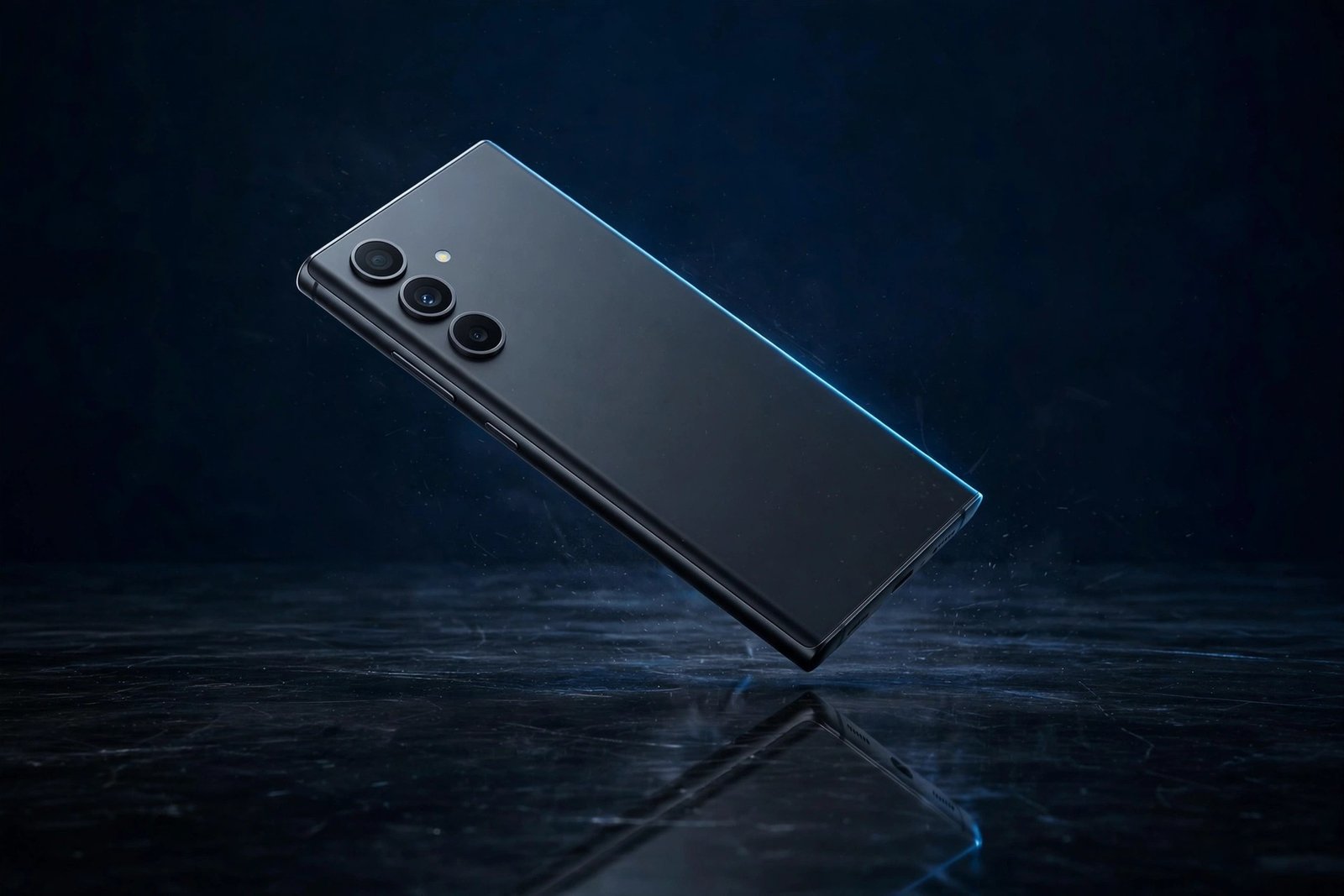
Your Galaxy phone already knows when you drop it. In One UI 9.5, that knowledge may soon be used to sell you something.
Code discovered in One UI 9.5 Beta 1 lets Samsung’s Warranty Care app time Samsung Care+ notifications to falls your phone has logged. Drop your phone hard enough, and a notification suggesting you buy Care+ protection could follow — without ever telling you the drop is the reason it appeared.
The discovery comes from Android Authority’s Aamir Siddiqui, who found the code in Warranty Care version 1.9.50.23 running on a Galaxy S26 Ultra on One UI 9.5 Beta 1. The One UI 9 version of the same app, 1.9.03.2, has none of it. This is beta code, not a Samsung announcement: Samsung has not confirmed the feature, and it could change or disappear entirely before the stable One UI 9.5 release. Android Authority says it asked Samsung for comment, and as of 18:15 IST on November 25, no Samsung statement had surfaced.
Even so, the code is unusually specific — and it raises a real question about how much your phone should be allowed to say about an accident it witnessed.
What Android Authority found in the beta code
The Warranty Care app is the system app that looks after your phone’s warranty status and Samsung’s Care+ protection plan. In One UI 9.5 Beta 1, its code contains rules that connect the phone’s drop sensor to Care+ marketing notifications.
The alerts only go to phones that are eligible for Samsung Care+ but have not enrolled. They sit in a notification category called “Marketing” — and that category is switched on by default. The notification text itself reads like a generic insurance pitch: “Protect your phone from falls” or “Protect against accidental damage”, with a body line asking you to sign up for Care+ against unexpected repair costs. Nowhere does it mention that you just dropped your phone.
That is the detail that makes this story more than a routine beta teardown. The trigger is a sensor event your phone recorded. The message is a sales pitch. And the connection between the two is invisible to the person reading it.

How the drop triggers work
According to the beta code, there are two drop-based triggers, and both are defined precisely:
One hard drop. A single fall of 90 cm or more onto a hard surface, checked within a 24-hour window, is enough to qualify for a Care+ notification.
Three smaller drops. Three falls of 60 cm or more within 30 days also qualify — the kind of repeated knocks a phone takes over a month of everyday use.
Falls onto soft or unknown surfaces do not appear to qualify. Only a hard-surface impact counts, which is consistent with how the sensor data works: the phone estimates the fall height and the type of surface it landed on.
Ninety centimetres is roughly pocket or table height. In other words, the kind of drop almost every phone owner has experienced — the phone slipping out of a hand while standing, or sliding off a desk — is exactly the kind of drop that could trigger the pitch. Three 60 cm drops in a month is a lower bar still, and one that a clumsy month could easily clear.
What is new in One UI 9.5 — and what One UI 9 already did
The drop logging itself is not new. One UI 9 already keeps a drop log on the device, recording the fall height in centimetres and whether the surface was hard, soft or unknown. What is new in One UI 9.5 is that Warranty Care receives that data — and can act on it.
That distinction matters. Until now, the drop log was diagnostic information sitting quietly on your phone. In the beta, it becomes an input to a marketing decision: has this phone been dropped recently, and is its owner a good candidate for a Care+ pitch?
There is also a hint in the code that the feature could work on the Galaxy Z Fold 8, which has the same drop sensor. That part is unconfirmed, and the foldable is not even out yet — but it suggests Samsung is thinking of drop detection as a platform feature rather than a one-phone experiment.
What stays on your phone
For all the unease the sales pitch raises, the privacy picture in the beta code is better than it might have been.
Drop events are stored locally on the device for 30 days and then deleted, according to Android Authority. Only the recommendation type — a code such as S2_HIGH_IMPACT_DROP — is reported to Samsung analytics. The height of the fall, the surface it landed on and the time it happened are not sent.
That is a meaningful line. Samsung’s servers would learn that a phone qualified for a Care+ recommendation, but not when or how hard it fell. The raw sensor data stays where it was recorded.
There is one more wrinkle. Warranty Care also displays a line about personalizing information with health activity and travel schedule data from Personal data intelligence. Android Authority found no code reading that data in this build — the line appears to be there, but nothing behind it yet. It is worth watching, because a future build could connect more of your phone’s context to these pitches. For now, it is a label without a function.
More than drops: travel, repairs and Safe Shipping
Drops are not the only trigger in the beta code. The same build contains several other moments when Warranty Care can pitch Care+:
A new country. Travel to a country you have not visited before can trigger an alert reading “Accidents can happen anywhere. Samsung Care+ covers repairs abroad.” It is the same idea as the drop trigger — a moment when you might feel vulnerable about your phone, turned into a sales opportunity — but at least this one names the reason.
After a repair. A completed repair can also trigger a pitch, though the report does not detail what that notification says.
Enrollment closing. A notification can fire when the window to sign up for Care+ is about to end, though again the exact wording is not detailed in the report.
The beta also contains a genuinely useful feature in the same app: a “Safe Shipping” option that drains the battery and caps charging before you mail a phone in for repair. It is the kind of practical, safety-first addition that makes the marketing triggers stand out all the more — the same update can both protect your phone in transit and quietly watch for chances to sell you cover.
The problem: the alert never says why it appeared
To be fair, a reminder after a hard fall could help someone who skipped cover at checkout. A cracked screen is expensive, and Care+ — Samsung’s accidental-damage protection plan — covers unlimited accidental drops and spills, with a cracked-screen claim costing $29 under standard Care+ and $0 under Care+ with Theft and Loss, according to Samsung’s US support page. You can buy it at device purchase or within one year. For someone who has just dropped their phone and gotten lucky, that reminder might be genuinely useful.
The issue is transparency. A sales alert triggered by a sensor should say why it appeared, and it should not be switched on by default. As the code stands, the notification arrives in a “Marketing” category that is on by default, its text never mentions the drop, and the only way most people would connect the two is by noticing the timing. A phone that watches you drop it and then, without explanation, suggests you buy insurance for the next time feels less like a helpful reminder and more like a nudge built on information you never agreed to share for that purpose.
Care+ will not cover the drop that just happened
There is a second caveat that buyers should understand before they tap that notification: Care+ generally does not cover damage that already happened. The pitch is about the next drop, not the one that just occurred.
If your phone survived the fall unscathed, signing up after the alert could be a reasonable decision — you have just been reminded, in the most direct way possible, that drops happen. But if the screen is already cracked, buying Care+ now will not pay for that repair. Samsung’s US Care+ page does not address pre-existing damage directly, so check the full terms linked from the page before assuming anything is covered. The notification’s timing makes it easy to misunderstand: it arrives right after an accident, but it is selling protection for a future one.
How to turn the alerts off
If you would rather not receive these pitches, Android Authority reports a way to switch them off. This path comes from Android Authority and has not been tested on the beta by us:
- Open Settings and go to Notifications.
- Tap App notifications.
- Tap the three-dot menu and choose Show system apps.
- Find and open Warranty and care.
- Tap Notification categories.
- Turn off Marketing.
Switching off the category stops the alerts, but drop logging reportedly continues. There is no separate toggle for the log itself — you can silence the sales pitch, but you cannot stop the phone recording its falls.
What happens next
One UI 9.5 is currently in beta for the Galaxy S26 series in selected markets — Germany, India, South Korea, Poland, the UK and the US — with a stable release expected around the Galaxy S27 launch in early 2027. That leaves Samsung months to decide whether this feature survives, changes shape, or is quietly dropped.
The most likely outcome is a compromise. Samsung could keep the drop-based reminders but make them honest — saying plainly that the alert follows a detected fall — or move them out of a marketing category that is on by default. Either change would keep the useful part of the feature, the well-timed reminder, while removing the part that feels sneaky. Or Samsung could decide the backlash risk is not worth it and remove the code before stable, as it has done with beta features before.
For Galaxy owners, the practical advice is simple either way. If you want Care+, buying it at checkout or soon after remains the cheapest and clearest route — within one year of purchase, on Samsung’s US terms — rather than waiting for a notification to prompt you. And if you are running the One UI 9.5 beta, check your Warranty Care notification categories now, before the next drop decides for you.
Frequently Asked Questions
What is the One UI 9.5 drop detection feature?
Code in One UI 9.5 Beta 1 lets Samsung’s Warranty Care app use the phone’s drop sensor to send Samsung Care+ notifications. It was found by Android Authority in Warranty Care version 1.9.50.23 on a Galaxy S26 Ultra. This is beta code, not a Samsung announcement, and Samsung has not confirmed the feature.
What triggers a Samsung Care+ notification after a drop?
Two triggers are defined in the beta code: a single hard-surface drop of 90 cm or more within 24 hours, or three drops of 60 cm or more within 30 days. Falls onto soft or unknown surfaces do not qualify. The alerts only go to phones eligible for Samsung Care+ but not enrolled.
Does Samsung know when I drop my phone?
The drop data stays on your phone. Drop events are stored locally for 30 days and then deleted, and only the recommendation type, such as S2_HIGH_IMPACT_DROP, is sent to Samsung analytics. The height, surface and time of the fall are not sent. Turning off the Marketing notification category stops the alerts, but drop logging continues — there is no separate toggle for the log.
Will Samsung Care+ cover the damage from the drop that triggered the alert?
Generally no. Care+ does not cover damage that already happened, so the pitch is about the next drop, not the one that just occurred. Samsung’s US Care+ page does not address pre-existing damage directly, so check the full terms before assuming a repair is covered.
How do I turn off the Care+ marketing notifications in One UI 9.5?
Go to Settings, then Notifications, then App notifications. Tap the three-dot menu, choose Show system apps, open Warranty and care, tap Notification categories, and turn off Marketing. This path comes from Android Authority and has not been tested on the beta by us.
When will One UI 9.5 be available, and which phones get it?
One UI 9.5 is in beta now for the Galaxy S26 series in selected markets, including Germany, India, South Korea, Poland, the UK and the US. The stable release is expected around the Galaxy S27 launch in early 2027. Whether the drop-triggered Care+ feature survives to the stable release is not yet known.
Related reading:
- One UI 9.5’s battery health fix is also coming to older Galaxy phones
- The beta packs dozens of changes — here are the 80 upgrades we found
- Galaxy AI’s Zoom Enhancer is another One UI 9.5 addition
Sources: Android Authority (original discovery by Aamir Siddiqui, via AndroidPure and Wirefly reporting); AndroidPure: https://www.androidpure.com/one-ui-9-5-care-plus-drop-notifications/ ; Wirefly: https://www.wirefly.com/news/samsung-could-use-drop-detection-sell-you-device-protection ; Samsung Care+ US support page (terms via AndroidPure reporting).
