


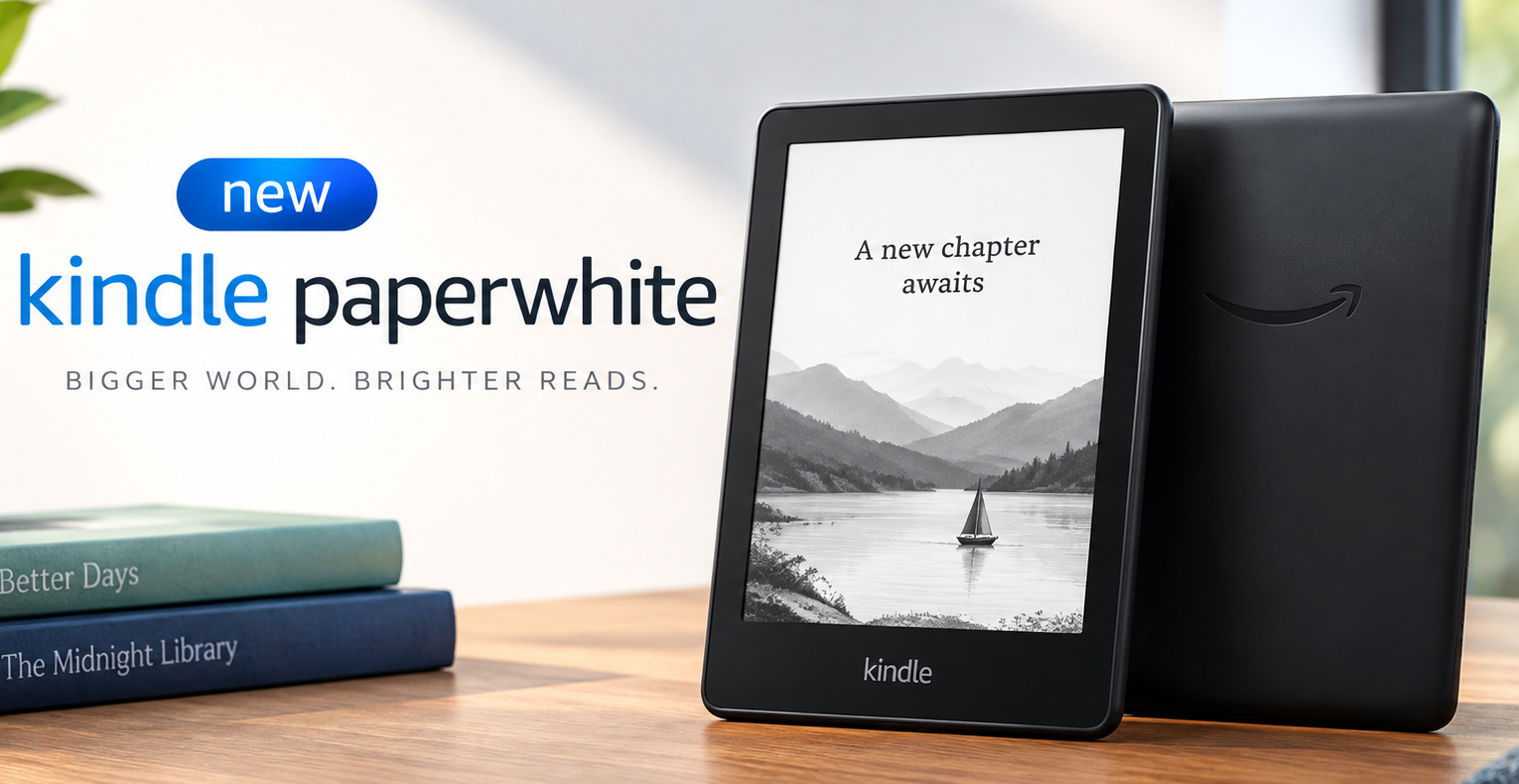
Yes, the new Kindle Paperwhite is the 12th generation, released October 2024. It is Amazon‘s fastest Paperwhite ever. According to Amazon, it has a larger 7-inch 300 ppi glare-free display with the highest contrast ratio of any Paperwhite, built on a new oxide thin-film transistor backplane. It’s thinner and lighter than the 11th gen, lasts up to 12 weeks on a charge, has adjustable warm light, IPX8 waterproofing, 16GB storage, USB-C, and starts at $199.99. The Signature Edition at $249.99 adds 32GB, auto-adjusting front light, aluminum back, pogo-pin dock support, and double-tap to turn pages.
I used it daily on my commute, by a bright window, and late at night. Page turns are finally instant and small text looks printed, not gray. If you read an hour a day, you will feel the difference.
Last updated: May 11, 2026 | Prices verified: US $199.99 / $249.99 SE, UK from £184.99, Canada from $299.99 CAD, India from ₹16,999.
Table of Contents
ToggleWhen Was the New Kindle Paperwhite Released and How Much Does It Cost?
It launched in October 2024 as the 12th generation Paperwhite. Amazon rolled it out globally through early 2025, including a formal India launch on April 30, 2025, where Amazon described it as its fastest Kindle to date.
In the US, the standard new Kindle Paperwhite with 16GB starts at $199.99 with lockscreen ads, or $219.99 without them. The Paperwhite Signature Edition is $249.99 with 32GB and no lockscreen ads by default. Those lockscreen ads are just sponsored screensavers on the lockscreen — no ads inside your books — but the without-ads version feels more premium, especially if you’re gifting.
In the UK it starts from £184.99, in Canada from $299.99 CAD, and in India from ₹16,999 for the 16GB. Amazon held the price flat versus the previous generation despite a bigger display and faster internals, which is why this feels like a proper upgrade, not a refresh.
Don’t wait for a massive drop. New Paperwhites get $30 to $40 off on Prime Day and Black Friday in year one, rarely more. If you need it now, buying at full price is fine, and Amazon’s trade-in will knock another 20% off plus the value of your old device.
What’s Actually New Compared to the 11th Gen Paperwhite?
Three things actually matter versus the 11th gen: size, screen tech, and speed.
The body is thinner and lighter but the screen is larger — 7 inches, the biggest ever on a Paperwhite. Amazon trimmed bezels and shaved weight, so balance in one hand is better for long sessions on a train or in bed. Standard finish is Graphite, with Seaglass Green in select regions. The Signature Edition swaps the soft-touch plastic for aluminum.
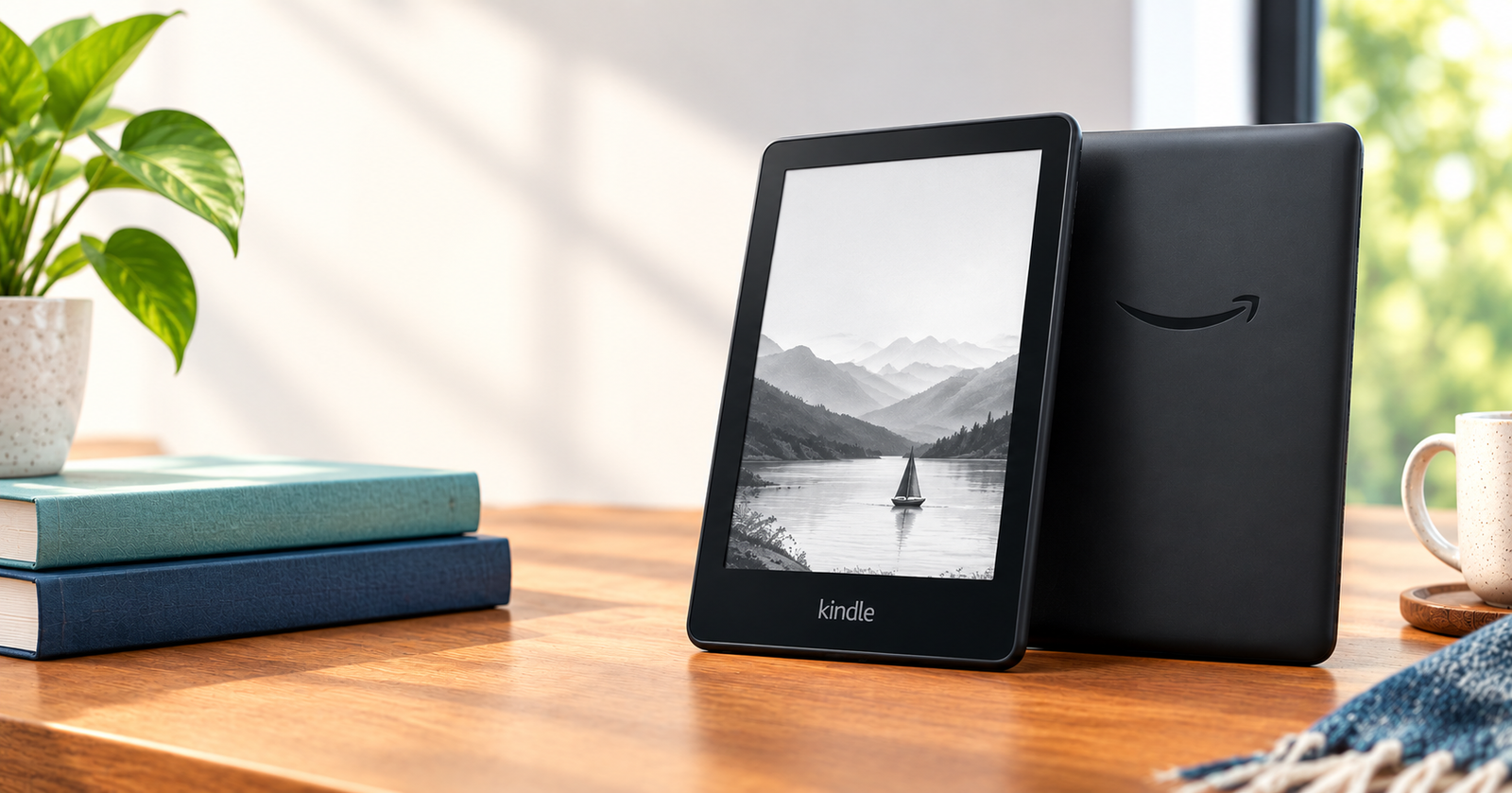
The display tech changed underneath. According to About Amazon’s official post, the new Paperwhite uses an oxide TFT backplane. Older Paperwhites used amorphous silicon. Oxide lets more light from the front light pass through and controls each E Ink particle more precisely. Resolution is still 300 ppi, but you get deeper blacks, less washed-out grays, and crisper small fonts. That’s built on E Ink Carta, and for manga, charts, and books with illustrations, the difference is visible without a side-by-side.
Speed is the most noticeable day-to-day. Amazon claims 20% faster overall and 25% faster page turns. In real use, the library and Kindle Store stop feeling sticky, dictionary lookups pop faster, and rapid flipping through non-fiction doesn’t stutter. It still has that soft E Ink flash, but the wait is gone. Turn off Page Refresh in Reading Options if you want it to feel even faster.
Display and Reading Experience Explained
Yes, it has a glare-free display and warm light. Both models do.
The 7-inch screen is matte-diffused, so reflections are broken up. You can read by a window or outside without angling the device to avoid glare. At 300 pixels per inch, pixels disappear for normal book text. The 16 levels of grayscale handle gradients — comics, manga, maps — without harsh banding.
Warm light is adjustable on both. You get two sliders: brightness and warmth. At night, sliding warmth toward amber cuts blue light without washing out the page. The Signature Edition adds an auto-adjusting front light. A sensor on the front reads ambient light and adjusts brightness automatically. It doesn’t change color, just brightness. If you read in one spot at one time, you won’t need it. If you read everywhere — commute, couch, bed — you’ll miss it when it’s gone.
For most people, warmth at 0-3 during the day and 12-14 at night is the sweet spot. Past 16 it goes orange and you lose contrast. Keep brightness at 10-13 for daytime to stretch battery.
Battery Life, Storage, and Charging in Real Use
Yes, it lasts up to 12 weeks, but with conditions.
Amazon’s 12-week figure is based on 30 minutes of reading a day, wireless off, Bluetooth off, front light at 13. My testing was two hours a day, Wi-Fi on, Bluetooth paired, warm light at 14, brightness at 11 — it lasted 24 days. That’s still weeks ahead of any tablet or phone.
Storage now starts at 16GB. An average novel is 2-3MB, so 16GB holds thousands. Where it matters is Audible. One Audible audiobook is 200-400MB. If you listen via Bluetooth headphones, which the new Paperwhite supports, 16GB gives you real headroom. If you carry dozens of audiobooks, large PDFs, or manga, the 32GB Signature Edition makes sense.
Charging is USB-C, no brick in the box. The Signature Edition also supports Amazon’s wireless charging dock. This is where confusion starts. It is not Qi wireless charging. It uses two small pogo pins on the bottom that magnetically connect to Amazon’s proprietary dock. The dock is sold separately and is a nightstand convenience, not a necessity.
The Signature also gets double-tap to turn pages. Tap twice on the back or side of the device and it advances. Useful when holding coffee or cooking. You’ll trigger it accidentally the first few days — you can disable it in Settings > Device Options.
Best practice: when you’re deep in a book, turn on airplane mode. Leave Wi-Fi and Bluetooth on only when syncing. That alone adds days.
Build Quality and Waterproofing: Is the New Paperwhite Durable?
Yes, it is fully waterproof and more durable than it looks.
It is IPX8 rated, tested to survive immersion in up to 2 meters of fresh water for 60 minutes. Bath, pool edge, beach blanket — you’re covered. It is not rated for salt water or soapy water, so rinse with fresh water if it goes in the sea.
The standard 16GB model has a soft-touch plastic back that resists fingerprints. The Paperwhite Signature Edition uses an aluminum back that feels cooler and stiffer, with slightly better rigidity. Both weigh almost the same and both are equally waterproof.
Because Amazon made the whole device lighter, a heavy folio case defeats the purpose. If you want hand comfort, pick a thin sleeve. You bought a lighter reader to hold it longer without fatigue.
Read More: Samsung Galaxy S26 Ultra Review Price, Specs & Real-World Test
New Kindle Paperwhite vs Paperwhite Signature Edition – Which Should You Buy?
They are the same reader where reading actually happens. Same 7-inch 300 ppi glare-free display, same oxide TFT and highest contrast ratio, same speed, same IPX8 waterproofing, same Kindle Store and Kindle Unlimited and Audible support.
The Signature Edition costs $50 more because it adds five things: 32GB storage instead of 16GB, an auto-adjusting front light that adapts brightness to the room, an aluminum rear housing instead of plastic, support for Amazon’s pogo-pin wireless charging dock, and double-tap to turn pages.
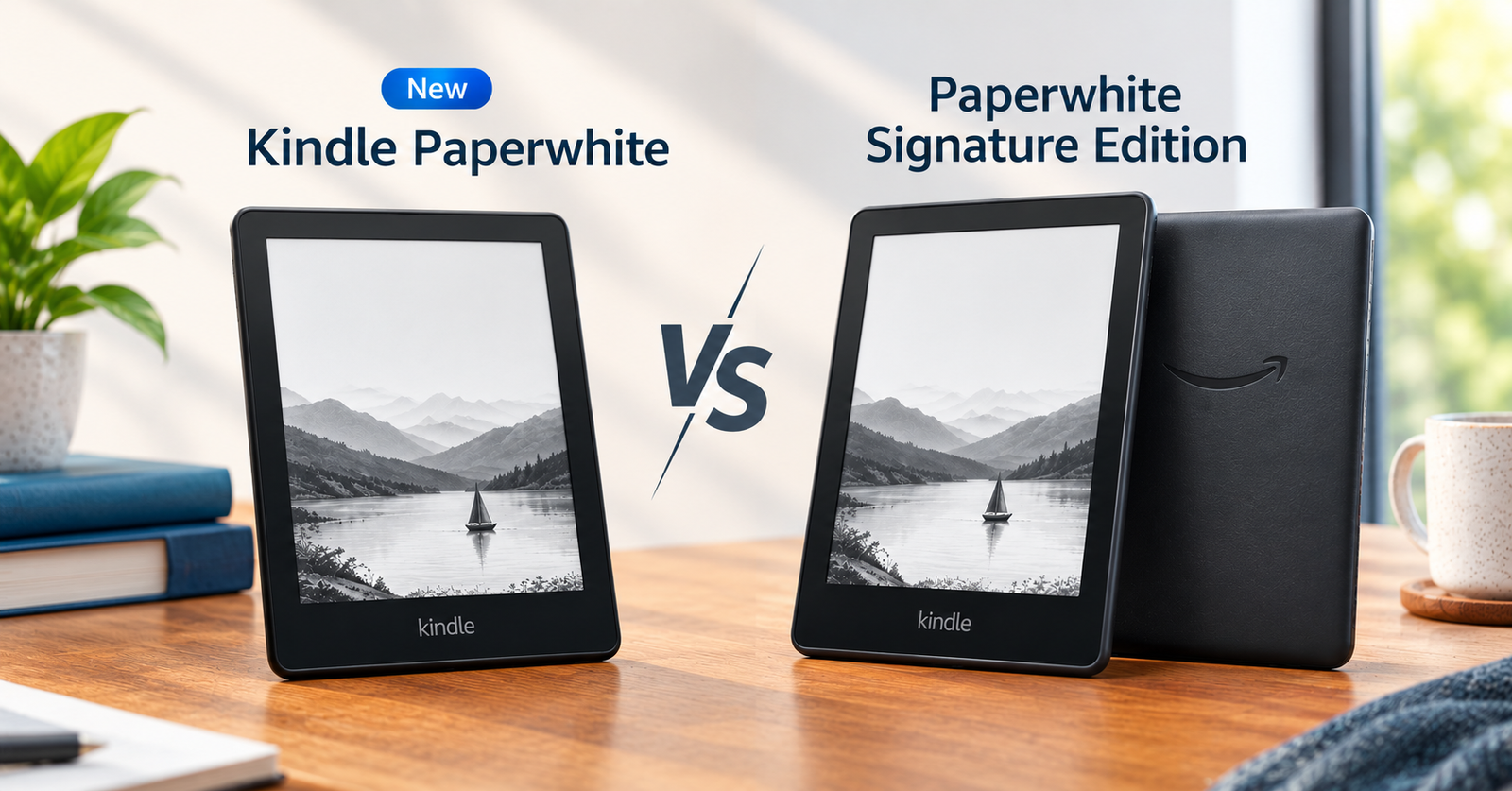
Buy the standard 16GB Paperwhite if you mainly read novels and want the best value. The core reading experience is identical. Pay extra for the Signature Edition if you carry a large Audible library, read in constantly changing light, want the more premium aluminum build, or know you will use the dock on your nightstand.
Common mistake: thinking Signature has a better screen. It does not. You’re paying for storage, materials, and convenience features.
Should You Upgrade or Choose Something Else?
If you own an 11th generation Paperwhite from 2021 and the battery still holds, you can wait for a sale. The jump is nice — bigger screen, better contrast, snappier turns — but not urgent.
If you’re on a 10th generation Paperwhite or older, or a basic Kindle without warm light, the jump to the 12th gen is significant. Warm light alone changes night reading, and the speed and contrast are immediately obvious.
Compared to the basic Kindle 11th gen, the new Paperwhite is better for serious readers: larger flush-front display, warm light, waterproofing, and much longer battery. Basic Kindle only wins if you want the smallest, cheapest, most pocketable device.
Compared to Kindle Colorsoft and Kindle Colorsoft Signature Edition, the decision is about content. For novels and non-fiction, Paperwhite has slightly better contrast and costs about $90 less. For comics, graphic novels, and color highlights, Colorsoft makes sense.
Compared to Kobo Libra Colour or Kobo Clara Colour, Kindle wins on store integration, Audible, and Whispersync between phone and e-reader. Kobo wins if you want physical page-turn buttons and built-in OverDrive and Libby support for public library books.
If you are gifting, choose Without Lockscreen Ads. The lockscreen shows your book cover, not a sponsored image, which feels much more thoughtful.
Final Verdict
Yes, for most readers, it is the best focused reading device under $200.
The new Paperwhite fixes the small annoyances that matter after hundreds of hours: page turns are instant, small text looks printed, the body is light enough to forget, and battery lasts weeks, not days. At $199.99 for 16GB with a 7-inch 300 ppi oxide TFT display and adjustable warm light, it is the most comfortable distraction-free library Amazon has made.
Buy the standard 16GB if you want the best value. Buy the Paperwhite Signature Edition if you want auto light and premium build. Skip it only if you need color for comics or a stylus for notes — then look at Kindle Colorsoft Signature Edition or Kindle Scribe.
Limitations to be aware of: no physical buttons, no color screen, no expandable storage, and the wireless charging dock is proprietary and sold separately. If none of that bothers you, this is the Paperwhite to get.
Frequently Asked Questions
Is the new Kindle Paperwhite the 12th generation?
Yes. Amazon lists it as Kindle Paperwhite (12th generation) – 2024 release. The Signature Edition is the same generation with upgraded materials.
Does it have warm light and dark mode?
Yes to both. Both models have adjustable warm light, and you can invert black and white in Settings > Accessibility > Dark Mode. Warm light reduces blue light at night.
Does it support Audible, Bluetooth, EPUB and PDF?
Yes. It supports Audible audiobooks over Bluetooth headphones or speakers, and supports EPUB, PDF, DOCX and other formats via Send to Kindle.
How many books does 16GB hold?
Thousands. A typical novel is 2-3MB. Even with a few Audible books at 200-400MB each, most readers will not fill 16GB.
Does it come with ads?
There are two versions: With Lockscreen Ads and Without Lockscreen Ads. Both have no ads inside books. The difference is only on the lockscreen.
Is it good for reading outside and in the bathtub?
Yes. The glare-free display is readable in direct sunlight, and IPX8 waterproofing means it survives immersion in fresh water.
