


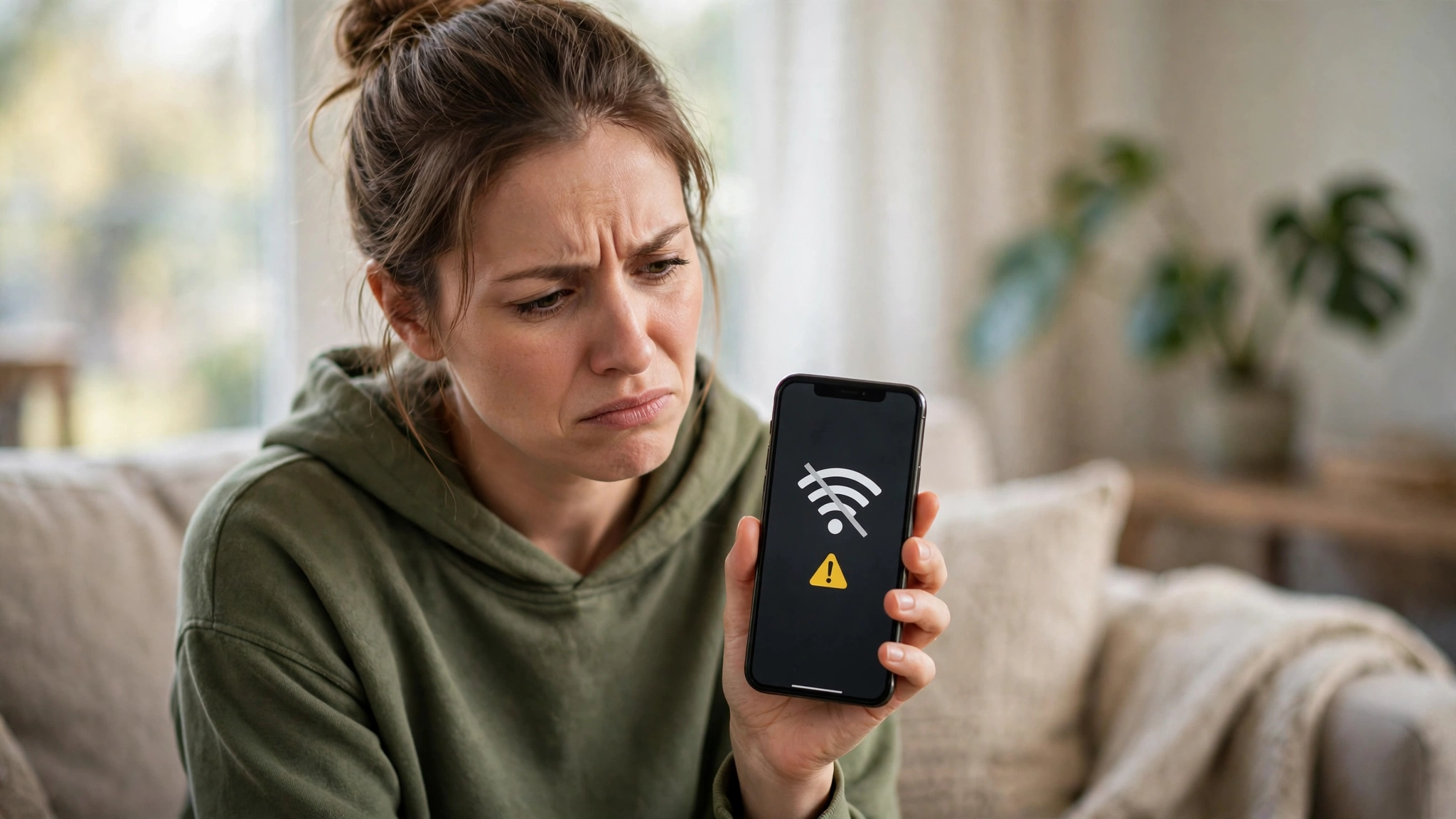
For most Galaxy owners, One UI 9 has been a smooth update. For a growing number of others, it has broken the most basic thing a phone does: staying connected. Reports collected by Android Authority from Reddit and the Samsung Community forums describe Wi-Fi that randomly disconnects, mobile data that stops working entirely, and — most seriously — phones that no longer detect their SIM card after installing the stable update.
The honest status, before the details: Samsung has not confirmed a cause or announced a fix, no universal workaround exists, and these reports affect some devices, not every phone on One UI 9. Here is what is being reported, model by model, and what has actually helped.
Key Takeaways
- Wi-Fi problems are the most common: connections drop after a while with a “connection failed” error; some phones struggle with 5GHz networks while 2.4GHz works; at least one owner lost Wi-Fi calling.
- Mobile data failures leave apps loading only on Wi-Fi; network resets, APN changes and SIM reseats have not reliably helped.
- SIM detection has failed outright on some phones — a Galaxy A56 stopped recognising both SIMs, with diagnostics showing no card inserted; similar reports name the A36, A52s and Galaxy S24 Plus.
- Temporary relief: restarting or toggling Airplane mode restores connectivity — for a few hours. One user fixed Wi-Fi drops by turning off Wi-Fi 7 Mode under Developer Options → Connectivity Labs (not available on every model).
- A moderator-suggested factory reset did not cure at least one owner’s mobile data — do not treat it as a guaranteed fix.
The Three Problems Being Reported
1. Wi-Fi that will not stay connected. Users say their phones join a network normally, then drop it later with a “connection failed” error — sometimes demanding the Wi-Fi password again. Restarts and Airplane mode toggles restore it temporarily, but the cycle repeats within hours. Variants include phones that connect to 2.4GHz but fail on 5GHz, and a Galaxy Z Fold 7 owner whose T-Mobile Wi-Fi calling stopped working after the update.
2. Mobile data that simply stops. Some owners report apps refusing to load unless the phone is on Wi-Fi. The standard first aid — resetting network settings, checking APNs, removing and reinserting the SIM — has not fixed it for the users reporting in the forums.
3. SIM cards the phone can no longer see. The most alarming reports: a Galaxy A56 owner says the phone stopped detecting either of their two SIM cards after One UI 9, and Samsung’s own diagnostics report no SIM inserted. Similar complaints have come from Galaxy A36, A52s and Galaxy S24 Plus owners. Airplane toggles sometimes bring detection back — briefly.
The spread matters: reports span flagships (S24 series, Z Fold 7), the A-series mid-rangers, and both major chipset families — which points suspicion at the update itself rather than one model’s hardware.
What Has Helped (and What Has Not)
Worth trying, in order:
- Restart, or toggle Airplane mode — temporary, but it is the fastest way back online.
- Turn off Wi-Fi 7 Mode — Developer Options → Connectivity Labs → Wi-Fi 7 Mode → off. One user reports this ended their Wi-Fi drops; the option does not appear on every model, and it is not a confirmed general fix.
- Reset network settings — helps some problems, though several reporters say it changed nothing for mobile data.
- Send an error report through Samsung Members — this is how Samsung gathers the evidence for a fix, and moderators are directing affected users there.
Treat with caution: a Samsung Community moderator has suggested Safe Mode and a factory data reset. At least one owner reports completing a factory reset and still having no mobile data. Back up everything if you try it, and know it is a lottery ticket, not a cure.
If your phone does not have One UI 9 yet: there is no need to panic — most devices are unaffected — but if your Galaxy is your only connection (work, banking, travel), holding the update a few days while Samsung responds is a defensible choice. The One UI 9 rollout is staged anyway, and Samsung is simultaneously preparing One UI 9.5, whose testing we covered yesterday.
Why This Is Probably Software
Nothing about these failures suggests broken hardware: they begin immediately after a major update, repeat across unrelated models and chipsets, and respond (temporarily) to software actions like Airplane mode. That pattern usually means a bug in the update’s connectivity stack — the kind Samsung fixes with a follow-up patch once enough reports land. Until Samsung comments, though, that remains an inference from the reports, not a diagnosis.
The Bottom Line
One UI 9’s connectivity bugs are real but not universal: some Galaxy phones are losing Wi-Fi, mobile data or their SIM entirely, temporary workarounds exist, and no permanent fix has been found or announced. If you are affected, try the Wi-Fi 7 Mode toggle and file a Samsung Members error report — volume is what turns forum threads into patches. If you are unaffected, carry on; if you have not updated and cannot afford downtime, waiting a few days is reasonable. TechInKey will update this story when Samsung responds.
Related Guides
- One UI 9.5 Beta Spotted for Galaxy S26 Ultra
- One UI 9 Rollout Schedule: When Your Galaxy Phone Gets the Update
- Samsung November 2026 Security Update: Over 160 Flaws Fixed
FAQs
What connectivity problems are Galaxy users reporting after One UI 9?
Three kinds: Wi-Fi that randomly disconnects with a ‘connection failed’ error (sometimes only on 5GHz, sometimes breaking Wi-Fi calling), mobile data that stops working so apps load only on Wi-Fi, and phones that fail to detect their SIM card at all — including a Galaxy A56 that stopped recognising both of its SIMs.
Is there a fix for the One UI 9 Wi-Fi and SIM issues?
No permanent or universal fix has been found, and Samsung has not announced one. Restarting or toggling Airplane mode restores connectivity temporarily. One user fixed Wi-Fi drops by turning off Wi-Fi 7 Mode in Developer Options → Connectivity Labs, but that option is not on every model. A factory reset suggested by a forum moderator did not cure at least one owner’s mobile data problem.
Which Galaxy models are affected?
Reports name the Galaxy S24 series (including the S24 Plus), Galaxy Z Fold 7, Galaxy A56, A36 and A52s, among others. The problems affect some units, not every phone running One UI 9.
Should I delay installing One UI 9?
Most Galaxy phones are unaffected, so there is no general reason to avoid the update. If your phone is your only connection for work, banking or travel, waiting a few days for Samsung to respond is a reasonable precaution — and sending an error report via Samsung Members helps speed up an official fix if you are affected.
