


Signal has just done something no major messaging app has done before: it is deliberately breaking screenshots inside its own app — not to stop people saving messages, but to stop the AI agents built into your phone from reading them.
The change was announced on November 20, 2026, by Signal president Meredith Whittaker in a blog post titled “Signal is Serious About Protecting Your Privacy”. From now on, Signal blocks screenshots inside the app on iPhones running iOS 27, and switches on its Screen Security protection on Android when it detects an AI assistant trying to read the screen. The reason, in Whittaker’s words, is blunt: the AI agents that Google and Apple have woven into their operating systems are “changing this environment in a way that’s making it increasingly hostile to privacy” — and that, she wrote, is “an existential threat to Signal, and our ability to responsibly uphold our mission.”
It is the strongest public stand a messaging app has taken yet against the new wave of on-device AI — and it lands at a moment when the same fight is breaking out across the whole tech industry.
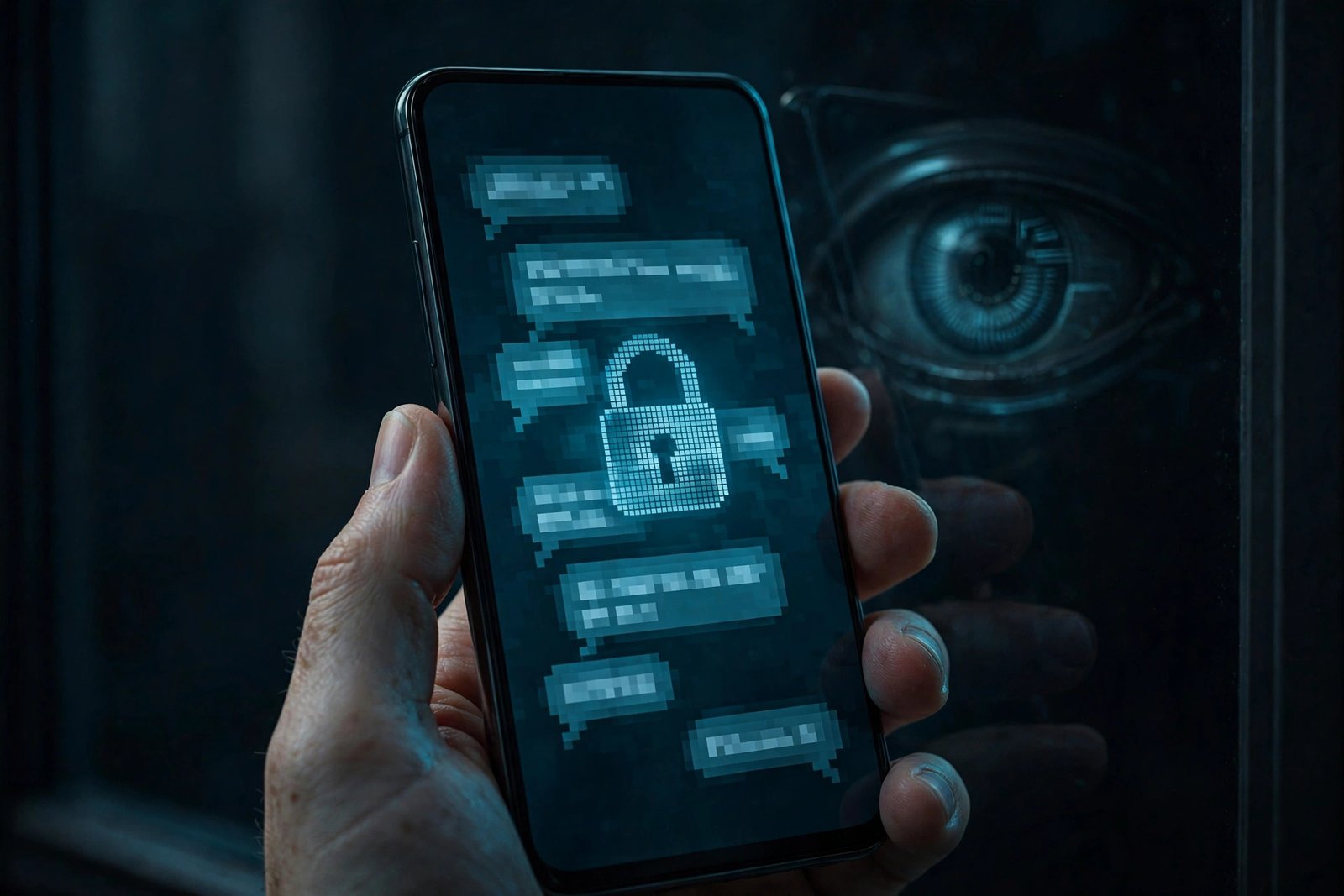
Why screenshots are suddenly a privacy problem
To understand Signal’s move, you have to understand how the new AI agents actually work. Features like Google’s Gemini Intelligence and Apple’s Siri AI with Onscreen Awareness do not break into your messages. They do not need to. They simply read what is already on your screen.
As Signal explains it, an AI agent that wants to help you has to “scan” the information on your screen. When you are looking at a Signal chat, that scan captures your messages — decrypted, in plain text, exactly as you see them — and hands them to whatever local database or remote server the agent is using at that moment. Once the data has been captured, Signal has no control over it at all.
That is the hole in the promise Signal has made for more than a decade. End-to-end encryption protects a message while it travels between phones. It says nothing about the moment the message arrives and appears on your screen. If the operating system hands that on-screen text to an AI agent, the encryption still works exactly as designed — and your private messages still end up read by a third party. “The net result,” Whittaker wrote, “is that these AI capabilities in the operating system are undermining Signal’s ability to independently guarantee privacy.”
Signal is not guessing about this risk. The app’s encryption protocol has been formally verified — researchers at Google’s DeepMind recently verified the compiled code behind the Signal protocol and found no new flaws in the parts they examined — but that verification covers the cryptography, not the screen. The endpoint, as Signal puts it, belongs to the operating system.
What actually changed on iPhone
On iOS 27, Signal now blocks screenshots inside the app by default. Try to take one and you will get a blank capture instead of your conversation. The block also covers the App Switcher, so your chats do not show up in the app preview cards either.
Alongside the block, Signal has added a new setting called “Block Siri AI”, visible in the app’s own settings. When Signal detects a screenshot attempt or an AI assistant trying to access the screen, it shows a pop-up offering you the option to disable the block. You can turn the protection off — but Signal is explicit about the cost: doing so can expose not just your own messages, but your contacts’ messages too, and it breaks the privacy guarantees the app is built on.
There is also a second layer of protection that Apple itself added, and it is worth using alongside Signal’s own block. iOS 27.2 introduced an Excluded Apps setting that lets you stop Siri, Search and suggestions from accessing specific apps at all. Adding Signal there blocks Siri from reaching the app entirely, including its on-screen awareness feature.
Related: our guide iOS 27.2 Lets You Block Siri From Reading Specific Apps — Here’s How to Use Excluded Apps walks through the setting step by step. Apple is also tightening the screws on Siri AI itself — iOS 27.3 Puts a Daily Limit on Siri AI, and Your iCloud+ Plan Decides the Size explains the new daily usage limits and which iCloud+ plan buys you a bigger allowance.
What changed on Android
On Android, the approach is reactive rather than always-on. Signal automatically switches on its Screen Security feature when it detects an AI assistant attempting to capture screen data. Screen Security is the same mechanism Signal has long offered to block screenshots in the app — now it turns itself on at the moment an agent reaches for the screen.
There is an important limitation here, and Signal does not hide it: the app can only detect those attempts on some Android versions, so the protection does not work the same way on every phone. On devices where the detection does not work, the automatic block cannot fire. That is a real gap, and it is one of the reasons Signal calls its own remedy incomplete.
The Android side of the story also matters for a second reason. Android is where Google’s Gemini Intelligence is most deeply embedded — it is the assistant that can now perform multi-step tasks, book rides and order groceries by interacting with apps in the background. The more capable these agents become, the more screen data they need to read to do their jobs, and the more private content passes through them.
Windows is already covered — macOS is not
This is not Signal’s first screenshot fight. Last year, the app blocked screenshots by default in its Windows 11 desktop app to keep chats out of Microsoft Recall, the feature that periodically captures and stores screenshots of everything on your screen. The new mobile protections are the same idea, extended to phones.
macOS is the one platform where Signal says it simply cannot do the same thing. The company says it currently lacks the tools to reliably implement screenshot protections on Apple’s desktop operating system, so there is no block there at all. The workaround Signal points to is the same Excluded Apps list on the Mac: add Signal under System Settings, then Siri, and Siri will not be able to read the app’s content. It is a partial fix, not a complete one — and Signal is open about that.
The protection is incomplete — and Signal says so itself
Signal’s blog post is unusually honest about the limits of what it has done. Screenshot blocking does not address “other more sneaky ways AI agents could potentially access application data, such as retrieving content already present on a user’s device via the filesystem.” An agent that can read files, notifications or accessibility data may not need a screenshot at all — and Meta’s Muse, for example, has been reported reading Signal message text through Android notifications and Mac permissions, without ever breaking Signal’s encryption.
That is why the app is also asking for something bigger than a settings toggle. Signal is calling on Apple, Google and Microsoft to give developers two things: an easy, well-documented way to opt an app out of AI data access entirely — screen reading, filesystem access, notifications, APIs and other OS frameworks — without wrecking the app’s core features; and proper technical documentation explaining how these AI agents actually access and process data. “Confidential computing approaches are not a complete solution,” the post says, because they still leave the power to decide the extent of any privacy guarantee in the providers’ hands.
Signal says Google and Apple are engaging with it on how these systems should interface with privacy-sensitive apps, and that it hopes to have more to share soon. But it also says it spent months doing forensic investigation across Android and iOS just to learn what is happening when AI systems access app data — because the documentation, in its words, does not exist.
This is bigger than Signal
Signal calls itself “the canary in the coal mine”, and the past few weeks suggest it is right. Amazon has blocked shopping agents like Meta’s Muse from its e-commerce site. Walmart has gone the other way and invited third-party agents in through its own AI Gateway. Anthropic has blocked subscription customers from using third-party harnesses. United Airlines has banned transactions from unauthorised AI bots. Target, Home Depot, Etsy, eBay, JPMorgan Chase, Charles Schwab, Citigroup and Wells Fargo have all put up similar barriers.
The pattern is the same everywhere: companies that built their businesses on controlling their own data are discovering that AI agents, acting on a user’s behalf, take that data somewhere else. Signal’s version of the fight is the most personal one, because the data at stake is people’s private conversations — and because, unlike a retailer, it cannot simply ban the agent. The agent lives inside the operating system itself.
What you should do
If you use Signal, the protections are on by default — you do not need to do anything to get them. The one decision to make is whether to leave them on. If you turn the screenshot block off so you can capture a conversation, remember that you are also switching off the barrier between your chats and any AI agent on your phone, and that the messages you expose include ones other people sent you.
If you are on iPhone, add a second layer: open Settings, go to Siri, then Excluded Apps, and add Signal. That stops Siri from accessing the app at all, including through on-screen awareness. On a Mac, do the same under System Settings, then Siri — it is the only protection Signal can offer there right now.
And if you use other messaging apps, ask the same question Signal just asked out loud: when your AI assistant reads your screen to help you, where does what it reads actually go? For Signal users, at least, the answer is now a little harder for the agent to get. For everyone else, the question is still open.
Related: if you want to lock individual apps behind your fingerprint or PIN, Android now has a built-in way to do it — Android 17 QPR3 Beta 3 Is Out: App Lock Is Back, Plus 26 Fixes explains how App Lock works on Pixel phones and when it reaches everyone else.
FAQs
Why is Signal blocking screenshots now?
Signal is blocking screenshots to stop AI agents built into phone operating systems — such as Apple’s Siri AI and Google’s Gemini Intelligence — from reading private chats. These agents “scan” whatever is on your screen, which captures your decrypted Signal messages and sends them to a local database or remote server outside Signal’s control. End-to-end encryption protects messages in transit, not on screen, so Signal announced the block on November 20, 2026, calling the situation “an existential threat” to its privacy guarantees.
What changed for Signal on iPhone?
On iOS 27, Signal now blocks screenshots inside the app by default, including in the App Switcher, and has added a “Block Siri AI” setting in the app’s settings. When Signal detects a screenshot attempt or an AI assistant trying to access the screen, it shows a pop-up offering the option to disable the block. You can also add Signal to iOS 27.2’s Excluded Apps list under Settings, then Siri, to stop Siri from accessing the app entirely.
What changed for Signal on Android?
On Android, Signal automatically turns on its Screen Security feature when it detects an AI assistant attempting to capture screen data, which blocks screenshots and screen capture. The limitation is that Signal can only detect those attempts on some Android versions, so the protection does not work the same way on every phone. Users can also turn Screen Security on manually in Signal’s settings.
Can I still take screenshots in Signal?
Yes. You can disable the protection in Signal’s settings, and Signal shows a pop-up with that option when it blocks a screenshot attempt. But Signal warns that turning it off can expose your messages — and your contacts’ messages — to AI agents on your phone, and it breaks the app’s privacy guarantees. On Windows 11, Signal has blocked screenshots by default since last year to keep chats out of Microsoft Recall.
Does Signal block screenshots on Mac?
No. Signal says it is currently unable to reliably implement screenshot protections on macOS, so there is no block on Mac. The workaround is to add Signal to the Excluded Apps list under System Settings, then Siri, which stops Siri from reading the app’s content. Signal also warns that screenshot blocking is only a partial fix, because AI agents may still reach data through the device filesystem or notifications.
Sources: Signal (Nov 20, 2026); The Register (Nov 20, 2026); Reuters via The Express Tribune (Nov 20, 2026); Fast Company (Nov 20, 2026).
