


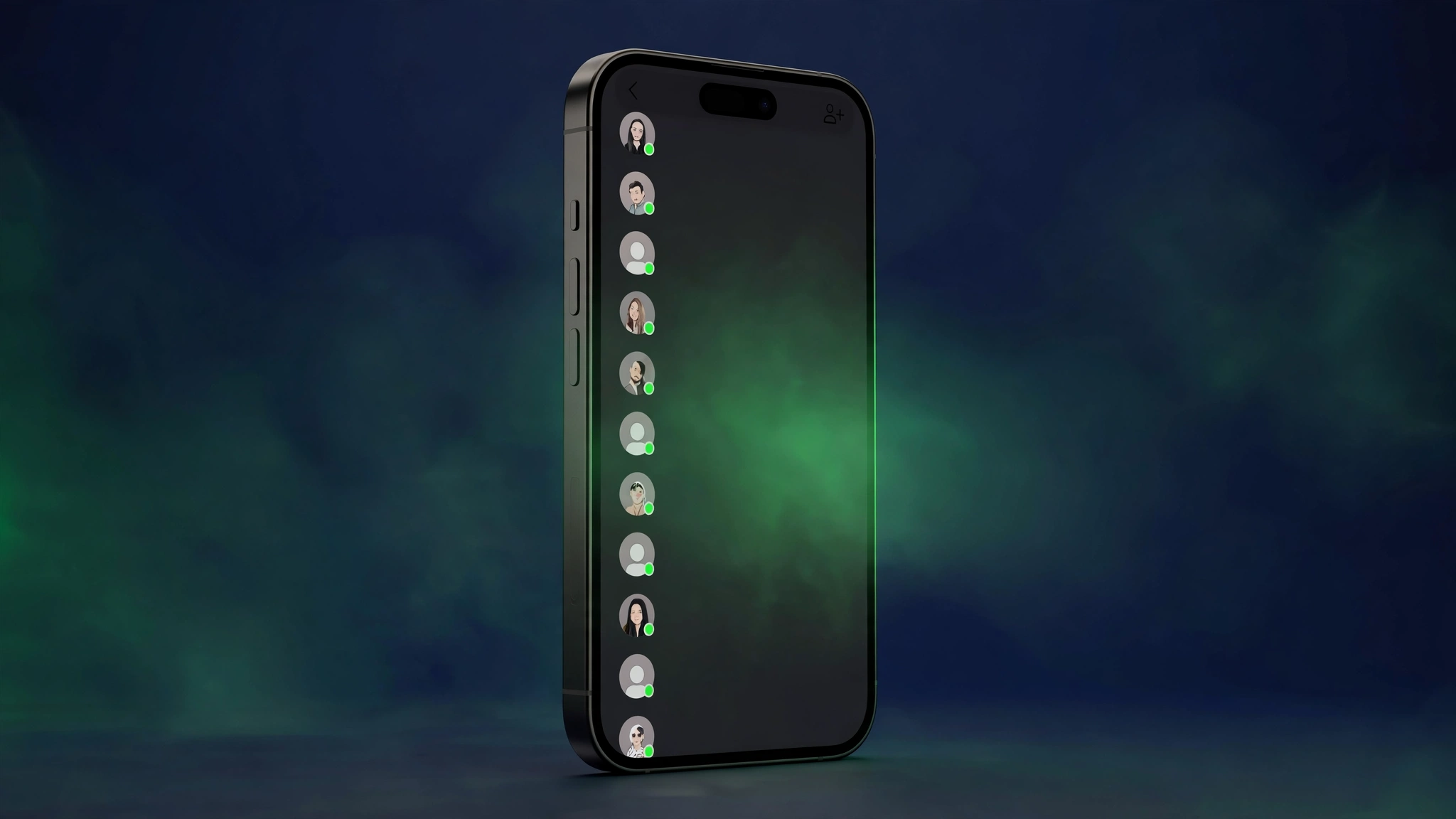
WhatsApp is bringing its new Contacts tab to iPhone users. The feature, which started rolling out on Android beta just yesterday, has now been spotted in the WhatsApp beta for iOS 26.44.10.70 update on TestFlight — giving iPhone beta testers a dedicated place to see their contacts and who’s online, without opening a single chat.
The WhatsApp Contacts tab iOS rollout is gradual: it is available to some beta testers now and will reach more accounts over the coming weeks, according to WABetaInfo, which first spotted the feature. If the tab has not appeared on your iPhone yet, keeping the app updated is the only way to get it when your account is included.
What the New Contacts Tab Does
The Contacts tab replaces the Communities tab in the bottom navigation bar. It opens a hub where you can see your full contact list at a glance, with your favorite contacts pinned in a row at the top of the screen so you can start a conversation with them in one tap.
From the same screen you can also see who is currently online, add a new contact, and invite friends who are not on WhatsApp yet. The idea is simple: instead of scrolling through chats to find someone, the people you message live in one dedicated place.
Sorting by Activity, Alphabet or Birthdays
The tab offers three ways to sort the contact list. Activity puts the contacts who are currently online at the top, marked with a green dot, and sorts recently active contacts by their last seen time — so you can quickly tell who is available right now. Alphabetical orders contacts by name, and Birthdays sorts them by upcoming birthdays, so you can see whose birthday is coming up soon.
The online and last seen information follows your contacts’ privacy settings. If a contact hides their last seen or online status, WhatsApp shows nothing about their activity in the tab — and the same applies the other way round: if you do not share your own status, you will not see theirs either. You can change these settings from the privacy screen at any time.
Adding a New Contact From the Tab
Adding someone is built into the tab itself. Tap the green button at the top of the Contacts tab and a contact creation screen opens, asking for the first name, last name, phone number and username. You can also choose whether to sync the new contact to your phone’s address book.
Why WhatsApp Is Replacing the Communities Tab
WhatsApp added a filter in the Chats tab that lets users manage their communities from the chat list, so a dedicated Communities tab is no longer needed. That freed up the bottom navigation slot for the Contacts hub instead.
The redesign may go further. WABetaInfo notes that WhatsApp is testing different experiments for the Contacts tab, including one that would replace the Updates tab too — status updates have already moved to the top of the Chats tab, and channels may move into the chat list as well. For now, though, the change is limited to the Communities tab.
Android Got It First — iOS Follows a Day Later
The same Contacts tab rolled out on Android beta yesterday in version 2.26.45.2, and TechInKey covered that launch here. The iOS version works the same way: favorites at the top, sorting by activity, alphabetical order or birthdays, and the Communities tab replaced in the bottom bar. The quick follow-up suggests WhatsApp wants the feature on both platforms before a wider stable release.
Key Takeaways
- What’s new: WhatsApp is rolling out a dedicated Contacts tab on iOS beta (version 26.44.10.70, via TestFlight), replacing the Communities tab.
- What it shows: favorite contacts at the top, a full contact list, and who’s online — marked with a green dot.
- Sorting options: by activity (online first), alphabetical, or birthdays.
- Add contacts: a green button at the top opens a form for first name, last name, phone number and username.
- Privacy: last seen and online status appear only as each contact’s privacy settings allow.
- Availability: rolling out to some beta testers now, more accounts over the coming weeks; no stable release date yet.
Related Guides
- WhatsApp Contacts Tab Rolling Out on Android Beta — See Who’s Online
- WhatsApp Is Testing Original-Quality Photo and Video Sharing — But Only for WhatsApp Plus Subscribers
- iOS 27.2.1 Is Out — It Fixes an iMessage Flaw That Could Let Strangers Read Your Group Chats
FAQ
What is the WhatsApp Contacts tab on iOS?
It is a new dedicated tab in WhatsApp for iPhone that shows your favorite contacts at the top and your full contact list below, including who is currently online. It replaces the Communities tab in the bottom navigation bar.
Which WhatsApp iOS beta has the Contacts tab?
The feature was spotted in WhatsApp beta for iOS 26.44.10.70, available through TestFlight. It is rolling out gradually to some beta testers, with more accounts getting it over the coming weeks.
How do I see who is online on WhatsApp iOS?
Open the new Contacts tab and sort the list by activity — contacts who are online appear at the top, marked with a green dot, and recently active contacts are sorted by last seen. Online status is only shown when a contact’s privacy settings allow it.
Why did WhatsApp remove the Communities tab?
WhatsApp added a filter in the Chats tab for managing communities, so the separate Communities tab was no longer needed. The bottom navigation slot is now used by the Contacts tab instead.
When will the WhatsApp Contacts tab come to all iPhone users?
WhatsApp has not announced a date. The tab is in beta testing on iOS now, following the Android beta rollout, and a stable release will follow once testing is complete.
Sources: WABetaInfo (Nov 10, 2026), Gadgets360 (Nov 10, 2026).
