


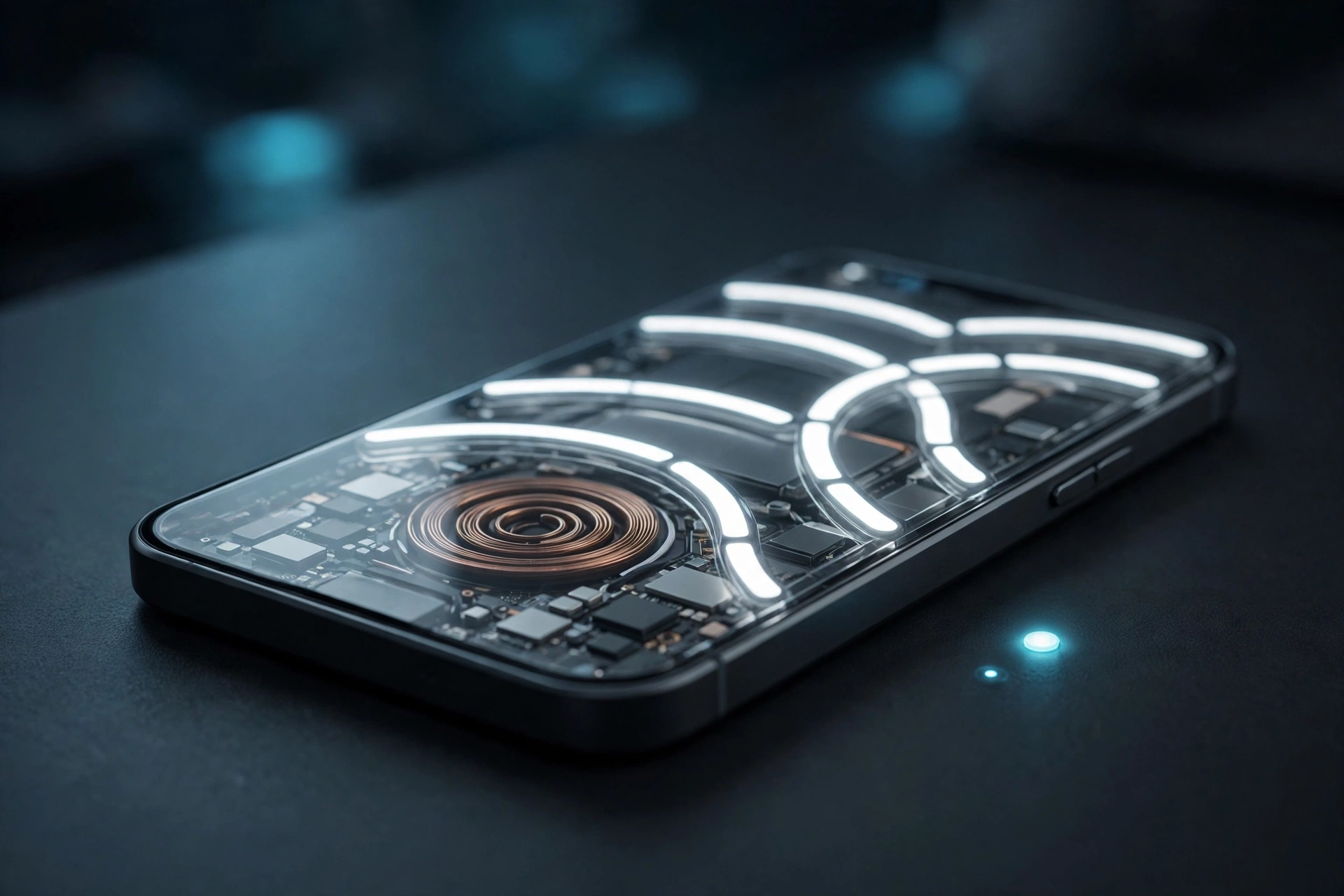
Nothing Phone (2a) and Phone (2a) Plus owners have waited longer than most for Android 17, and the wait is now over. The stable Nothing OS 5.0 update has started rolling out to both phones, bringing a redesigned interface, a new Glyph app, camera upgrades and a fresh set of widgets. The rollout began on November 19, 2026, and is reaching users in batches, so some owners will see the update notification today while others may need to wait a few days.
The update matters for a second reason too: for the Phone (2a) series, launched in 2024, Nothing OS 5.0 is the last major Android version upgrade. That makes this release the final big software step for these phones, and it is a large one — a full 3.15 GB download for users coming from the stable Nothing OS 4.1 build. Users who were already on the Nothing OS 5.0 open beta get a much smaller 361 MB package instead.
What is Nothing OS 5.0?
Nothing OS 5.0 is Nothing’s Android 17-based software, announced on August 25, 2026, after an open beta programme that began in September. It is the company’s biggest software step since the original Nothing OS 1, and it changes far more than the version number. The update pairs Google’s Android 17 platform improvements with Nothing’s own design language, including a new translucent look, reworked lock screen options and deeper Glyph Interface integration.
The rollout has followed a clear order. The flagship Nothing Phone (3) received the stable build first, on October 12. The Phone (4a), Phone (4a) Pro, Phone (3a) and Phone (3a) Pro followed on October 30. Now the Phone (2a) and Phone (2a) Plus are getting the same treatment, on schedule with Nothing’s own roadmap, which had placed both phones in the mid-November window.
What’s new in Nothing OS 5.0 for the Phone (2a) series
The official changelog for build C5.0-261112-1938 is long, and the changes touch almost every part of the phone. These are the highlights that owners will actually notice.
A dedicated Glyph app. Nothing has introduced a Glyph app built specifically for the Glyph Interface on the back of the phone. It offers quicker access to Glyph controls and a refreshed interactive experience, and it lives in the app drawer once the update is installed.
Split Quick Settings and notification panels. Quick Settings and notifications can now be separated into two panels, giving a cleaner layout and faster access to toggles. The option can be switched on under Settings, then Notifications, then General, then Notifications and Quick Settings.
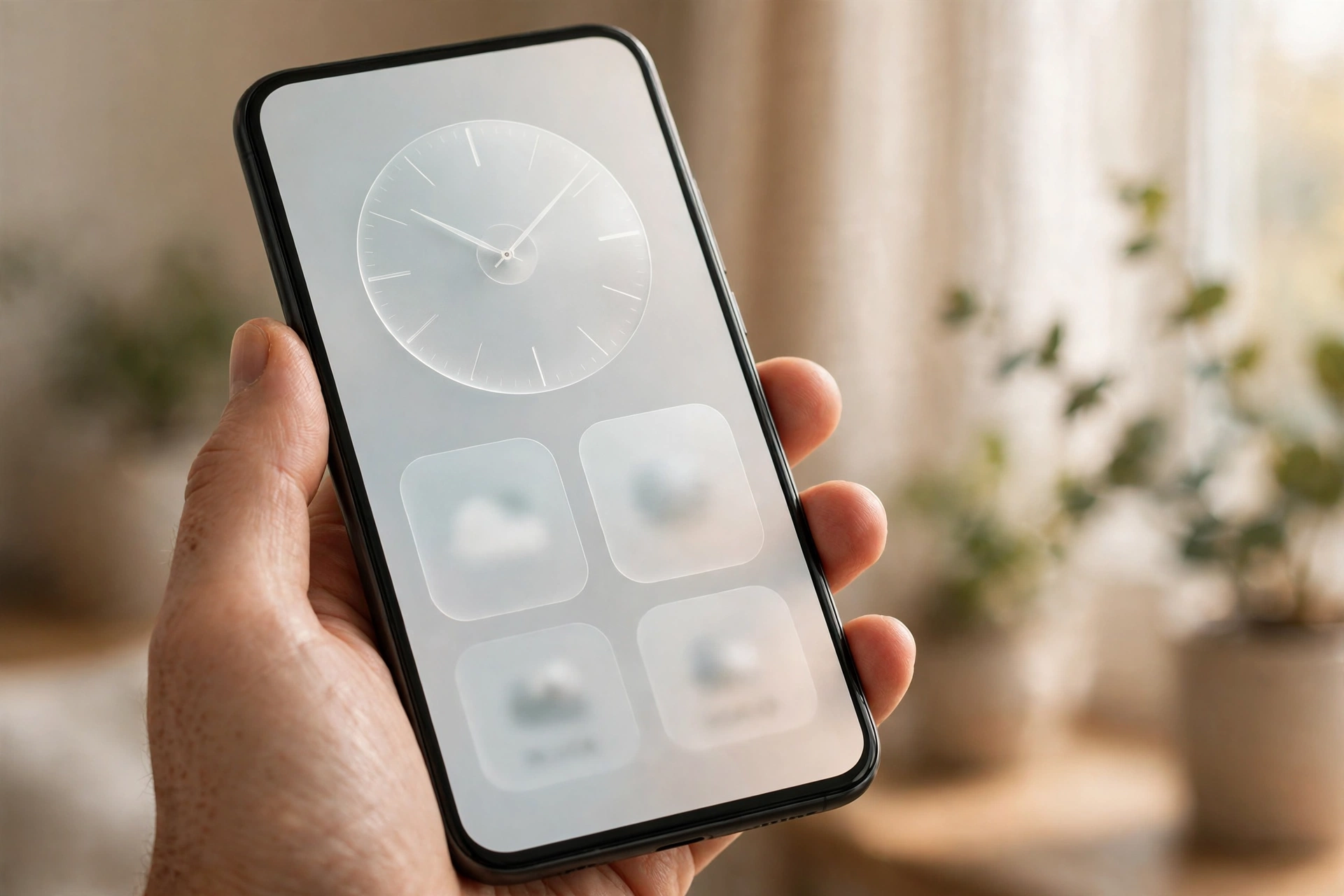
A new Translucent theme. The Launcher gains a frosted-glass Translucent theme, with subtle accent colours drawn from the wallpaper. It is part of a wider visual refresh that also brings the new Geist typeface, a redesigned Settings screen, refined status bar icons and smoother animations across the system.
More lock screen choice. The lock screen now supports coloured clock faces and adds two new clock face designs. Notifications can also stack on the lock screen instead of appearing as separate cards, which keeps the screen tidier.
New widgets. Three new widgets arrive with the update: Collector, which turns photos into different-style decorations on the home screen; Away Time, which tracks time away from the screen; and Glyph Timer, which puts a timer interaction on the home screen. Home screen icons can also now be arranged in bulk by long-pressing the home screen and tapping “Arrange”.
A three-colour privacy indicator. A new status bar indicator uses three colours to show when the phone is accessing sensitive information, location or AI processing, so device activity is visible at a glance.
Camera upgrades. The camera gets Tuning, with seven adjustable effects and a reset option, upgraded Presets with easier editing and Playground integration, Filters and Tuning for video, and H.265 video encoding. Recording, zoom, close-up shooting, QR scanning, Google Lens and Motion Photos playback have all been improved, and the Camera interface itself has been refreshed.
Dark theme and display improvements. The Dark theme now extends to most apps that do not support it natively, and HDR brightness can be customised for a more comfortable viewing experience under Settings, then Display, then Enhanced HDR brightness. Nothing 3D Emoji support arrives in Gboard, and Bluetooth gets one-tap connection controls.
Some features are being rolled out gradually rather than all at once. Nothing says the refreshed home screen and Micrographics clock face arrive with the general release, while the Essential Apps Builder is being rolled out in stages, Essential Spaces will come through Play Store updates, and real-time translation in Essential voice is expected later this year.
How big is the download, and which build should you expect?
The update size depends on where your phone is coming from. Users on the stable Nothing OS 4.1 build will download the full 3.15 GB package, while users who were already testing the open beta will see a much smaller 361 MB update. The reported stable build for the Phone (2a) Plus is C5.0-261112-1938. After installing, you can confirm the build under Settings, then About phone.
Because the package is large, install it over stable Wi-Fi rather than mobile data, and make sure there is enough free storage before starting. Nothing also advises backing up photos, call logs and contacts before any major upgrade, and warns that the phone may feel warmer and use more power while the update installs. That should settle once the phone has finished optimising in the background.
How to install Nothing OS 5.0 on your Phone (2a) or Phone (2a) Plus
The update is rolling out in batches, so it may not appear on your phone on the first day. When it is ready, you will get a notification. If you do not want to wait for the notification, you can check manually:
- Open Settings on your Nothing phone.
- Select the System section.
- Tap the Nothing OS text, and the phone will start fetching the update from the server.
- Once the update appears, tap Download and install.
After the download finishes, the phone will automatically boot into Nothing OS 5.0 after a few minutes. Do not interrupt the installation, and keep the phone charged or plugged in while it runs.
What to do if the update has not arrived yet
If the manual check shows nothing, there is no fault with your phone. Nothing staggers major rollouts by region and by batch, so two owners of the same model can receive the same update days apart. Check once a day for the next few days, ideally while connected to Wi-Fi, since the phone may not offer a 3 GB download over mobile data.
Do not download firmware packages from unofficial websites or forums. Those files can be modified, incomplete or built for a different region, and installing one can leave the phone unstable or stuck. The official over-the-air update is the safe route, and it is already on its way.
Which Nothing phones get the update, and which do not?
With the Phone (2a) series now covered, the stable rollout is nearly complete for Nothing’s current lineup. The Phone (3a) Lite is expected in late December 2026, while the Phone (4b) and the CMF Phone 2 Pro are scheduled for mid-January 2027. Nothing has said these timings are indicative and may change depending on development progress, region and carrier.
Three older models are excluded entirely: the original Phone (1), the Phone (2) and the CMF Phone 1 will not receive Nothing OS 5.0, so their owners will stay on their current software. For comparison, other brands are moving at a similar pace — Motorola has published its own Android 17 eligible phones list, and OnePlus owners are already seeing stable ColorOS 17 builds on older flagships.
Why this update matters for Phone (2a) owners
The Phone (2a) and Phone (2a) Plus were the phones that made Nothing a serious mid-range name in 2024, and this update is their final major Android upgrade. That gives the release a different weight from a routine monthly patch. It is the last time these phones will get a new Android version, a new design language and a new feature set in one package.
What owners get in return is genuinely substantial: a redesigned interface, a proper Glyph app, a camera system with real manual control through Tuning, and widgets that make the home screen feel new again. The 3.15 GB size is the clearest sign of how much has changed under the surface, and for a phone that is now two years old, a final update this large is a good outcome.
Nothing’s next big hardware moment is also close. The company is preparing to unveil its first AI-native device on December 8, and you can read our full explainer on what we know so far about Nothing’s AI device. For now, though, Phone (2a) owners have something concrete to install — and if the notification has not arrived yet, it should land within days.
Frequently Asked Questions
Is Nothing OS 5.0 available for the Phone (2a) and Phone (2a) Plus?
Yes. The stable Nothing OS 5.0 update, based on Android 17, started rolling out to the Phone (2a) and Phone (2a) Plus on November 19, 2026. The rollout happens in batches, so it may take a few days to reach every device.
How big is the Nothing OS 5.0 update for the Phone (2a) series?
The full update is 3.15 GB for users coming from the stable Nothing OS 4.1 build. Users who were already on the Nothing OS 5.0 open beta get a much smaller 361 MB package.
How do I check for the Nothing OS 5.0 update manually?
Open Settings, select System, tap the “Nothing OS” text, and the phone will check the server for the update. If it is available, tap “Download and install”. Install over Wi-Fi and back up your data first.
Is Nothing OS 5.0 the last major update for the Phone (2a)?
Yes. Nothing OS 5.0 is the last major Android version upgrade for the Phone (2a) and Phone (2a) Plus, which launched in 2024. The phones will continue to receive security patches after this release.
Which Nothing phones will not get Nothing OS 5.0?
The Phone (1), Phone (2) and CMF Phone 1 are excluded from Nothing OS 5.0. The Phone (3a) Lite is expected in late December 2026, and the Phone (4b) and CMF Phone 2 Pro are scheduled for mid-January 2027.
Sources: 91mobiles (November 20, 2026); Nothing Community official changelog for Phone (2a) Plus, build C5.0-261112-1938; YTechB.
