


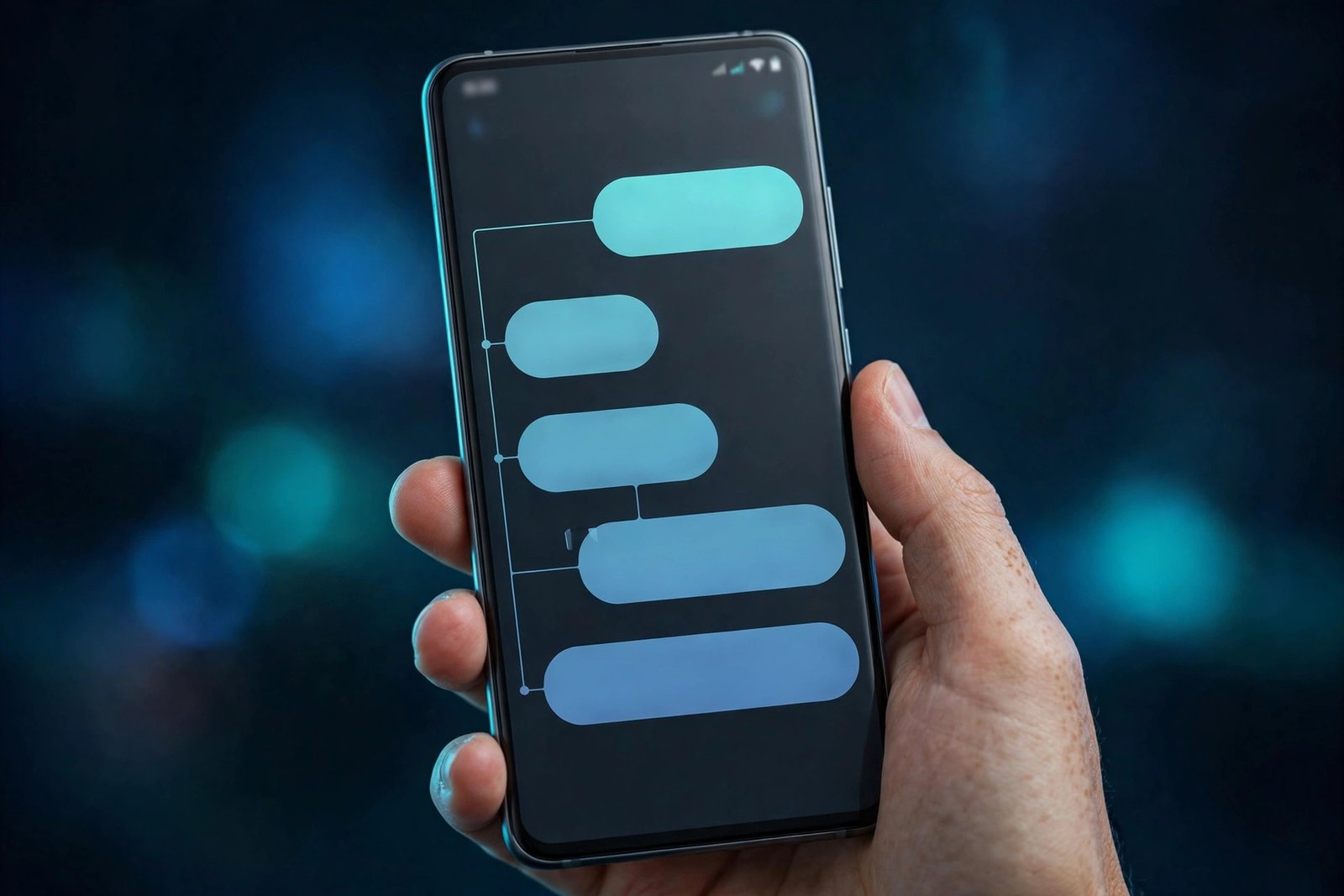
Google Messages is working on one of the most-requested features in Android messaging: threaded replies. Code spotted in a recent beta build of the app shows replies grouped into their own conversation threads, much like the inline replies iPhone users have had in iMessage for years.
The feature was uncovered by Android Authority in a teardown of Google Messages beta build messages.android_20261120_01_RC00.phone.openbeta_dynamic. The publication manually enabled the in-development feature to see how it behaves, and the implementation already looks surprisingly complete. Coverage by Android Police on November 24 and PhoneArena on November 25, with SammyGuru corroborating the find, has put the feature on the radar of Android users everywhere.
There is an important caveat, and it belongs right at the top: this is not a public rollout. The feature is not available to beta testers through the normal update channel, Google has not announced it, and there is no release date. Features found in teardown code sometimes never ship at all. But Android Authority notes that the threaded replies implementation looks quite polished and developed, which suggests it could arrive sooner rather than later.
What Android Authority found
Threaded replies change how Google Messages handles the moment you reply to a specific message in a chat. Today, replying to a message in Google Messages adds a small preview box above your reply, showing a snippet of the original message. It works, but it is a thin solution. In a busy group chat, several replies to different messages quickly stack up into a confusing wall of quoted boxes, and following any one conversation inside the thread becomes hard work.
The new system replaces that approach entirely. When you reply to a message, your reply is visually linked to the original with a vertical line running down the left side of the chat bubbles. A single reply gets a straight line. When a back-and-forth develops and several people reply to the same message, the line turns into a small loop, signalling that a thread has formed around that message.
That visual cue is only the start. Underneath a threaded exchange in the main conversation, a reply counter appears. Tapping it — or tapping the thread itself — opens a dedicated thread view. This is a separate, isolated screen that shows only the original message and the replies attached to it, with everything else in the conversation filtered out. At the bottom of that view sits its own compose box, labelled “Reply in thread,” and an X button in the corner takes you back to the main conversation.
The thread view is the part that makes this a genuine upgrade rather than a cosmetic tweak. Instead of scrolling through dozens of unrelated messages to follow one side conversation, you can open the thread and read that exchange from start to finish, then close it and return to the main chat exactly where you left off.
It works in groups, and with more than just text
Crucially for the feature’s usefulness, threaded replies are not limited to one-to-one chats. Android Authority’s testing shows the feature working in RCS group conversations too — the place where it matters most. Group chats are where conversations split into parallel discussions, where two people can be talking about dinner plans while three others are sharing photos from the weekend, and where today’s quote-preview replies struggle most.
Threaded replies also work with more than plain text. Replies can carry images and emojis as well as words, so a photo sent as a reply to a specific message stays attached to that thread instead of landing in the main stream with only a small quote box for context.
When threaded replies are active, the current mini preview box disappears. There is no longer a small box of the original text sitting on top of each response. The vertical line, the loop, and the reply counter take over the job of showing what belongs to what — a cleaner look that keeps the main conversation readable while the side discussions live one tap away.
How it compares with iMessage
The comparison everyone will make is with iMessage, and it is a fair one. Apple’s messaging app has offered inline replies for years: long-press a message, tap Reply, and your response is threaded under it, with a tap taking you into the thread. Google’s version, as found in the beta code, follows the same basic idea, with its own visual language of lines and loops instead of Apple’s stacked thread cards.
That familiarity is the point. For years, one of the most visible gaps between Google Messages and iMessage has been the way conversations are organised. Apple users could keep a group chat tidy by threading replies; Android users made do with quote previews. If this feature ships, that gap closes — at least for chats where everyone is on RCS.
It also fits a pattern. Google Messages has been steadily adding the small quality-of-life touches that make a messaging app feel finished. A recent update made timestamps easier to check with a swipe to the left. RCS itself, now supported on iPhones since iOS 18 arrived in 2024, has already brought read receipts, typing indicators, and high-quality media sharing to cross-platform chats. Threaded replies would be the next step in that same direction: not a flashy new capability, but the kind of everyday organisation feature that changes how a busy chat feels.
Who is affected, and what happens next
If threaded replies reach a public release, the change will affect every Google Messages user — the app is the default messaging app on most Android phones, and RCS group chats are where its users spend much of their time. The biggest winners will be people in large, active group chats: family groups, work groups, and friend groups where several conversations run at once. Instead of a reply landing in the stream with a quote box that may or may not make its target clear, replies will live in their own tidy thread.
What happens next is, for now, a matter of watching the beta channel. Google has a well-established habit of testing features in beta code for weeks or months before a wider release, and some teardown finds never make it out at all. The polished state of this implementation is encouraging, but it is not a promise. The realistic expectation is that threaded replies will appear first for beta users, if Google decides to move ahead, and then roll out more widely over the following weeks.
There are also open questions the teardown cannot answer. It is not yet clear whether threaded replies will work in SMS conversations or only in RCS chats, how threads will appear to people on older versions of the app, or whether there will be any settings to control the feature. Those details will only become clear if and when Google starts testing it publicly.
For now, the finding is a strong signal of intent: Google knows its reply system is the weak point of group chats, and it has a working answer ready. Android users who have envied iMessage’s tidy threads may not have to wait much longer.
Frequently Asked Questions
What are threaded replies in Google Messages?
Threaded replies are a new way of replying to a specific message in Google Messages. Instead of adding a small quote-preview box above your reply, the app links replies to the original message with a vertical line, shows a reply counter, and lets you open a dedicated thread view containing only that exchange.
Is the threaded replies feature available in Google Messages yet?
No. The feature was found in the code of Google Messages beta build messages.android_20261120_01_RC00.phone.openbeta_dynamic and had to be manually enabled by Android Authority. It is not publicly available, and Google has not announced a release date.
How do threaded replies work in Google Messages?
When you reply to a message, a vertical line appears on the left of the chat bubbles linking your reply to the original. A single reply gets a straight line, while several replies form a small loop. A reply counter under the exchange opens a dedicated thread view with its own “Reply in thread” compose box, and an X button returns you to the main conversation.
Do threaded replies work in group chats?
Yes. The feature works in individual chats and in RCS group conversations, with text, images, and emojis. Group chats are where threaded replies are most useful, because several conversations often run at the same time.
How are threaded replies different from the current reply feature in Google Messages?
Today, replying to a message adds a small preview box with a snippet of the original message above your reply. Threaded replies replace that box entirely: replies are visually linked with lines and loops, grouped under a reply counter, and readable in a separate thread view.
Will threaded replies come to iPhone users in Google Messages?
Google Messages is an Android app, so the feature itself is for Android users. However, RCS is now supported on iPhones since iOS 18, so threaded replies in RCS group chats could affect how conversations look for iPhone participants too. Google has not confirmed any of this yet.
- Google Messages Adds Enhanced Protection Against Scam Texts
- Pixel November Update Delayed for T-Mobile Users
- WhatsApp Tests Sound Stickers in Android Beta
Sources: Android Authority (teardown of Google Messages beta build messages.android_20261120_01_RC00.phone.openbeta_dynamic), via Android Police and PhoneArena coverage; SammyGuru corroboration.
