


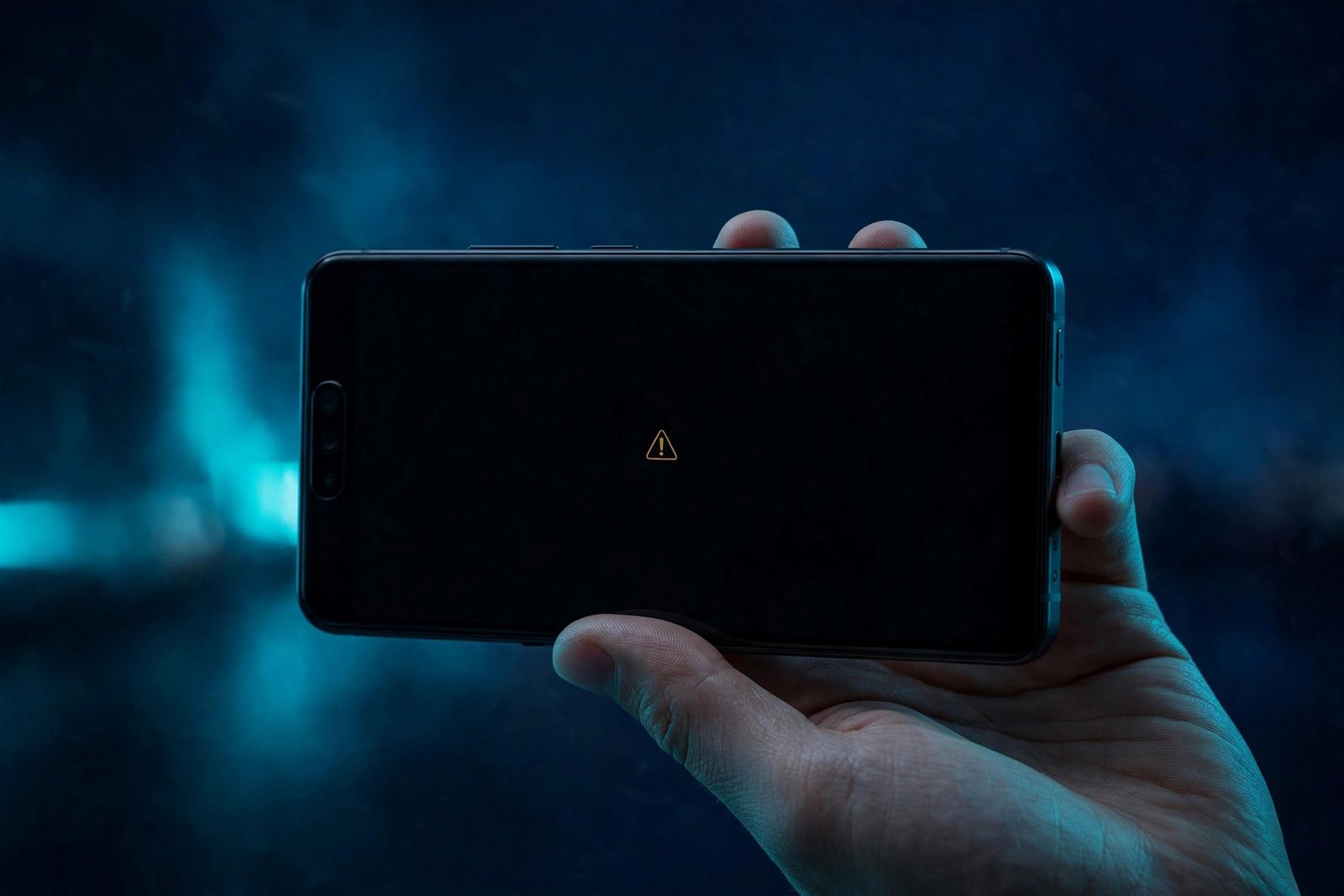
Google’s November update was supposed to be the good kind of update. The November Pixel Drop, built on Android 17 QPR2, arrived earlier than expected and started reaching eligible Pixel phones last week, bringing Gemini Intelligence to more devices and a fresh batch of features. But for a growing number of Pixel 10 and Pixel 11 owners, the update has broken the one thing a phone camera is supposed to do: take pictures.
Since the rollout began on November 10, 2026, owners have been reporting on Reddit and Google’s own support forums that their cameras stopped working right after installing the update. The symptoms are consistent across the reports. For some, the Pixel Camera app opens to a black viewfinder — nothing shows, no matter which lens is selected. For others, the app refuses to launch properly and shows an error instead: “Something went wrong. Close and open the Camera app again.”
The failure is not limited to the front camera or the rear camera. Reports say both are affected, and the problem is not confined to Google’s own app either — third-party camera apps hit the same black screen, which points to something deeper in the system rather than a single broken app. For a phone whose camera is one of its main selling points, that is about as bad as a software bug gets.
Summary
- What broke: After installing Google’s November 2026 update (Android 17 QPR2), some Pixel 10 and Pixel 11 owners find their cameras completely unusable — a black viewfinder or a “Something went wrong” error.
- Which phones: Reports so far centre on the Pixel 10 and Pixel 11 series, including the Pixel 11 Pro and Pixel 11 Pro XL. No reports from older Pixel models so far.
- What works: A full power-off — switch the phone completely off, leave it off for about five minutes, then switch it back on — has restored the camera for some affected owners. A normal restart does not fix it.
- What Google has said: As of November 17, Google has not publicly confirmed the cause or announced a fix date. Its Pixel Community account on Reddit said it has contacted a few affected users.
- What else is broken: The same update is also linked to Desktop Mode problems — a missing dock icon, a broken Alt + Tab shortcut — and lockscreen glitches on the Pixel 9 Pro Fold and Pixel 10 Pro.
Which Pixel Phones Are Affected
The reports collected by Android Authority, which first gathered the camera complaints on November 12, 2026, point squarely at Google’s two newest phone generations. Affected owners are mostly on the Pixel 10 and Pixel 11 series, and no reports have surfaced from anyone with an older phone. That pattern is notable: the Pixel 10 and Pixel 11 run on Google’s Tensor G5 and later chips, with Google’s own image signal processor handling camera work, so a shared system component is a plausible suspect — though Google has not confirmed any cause.
One owner who had just switched from an iPhone to a Pixel 11 reported that both the front and rear cameras stopped working on build CP4A.261105.040.D1, the November build for Pixel 11-series devices. Another Pixel 11 Pro owner found the camera unusable after updating, with the viewfinder showing nothing but black. A Pixel 11 Pro XL owner reported the error message instead of the black screen — the Camera app would not launch properly at all.
It is important to keep the scale in perspective. These are individual owner reports posted publicly on forums and social media, and public post volume cannot reliably measure how many devices are actually affected. Not every Pixel 10 or Pixel 11 owner is hit — many updated without any camera trouble. But the reports are consistent enough, and the failure severe enough, that anyone who has installed the November update should know what to look for and what to do if it happens.
The Fix That Works (for Some Owners)
There is no official fix yet, but a workaround shared by Google’s own support community has helped at least some affected owners — and it is worth knowing exactly what it is, because the obvious step does not work.
A normal restart does not fix the camera. Several owners tried restarting and found the black screen waiting for them again. What has worked, according to Diamond and Gold product experts on Google’s support forum and confirmed in user reports, is a full power-off: switch the phone completely off, leave it off for around five minutes, and then switch it back on.
Android Police, reporting on the issue on November 17, 2026, cites a Google Community moderator who suggested powering the phone off, waiting one to two minutes, and turning it back on. According to posts in the thread, that workaround restored camera functionality for at least one affected Pixel 11 owner in Germany. Android Authority’s reporting, based on a wider set of user reports, puts the wait at roughly five minutes. Either way, the key detail is the same: the phone must be fully off, not just restarted. A restart keeps the phone’s low-level state alive; a full shutdown clears it.
If the camera still does not work after a full power-off, the standard troubleshooting steps are worth trying before anything drastic: clear the Camera app’s cache from Settings, and test the camera in Safe Mode to rule out a third-party app interfering. Reports on a factory reset are mixed, and it should be a last resort — it wipes the phone and there is no evidence it reliably fixes this particular bug. Google’s own support pages explain how to turn a Pixel on and off and how to fix the Camera app, and those steps are the safe place to start.
The Camera Bug Is Not the Only Problem in This Update
The camera failure is the most serious issue in the November update, but it is not the only one. Android Police’s November 17 report documents a second cluster of problems around Android’s Desktop Mode, the feature that lets a Pixel drive an external display with a desktop-style interface.
Some users say the Desktop Mode dock icon has disappeared after updating, and the Alt + Tab keyboard shortcut no longer works properly — a shortcut that matters a lot for multitasking in Desktop Mode. Another reported issue affects external-display audio: sound no longer automatically plays through a connected monitor or display’s speaker after the update. Unlike the camera issue, there is currently no reported fix for these Desktop Mode bugs.
There are also lockscreen complaints. A Pixel 9 Pro Fold owner reported that the main screen stays dark after unfolding the phone, while a Pixel 10 Pro owner said they could no longer customise or change the lock screen after updating. Android Police’s author tested Desktop Mode on a Pixel 9 Pro XL after updating to Android 17 QPR2 and could not reproduce the reported issues — a reminder that these bugs do not hit every device, and that the rollout is still reaching phones in stages, so some owners may not even have the newest Desktop Mode changes yet.
The November update has also been linked to a separate wireless charging problem, where the charging icon appears but the battery percentage keeps falling — another bug reported by Pixel 10 and Pixel 11 owners in the same week. Taken together, the November update is shaping up as one of the buggiest Pixel releases in recent memory: a strong feature drop undermined by a cluster of regressions that arrived with it.
What the November Update Was Supposed to Deliver
It is worth remembering what this update actually brought, because the contrast explains why the bugs sting. The November Pixel Drop, announced on November 10, 2026, delivered Gemini Intelligence to more Pixel devices and a set of new features alongside the monthly security patch and roughly 33 functional bug fixes spanning camera, battery, Bluetooth and interface issues, according to 9to5Google. The update reached many eligible Pixel devices earlier than expected and continues to roll out in stages — which is why some owners are still waiting for it while others are already reporting problems.
Pixel Search also expanded to Pixel 6 and newer in the same November update.
That staged rollout is also why the camera bug has unfolded in waves. The first reports appeared on November 11, a day after the rollout began. Android Authority gathered them on November 12. PhoneArena and other outlets picked the story up the same day. By November 17, Android Police’s follow-up showed the problem was still live, with no official fix and the Desktop Mode and lockscreen issues surfacing alongside it.
What Google Has Said — and Has Not Said
As of November 17, 2026, Google has not publicly confirmed that the November update caused the camera failures, and it has not announced a fix or a date for one. Android Authority said it asked Google about the bug and had received no response at the time of its November 12 report. According to Android Authority, Google’s Pixel Community account on Reddit said it had contacted a few affected users, without giving a cause or a fix date.
That silence is the frustrating part for owners. A camera that will not open is not a minor glitch — it is a core function, and the workaround, while useful, is the kind of thing users should not have to discover on a support forum. The reasonable expectation is a fix in the next monthly update or a smaller out-of-band patch, but until Google says so, owners are left with the power-off workaround and the hope that their phone is not one of the affected ones.
What to Do If Your Pixel Camera Breaks
If you have installed the November update and your camera is showing a black screen or the “Something went wrong” error, work through these steps in order:
- Try the full power-off fix first. Switch the phone completely off — not a restart — leave it off for about five minutes, then switch it back on and open the camera. This has restored the camera for some owners.
- Check whether it is the app or the system. Open a third-party camera app. If that shows a black screen too, the fault is in a system component, not the Pixel Camera app itself.
- Clear the Camera app cache. Go to Settings, find the Camera app, and clear its cache. This will not delete your photos.
- Test in Safe Mode. If the camera works in Safe Mode, a third-party app may be interfering — uninstall recently installed apps one at a time.
- Do not factory reset first. Reports on whether a factory reset fixes this bug are mixed, and it wipes your phone. Try everything else first, and back up before you consider it.
- Report it. If the bug hits you, report it through the Pixel’s feedback or support channels. The more reports Google has, the faster a fix gets prioritised — and if you have not installed the update yet, there is no harm in waiting a few days to see whether Google issues a fix before you update.
Why This Matters
Pixel updates have a track record of arriving with a bug or two, but a camera-killing regression on Google’s newest flagships is a different order of problem. The Pixel 10 and Pixel 11 are sold on their cameras — computational photography is the centrepiece of Google’s pitch — so an update that leaves the viewfinder black undercuts the phone’s core promise. The power-off workaround is a genuine help, and owners who find it early will save themselves a lot of frustration. But the real fix has to come from Google, and the longer the company stays silent, the more the November update looks like a feature drop that needed another week of testing. If your Pixel is still on the October build, waiting for a fix before installing November’s update is the sensible move.
Frequently Asked Questions
Why is my Pixel camera not working after the November update?
Some Pixel 10 and Pixel 11 owners report that after installing Google’s November 2026 update (Android 17 QPR2), the Camera app shows a black viewfinder or the error “Something went wrong. Close and open the Camera app again.” The cause is not confirmed, but the failure affects front and rear cameras and third-party camera apps too, which points to a system-level issue rather than a single broken app. Google has not publicly confirmed the cause as of November 17, 2026.
Which Pixel phones are affected by the November camera bug?
Reports so far centre on the Pixel 10 and Pixel 11 series, including the Pixel 11 Pro and Pixel 11 Pro XL on build CP4A.261105.040.D1. No reports have surfaced from owners of older Pixel models. Not every Pixel 10 or Pixel 11 owner is affected — many updated without any camera trouble — so the bug appears to hit only some devices.
How do I fix the Pixel camera black screen after the November update?
Switch the phone completely off, leave it off for about five minutes, then switch it back on and open the camera. A normal restart does not fix it — the phone must be fully powered off. This workaround, shared by product experts on Google’s support forum, has restored the camera for some affected owners, including a Pixel 11 owner in Germany. If it does not work, clear the Camera app’s cache and test the camera in Safe Mode before considering anything more drastic.
Does the November update break anything else on Pixel phones?
Yes, other issues have been reported with the same update. Some users say the Desktop Mode dock icon disappeared and the Alt + Tab shortcut stopped working, external-display audio no longer plays through a connected monitor’s speakers, and there are lockscreen glitches on the Pixel 9 Pro Fold and Pixel 10 Pro. A separate wireless charging bug has also been reported by Pixel 10 and Pixel 11 owners. Unlike the camera issue, there is currently no reported fix for the Desktop Mode and lockscreen bugs.
Should I install the November Pixel update if I haven’t yet?
If your Pixel is still on the October build and you rely on your camera, waiting a few days is the sensible move. The November update brings Gemini Intelligence and other features, but it also carries the camera bug and other reported issues, and Google has not announced a fix date as of November 17, 2026. If you do update and the camera breaks, try the full power-off fix first.
Sources: Android Authority, “Pixel cameras are failing after November update” (November 12, 2026); Android Police, “Android 17’s November update is leaving Pixel cameras completely unusable” (November 17, 2026); PhoneArena, “Pixel owners are facing a critical camera bug after the latest software update” (November 12, 2026); 9to5Google (November 2026).
