


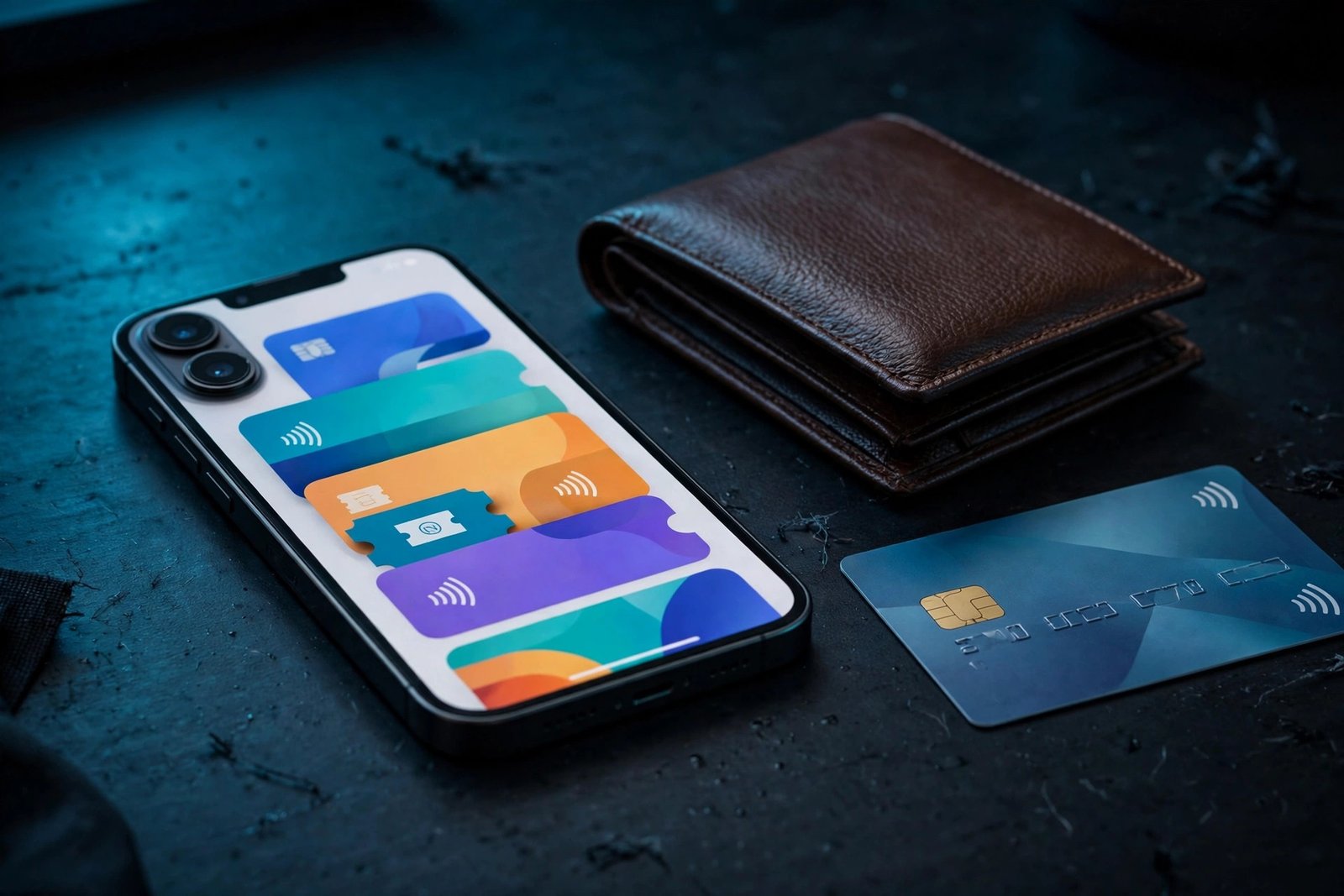
Google Wallet has finally arrived on the iPhone — and it is missing the one feature most people expect from a wallet app. Google announced on 17 November 2026 that Google Wallet is now available as a free iPhone app in the United States, giving iPhone owners a single place to organise purchases, tickets, boarding passes and loyalty cards from their Google account. The catch is stated plainly in Google’s own announcement: “tap-to-pay functionality isn’t supported on iOS at this time.”
That single sentence defines the whole app. This is not a replacement for Apple Pay, and Google does not pretend otherwise. What it is, instead, is a hub for everything Google already knows about your spending — pulled automatically from Gmail and your Google account — plus a place to store the cards and passes you would otherwise carry in your pocket. For iPhone owners who live in Google’s ecosystem, that may be genuinely useful. For everyone else, it is an app to skip. This guide covers exactly what the iPhone version can and cannot do, why tap-to-pay is missing, how to set it up, and who should actually install it.
What happened on 17 November
Google announced the launch on its official Keyword blog, and the app went live on the App Store the same day for users in the United States. It is a free download from Google LLC, version 1.0.0, and it requires iOS 17.0 or later, according to the App Store listing. There is no word yet on a launch in other countries, and Google has not said when — or whether — the app will reach iPhone owners outside the US.
The launch is part of a wider push. On the same day, Google also made Gemini tasks free in the US, and the two announcements are connected: receipts and delivery tracking for purchases Gemini makes on your behalf now land in Google Wallet, including on iOS. That makes the iPhone app less of a payment wallet and more of a record-keeper for shopping that runs through your Google account.
What Google Wallet on iPhone can actually do
The app organises the things Google already tracks about your purchases, rather than asking you to add everything by hand. According to Google’s announcement and hands-on coverage from 9to5Google, here is what is inside:
- Payment cards for online checkout. You can save payment cards to your Google Account and use them for online checkout with Google Pay in Chrome and other supported places. This is the closest the app gets to paying for things — but it happens on a website, not at a shop counter.
- Orders and deliveries, pulled from Gmail. The app syncs with Gmail and other Google apps to pull in package tracking, order confirmations, receipts and delivery updates automatically. If you buy something online and the confirmation lands in Gmail, Google Wallet can show it without you doing anything. Google also says you can manage “agentic purchases made across Google” here — the orders Gemini places for you — with easy access to order confirmations, receipts and delivery updates.
- Travel and event passes. Boarding passes, concert tickets and other passes synced from your Google apps appear in the app, so they are in one place instead of scattered across emails.
- Loyalty, gift and gym cards. Like Apple Wallet, Google Wallet lets you scan or add store loyalty cards, gift cards and gym membership cards, so you do not need the physical card. A built-in camera scanner can digitise paper cards and documents.
- A simple two-tab layout. 9to5Google’s hands-on describes a floating pill with two tabs: the home tab shows recent purchases awaiting delivery and boarding passes, followed by a grid of loyalty cards, while the second tab lists transactions tied to Google, your passes and the payment methods saved to your Google Account. A plus button adds loyalty, gift and payment cards.
What is missing, apart from tap-to-pay, is any way to store a government ID or digital car key on iOS — features the Android version has in some regions. The iPhone app is, for now, a passes-and-receipts organiser with an online-checkout card vault attached.
Why there is no tap-to-pay
The missing feature is not a technical accident, and Google is unusually direct about it. In its announcement Google says tap-to-pay “isn’t supported on iOS at this time” and, according to 9to5Google, cites platform restrictions as the reason.
Apple has allowed NFC contactless payments in third-party apps since iOS 18.1, but only under conditions: a developer needs a commercial agreement with Apple, and NFC access is available to developers in just seven countries — Australia, Brazil, Canada, Japan, New Zealand, the United Kingdom and the United States. As MacRumors notes, that agreement almost certainly involves paying Apple’s fees, and that may be why Google has not implemented support. Google could add contactless payments, but it would need to sign Apple’s commercial agreement and pay up.
The wording matters. “At this time” leaves the door open, and the United States is one of the seven countries where NFC access is available, so there is no regulatory barrier in the way. But Google has given no timeline, and there is no sign of a deal yet. Until one appears, Apple Pay remains the only way to tap an iPhone at a shop terminal — and nothing about this launch changes that.
How to set it up
If you are in the US and want to try it, setup takes a few minutes:
- Download Google Wallet from the App Store. Search for “Google Wallet” (developer Google LLC) and install it. Your iPhone needs iOS 17.0 or later.
- Sign in with your Google account. Use the same account your Gmail and Google Pay purchases are tied to — that is where the automatic order and pass syncing comes from.
- Add your cards. Tap the plus button to add loyalty, gift and payment cards. Payment cards can be scanned with the camera or entered manually, and they are saved to your Google Account for online checkout.
- Let Gmail do the rest. Boarding passes, tickets, receipts and package tracking appear automatically once the app syncs with your Gmail. There is nothing to import by hand, though it can take a little while for the first sync to fill in.
One thing to know before you sign in: the automatic order and delivery lists work because the app reads purchase data from your Gmail. That is the convenience, and it is also the trade. If you are uncomfortable with Google having a fuller picture of what you buy, the app’s main selling point disappears — and there is little reason to install it.
Google Wallet vs Apple Wallet on iPhone
The honest comparison is short. Apple Wallet does almost everything this app does — loyalty cards, boarding passes, tickets, online checkout with Apple Pay — and it adds the one thing Google Wallet cannot: tap-to-pay in stores. It is also built into iOS, so there is nothing to install and no second account to sign into.
Google Wallet’s edge is narrower but real. If your purchases, receipts and travel bookings already live in Gmail, Google Wallet surfaces them in one place without you forwarding anything or adding passes one by one. Its Gemini link is the other differentiator: as Gemini starts making purchases on your behalf, the receipts and tracking for those orders land in Google Wallet, and that applies on iOS too. Our guide on connecting Google Wallet to Gemini covers what that connection shares and what it does not.
The two apps can coexist — nothing stops you using Apple Wallet at the till and Google Wallet as an organiser — but for most iPhone owners, Apple Wallet alone is enough. Google Wallet makes the most sense for people who already live in Gmail and Chrome and want their loyalty cards and order tracking in one place. If you mainly want to pay in shops, Apple Pay remains the tool for that on iPhone.
It is also worth remembering how far Google Wallet has come on Android, where it can now hold a digital home key in some regions — see our earlier coverage of Google Wallet digital home keys on Android. None of that has crossed over to the iPhone app yet, which underlines how much of this launch is about organising rather than paying. Gemini is also expanding across Apple devices — see our guide to Gemini Live on Apple CarPlay.
Who should install it — and who should skip it
Install it if: you are in the US, you buy a lot online through accounts tied to Gmail, you want boarding passes and receipts in one place without manual work, or you use Gemini and want its purchases tracked in one feed. The app is free, and for that narrow job it does what it promises.
Skip it if: you are outside the US (it is not available to you yet), you mainly want to pay in shops (that is Apple Pay’s job, and this app cannot do it), or you do not want Google reading purchase data from your Gmail. In that last case the app’s core feature is the reason not to install it.
What happens next
Three things to watch. First, whether Google signs Apple’s NFC commercial agreement and adds tap-to-pay — the “at this time” wording suggests it is possible, but there is no timeline and no public negotiation to point to. Second, whether the app expands beyond the US; Google’s announcement covers the US only and does not mention other markets. Third, whether the Android version’s deeper features — digital IDs, car keys and home keys — ever reach iOS, or whether the iPhone app stays a lighter organiser.
For now, the launch is a small but telling step: Google’s wallet is on Apple’s phone, but Apple’s rules still decide what a wallet on an iPhone is allowed to do. If you install it, install it for what it is — a tidy organiser for your Google purchases — and keep Apple Pay for the checkout counter.
Frequently Asked Questions
Is Google Wallet available on iPhone?
Yes. Google Wallet launched as a free iPhone app in the United States on 17 November 2026. It requires iOS 17.0 or later and is available from the App Store. Google has not announced a launch date for other countries.
Can Google Wallet on iPhone tap to pay?
No. Google says “tap-to-pay functionality isn’t supported on iOS at this time.” You cannot use the app to pay at contactless terminals in stores. Apple Pay remains the way to tap and pay with an iPhone.
What can Google Wallet on iPhone do?
It stores payment cards for online checkout with Google Pay, syncs boarding passes, tickets, receipts and package tracking from Gmail and other Google apps, and holds loyalty, gift and gym cards. It also tracks receipts and delivery updates for purchases Gemini makes on your behalf.
Why doesn’t Google Wallet on iPhone support tap-to-pay?
Google cites platform restrictions. Apple has allowed NFC contactless payments in third-party apps since iOS 18.1, but developers need a commercial agreement with Apple — which likely involves paying Apple’s fees — and Google has not signed one. Google has not said if or when tap-to-pay will come to iOS.
Is Google Wallet on iPhone available outside the US?
Not yet. The launch is limited to the United States, and Google has not said when or if the app will expand to other countries. There is also no announced timeline for adding tap-to-pay.
Sources: Google (Keyword blog announcement, 17 November 2026); MacRumors — “Google Wallet Available on iPhone, But Without Tap to Pay” (17 November 2026); AndroidPure — “Google Wallet Arrives on iPhone in the US, but Without Tap to Pay” (18 November 2026); 9to5Google (hands-on and platform-restrictions reporting, via AndroidPure/MacRumors).
