


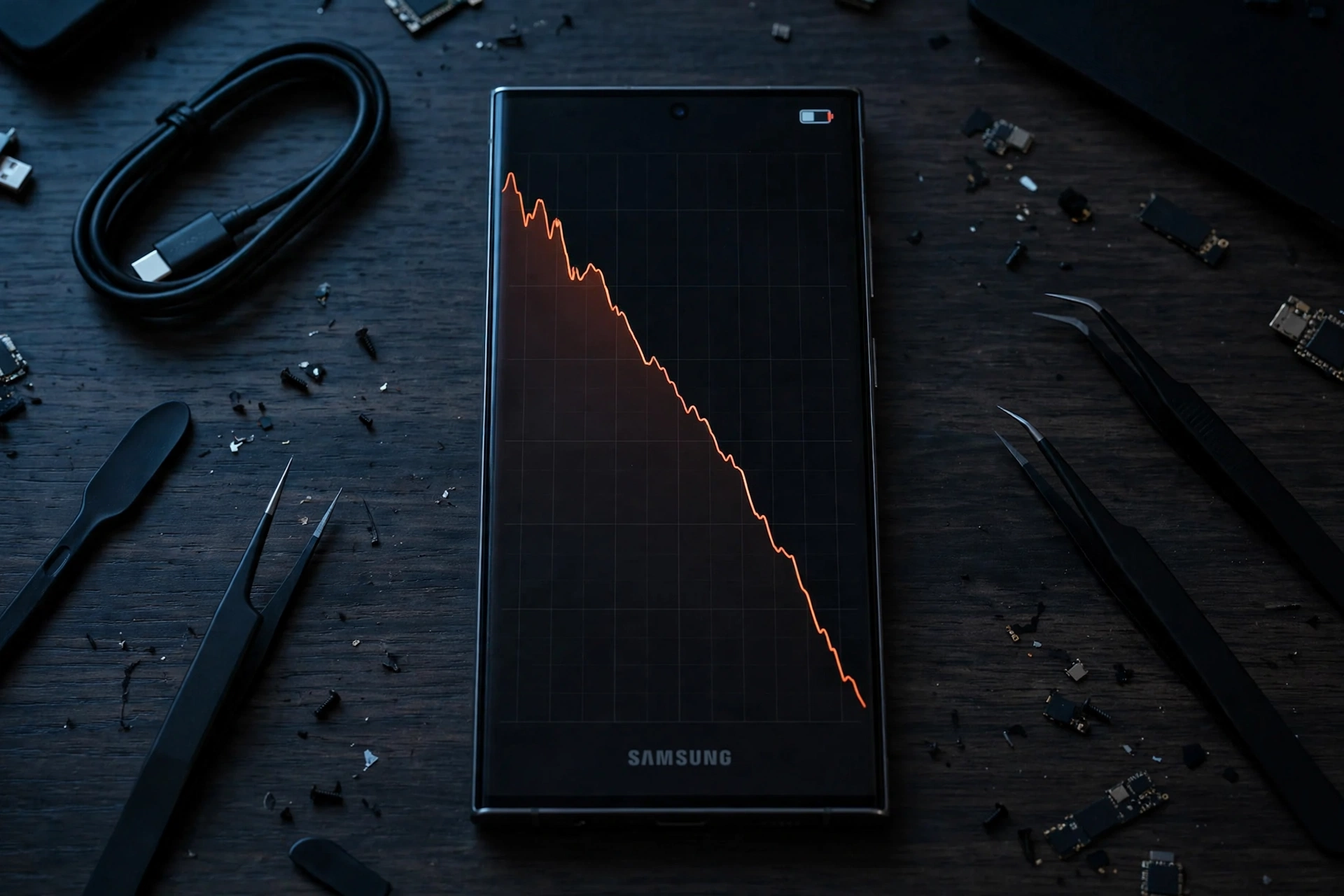
Your Galaxy was fine last week. Then One UI 9 arrived — and now the battery seems to melt. You are not imagining it, and you are not alone: Samsung’s support forums and social media have filled with battery complaints since the Android 17-based update began rolling out. Here is what is actually going on, and what to do about it.
Key Takeaways
- Galaxy owners — including S24 Ultra and S25 users — are reporting noticeably worse battery life after updating to One UI 9.
- One reported case saw an S24 Ultra drop 95% in just over five hours; some users say they now charge three to four times a day.
- Samsung has not confirmed a widespread fault. A big part of post-update drain is temporary background work and battery relearning.
- Most cases settle within a few days. If yours doesn’t, the 8 fixes below cover the usual culprits — no factory reset required.
What Users Are Reporting
The complaints follow a pattern: phones that comfortably lasted a day now need a top-up by the afternoon. As reported by PhoneArena and covered by Tech Advisor, one Galaxy S24 Ultra owner watched the battery fall by 95% in a little over five hours, with only about three hours and fifteen minutes of screen-on time. On Samsung’s own support forum, some users say their phones now need charging three to four times daily.
It is important to be precise about what this is — and isn’t. These are user reports, not a confirmed defect. Samsung has not publicly acknowledged a general One UI 9 battery fault, and plenty of Galaxy owners have updated without any problem at all.
Why Battery Often Gets Worse Right After a Big Update
A major update like One UI 9 is not a small patch. In the days after installing it, your phone is quietly doing a lot of heavy lifting in the background:
- Re-optimising apps for the new system version
- Re-indexing photos, files and messages for search and AI features
- Relearning your usage patterns — Adaptive Battery’s history is effectively reset, so it needs days of data before it can limit background apps intelligently again
All three burn power. This is why battery life after almost every major Android update feels worse for three to seven days — and then, in most cases, recovers on its own.
8 Fixes That Actually Help
If your drain is severe, or a week has passed and nothing has improved, work through these in order:
- Give it a few days first. If you updated in the last 72 hours, charge normally and wait — the background work finishes on its own.
- Find the real culprit. Go to Settings → Battery and device care → Battery → usage graph and see which app is eating power. One misbehaving app is behind most “update ruined my battery” cases.
- Restart the phone. A simple reboot clears stuck post-update processes more often than you’d expect.
- Update your apps. Open the Galaxy Store and Play Store and update everything — app developers ship compatibility fixes right after major updates.
- Wipe the cache partition. Power off, boot into Recovery (hold Volume Up + Power while connecting a USB cable), choose “Wipe cache partition”, then reboot. This deletes temporary system files only — not your data.
- Put rarely used apps to sleep. In Battery settings, add power-hungry apps you barely use to “Deep sleeping apps”.
- Check for a follow-up patch. Samsung has already shipped a second October update for the S26 series focused on stability — check Settings → Software update; hotfix builds often arrive quietly.
- Report it properly. If drain persists, send an error report through the Samsung Members app (with logs). That is the channel Samsung’s engineers actually read — and it helps a real fix arrive faster.
Should You Factory Reset?
Not as a first resort. A reset is the nuclear option, and if the cause is simply a rogue app or unfinished background work, the fixes above solve it without wiping your phone. Only consider a reset if drain continues for more than a week with no single app to blame — and back up everything first.
The Bottom Line
Post-update battery anxiety is almost a tradition at this point, and One UI 9 is no exception. The honest summary: the complaints are real, Samsung hasn’t confirmed a fault, and for most owners the battery settles back to normal within days. Run through the checks above — especially the battery usage graph — before you blame the update itself.
Related Guides
- Galaxy S26 Ultra Setup Screen Stuck? The One UI 9 Fix Samsung Confirmed
- OnePlus Ace 7 Pro Has a Built-In Cooling Fan — and It Just Sustained 185 FPS
- Samsung W27 Is Official: A Gold-Trimmed Galaxy Z Fold 8 Ultra for China
FAQs
Is the One UI 9 battery drain a confirmed bug?
No. Samsung has not confirmed a widespread battery fault in One UI 9. The reports come from users on forums and social media, and much of the drain matches the normal post-update pattern of background optimisation and battery relearning.
How long does battery drain last after a major Samsung update?
Typically three to seven days. If your battery is still draining unusually fast after a full week, check the battery usage graph for a problem app and try the cache partition wipe.
Does wiping the cache partition delete my data?
No. The cache partition contains temporary system files only. Your photos, apps and settings are untouched.
Which phones are affected by the One UI 9 battery complaints?
Reports mention recent flagships such as the Galaxy S24 Ultra and S25 series, but complaints appear across models that received One UI 9. Many owners of the same phones report no issues at all.
