


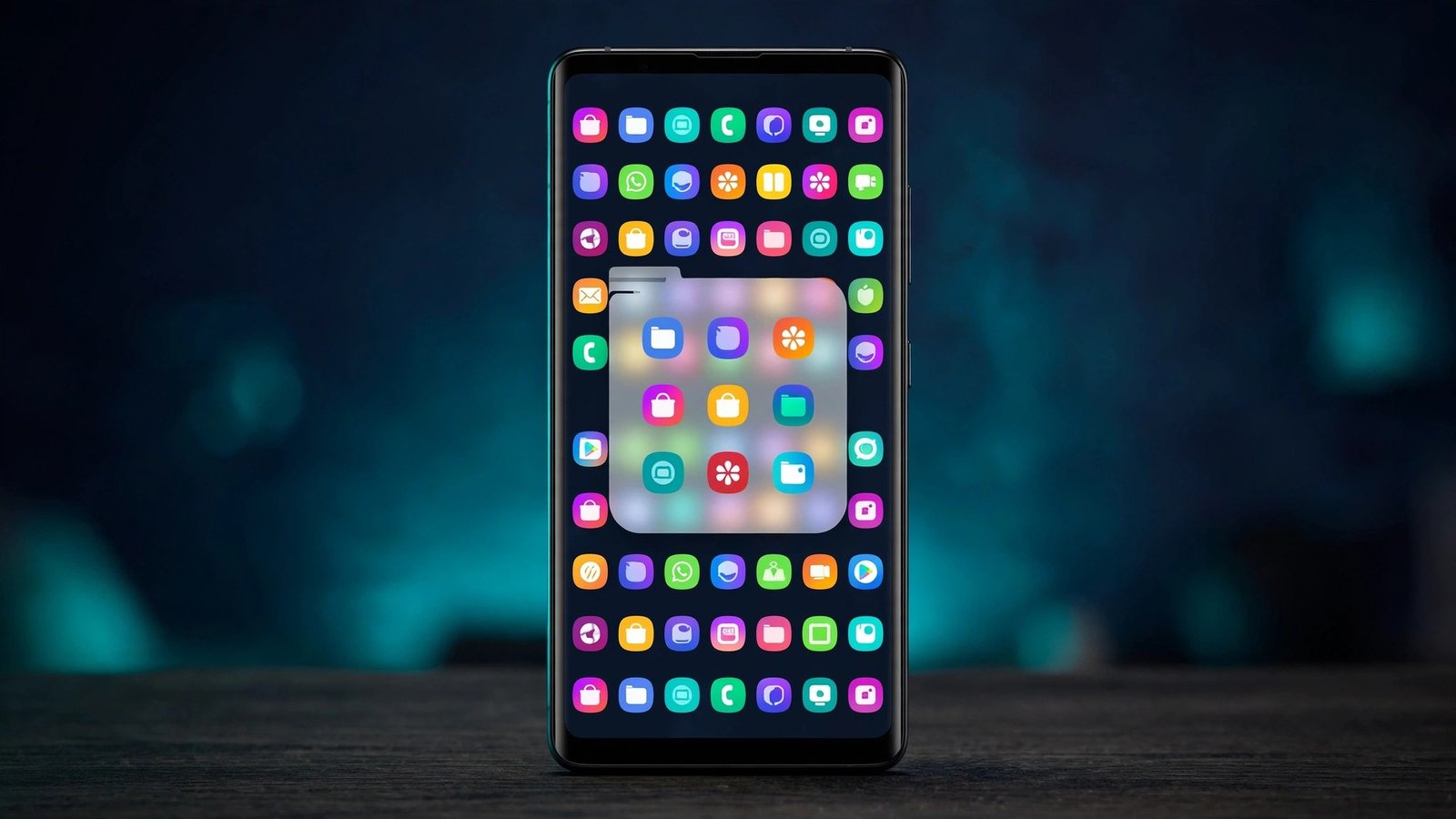
Samsung has pushed a major update to one of its most popular customization tools, and it arrives just as the One UI 9.5 beta gathers pace. Good Lock’s Home Up module has been updated to version 18.5.00.30 for One UI 9.5, bringing a wave of new home screen controls headlined by an 8×8 app grid, a proper icon-size slider and a set of redesigned folder tools.
The update was first shared by tipster Ice Universe on November 28, 2026, and quickly picked up by Samsung-focused outlets including SammyFans and NPowerUser. It is the biggest Home Up release of the One UI 9.5 beta cycle so far, and it directly answers one of the longest-running complaints from Galaxy owners: that the Apps screen grid was too cramped to show everything at a glance.
Home Up is the Good Lock module that extends Samsung’s stock One UI Home launcher rather than replacing it. That matters, because it means owners keep the smooth system animations, reliable gesture navigation and full widget support of the default launcher while gaining the kind of granular layout controls that used to need a third-party launcher. Every time Samsung ships a major One UI beta, Good Lock modules have to be rebuilt for the new framework, and this release does more than restore compatibility. It adds seven substantial visual and layout upgrades in one go.
What is new in Home Up 18.5.00.30
The full changelog, as shared by Ice Universe, lists seven items. First, new app icon size customization. Second, new home screen page transition effects. Third, new folder icon customization options. Fourth, expanded folder background blur controls. Fifth, more folder shadow customization options. Sixth, expanded app grid layouts supporting up to 8×8. Seventh, more customization options for pop-up folders.
SammyFans, which reported the update on November 28, describes six major customization upgrades, grouping some of the folder changes together. Either way, the substance is the same: this is a wide-ranging overhaul of the module’s home screen, folder and favorites pages, not a small compatibility patch.
The update is built for One UI 9.5 devices, which right now means the Galaxy S26, Galaxy S26 Plus and Galaxy S26 Ultra running the One UI 9.5 Beta Program. Samsung opened that beta on November 18, 2026, in six markets: South Korea, the United States, the United Kingdom, Germany, India and Poland. The stable One UI 9.5 release is expected to debut with the Galaxy S27 series in early 2027.
App icon size and page transition effects
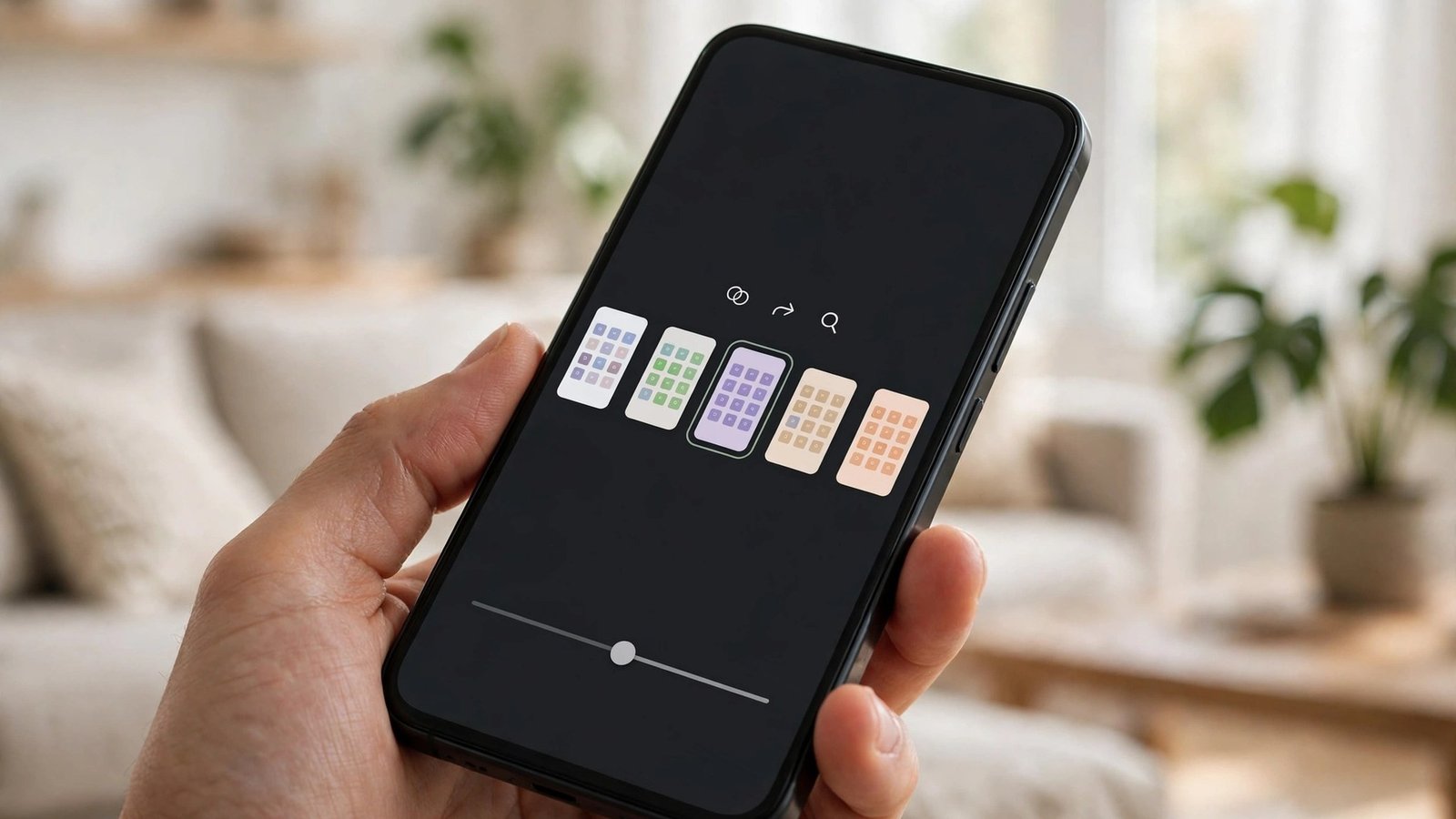
The first change owners will notice is the new app icon size control. Home Up previously offered only fixed icon-size presets. Version 18.5.00.30 replaces that with a true slider, so users can dial in the exact icon dimensions they want instead of choosing between a handful of preset steps. Small icons mean a denser home screen; larger icons are easier to tap and read. The slider also comes with toggles for showing and editing item labels on the home screen and the Apps screen, plus a default-color reset option.
The page transition effect page has been redesigned around a dedicated card titled Transition effect settings. It offers eight effects for swiping between home screen pages: Focus, Swing, Layer, Stack, Paper, Cube, Cylinder and Wave. Each one can be previewed with a live calendar-style home screen mockup before it is applied, so users can see exactly how the animation will look instead of guessing from a name.
Folder upgrades: icons, backgrounds and pop-ups
Folders get the deepest rework in this release. The Folder icon setting page has been overhauled with eight preview layouts to choose from: Grid, Radial, Honeycomb, Heart, Arc, Diamond, Hero and Stack. Users can also adjust the grid size and spacing inside the folder preview, which changes how the apps inside a folder are arranged on the home screen.
The Favorites background tool, which styles the background behind the favorites bar, now offers more blur and shadow controls. There is a dedicated slider to adjust the blur, while the Shadow tab adds three extra options: Color, Range and Opacity. That gives owners far more control over how the favorites area blends with their wallpaper, which matters on One UI 9.5 because widgets and wallpapers are a bigger part of the design than before.
Pop-up folders have been rebuilt as well. The revamped setting page offers size and type options, with a Detail settings card adding toggles for grid size, variable size, position central fixation, hiding the edit bar, removing the blur effect and applying a folder background color. Pop-up folders open as a floating panel when tapped, and these controls decide how large that panel is, how its icons are laid out and whether it keeps the frosted-glass blur or drops it entirely.
The 8×8 app grid ends a long-standing complaint
The headline change for most users is the expanded app grid. The Apps screen grid now goes up to 8×8, meaning eight columns and eight rows of apps on a single page. That is a big jump in density, and it is most useful on large displays and on foldables, where the inner screen previously left a lot of empty space. With an 8×8 grid, dozens of apps and shortcuts fit on one page without needing a second swipe.
It also ends one of the most persistent complaints about One UI: that Samsung capped grid density well below what third-party launchers allowed. Power users who organize their apps into a single dense page, or who keep a full page of widgets and shortcuts, no longer have to compromise. The grid selector sits in the Home screen settings page, where users pick the layout and apply it immediately.
Who can get it and how to install it
The upgraded Home Up is available now for One UI 9.5 beta devices, which currently means the Galaxy S26 series in the beta program. Owners can update through the Good Lock app or the Galaxy Store, where the module is listed as version 18.5.00.30.
It is also possible to sideload the new Home Up APK on an existing Galaxy device running an older One UI version, and Ice Universe has shared the APK for that purpose. Samsung-focused sites warn that this is not guaranteed to work: the new options may appear in settings but fail to apply on devices that are not on One UI 9.5. Anyone who tries the sideload route should back up their current Home Up data first, because a failed install can wipe existing home screen customizations.
As with all beta software, the usual cautions apply. One UI 9.5 is still in testing, and unexpected bugs can appear. The Home Up update itself is a Good Lock module rather than a system update, so it does not change the underlying firmware, but its new options depend on the One UI 9.5 framework being present on the phone.
What this means for One UI 9.5 and the Galaxy S27
Home Up 18.5.00.30 is the latest sign that Samsung is treating customization as a headline feature of One UI 9.5 rather than an afterthought. The beta has already delivered a native App Lock, Samsung Camera Vision mode, a journaling space in Samsung Health and Samsung One UI 9.5 battery features, and the Home Up update adds the home screen itself to that list.
The timing also fits Samsung’s wider plan. The company opened the One UI 9.5 beta on November 18, only 63 days after the stable One UI 9.0 rollout began on September 16, the fastest gap between a stable release and the next beta in Samsung’s recent history. That gives the company a roughly two-month runway to fix bugs before the stable One UI 9.5 release, which is expected to ship with the Galaxy S27 series in early 2027.
For Galaxy S26 owners in the beta, the Home Up update is available now. For everyone else, the new grid, icon and folder controls are a preview of what the stable One UI 9.5 release will bring to a much wider range of Galaxy phones next year. For wider One UI rollout news, see our Galaxy Tab A11+ One UI 9 rollout coverage.
Frequently Asked Questions
What is the Samsung Home Up 18.5.00.30 update?
Home Up 18.5.00.30 is a major update to Samsung’s Good Lock Home Up module for One UI 9.5. It adds an 8×8 app grid, a true app icon size slider, eight page transition effects, redesigned folder icon layouts, more folder blur and shadow controls, and expanded pop-up folder options.
Which phones can use Home Up 18.5.00.30?
The update is built for One UI 9.5 devices, which currently means the Galaxy S26, Galaxy S26 Plus and Galaxy S26 Ultra running the One UI 9.5 Beta Program. It is available through Good Lock or the Galaxy Store on those phones.
What is the 8×8 app grid in Home Up 18.5?
The 8×8 app grid lets the Apps screen show eight columns and eight rows of apps on a single page, up from the previous limit. It is most useful on large phones and foldables, where it fits dozens of apps and shortcuts on one page without an extra swipe.
What are the new page transition effects in Home Up?
Home Up 18.5.00.30 adds eight home screen page transition effects: Focus, Swing, Layer, Stack, Paper, Cube, Cylinder and Wave. Each one can be previewed live before it is applied.
Can I sideload Home Up 18.5 on an older Galaxy phone?
It is possible to sideload the APK, but the new options may appear in settings without working on devices that are not running One UI 9.5. Back up your current Home Up data before trying, because a failed install can wipe your home screen customizations.
When will Home Up 18.5 features reach more Galaxy phones?
The features are tied to One UI 9.5, whose stable release is expected to debut with the Galaxy S27 series in early 2027. Wider availability on older Galaxy phones will follow the stable One UI 9.5 rollout, though Samsung has not confirmed a device list or dates.
Sources: SammyFans and NPowerUser
