


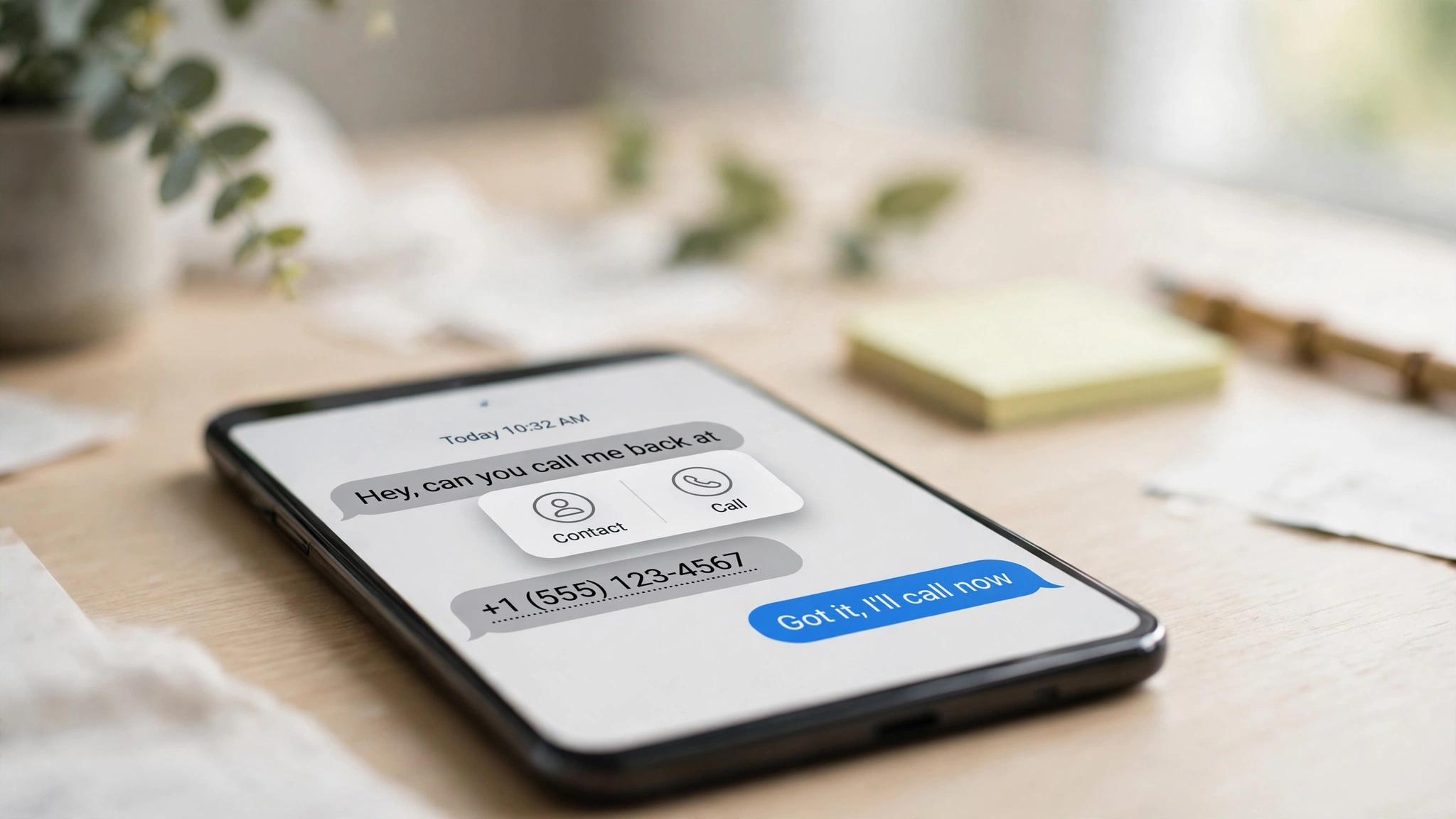
WhatsApp is quietly switching on a feature that makes the most useful parts of a chat tappable. Called Smart Text Actions (also described as message text actions), it spots phone numbers, dates, times, email addresses and physical addresses inside your conversations, marks them with a dotted underline, and offers a shortcut the moment you tap — no more copying a number into the dialer or pasting an address into Maps by hand.
The catch, stated up front: this is a gradual rollout reported by WABetaInfo, not an official WhatsApp announcement. It is live now for some users on the latest Android and iOS versions, and it is expected to reach more accounts over the next few weeks. If you do not see it yet, that is normal.
Key Takeaways
- Smart Text Actions underlines phone numbers, dates, times, addresses and emails in both one-to-one and group chats — in messages you receive and messages you send.
- Tapping the dotted underline opens a pop-up with the detected text at the top and the relevant actions underneath.
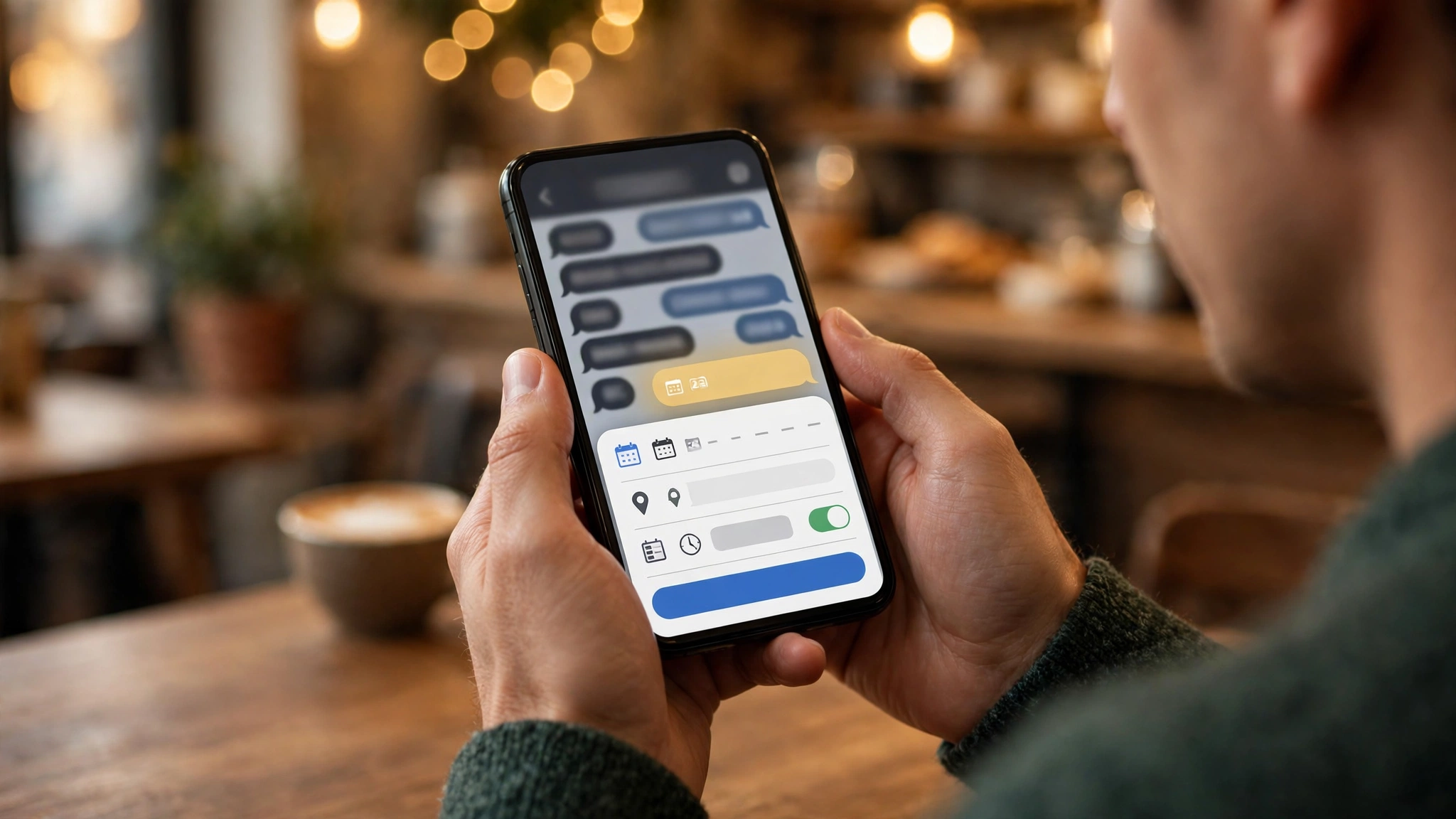
- Numbers can be copied, saved to contacts or called; dates can become calendar entries or WhatsApp events; addresses open in your maps app; emails open your mail app.
- Detection reportedly happens on your device using pattern matching, so messages are not uploaded for this feature and end-to-end encryption is not affected.
- There is no switch to turn it on early and no official full-rollout date — updating the app helps, but does not guarantee access.
How Smart Text Actions Work
When WhatsApp recognises a supported format in a message, it places a dotted underline beneath that text. Tap it, and a small pop-up appears showing exactly what WhatsApp detected, followed by the actions that make sense for that type of information:
| What WhatsApp detects | What you can do with one tap |
|---|---|
| Phone number | Copy it, save it to contacts, or call it through your carrier. For a business number, you may also see an option to view the business’s details. |
| Date or time | Copy it, add it to your device calendar, or create a new event in WhatsApp. |
| Physical address | Copy it, or open it directly in your maps app for directions. |
| Email address | Copy it, or open it in your default email app and start composing. |
The practical difference is small but constant. A friend sends a restaurant’s number — one tap and you are calling it. A colleague drops a meeting date in a group chat — one tap and it is in your calendar. A delivery address arrives — one tap and Maps is already routing you there. And if the underlines are not for you, you can simply ignore them; chatting works exactly as before.
Your Chats Stay Private
The obvious question with any feature that “reads” your messages is privacy. According to WABetaInfo’s reporting, the recognition is done locally on the phone using pattern matching — the app looks for text shaped like a phone number, a date or an address — and the message content is not sent to WhatsApp’s servers for this detection. That means the feature works the same way inside end-to-end encrypted chats as anywhere else, because nothing leaves the device.
One honest caveat: these implementation details come from WABetaInfo’s reporting on the rollout, not from an official Meta technical statement, because WhatsApp has not formally announced the feature yet.
Who Has It, and How to Get It
Smart Text Actions is rolling out gradually to some users running the latest versions of WhatsApp for Android and iOS. Availability is switched on account by account, so two people on the same app version may not see it at the same time. There is no setting to enable it manually and no beta requirement reported — it is appearing in the regular app.
Your best move is simple:
- Update WhatsApp from the Play Store or App Store.
- Open any chat containing a phone number, a date or an address — or send one to yourself.
- Look for the dotted underline. If it is there, tap it and try the shortcuts.
If nothing is underlined yet, your account has not been included in this wave. Expect the rollout to widen over the coming weeks.
How This Fits WhatsApp’s Recent Changes
This is the third WhatsApp change TechInKey has covered in three days, and they point the same direction: less friction inside chats. The Settings page is being redesigned with cleaner, rounded sections, profile cover photos are expanding from Business accounts to personal profiles, and now the messages themselves are becoming actionable. Separately, a deadline is coming for older Apple devices: from November 30, WhatsApp will require iOS 15.5 or newer.
The Bottom Line
Smart Text Actions will not change how WhatsApp looks — it changes how much copying and pasting you do. If your account is in the current rollout wave, numbers, dates, addresses and emails in your chats are already underlined and ready to tap. If not, keep the app updated and check again in a few days. Just remember what this is: a feature spotted mid-rollout by WABetaInfo, not a WhatsApp launch announcement, so timelines can shift.
Related Guides
- WhatsApp Is Redesigning Its Settings Page
- WhatsApp Will Require iOS 15.5 From November 30
- WhatsApp Profile Cover Photos Are Coming to Personal Accounts
FAQs
What are WhatsApp Smart Text Actions?
They are automatic shortcuts WhatsApp adds when it detects a phone number, date, time, address or email address in a chat. The detected text gets a dotted underline, and tapping it opens a pop-up with actions such as saving a contact, creating a calendar event, opening an address in Maps or composing an email.
How do I get Smart Text Actions on my phone?
Update WhatsApp to the latest version on Android or iOS and check a chat for dotted underlines. The feature is rolling out gradually to selected accounts, there is no setting to enable it manually, and updating alone does not guarantee it appears immediately.
Has WhatsApp officially announced Smart Text Actions?
No. The rollout has been reported by WABetaInfo and tech outlets, and the feature is live for some users on the latest app versions, but WhatsApp has not made an official announcement or given a date for full availability.
Do Smart Text Actions affect WhatsApp’s end-to-end encryption?
No, according to WABetaInfo’s reporting. The detection happens on your device using pattern matching, and message content is not uploaded to WhatsApp’s servers for this feature, so encrypted chats stay encrypted.
