


Close Menu
techinkey.comtechinkey.com
    What's Hot

    Samsung November 2026 Security Update: Over 160 Flaws Fixed, Rollout Starts in the Coming Days

    November 3, 2026

    Android November 2026 Security Update: Critical RCE Fix, ‘SMS of Death’ Now Official, and Two Patch Levels Explained

    November 3, 2026

    WhatsApp Smart Text Actions: Dotted Underlines Turn Numbers, Dates and Addresses Into One-Tap Shortcuts

    November 3, 2026
    Facebook X (Twitter) Instagram
    Trending
    • Samsung November 2026 Security Update: Over 160 Flaws Fixed, Rollout Starts in the Coming Days
    • Android November 2026 Security Update: Critical RCE Fix, ‘SMS of Death’ Now Official, and Two Patch Levels Explained
    • WhatsApp Smart Text Actions: Dotted Underlines Turn Numbers, Dates and Addresses Into One-Tap Shortcuts
    • One UI 9 Rollout Schedule Explained: When Your Galaxy Phone Gets the Android 17 Update
    • Apple Intelligence Is Finally Coming to China With iOS 27.3 — Powered by Alibaba’s Qwen
    • WhatsApp Will Require iOS 15.5 From November 30 — Older iPhones Just Need an Update, Not a Replacement
    • One UI 9 Has a Hidden ‘Network Guard’ That Can Silence Ad-Heavy Apps — Here’s How It Works
    • WhatsApp Is Redesigning Its Settings Page With Google’s Material 3 Look
    Facebook X (Twitter) Instagram Pinterest VKontakte
    techinkey.comtechinkey.com
    • Home
    • Tech News
    • Technology
    • SmartPhones
    • Gadget
    • Smart Car Tech
      • Electric Vehicles
    • How-To
    techinkey.comtechinkey.com
    Home - WhatsApp - WhatsApp Will Require iOS 15.5 From November 30 — Older iPhones Just Need an Update, Not a Replacement
    WhatsApp

    WhatsApp Will Require iOS 15.5 From November 30 — Older iPhones Just Need an Update, Not a Replacement

    Anas AliBy Anas AliNovember 2, 2026No Comments5 Mins Read
    Older iPhones including iPhone 6s and iPhone 7 on a desk with a calendar showing the November 30 WhatsApp deadline

    If you use WhatsApp on an older iPhone, circle November 30, 2026 on the calendar. From that date, WhatsApp’s official supported-systems page says the app will require iOS 15.5 or newer, up from today’s minimum of iOS 15.1. The good news — and it is genuinely good news this time — is that no iPhone loses WhatsApp outright. Every affected model can install a free update that clears the new bar.

    Here is who is affected, why it is happening, and the two-minute fix.

    Table of Contents

    Toggle
    • Key Takeaways
    • Who Actually Needs to Act
    • The Fix: Update to iOS 15.8.8
    • Why WhatsApp Keeps Raising the Floor
    • What Happens If You Miss the Deadline
    • The Bottom Line
    • Related Guides
    • FAQs

    Key Takeaways

    • From November 30, 2026, WhatsApp (Messenger and Business) requires iOS 15.5+; the current minimum is iOS 15.1.
    • The models in the window are the iPhone 6s, 6s Plus, SE (1st generation), 7 and 7 Plus — plus the iPad Air 2 and iPad mini 4 on the tablet side.
    • Every affected device can update to iOS 15.8.8, the final release for those models — comfortably above the new minimum. No new phone is needed.
    • Anyone already on iOS 15.5 or later — and everyone on a newer iPhone — needs to do nothing at all.
    • This is different from the June 2025 cutoff, which removed the iPhone 5s, 6 and 6 Plus completely because they could not reach iOS 15 at all.

    Who Actually Needs to Act

    The only people affected are those still running iOS 15.0 to 15.4 — typically owners of the five models above who have not installed updates in a long time. If your iPhone is on iOS 15.5, 15.6, all the way up to 15.8.8, you are already compliant.

    Not sure which version you are on? Open Settings → General → About and look at “iOS Version.” If it says 15.4 or lower, you have one job before November 30.

    The Fix: Update to iOS 15.8.8

    1. Connect the iPhone to Wi-Fi and plug it in (or make sure the battery is well charged).
    2. Open Settings → General → Software Update.
    3. Download and install the update offered — on the affected models that is iOS 15.8.8, the last release Apple made for them.
    4. After the restart, open WhatsApp once to confirm everything works as before.

    That is the whole process. iOS 15.8.8 sits above WhatsApp’s new 15.5 floor, so once it is installed, the November 30 change passes you by completely.
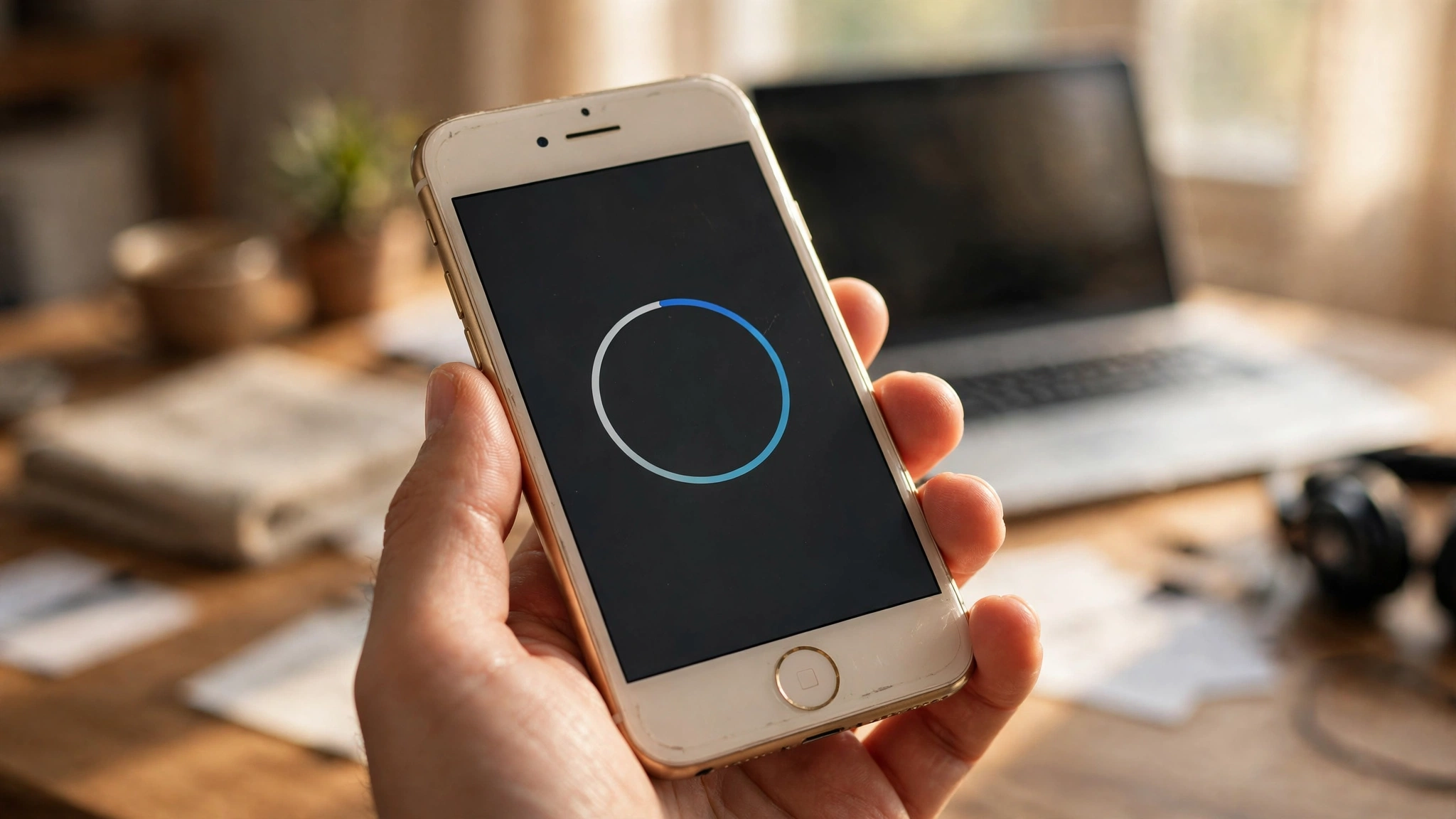
    Updating an older iPhone to iOS 15.8.8 in Settings to keep WhatsApp working

    Why WhatsApp Keeps Raising the Floor

    WhatsApp reviews its supported operating systems every year and drops the oldest versions — the ones with the fewest users and the ones most likely to be missing current security updates or features the app now depends on. This year’s iOS move is a modest one: the floor rises by four minor versions, from 15.1 to 15.5, and it catches un-updated software rather than unsupported hardware.

    The contrast with last year is the story. In June 2025, WhatsApp ended support for iOS below 15.1, which shut out the iPhone 5s, 6 and 6 Plus entirely — those phones are capped at iOS 12 and had no update path. This time, every device in the affected group has an update waiting for it. Android has a parallel change this year: support for Android 5.0 and 5.1 ended in September 2026, making Android 6.0 the minimum there.

    What Happens If You Miss the Deadline

    After November 30, an iPhone still running iOS 15.4 or older will no longer be able to use the WhatsApp app — chats stop syncing and new messages cannot be sent or received in the app. The account and chat history are not deleted, though: installing the iOS update afterwards restores normal service, because the device becomes supported again the moment it runs iOS 15.5 or newer.

    The Bottom Line

    Headlines about WhatsApp “dropping old iPhones” overstate this one. November 30 is a software deadline, not a hardware one: if you own an iPhone 6s, 7 or first-generation SE, a free update to iOS 15.8.8 — two minutes in Settings — keeps WhatsApp running. Do it now rather than in a panic on November 29.

    Related Guides

    • WhatsApp Is Redesigning Its Settings Page
    • WhatsApp Profile Cover Photos Are Coming to Personal Accounts
    • WhatsApp’s New Group Chat Features

    FAQs

    When does WhatsApp start requiring iOS 15.5?
    From November 30, 2026. WhatsApp’s supported operating systems page states that only iOS 15.5 and newer will be supported from that date, up from the current iOS 15.1 minimum. The same requirement applies to WhatsApp Business.

    Which iPhones are affected by the iOS 15.5 requirement?
    The iPhone 6s, iPhone 6s Plus, iPhone SE (1st generation), iPhone 7 and iPhone 7 Plus — specifically those still running iOS 15.0 to 15.4. On the iPad side, the iPad Air 2 and iPad mini 4 need iPadOS 15.5 or newer.

    Do I need to buy a new iPhone to keep WhatsApp?
    No. Every affected model can update to iOS 15.8.8, the final iOS release for those devices, which is above WhatsApp’s new minimum. A free software update is all it takes — no iPhone is being dropped outright this time.

    What happens if my iPhone is still on iOS 15.4 after November 30?
    The WhatsApp app will stop working on that device until it is updated. Your account and chats are not deleted; installing iOS 15.8.8 (via Settings → General → Software Update) makes the phone supported again and restores normal service.

    Share. Facebook Twitter Pinterest LinkedIn Tumblr Email
    Avatar photo
    Anas Ali
    • Website
    • X (Twitter)

    Anas Ali is a technology writer and editor at TechInKey, covering the latest developments in AI, smartphones, gadgets, software, apps, and digital technology. He focuses on creating clear, useful, and up-to-date content that helps readers understand new products, emerging technologies, and important technology trends.

    Related Posts

    WhatsApp Smart Text Actions: Dotted Underlines Turn Numbers, Dates and Addresses Into One-Tap Shortcuts

    November 3, 2026
    Add A Comment
    Leave A Reply Cancel Reply

    Recent Post

    Samsung November 2026 Security Update: Over 160 Flaws Fixed, Rollout Starts in the Coming Days

    November 3, 2026

    Android November 2026 Security Update: Critical RCE Fix, ‘SMS of Death’ Now Official, and Two Patch Levels Explained

    November 3, 2026

    WhatsApp Smart Text Actions: Dotted Underlines Turn Numbers, Dates and Addresses Into One-Tap Shortcuts

    November 3, 2026

    One UI 9 Rollout Schedule Explained: When Your Galaxy Phone Gets the Android 17 Update

    November 2, 2026

    Apple Intelligence Is Finally Coming to China With iOS 27.3 — Powered by Alibaba’s Qwen

    November 2, 2026

    TechInKey is your trusted source for the latest technology news, AI updates, gadget reviews, how-to guides, digital trends, and useful insights to help you stay informed in the fast-changing tech world.

    Email Us: contact@techinkey.com

    Facebook X (Twitter) Pinterest
    Recent Post

    Samsung November 2026 Security Update: Over 160 Flaws Fixed, Rollout Starts in the Coming Days

    November 3, 2026

    Android November 2026 Security Update: Critical RCE Fix, ‘SMS of Death’ Now Official, and Two Patch Levels Explained

    November 3, 2026

    WhatsApp Smart Text Actions: Dotted Underlines Turn Numbers, Dates and Addresses Into One-Tap Shortcuts

    November 3, 2026
    Most Popular

    Android November 2026 Security Update: Critical RCE Fix, ‘SMS of Death’ Now Official, and Two Patch Levels Explained

    November 3, 2026

    Apple iPhone Upgrade Program How It Works, Cost & Worth

    September 15, 2026

    Valeo SCALA 3 LiDAR: The Sensor Behind Level 3 and Level 4 Driving

    October 13, 2026
    • Homepage
    • About Us
    • Contact Us
    • Disclaimer
    • Privacy Policy
    • Terms & Conditions
    © 2026 TechInKey. All Rights Reserved.

    Type above and press Enter to search. Press Esc to cancel.