

Close Menu
techinkey.comtechinkey.com
    What's Hot

    Samsung News Is Shutting Down on December 21 — What Galaxy Users Need to Know

    October 31, 2026

    WhatsApp Profile Cover Photos Are Coming to Personal Accounts — Here’s How They Work

    October 31, 2026

    Android’s ‘SMS of Death’ Bug Can Crash Your Phone With One Invisible Text

    October 31, 2026
    Facebook X (Twitter) Instagram
    Trending
    • Samsung News Is Shutting Down on December 21 — What Galaxy Users Need to Know
    • WhatsApp Profile Cover Photos Are Coming to Personal Accounts — Here’s How They Work
    • Android’s ‘SMS of Death’ Bug Can Crash Your Phone With One Invisible Text
    • Android 17 QPR3 Beta 3 Is Out: App Lock Is Back, Plus 26 Fixes
    • One UI 9 Battery Drain? Why It Happens and 8 Fixes That Actually Help
    • WhatsApp’s 4 New Group Chat Features: Pin Forever, Group Status and More
    • OnePlus Ace 7 Pro Has a Built-In Cooling Fan — and It Just Sustained 185 FPS in a Gaming Test
    • Samsung Galaxy Fit 4 Leaks: New Colors, Bluetooth 5.4 — and One Big Question About GPS
    Facebook X (Twitter) Instagram Pinterest VKontakte
    techinkey.comtechinkey.com
    • Home
    • Tech News
    • Technology
    • SmartPhones
    • Gadget
    • Smart Car Tech
      • Electric Vehicles
    • How-To
    techinkey.comtechinkey.com
    Home - Apps - WhatsApp Profile Cover Photos Are Coming to Personal Accounts — Here’s How They Work
    Apps

    WhatsApp Profile Cover Photos Are Coming to Personal Accounts — Here’s How They Work

    Anas AliBy Anas AliOctober 31, 2026No Comments4 Mins Read
    WhatsApp profile cover photos featured image
    Share
    Facebook Twitter LinkedIn Pinterest Email

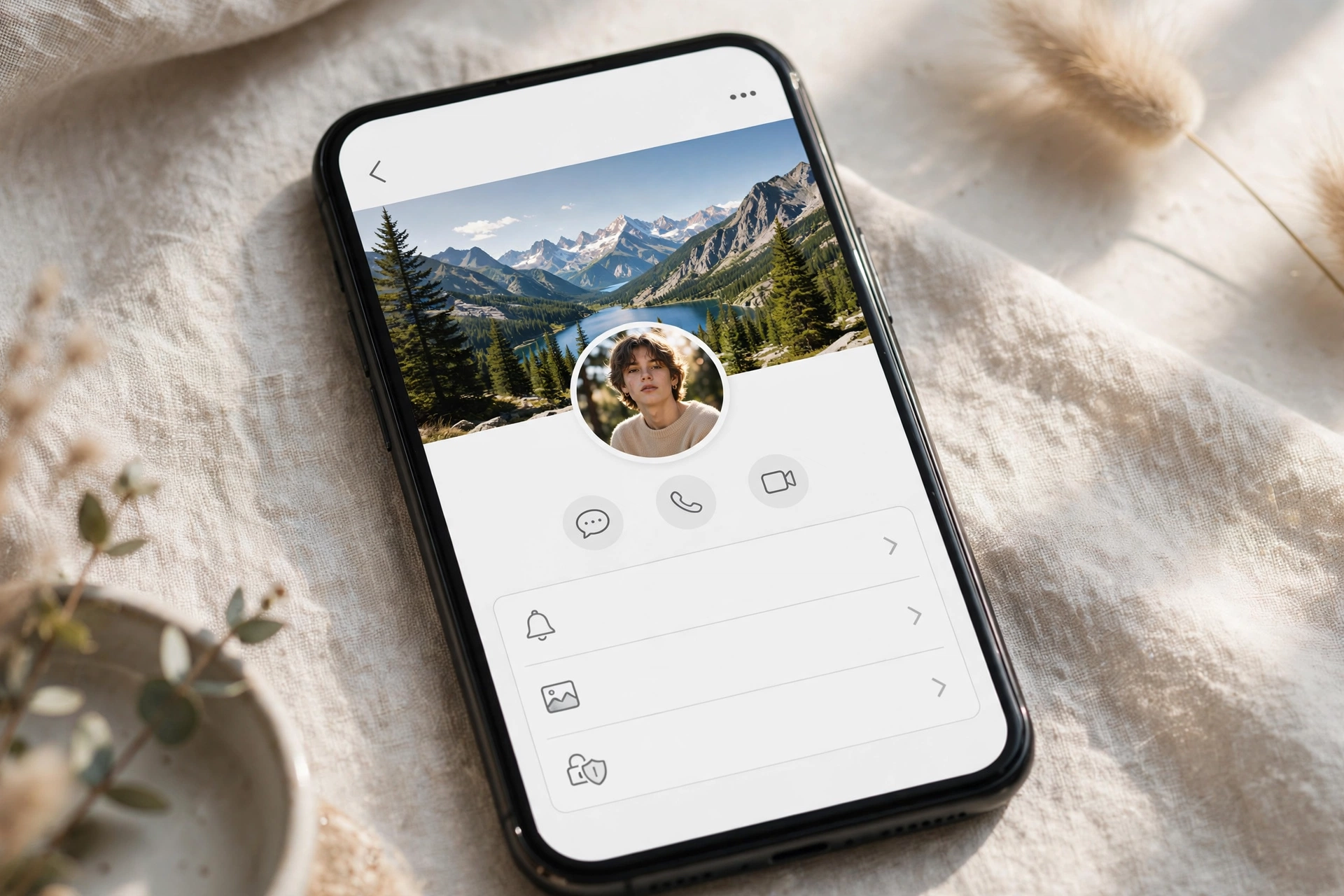
    Your WhatsApp profile is about to look a lot more like a Facebook profile. WhatsApp is rolling out profile cover photos for personal accounts — a wide banner image that sits above your profile picture — starting with some Android beta testers.

    Until now, cover photos were a WhatsApp Business-only feature. Here is what the feature does, how to set one when it reaches you, and the privacy setting you should check before you upload anything.

    Table of Contents

    Toggle
    • Key Takeaways
    • What Are WhatsApp Profile Cover Photos?
    • How to Set a Cover Photo
    • Check the Privacy Setting First
    • Who Can Get It Right Now?
    • The Bottom Line
    • Related Guides
    • FAQs

    Key Takeaways

    • Cover photos are rolling out to personal accounts in WhatsApp beta for Android 2.26.43.11, spotted by WABetaInfo.
    • The banner appears on your profile page, at the top of Settings, and on the chat info screen when someone opens your conversation.
    • You can take a photo, pick one from your gallery, or generate one with Meta AI — and it does not replace your profile picture.
    • There are four privacy options — Everyone, My contacts, My contacts except, and Nobody — and the default is Everyone, so review it first.
    • This is a beta rollout, not a stable release: no date has been announced for everyone else.

    What Are WhatsApp Profile Cover Photos?

    A cover photo is a landscape banner displayed at the top of your profile, above your existing profile picture, name and number. It is pure personalisation — the same idea as a Facebook cover photo — and both images live side by side: adding a cover does not remove or replace your profile picture.

    The banner shows up in three places: your profile page, the top of the Settings tab, and the chat info screen that other people see when they open a conversation with you and tap your name — provided your privacy settings allow them to see it.

    How to Set a Cover Photo

    When the feature reaches your account:

    1. Open WhatsApp and go to your profile page.
    2. Tap the Edit button.
    3. Choose how to add your cover: take a new photo, pick one from your gallery, or generate one with Meta AI.
    4. Adjust it, save — and then check the privacy setting below before you forget.

    Check the Privacy Setting First

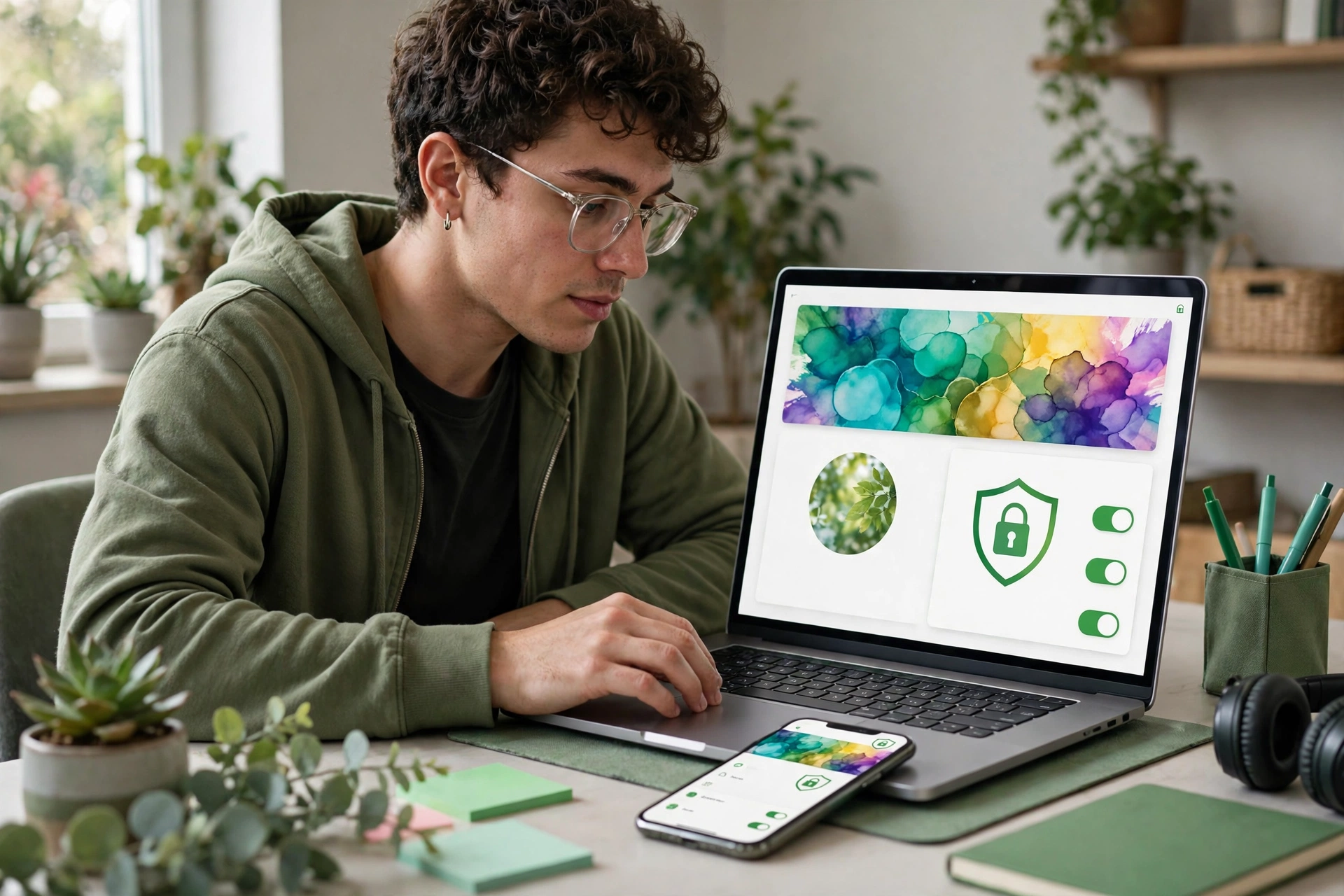
    WhatsApp gives cover photos their own privacy controls, separate from your profile photo settings:

    • Everyone
    • My contacts
    • My contacts except…
    • Nobody

    The catch: the default is Everyone, which means anyone — not just your contacts — can view your banner unless you change it. If you’re uploading a family photo or anything personal, switch it to My contacts (or stricter) first.
    WhatsApp profile cover photos illustration

    Who Can Get It Right Now?

    Honestly: very few people, for now. The feature was discovered in WhatsApp beta for Android 2.26.43.11 and is rolling out to some beta testers only. WhatsApp is expanding it gradually over the coming weeks, and installing the beta version does not guarantee you’ll see it immediately — the switch is flipped account by account on WhatsApp’s side.

    There is no announced date for the stable rollout, and nothing confirmed yet about iPhone availability. If you’re not a beta tester, the realistic move is simply to keep WhatsApp updated and watch your profile page.

    The Bottom Line

    Cover photos are a small feature, but they mark WhatsApp’s profiles becoming more expressive — first for businesses, now for everyone. If you’re in the Android beta, check your profile’s Edit menu; if you get the option, set your privacy level before you upload. Everyone else should treat this as “coming,” not “launched”: a beta sighting is a preview, not a release.

    Related Guides

    • WhatsApp’s 4 New Group Chat Features: Pin Forever, Group Status and More
    • WhatsApp’s Reels Shortcut Is Here — With a Catch
    • Spotify Family Plan QR Verification: How It Works

    FAQs

    How do I add a cover photo to my WhatsApp profile?

    Go to your profile page, tap Edit, then take a photo, choose one from your gallery, or generate one with Meta AI. The feature is currently limited to some Android beta testers (version 2.26.43.11), so the option may not appear on your account yet.

    Does a cover photo replace my WhatsApp profile picture?

    No. The cover photo is a banner shown above your profile picture — you keep both at the same time.

    Who can see my WhatsApp cover photo?

    Whoever your privacy setting allows: Everyone, My contacts, My contacts except, or Nobody. The default is Everyone, so check the setting before uploading a personal image.

    When will WhatsApp cover photos be available to everyone?

    WhatsApp has not announced a date. The feature is rolling out gradually to Android beta testers first, with a wider release expected over the coming weeks.

    Share. Facebook Twitter Pinterest LinkedIn Tumblr Email
    Avatar photo
    Anas Ali
    • Website
    • X (Twitter)

    Anas Ali is a technology writer and editor at TechInKey, covering the latest developments in AI, smartphones, gadgets, software, apps, and digital technology. He focuses on creating clear, useful, and up-to-date content that helps readers understand new products, emerging technologies, and important technology trends.

    Related Posts

    Android 17 QPR3 Beta 3 Is Out: App Lock Is Back, Plus 26 Fixes

    October 30, 2026

    WhatsApp’s 4 New Group Chat Features: Pin Forever, Group Status and More

    October 30, 2026

    iOS 27.2 Fixes 163 Security Flaws — Including Ones the Jailbreakers Used. Update Now

    October 28, 2026

    iOS 27.2 Is Coming This Week: New Siri Languages, a Health App Redesign, and the Fixes That Matter

    October 25, 2026
    Add A Comment
    Leave A Reply Cancel Reply

    Recent Post

    Samsung News Is Shutting Down on December 21 — What Galaxy Users Need to Know

    October 31, 2026

    WhatsApp Profile Cover Photos Are Coming to Personal Accounts — Here’s How They Work

    October 31, 2026

    Android’s ‘SMS of Death’ Bug Can Crash Your Phone With One Invisible Text

    October 31, 2026

    Android 17 QPR3 Beta 3 Is Out: App Lock Is Back, Plus 26 Fixes

    October 30, 2026

    One UI 9 Battery Drain? Why It Happens and 8 Fixes That Actually Help

    October 30, 2026

    TechInKey is your trusted source for the latest technology news, AI updates, gadget reviews, how-to guides, digital trends, and useful insights to help you stay informed in the fast-changing tech world.

    Email Us: contact@techinkey.com

    Facebook X (Twitter) Pinterest
    Recent Post

    Samsung News Is Shutting Down on December 21 — What Galaxy Users Need to Know

    October 31, 2026

    WhatsApp Profile Cover Photos Are Coming to Personal Accounts — Here’s How They Work

    October 31, 2026

    Android’s ‘SMS of Death’ Bug Can Crash Your Phone With One Invisible Text

    October 31, 2026
    Most Popular

    Samsung News Is Shutting Down on December 21 — What Galaxy Users Need to Know

    October 31, 2026

    XPeng L03 REEV Launches in Pakistan: Price, Range, and Charging

    October 13, 2026

    Xiaomi 18 Pro: Specs, Price in India & Launch Date (2026)

    October 10, 2026
    • Homepage
    • About Us
    • Contact Us
    • Disclaimer
    • Privacy Policy
    • Terms & Conditions
    © 2026 TechInKey. All Rights Reserved.

    Type above and press Enter to search. Press Esc to cancel.