


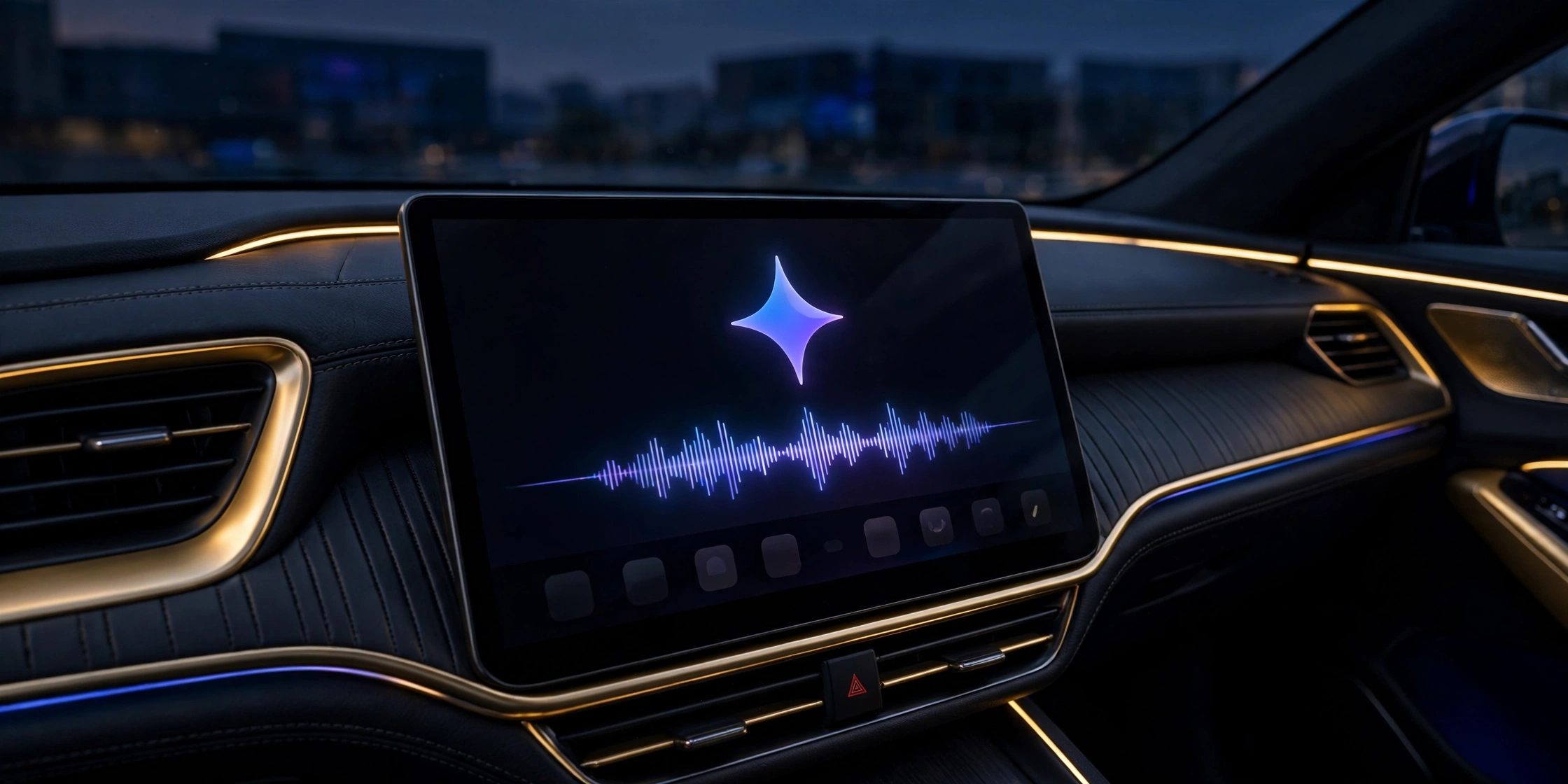
Google has brought its Gemini AI assistant to Apple CarPlay. The company announced on November 11, 2026 that the dedicated Gemini app is rolling out globally on CarPlay starting today, giving iPhone drivers hands-free, back-and-forth voice conversations with Gemini Live right from their car’s display.
Until now, CarPlay drivers could only reach Gemini through its limited integration inside the Google Maps app. The standalone Gemini app changes that: tap the Gemini icon on the CarPlay home screen or side rail and you get the full Gemini Live experience, with conversations that sync back to the Gemini app on your iPhone so you can pick them up again after you park.
Key Takeaways
- What launched: The standalone Gemini app on Apple CarPlay, rolling out globally from November 11, 2026.
- What it does: Hands-free Gemini Live voice conversations — check email, calendar and appointments, get a Daily Brief, and plan on the go.
- Who gets it: All Gemini users on iOS, free and paid, in every language Gemini Live supports.
- Setup: Latest Gemini app on your iPhone, microphone permissions on, and at least one Gemini Live session used on the phone first.
- The milestone: Gemini was the last major AI chatbot holdout on CarPlay — ChatGPT, Perplexity, Claude, Copilot, Meta AI and Grok were already there.
How Gemini Works on CarPlay
Gemini appears as its own app icon on the CarPlay home screen and in the side rail. Tap it and a simple waveform shows when Gemini is listening, thinking and responding, with End and Mute buttons in the top-left corner. Google describes the app as a “conversational driving companion that minimizes distraction” — built for talking, not tapping.
The assistant can catch you up on unread emails, tell you when your next appointment starts, and give you a Daily Brief of your day. Conversations started in the car sync with the Gemini app on your iPhone, so nothing is lost when you switch off the engine. Google says the rollout covers every language Gemini Live supports, and any car with CarPlay should work — the company lists no minimum iOS version and no specific car models.
What You Need Before It Works
Three things have to be in place before the Gemini icon does anything useful. First, update to the latest version of the Gemini app on your iPhone — the CarPlay app arrives through that update, and several reports noted it had not appeared in the App Store at the moment of the announcement, so it may land a few hours after the news. Second, microphone permissions must be switched on. Third, you need to have used Gemini Live at least once on your iPhone.
One more switch matters for the Daily Brief: it has to be turned on first, and Google says it — along with certain other personalisation features — is not available to users under 18 or to users in the European Economic Area or Nigeria.
The Last Major Chatbot to Reach CarPlay
The launch closes a gap that had been narrowing all year. On October 21, Gemini arrived inside Google Maps on CarPlay, but without the full Gemini Live experience of the dedicated chatbot app. Apple itself opened the door to voice-based conversational AI apps in cars with iOS 26.4, and one by one the rival chatbots moved in — ChatGPT, Perplexity, Claude, Copilot, Meta AI and Grok all run on CarPlay today.
Gemini was the last major holdout, and its arrival puts the iPhone on par with Android Auto and cars with Google built-in, where the Gemini app already runs. Apple is also adding its own standalone Siri app in iOS 27, which will support CarPlay too — so the car’s dashboard is fast becoming a battleground for AI assistants, not just a mirror of your phone.
Frequently Asked Questions
Is Gemini available on Apple CarPlay?
Yes. Google started rolling out the Gemini app on Apple CarPlay globally on November 11, 2026, to all Gemini users on iOS, in every language Gemini Live supports.
How do I use Gemini on CarPlay?
Update to the latest Gemini app on your iPhone, enable microphone permissions, and use Gemini Live on your phone at least once. Then tap the Gemini icon on your CarPlay home screen or side rail to start a conversation.
What can Gemini do on CarPlay?
It offers hands-free Gemini Live voice conversations: check unread emails, see upcoming appointments, get a Daily Brief, and plan your day. Conversations sync with the Gemini app on your iPhone.
Do I need a paid Gemini subscription for CarPlay?
No. The rollout covers all Gemini users on iOS, free and paid accounts alike.
How is this different from Gemini in Google Maps on CarPlay?
Gemini arrived inside Google Maps on CarPlay on October 21, 2026, but that was a limited integration. The standalone Gemini app brings the full Gemini Live voice experience to the car display.
Also read: Your Old Bentley Can Now Get Apple CarPlay and Android Auto — Official Retrofit Adds a 9.7-Inch Touchscreen, Android Auto Now Requires Android 11 — Older Phones Cut Off, and Google Is Replacing Gemini Gems With Skills — What Happens on November 17
Sources: Google (The Keyword blog), MacRumors, Engadget, 9to5Mac (Nov 11, 2026).
