


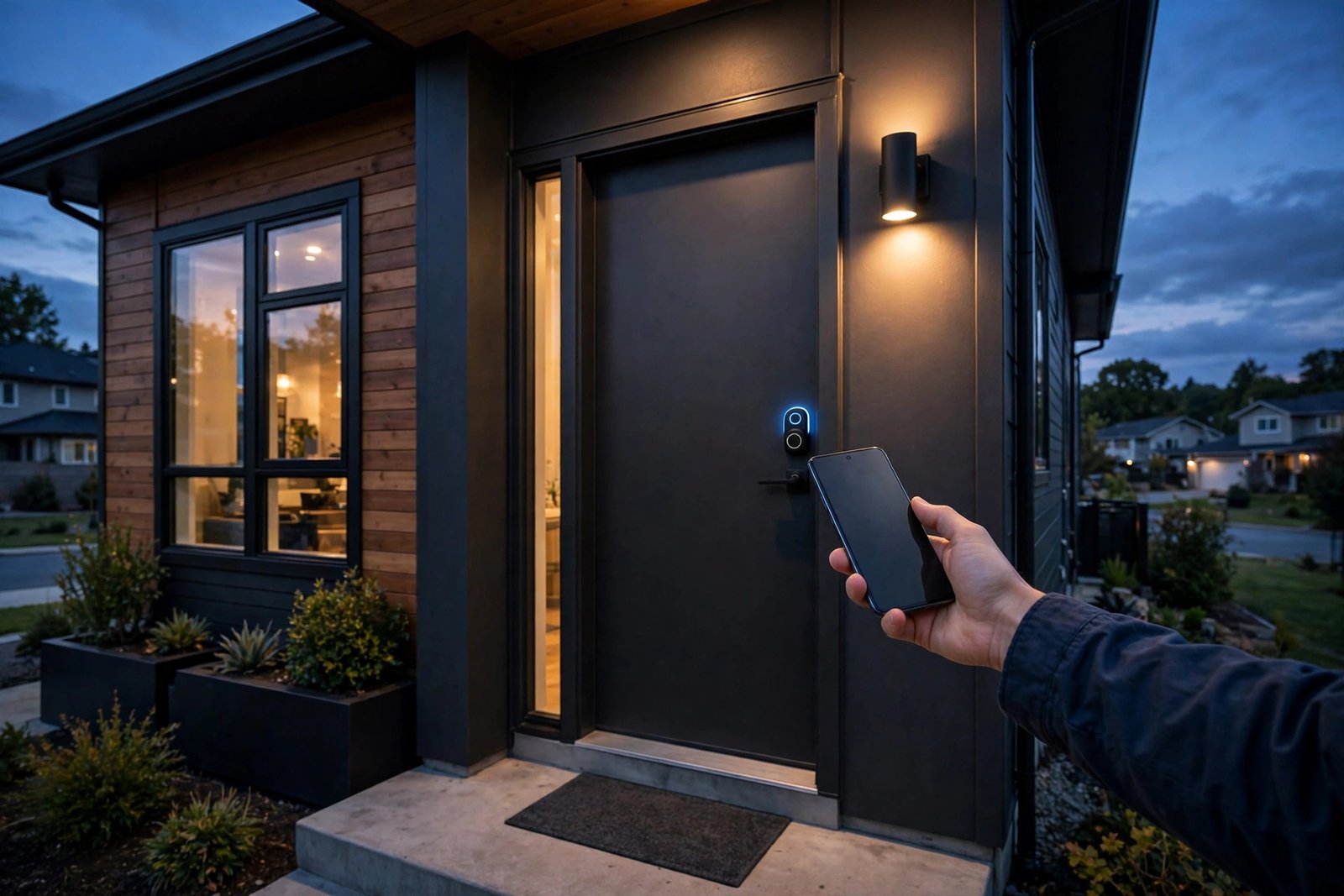
Google Wallet already holds your payment cards, your ID and your car key. Now it can hold your house key too. Google has started rolling out digital home keys in Google Wallet for Android, letting you unlock a compatible smart lock by tapping your phone against it — or, with the right hardware, by simply walking up to your front door.
The feature is built on Aliro, a new open access standard from the Connectivity Standards Alliance, the same group behind Matter. That matters, because it means the key is not tied to one lock maker or one phone brand. If your lock supports Aliro and works with Google Home, your phone can become the key.
There is a catch, and it is a big one for now: only three smart locks are supported at launch, and the rollout is starting with Google Home Public Preview users. Still, this is the moment Android catches up with something iPhone owners have had for years, and the hardware list will only grow from here.
Summary
- Google Wallet for Android now supports digital home keys for compatible smart locks in Google Home, rolling out from 11 November 2026.
- Tap to Unlock uses NFC and works on any NFC Android phone running Android 9 or newer — even with the screen locked, by default.
- Unlock on Approach uses ultra-wideband (UWB) to open the door hands-free as you walk up, but needs an Aliro UWB phone and lock.
- Three locks work at launch: Aqara U400, Schlage Sense Pro and Nuki Keypad 2 NFC. More models are coming.
- The rollout starts with Google Home Public Preview users, with wider availability expected over the coming weeks.
Two Ways to Unlock Your Door
The simplest way in is Tap to Unlock. Once a home key is saved in Google Wallet, you hold your phone near the lock and it opens over NFC. It works even when your phone screen is locked, which is the default behaviour — handy when your hands are full of shopping bags, though you can change the verification settings in the Wallet app to require a screen lock or biometric check first if you would rather trade a little convenience for security.
The flashier option is Unlock on Approach. With an Aliro UWB-compatible Android phone and an Aliro UWB-compatible lock, the door unlocks automatically as you walk up to it, with no tap and no app to open. Google specifically names the Pixel 10 Pro series and above, including the Fold and XL models, plus select UWB-enabled Samsung Galaxy phones. UWB is what makes the hands-free trick reliable: unlike Bluetooth, it can tell precisely how close you are to the door, so the lock does not open while you are still down the street.
The key is linked to your Google Home residence rather than to a single lock, so each of your compatible Aliro locks in the same home works with the one key in your Wallet. It also syncs automatically across compatible Android phones signed into the same Google Wallet account.
Which Smart Locks Work at Launch
Google has confirmed three Aliro locks at launch, and they do not all support the same features. The Aqara U400 is the most capable of the three, supporting both NFC tap-to-unlock and UWB unlock on approach. The Schlage Sense Pro supports NFC at launch, with UWB support to follow later. The Nuki Keypad 2 NFC supports NFC unlocking only.
That split is worth checking before you buy: if hands-free unlocking is what you want, the Aqara U400 is currently the only lock that can do it. Google says more models are coming, but has not named them or given dates.
It is also worth remembering that Apple has offered a similar home key feature in Apple Wallet for years. Android arriving late is not the story here — the story is that Google is doing it on an open standard, so locks, phones and platforms from different makers can all work together, rather than locking you into one brand’s ecosystem.
What You Need Before It Works
A digital home key is not just an app update, and the checklist is longer than most people will expect. First, you need a Matter-certified smart lock that supports Aliro — at launch, one of the three models above. Second, you need a Matter-enabled Google hub at home that acts as a Thread border router. Google lists four that qualify: the second-generation Nest Hub, the Nest Hub Max, Nest Wifi Pro and the Google TV Streamer.
Third, you need a phone that fits the unlocking method you want. Any NFC-enabled Android phone running Android 9 or newer can use Tap to Unlock. Unlock on Approach needs an Aliro UWB-compatible phone, which in practice means a Pixel 10 Pro or newer, or a supported Samsung Galaxy phone. You will also need the latest versions of the Google Home and Google Wallet apps.
Finally, you need to be in the Google Home Public Preview programme — the rollout began there on 11 November, with wider availability over the coming weeks. Google has not given a specific date, or said which countries get home keys first.
How to Add a Home Key to Google Wallet
If you already have a compatible lock set up in Google Home, the process is straightforward. When you set up one of the supported locks, the Google Home app will prompt you to save the key to your Wallet. You can also add it manually later by going to Home settings and then Google Wallet key.
Once added, the key appears as a card in Google Wallet with a Google Home logo and your home’s name, and it behaves like any other Wallet pass.
What It Cannot Do Yet
The launch is deliberately narrow, and the limits are worth stating plainly. Wear OS smartwatches are not supported at launch, so you cannot unlock your door from your wrist yet. Only three lock models work, which means most existing smart lock owners will find their lock is not on the list. And the whole feature is still in Public Preview, so even if you own a supported lock, you may not see the option until the wider rollout reaches you.
None of that makes the feature unimportant. Digital keys in Wallet have been creeping forward for years — car keys arrived first, then IDs — and a house key is the most everyday item of the lot. The question now is how fast the lock list grows. If Aqara, Schlage and Nuki are joined by the bigger lock brands over the next year, carrying a physical key could start to feel optional for a lot of Android households.
For now, the advice is simple. If you own one of the three supported locks and you are in the Public Preview, check the Home app — your key may already be waiting. If you are buying a smart lock, check for Aliro support before you pay. If your current lock is not on the list, wait for the wider rollout and the next wave of supported models.
Sources: 9to5Google (11 Nov 2026); Android Authority (11 Nov 2026); Android Police (12 Nov 2026).
Related Guides
- Pixel Wireless Charging Stops Working After the November Update, Owners Report
- Android 17 QPR2 Is Rolling Out Now — A Month Early, With the November Pixel Drop
- Apple HomeView and New Apple TV 4K Go On Sale Today — Both $299
FAQs
Q1. What are Google Wallet digital home keys?
Google Wallet digital home keys let you store your front-door key in Google Wallet on Android and unlock a compatible smart lock with your phone. The feature is built on Aliro, an open access standard from the Connectivity Standards Alliance, and it is rolling out from 11 November 2026, starting with Google Home Public Preview users.
Q2. Which smart locks work with Google Wallet home keys at launch?
Three locks are supported at launch: the Aqara U400, which supports both NFC tap-to-unlock and UWB unlock on approach; the Schlage Sense Pro, which supports NFC at launch with UWB to follow; and the Nuki Keypad 2 NFC, which supports NFC only. Google says more lock models are coming, but has not named them yet.
Q3. Which phones support Tap to Unlock and Unlock on Approach?
Tap to Unlock works on any NFC-enabled Android phone running Android 9 or newer, and it works even when the phone screen is locked by default. Unlock on Approach needs an Aliro UWB-compatible phone and lock — Google names the Pixel 10 Pro series and above, including Fold and XL models, plus select UWB-enabled Samsung Galaxy phones.
Q4. What else do I need at home for Wallet home keys to work?
You need a Matter-certified smart lock that supports Aliro, a Matter-enabled Google hub with Thread border router support — such as the Nest Hub (2nd gen), Nest Hub Max, Nest Wifi Pro or Google TV Streamer — and the latest Google Home and Google Wallet apps. The feature is rolling out first to Google Home Public Preview users, with wider availability over the coming weeks.
Q5. Can I unlock my door from my smartwatch with Google Wallet home keys?
No, not at launch. Wear OS smartwatches are not supported for home keys yet, so you cannot unlock your door from your wrist. You need a compatible Android phone to use Tap to Unlock or Unlock on Approach.
