


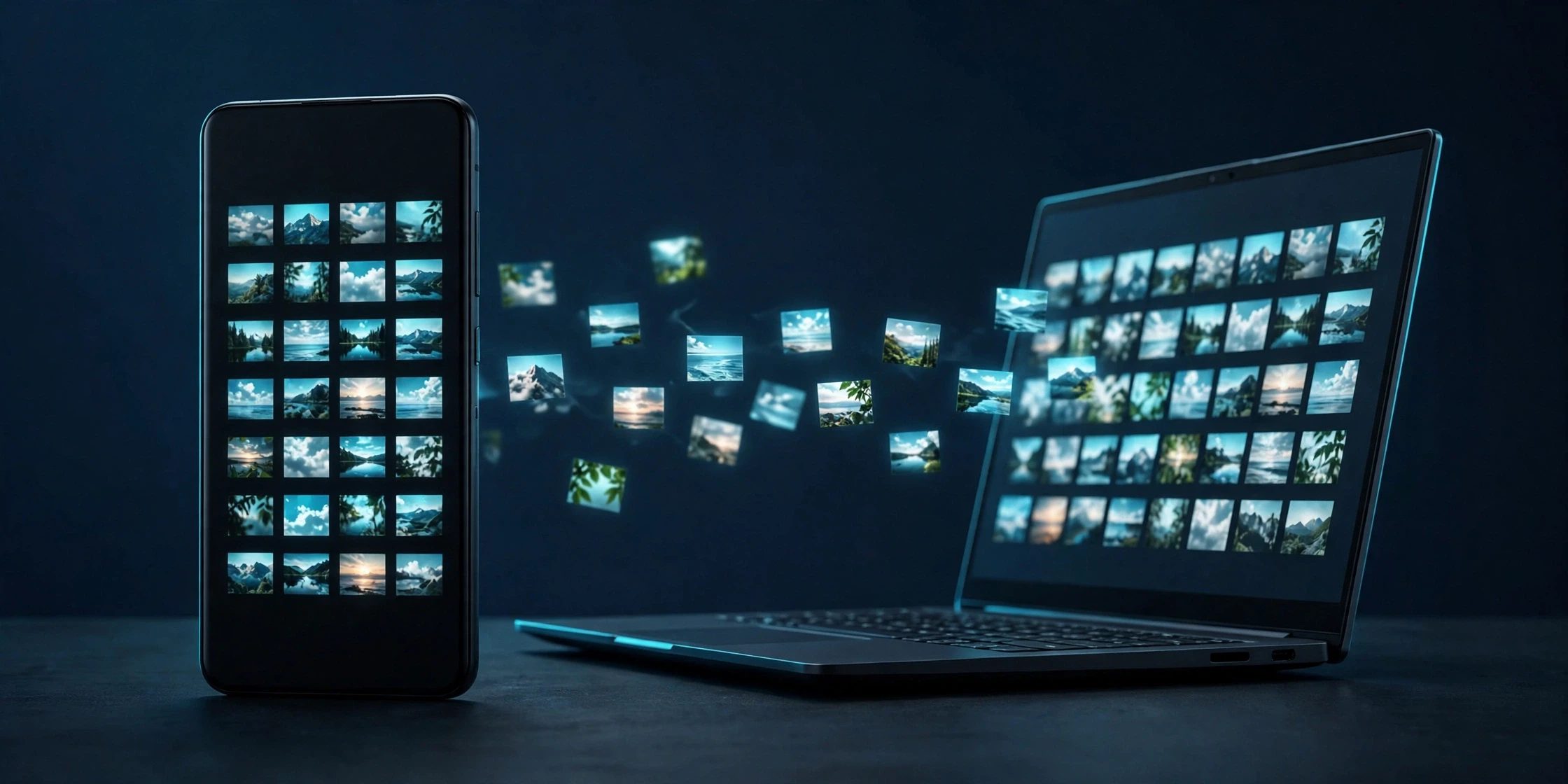
Google is quietly adding a free way to back up your Android photos — not to the cloud, but to your own Windows PC. The feature lives inside Quick Share, the sharing tool already built into most Android phones, and it copies photos and videos to your computer automatically, once a day, with no cable and no subscription. It is the first no-cost backup from Google that does not count against your Google storage.
The confirmation comes from Google itself, in a single line of its November 2026 System Services release notes. Under Google Play services version 26.43, dated November 2, the Device Connectivity section lists: “Automatic backing up photos/videos from an Android to Windows using Quick Share feature.” Android Authority was first to spot the entry; Android Police followed on November 10. That one line is all Google has officially said — the rest comes from code found inside Play services, so the details could still change.
Summary
- Google’s November 2026 System Services notes list automatic photo and video backup from Android phones to Windows PCs through Quick Share, in Google Play services v26.43 (dated November 2, 2026).
- The backup copies files to your own PC over your home Wi-Fi — no cable and no cloud subscription — with your Google account used only to link the two devices, according to Android Authority’s teardown reporting.
- Setup starts in the Quick Share app for Windows, with both devices signed in to the same Google account and the phone nearby.
- Backups run once a day when the phone and PC are switched on, nearby and on the same Wi-Fi network, with a “Back up now” button for a manual run.
- Samsung phones — and, in later code, Samsung PCs — may not be supported at first, according to Android Authority’s teardowns; Google’s own release note confirms no brand exclusion.
- The feature is rolling out gradually with Play services updates, so it may take weeks or months to appear on your phone.
What Google Actually Confirmed
It is worth being precise about what is official and what is not. Google’s release note confirms three things: the feature exists, it backs up photos and videos from Android to Windows, and it uses Quick Share. It says nothing about setup steps, which phones get it, when it arrives, or whether any brand is left out.
Everything else comes from Android Authority, which has tracked the feature in Play services code since April 2026, when an “Automatic backup” option first surfaced in Quick Share settings. A release-note listing is stronger than a teardown alone, but a feature found in code can still change before it reaches everyone.
How the Backup Is Supposed to Work
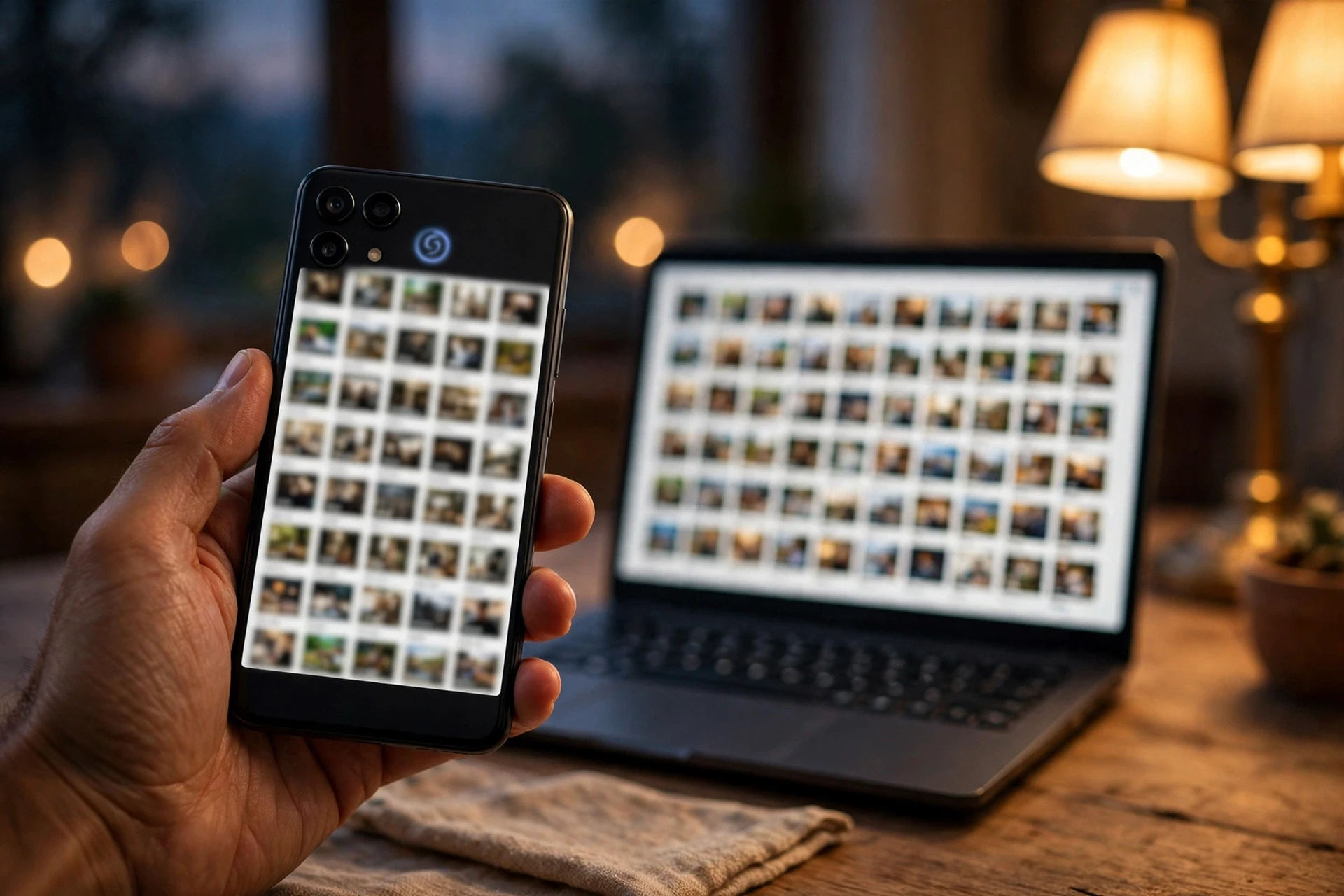
Quick Share already lets you send photos, videos and documents from an Android phone to a nearby Windows PC, but only when you choose each file by hand. The new option removes that step: once switched on, Quick Share copies selected photos and videos to the PC by itself.
Setup starts on the computer, not the phone. According to setup text Android Authority found, you open the Quick Share app for Windows, keep your phone nearby and switched on, and sign both devices in to the same Google account. Then you turn on automatic backup and choose what to save. The account only links the two devices — the files travel over your home network, not through Google’s cloud.
After that, the backup runs once a day, while the phone and the PC are switched on, nearby and on the same Wi-Fi network. A “Back up now” button starts one at any time. How much control you get over the selection is still unclear — Google’s note does not say.
Why This Matters: the 15GB Problem
The reason a free, local backup is news at all is Google Photos. It is still how most Android users back up their pictures, and those uploads count against the 15GB of free storage that comes with a Google account — storage shared with Gmail and Google Drive. Once that fills up, the options are to pay for Google One or to delete things.
Google tightened that squeeze in July 2026, when all Android backup data — including text messages, call history and device settings — started counting towards the 15GB limit.
Quick Share backup sidesteps that entirely. A copy on your own PC costs nothing beyond the disk space you already own, and it does not touch your Google storage. Because it arrives through Play services rather than a full Android update, it can reach a wide range of phones without waiting for a manufacturer update.
The Samsung Question
One group of owners may have to wait. In July, Android Authority found code in Play services saying the feature would not support Samsung phones, and by October the restriction appeared to cover Samsung PCs as well. Neither Google nor Samsung has explained the exclusion publicly.
Treat that as unconfirmed: Google’s own release note says nothing about any brand being left out. Samsung owners should check whether the option appears once Play services 26.43 and the Quick Share app for Windows are both up to date.
What It Does Not Replace
A backup to one PC is still a single copy. If the computer’s drive fails, or the laptop is stolen, the photos go with it. People with irreplaceable pictures still need a second copy somewhere else — a cloud backup, an external drive, or both. Quick Share backup is a free safety net for the storage-full problem, not a complete backup plan.
There are practical limits too. The feature only covers Windows, with no mention of Mac or Linux support, and it needs both devices switched on, nearby and on the same Wi-Fi network. Having Play services 26.43 installed does not guarantee the toggle appears the same day; 9to5Google notes that changelog features can take weeks or even months to reach every phone.
How to Check Whether You Have It
To look for the feature, update Google Play services and the Quick Share app for Windows — on a Pixel, the Play services version sits under Settings, then Google services, then All services, then Privacy and security, then System services. Then open the Quick Share app on your PC, sign in with the same Google account as your phone, and look for an automatic backup option. If it is not there, wait a few days and check again.
Google has confirmed the feature, the setup path is visible in its own code, and the rollout has begun. For Android owners paying for storage just to keep their photos safe, a free backup to a PC they already own is worth the check.
Related Guides
- Samsung Gallery Now Backs Up Your Photos to Google Photos on One UI 9
- Android 17 QPR2 Is Rolling Out Now — A Month Early, With the November Pixel Drop
- Android 17 QPR3 Beta 4 Is Out for Pixel Phones, Fixing Lag, Crashes and Battery Drain
Frequently Asked Questions
What is Quick Share automatic photo backup?
It is a new option in Google’s Quick Share that automatically copies photos and videos from an Android phone to a Windows PC, over your home Wi-Fi, without a cable or a cloud subscription. Google lists it in the November 2026 System Services release notes under Google Play services v26.43, dated November 2, 2026.
How do I set up Quick Share automatic backup to my PC?
Setup starts in the Quick Share app for Windows, not on the phone. Keep your phone nearby and switched on, sign both devices in to the same Google account, then turn on automatic backup and choose what to save. The details come from setup text Android Authority found in Play services code, so they could still change.
Does Quick Share backup use my Google storage?
No. According to Android Authority’s teardown reporting, the files travel over your home network to your own PC, and your Google account is only used to link the two devices. The backup does not count against the 15GB of free Google storage.
Will Quick Share automatic backup work on Samsung phones?
Unconfirmed. Android Authority found code in Play services suggesting Samsung phones — and later Samsung PCs — would not be supported at first, but Google’s own release note confirms no brand exclusion. Check whether the option appears once Play services and the Quick Share app for Windows are up to date.
When will Quick Share automatic backup be available on my phone?
There is no fixed date. The feature arrives with Google Play services v26.43, which rolls out gradually, and 9to5Google notes that a changelog listing does not mean a feature is widely available — it can take weeks or even months to reach every phone.
Sources
- Android Authority, Nov 2, 2026 — first spotted the Quick Share automatic backup entry in Google’s November System Services release notes (Play services v26.43); teardown reporting since April 2026 on setup and daily backup behaviour
- Android Police, Nov 10, 2026 — “Out of Google storage? Quick Share will soon back up your photos to your PC for free”
- Siasat, Nov 13, 2026 — “Android users may soon get a new way to back up photos for free”
- Google System Services release notes, November 2026 — Google Play services v26.43 (2026-11-02), Device Connectivity: “Automatic backing up photos/videos from an Android to Windows using Quick Share feature”
- 9to5Google, Nov 2026 — spotted the entry in the Nov 2 changelog; notes a changelog listing does not mean a feature is widely available
