


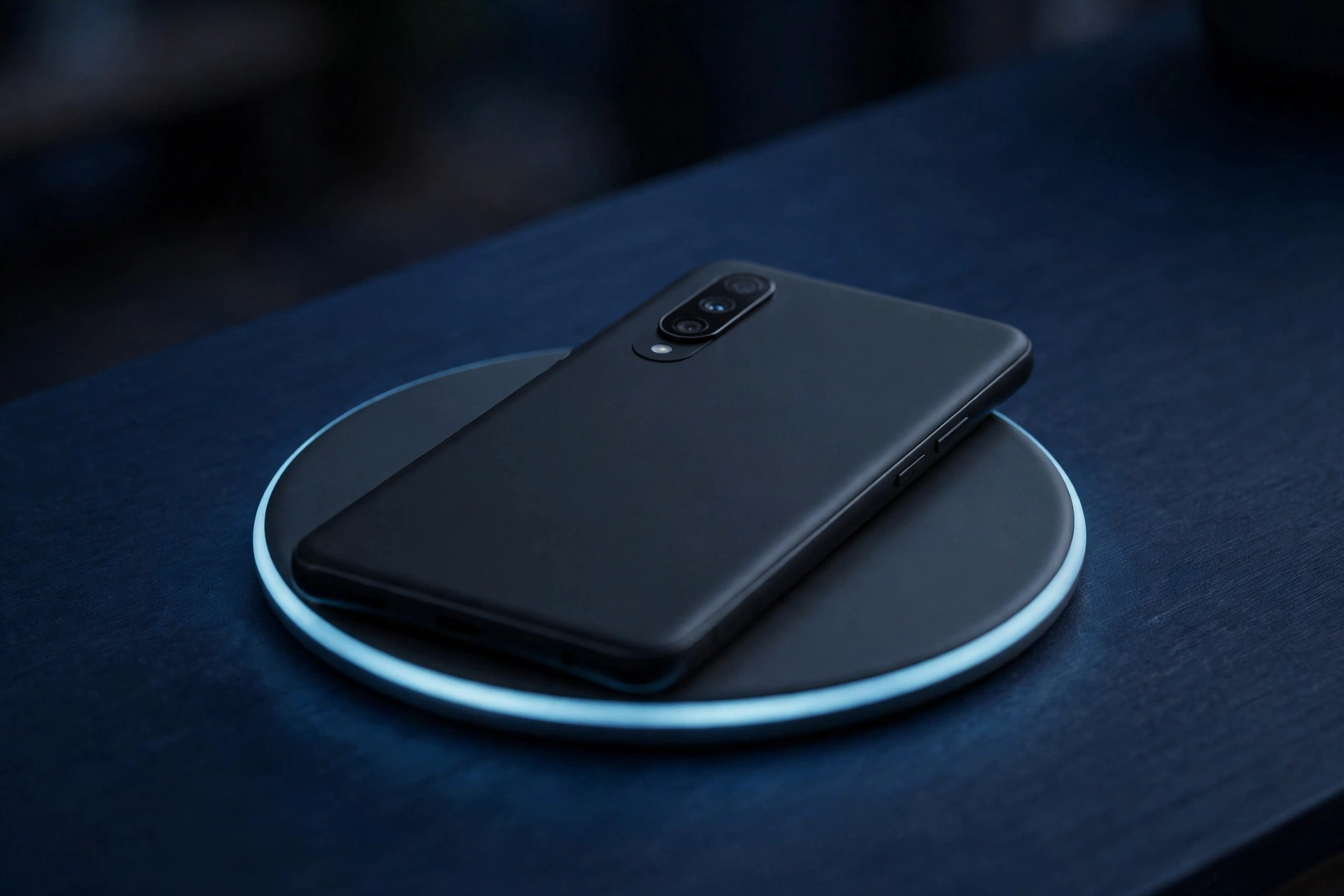
Some Pixel owners say their phones stopped charging wirelessly right after installing Google’s November 2026 update. The symptom is strange: the phone sits on the pad, shows the charging icon, and slowly loses battery anyway. Google has not confirmed the update is the cause, and has not announced a fix — but the reports are specific, and similar, enough to take seriously.
The update in question began rolling out on November 10, bundling Android 17 QPR2, the November Pixel Drop and the 2026-11-05 security patch for the Pixel 6a and newer, plus the Pixel Tablet and foldables.
Key Takeaways
- Some Pixel owners report wireless charging stopped working after installing Google’s November 2026 update (Android 17 QPR2, November Pixel Drop, 2026-11-05 patch).
- The reported symptom: the phone shows a charging indicator on a certified Qi2 pad, but the battery percentage keeps dropping.
- The best-documented case is a Pixel 10 Pro XL owner posting on Google’s support forum; other owners replied with similar reports.
- There is no confirmed link between the update and the problem — only timing and user reports — and Google has not published a statement or a fix.
- Wired charging still works on the affected phones, according to the reports.
- Before blaming the update, rule out the usual causes: case and magnetic accessories, a misaligned phone, an uncertified charger, and Adaptive charging holding the level at 80%.
What Owners Are Reporting
The complaints trace back to a post on Google’s support forum, first reported by Android Authority on November 12 and followed up by Android Police the same day. A Pixel 10 Pro XL owner wrote that the phone lost its wireless charging ability after installing Google’s November 5 update, which arrived with the new Pixel Drop. Other users replied with the same behaviour.
The detail that makes the reports hard to dismiss is the consistency of the symptom. On a certified Qi2 wireless charger, the charging icon appears as normal and the battery percentage goes down instead of up. The owner who started the thread said the chargers had all worked before the update. Android Police reports a similar account from a Pixel 10 Pro owner: the phone looks like it is charging, but it slowly loses battery while sitting on the pad.
That is worse than charging slowly: a slow phone still gains battery overnight, while a draining one leaves its owner with less charge in the morning. It is also easy to miss — everything on screen looks normal, and only the falling percentage gives it away.
How Widespread Is It?
Nobody knows yet — the evidence so far is thin. Android Authority describes the problem as not yet appearing widespread, but not an isolated case either: a couple of Pixel users have reported it, and the support thread has drawn replies from others with similar symptoms. The November update covers 23 Pixel devices, from the Pixel 6a through the Pixel 11 Pro Fold. If the bug affects only a small subset of phones, it could take days for the pattern to become clear — the Pixel 10 Pro XL is the best-documented case so far, and other models have not been confirmed as affected.
Android Authority also stresses that there is no concrete evidence linking the bug to the November update beyond timing and user claims. A charger fault, a case, or a settings quirk can produce the same symptom. The update is a suspect, not a verdict.
What Google Has — and Has Not — Said
Google has not acknowledged this specific problem or announced a fix. Android Authority says it has reached out to Google for comment, with no response reported yet.
One item in Google’s November changelog looks related, but probably is not: a fix for the charging indicator appearing when no charger was connected. Android Authority notes that fix is unlikely to be connected to the new complaints — it addresses the opposite problem.
That leaves owners waiting: report the problem in detail, keep a wired cable handy, and watch the next monthly update and Pixel Drop for a charging fix. Past Pixel charging bugs were fixed in later monthly updates, but that proves nothing about this case.
Check These First Before Blaming the Update
If your Pixel shows the charging icon on a wireless pad but the battery keeps falling, work through the simple causes first. These are Google’s own published wireless-charging troubleshooting steps, and each one rules out a common cause in minutes.
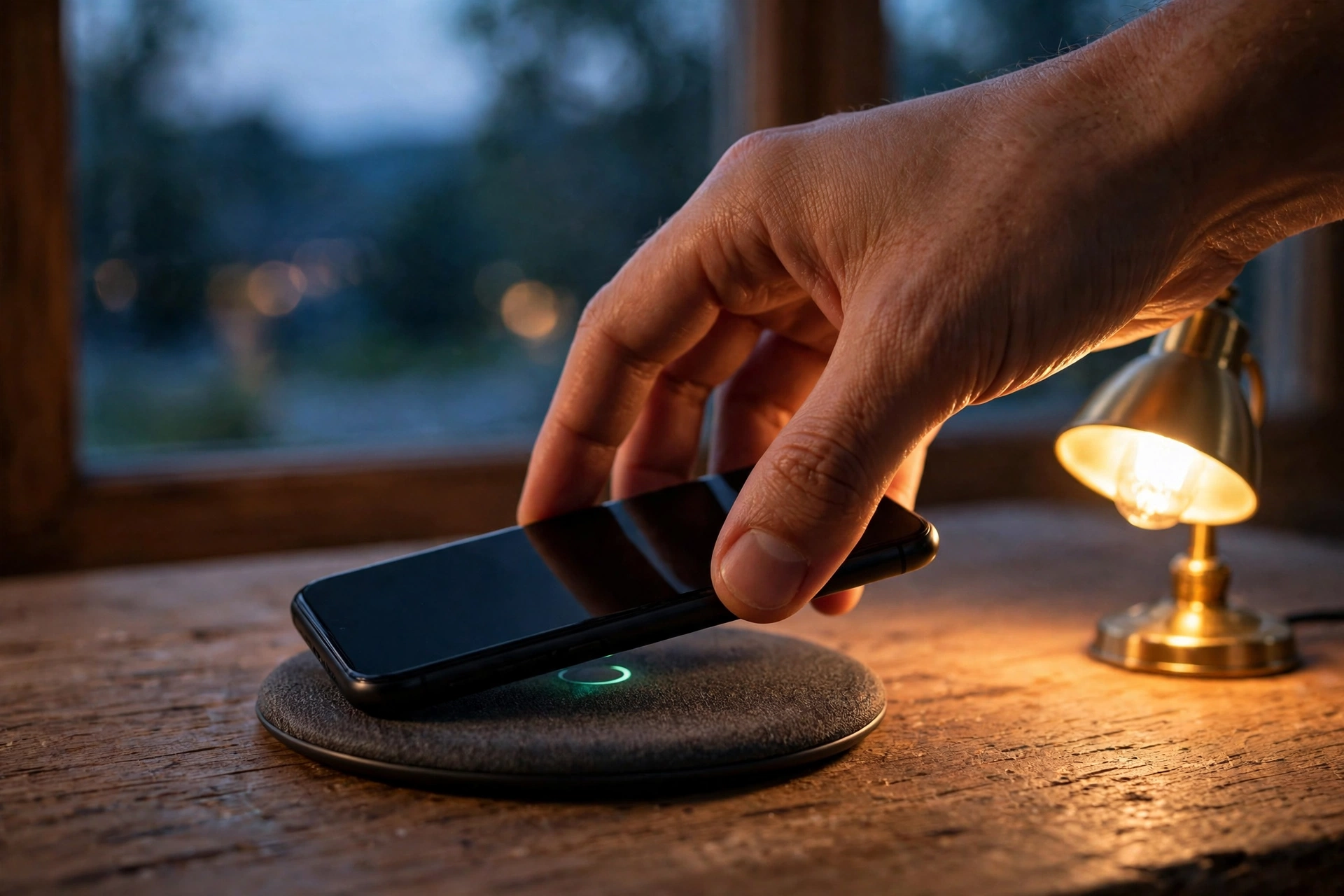
First, take the case off — Google advises removing any case and metal or magnetic accessories, such as ring holders or card wallets, from the back of the phone. Then re-centre the phone on the pad: a small offset from the charging coil can break the connection. Unplug any USB-C cable too.
Next, try a different charger. Google recommends a Qi2-certified charger and Made for Google accessories, and notes that some Qi1-certified in-vehicle chargers can cause intermittent charging on Qi2-certified Pixel 10 models. If the phone charges normally on a second pad, the update was probably not the problem.
Then check the settings that can hold the battery level on purpose. Adaptive charging and Limit to 80% keep the battery at a set level deliberately, and Google says slow charging above 80% is expected when Adaptive Charging is active. The setting lives under Settings, then Battery, then Battery health, then Charging optimization. If the battery sits near 80% while the icon shows charging, that may simply be the feature at work — switch it off temporarily and test again.
Finally, restart the phone and let it cool for several minutes — a warm phone can pause wireless charging. Confirm the patch level under Settings, then About phone, then Android security update: supported Pixels should show the 2026-11-05 level or later. An older level means the update may not have finished installing.
What to Do If It Keeps Happening
If the phone still drains on a good, certified pad after those checks, report it in the Google Pixel Community thread — phone model, charger brand and model, and patch level. Specific details help Google’s engineers spot a pattern.
If the phone will not charge on certified chargers even after a restart, contact Google Support about repair or replacement — a failing charging coil is a hardware fault no setting will fix. Avoid drastic steps first: unofficial rollbacks and factory resets carry their own risks.
Test your wireless charging tonight: note the percentage, leave the phone on the pad for half an hour, and check again. If it is climbing, you are fine. If it is falling while the icon says it is charging, add your report to the thread.
Related Guides
- Android 17 QPR3 Beta 4 Is Out for Pixel Phones, Fixing Lag, Crashes and Battery Drain
- Android 17 QPR2 Is Rolling Out Now — A Month Early, With the November Pixel Drop
- Pixel November 2026 Update Delayed: Android 17 QPR2 May Arrive Early Instead
Frequently Asked Questions
Is the November 2026 Pixel update breaking wireless charging?
Not confirmed. Some Pixel owners report wireless charging stopped working after installing the November update, but Android Authority notes there is no concrete evidence linking the bug to the update beyond timing and user claims. Google has not published an official statement about it, and has not announced a fix.
Which Pixel models are affected by the wireless charging problem?
The best-documented case is a Pixel 10 Pro XL owner, and Android Police reports a similar account from a Pixel 10 Pro owner. Other models have not been confirmed as affected, and the issue does not yet appear to be widespread, so treat claims about specific models with caution.
How do I check my Pixel’s security patch level?
Open Settings, then About phone, then Android security update. Supported Pixels should show the 2026-11-05 level or later after the November update. To look for pending downloads, use Settings, then System, then Software update.
Why does my Pixel stop charging at 80% on a wireless pad?
Adaptive charging or Limit to 80% may be holding the battery on purpose. Google says slow charging above 80% is expected when Adaptive Charging is active, because the phone aims to finish before you wake up. Check Settings, then Battery, then Battery health, then Charging optimization.
What should I do if wireless charging still does not work after the checks?
Report it in the Google Pixel Community thread with your phone model, charger brand and model, and patch level. If the phone still will not charge on certified chargers after a restart, contact Google Support about repair or replacement. Avoid unofficial rollbacks and factory resets as a first step.
Sources
- Android Authority (Robert Triggs), Nov 12, 2026 — “Pixel wireless charging bug reported after November update”
- Android Police, Nov 12, 2026 — “Wireless charging isn’t working for some Pixel devices after November update”
- Droid Life, Nov 10, 2026 — November Pixel update changelog (30+ fixes, including the charging-indicator fix)
- Google Pixel Update Bulletin / Pixel support guidance — 2026-11-05 patch level, Qi2 charger and Adaptive charging guidance (via the reporting above)
