


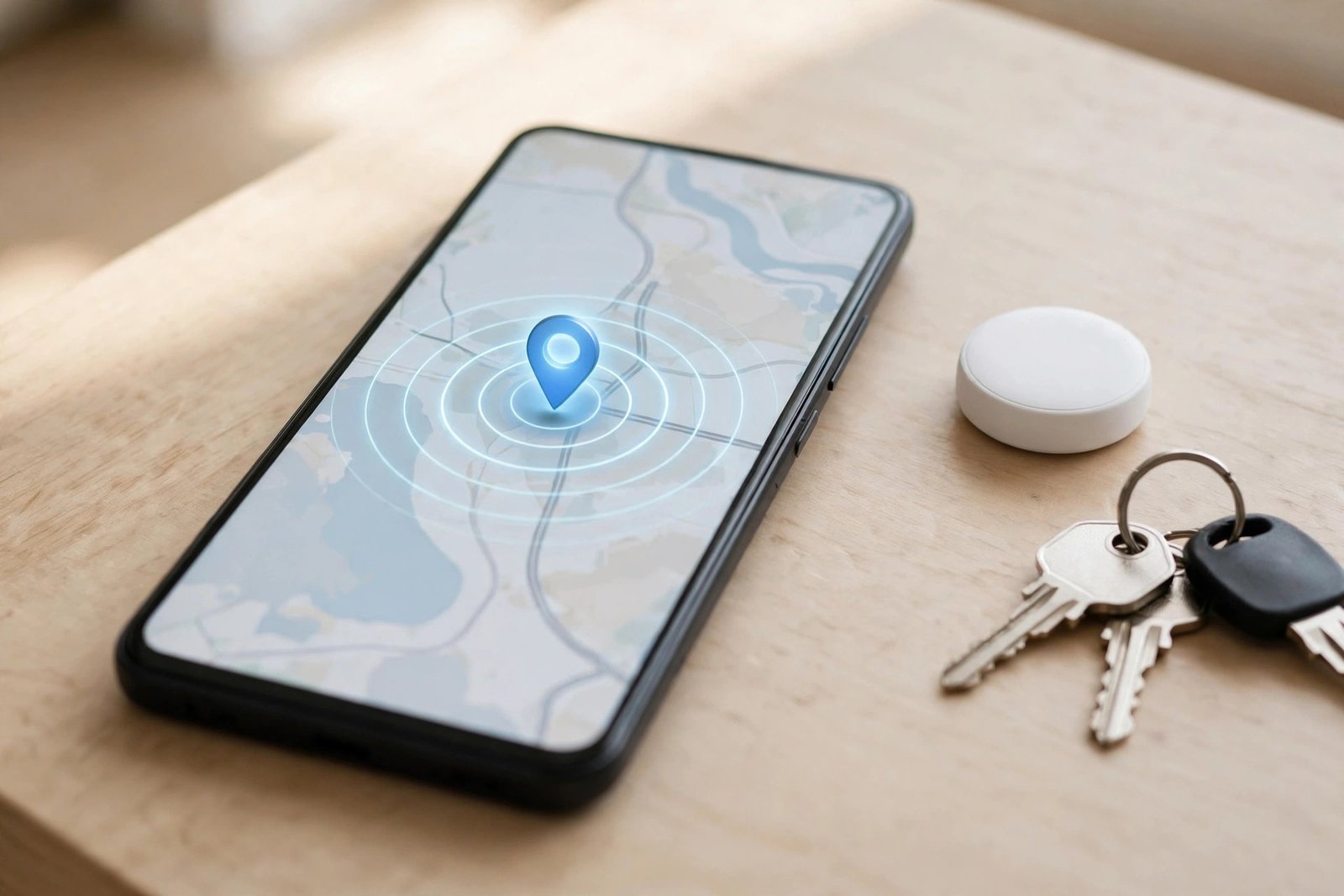
Google’s Find Hub app has a new trick for forgetful moments: it can now warn you when a Bluetooth tracker is left behind. The feature, called “Notify when left behind”, is rolling out to Android users now, and it takes only a few taps to switch on — if your tracker and your region are in the first wave. This guide explains exactly where the toggle lives, which trackers it works with today, and what it still cannot do.
The rollout was first reported by 9to5Google on November 15, 2026, with Engadget, Android Authority and SammyGuru publishing their own coverage on November 16. Google had previewed the idea about ten days earlier, describing a “Left-Behind” feature designed to proactively help prevent leaving items behind, and an October Google Play services changelog had already mentioned “Left-Behind Reminders”. The alerts are now live for at least some users, which makes this the right moment to check whether your own trackers can use them.
Summary
- Google Find Hub’s “Notify when left behind” alerts are rolling out now, first reported by 9to5Google on November 15, 2026.
- The toggle lives in the Find Hub app: open the app, select a tag, tap the settings gear, and switch on “Notify when left behind”.
- It works per tracker, so the toggle must be switched on separately for every item you want protected.
- Confirmed working so far on Chipolo trackers and Motorola’s Moto Tag, running Find Hub version 3.1.787-06, in the US and parts of Europe.
- Leaving home without a tagged item does not trigger an alert, thanks to an automatic exception for the Home address saved in your Google Account.
- Headphones and other Find Hub device types are not covered yet, and Google has published no distance or time threshold for when an alert fires.
What “Notify When Left Behind” Actually Does
Find Hub is Google’s app for locating Android phones, tablets, watches, headphones and Bluetooth trackers on a map. Until now, it could tell you where a tracker was, and it could make the tracker ring when it was nearby, but it would not tap you on the shoulder when you walked away from it. The new toggle closes that gap. Once it is switched on for a tag, Find Hub sends a notification when that tag separates from your phone, described in the app as a way to “receive a notification when this tag is separated from your phone”.
The idea is simple: a tracker on your keys, wallet or bag is only useful if you notice it is missing before you are too far away to go back. A separation alert turns the tracker from a finding tool into a prevention tool. It is the same idea Apple has offered in Find My for years, and Samsung has offered in SmartThings for Galaxy SmartTags and Buds. Google is late to this particular feature, but the arrival matters because Find Hub is the default tracker network for most Android phones, and third-party trackers such as Chipolo and Motorola’s Moto Tag plug straight into it.
It is worth being clear about what the alert is not. It does not track your tracker in real time, it does not tell you exactly where you left the item, and it does not guarantee you will get the warning in time to turn around. None of the reports published so far say how far a tag has to travel from the phone, or how long it has to stay separated, before the notification fires. That detail matters in exactly the situations where the feature is most useful — a crowded train platform, an airport security line, or a spot with weak connectivity — and for now it is simply unconfirmed. Treat the alert as a helpful nudge, not as a guarantee.
Which Trackers Support It Right Now
So far, the alert has been observed working on Chipolo trackers and Motorola’s Moto Tag, paired to an Android phone running Find Hub version 3.1.787-06. That is the version 9to5Google saw the toggle in, and it marks where the feature was observed rather than a stated minimum requirement. Someone running that version with a different tracker brand attached is not guaranteed to see the option.
The observed support includes third-party hardware, not just devices Google makes itself, which is a good sign for the wider Find Hub ecosystem. Google confirmed when it announced its own tracker earlier this year that left-behind notifications were coming to Find Hub, and the approaching launch of that tracker made a broader rollout likely. But the reports reviewed here do not provide a full compatibility list beyond Chipolo and Moto Tag. Other Find Hub-certified tags should not be assumed to support the toggle until it is confirmed in the app itself.
The alert also does not currently extend to other Find Hub-connected device types, including headphones. Android Authority’s teardown of the app found code suggesting Google is working on headset support, and app strings 9to5Google spotted about ten days ago referenced “headsets” and a “multiple_items_left_behind” string. None of that is functional yet, so treat it as a roadmap signal, not a feature available today. If you were hoping your earbuds would warn you before you left them on a plane, that day has not arrived.
How to Turn On Find Hub “Notify When Left Behind”
The setup takes a few taps, and the steps are confirmed across multiple outlets. Before you start, update the Find Hub app from the Google Play Store so you are on the newest version available to you. The feature is rolling out in stages, so having the latest app version does not guarantee the toggle will be there — but running an old version guarantees it will not.
- Open the Find Hub app on your Android phone. Make sure the tracker you want to protect is paired and showing in the app.
- Select the tag from the device list. Tap the tracker — your keys, wallet or bag tag — to open its detail view.
- Tap the settings gear icon in the top-right corner of the bottom sheet that appears for that tag.
- Switch on “Notify when left behind”. The toggle sits in the tag’s settings. Once it is on, Find Hub will send a notification when that tag separates from your phone.
- Repeat for every tracker. The toggle is per tracker, so it has to be switched on separately for each item. Turning it on for your keys does nothing for the tag on your bag.
- Check new trackers during setup. Reports differ on whether the option can be configured when a tracker is first registered. SammyGuru says Google has updated the tag registration flow so the toggle can be set during initial setup, while Android Authority frames the same changelog more cautiously, noting that setup-time configuration “may” be available. Anyone unboxing a new tracker should check the setup screen first and fall back to the settings gear if the option is not there.
If the toggle is missing entirely, you are most likely waiting on the staged rollout rather than doing anything wrong. The feature is being switched on server-side, and Google has given no timeline for when it reaches every user. Check again after a few days, and make sure Find Hub is updated in the Play Store in the meantime. There is no hidden setting or beta programme to join to force it to appear.
The Home Exception, Explained
One detail the reports agree on is worth knowing before you rely on the feature: there is an automatic exception for the Home address saved in your Google Account in Maps. Leaving the house without a tagged item does not trigger an alert for that departure. That is deliberate. Most people leave keys, bags or wallets at home on purpose at some point, and an alert every time would train users to ignore the feature entirely.
Samsung’s version of this idea goes further, with Safe Places that users can define to cut down on unwanted alerts. The reports document the automatic Home exception in Find Hub, but none of them confirm whether users will eventually be able to add other saved locations, like an office or a school. App strings 9to5Google found about ten days ago referenced per-location, per-device exceptions under development, but that functionality is not confirmed as live. For now, Home is the only exception, and it is automatic rather than something you configure.
How Find Hub Compares With Apple and Samsung
Google is not inventing this feature. Apple’s Find My has included separation alerts for compatible tracking devices for years, and Samsung added similar functionality to SmartThings, covering Galaxy SmartTags and Buds, a few years ago. Both rivals have had time to refine the details Google has not published yet — the distance and timing thresholds, the list of supported devices, and the handling of safe locations.
That history is useful context for Android users, because it shows what a finished version of this feature looks like. Apple’s alerts let users set trusted locations where no warning fires, and Samsung’s Safe Places do the same. Find Hub currently offers only the automatic Home exception, with per-location exceptions still only visible in app code. The gap is not a reason to skip the feature — an alert with rough edges is still better than no alert when your keys are sitting on a cafe table — but it is a reason to keep expectations modest while the rollout continues.
The rollout also signals where Google is taking Find Hub. The app started as a way to find lost phones. It has since absorbed tracker support, and now it is adding the kind of proactive alert that Apple and Samsung treat as standard. Headset support and multi-item alerts are already visible in the app’s code, which suggests this toggle is the first step rather than the finished product. For now, owners of a Chipolo tracker or a Moto Tag can open Find Hub, select the tag, tap the settings gear, and look for “Notify when left behind” today. Everyone else should watch the Play services release notes and check back — the toggle is coming, just not to every phone on the same day.
FAQs
How do I turn on “Notify when left behind” in Find Hub?
Open the Find Hub app, select the tag from the device list, tap the settings gear icon in the top-right corner of the bottom sheet, then switch on “Notify when left behind”. The toggle is per tracker, so repeat the steps for every item you want protected. If the option is missing, your account is likely still waiting on the staged rollout — update Find Hub from the Play Store and check again in a few days.
Which trackers support Find Hub left-behind alerts?
So far the feature has been confirmed working on Chipolo trackers and Motorola’s Moto Tag, running Find Hub version 3.1.787-06. Other Find Hub-certified trackers may follow, but no full compatibility list has been published, and support should not be assumed for other brands until the toggle appears in the app for that device.
Why don’t I see the “Notify when left behind” toggle?
The most likely reason is the staged rollout: Google is switching the feature on server-side, and it has given no timeline for reaching every user. The toggle has been observed in the US and parts of Europe only. Make sure Find Hub is updated in the Play Store and that the device you selected is a tracker — headphones and other Find Hub device types are not supported yet.
Does Find Hub warn me if I leave a tracker at home?
No. There is an automatic exception for the Home address saved in your Google Account in Maps, so leaving the house without a tagged item does not trigger an alert. The exception is automatic and cannot be changed. Support for additional saved locations, such as an office or a school, has been spotted in app code but is not confirmed as live.
Do left-behind alerts work with headphones or other Find Hub devices?
Not yet. The alert currently covers Bluetooth trackers only, and it does not extend to headphones or other Find Hub-connected device types. Code found in the Find Hub app suggests Google is working on headset support, and app strings have referenced a “multiple_items_left_behind” option, but neither is functional today.
Sources: 9to5Google (November 15, 2026); Android Authority (November 16, 2026); Engadget (November 16, 2026); SammyGuru (November 16, 2026).
