


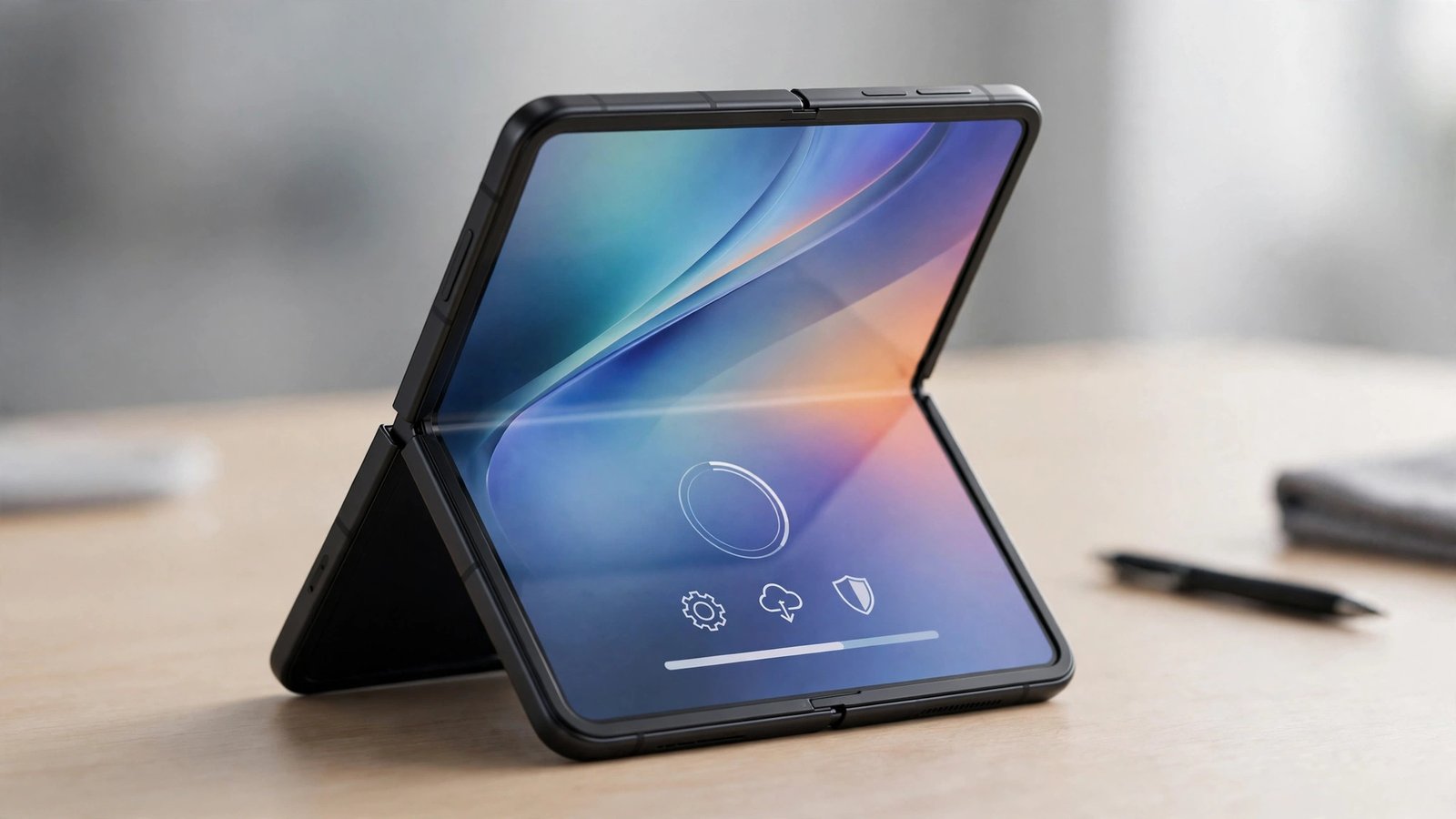
Motorola has started rolling out the stable Android 17 update to the Razr Fold, its most expensive foldable phone. The update is seeding to non-beta users in Europe right now, with owners in Hungary and Spain the first to report receiving it. It is a big download — 4.15GB — and it carries firmware version A171WB.27-36-2.
The timing matters because the Razr Fold was the odd one out. Motorola had already pushed stable Android 17 to several of its folding and non-folding phones, including the cheaper Razr 50 Ultra, while owners of the flagship foldable were still waiting. That wait is now over — at least for the first wave of users.
There is one quirk: Motorola has not made an official announcement about the rollout. The news comes from owners themselves, who have posted screenshots of the update notification on Reddit. That is normal for Motorola’s staged rollouts — the company often seeds an update quietly to a small group of users first and widens it over days and weeks — but it also means there is no official timetable yet for the rest of the world.
What Is in the Update
The update brings the full Android 17 experience to the Razr Fold, plus Motorola’s own additions. According to the changelog shared by users who received it, the headline changes are:
- A fresh, more expressive design — Android 17’s redesigned interface, with bolder shapes, smoother animations and more personalisation options across the system.
- Smarter notifications — notifications are better organised, with less clutter, so the important ones stand out.
- Faster multitasking — the update is tuned to keep more apps accessible at once, which matters most on a foldable, where the whole point is doing two things side by side.
- Stronger protection and controls — enhanced security features and tighter privacy controls.
Beyond the changelog, Motorola’s support documentation and early reports spell out the specific features Razr Fold owners will actually notice day to day.
Stackable Widgets
The update adds stackable widgets. Instead of filling the home screen with a separate widget for every app, you can stack several widgets in one spot and swipe through them. On a foldable, where screen space is generous but still finite, that is a genuinely useful way to keep the home screen tidy without losing quick access to calendars, music, notes and the weather.
Themed Icons and a Cleaner Home Screen
Android 17 brings themed icons to the Razr Fold, so app icons can match the system colour scheme instead of clashing with it. Owners can also hide the labels on settings tiles by switching to the Classic style, which gives the Quick Settings panel a cleaner, less cluttered look.
Live Updates and Notification Summaries
Live Updates let apps show ongoing activity — a delivery, a timer, a ride — in real time, without you having to open the app. Notification Summaries group and condense alerts so a flood of messages from one app reads as a single neat summary instead of a dozen separate pings. Together, they are the two features most likely to change how the phone feels every day, because they cut down the constant noise of a busy phone.
Bubbles and Screen Reactions
Bubbles turn an active app into a small floating window, so you can keep a chat or a video call hovering while you do something else. Screen Reactions let you record your screen and yourself at the same time — handy for quick tutorials, gameplay clips, or showing someone exactly what went wrong on your phone.
Better HDR Brightness and Security
The update also brings enhanced HDR brightness control and a round of performance optimisations and bug fixes under the hood. Security patches are part of the package, though Motorola has not published a separate security bulletin for this build.

The Telegram Bug Fix
One fix deserves its own mention. The Android 17 update resolves a bug that caused display and adaptation issues with Telegram and some other apps on the Razr Fold. Owners reported that Telegram did not always adapt properly to the foldable’s screens — content could look wrong or behave oddly when switching between the cover display and the main folding display.
For a phone whose main selling point is its two screens, an app that does not adapt to them properly is more than a minor annoyance. This fix alone makes the update worth installing for heavy Telegram users, even before any of the new features are considered.
Who Gets It, and When
Right now, the rollout is limited. Confirmed reports come from Hungary and Spain, and the update is going to non-beta users — people who never signed up for Motorola’s Android 17 beta programme. Motorola has not said when the rollout will reach other European countries, the US, or Asia, and US owners have not reported receiving it yet.
That is how Motorola does staged rollouts. A small group gets the update first so the company can watch for problems, then the wave widens over days and weeks. If you own a Razr Fold outside Hungary or Spain, the honest answer is: soon, but not today. Keep checking — the update will appear as a notification when it reaches your region and your specific model variant.
The update is large — 4.15GB — so connect to Wi-Fi before downloading, and make sure the battery is well charged, or plug the phone in. A download that size over mobile data is a bad idea, and an interrupted install is the one thing you want to avoid with a major OS upgrade.
How to Check for the Update on Your Razr Fold
If you are in a region where the rollout has started, the update should arrive as a notification. But notifications can be missed, and staged rollouts sometimes sit waiting. To check manually:
- Open Settings.
- Go to System, then Software update (on some Motorola phones this is under Settings > System > System update).
- Tap Check for updates.
- If firmware version A171WB.27-36-2 appears, tap Download and install.
- Wait for the 4.15GB download to finish, then let the phone restart and install. Do not switch the phone off during installation.
If no update appears, your phone has not been included in the wave yet. There is nothing wrong with your device — check again in a few days.
Why This Update Matters More Than Most
The Razr Fold shipped with Android 16 in May 2026, and Android 17 is the first of seven major Android upgrades Motorola has promised for the phone. The company’s software support runs through March 2033, which is a long commitment for a foldable — a category where buyers have historically worried about being abandoned after a year or two.
That promise only means something if the updates actually arrive on time. The Razr Fold being last in line for Android 17, behind cheaper Motorola phones, was not a great look, and owners noticed. Now that the stable update is finally seeding, the more important question is whether the remaining six upgrades arrive promptly, or whether the flagship foldable keeps waiting behind the rest of the range.
There is also a practical angle. Foldables live or die on software. The hardware — the hinge, the two screens, the cameras — was already good at launch. What makes a foldable feel like a flagship a year later is the software: widgets that stack properly, notifications that do not overwhelm a big screen, apps that adapt when the phone unfolds. Android 17 delivers several of those things at once, and the Telegram fix removes a real daily irritant.
What to Do Before You Install
A major Android upgrade is usually smooth, but a 4.15GB update on a foldable is worth a few minutes of preparation:
- Back up first. Make sure your photos, chats and files are backed up — Google One backup or your usual backup app — before starting the install.
- Free up space. The download is 4.15GB, and the installer needs working room on top of that. If storage is nearly full, clear out old downloads or cached files first.
- Use Wi-Fi and power. Download over Wi-Fi, with the phone plugged in or above 50% battery.
- Expect a warm phone. The first hour after a major update can feel warm and the battery can drain faster while apps re-optimise in the background. That usually settles within a day.
After installing, give the phone a day before judging battery life or performance. Major updates always trigger background work on the first boot, and the numbers on day one are not representative.
What Happens Next
The rollout should expand beyond Hungary and Spain over the coming days and weeks. Watch for reports from the US, the UK and Asia — once those appear, the update is effectively global. Motorola will also presumably publish the update on its support pages, with the full changelog, once the rollout is wider.
For Razr Fold owners, the message is simple: the update is real, it is stable, and it is coming. Check for it manually, install it over Wi-Fi, and enjoy the first major upgrade of the seven Motorola has promised.
FAQs
Is Android 17 available for the Motorola Razr Fold?
Yes. Motorola has started rolling out the stable Android 17 update to the Razr Fold, beginning with non-beta users in Europe — Hungary and Spain first. The update carries firmware version A171WB.27-36-2 and is about 4.15GB. The rollout is staged, so it will reach other regions over the coming days and weeks.
What is new in Android 17 for the Razr Fold?
The update brings a refreshed, more expressive design, smarter and better-organised notifications, faster multitasking, and stronger security controls. Specific new features include stackable widgets, themed icons, Live Updates, Notification Summaries, Bubbles, Screen Reactions, enhanced HDR brightness control, and the option to hide labels on settings tiles with the Classic style.
Does the Android 17 update fix the Telegram problem on the Razr Fold?
Yes. The update fixes a bug that caused Telegram and some other apps to have display and adaptation issues on the Razr Fold’s screens. If Telegram looked or behaved oddly when switching between the cover display and the main folding display, this update should resolve it.
How do I check for the Android 17 update on my Razr Fold?
Open Settings, go to System, then Software update, and tap Check for updates. If firmware version A171WB.27-36-2 is available for your phone, tap Download and install. Use Wi-Fi for the 4.15GB download and keep the phone charged during installation.
How many Android updates will the Motorola Razr Fold get?
Android 17 is the first of seven major Android upgrades Motorola has promised for the Razr Fold. The phone shipped with Android 16 in May 2026, and Motorola’s software support runs through March 2033.
More from TechInKey:
- Motorola Razr 50 Ultra Gets Stable Android 17 in Europe — US Owners Still Waiting
- Motorola Opens Android 17 Beta for 14 More Phones — Moto G Stylus, Edge 50 and Razr Models Included
- Google Pixel Tag Arrives as the AirTag Rival — Price, Specs and What It Tracks
Sources: GSMArena (Nov 19, 2026), Gadgets360 (Nov 19, 2026), tbreak (Nov 19, 2026).
