


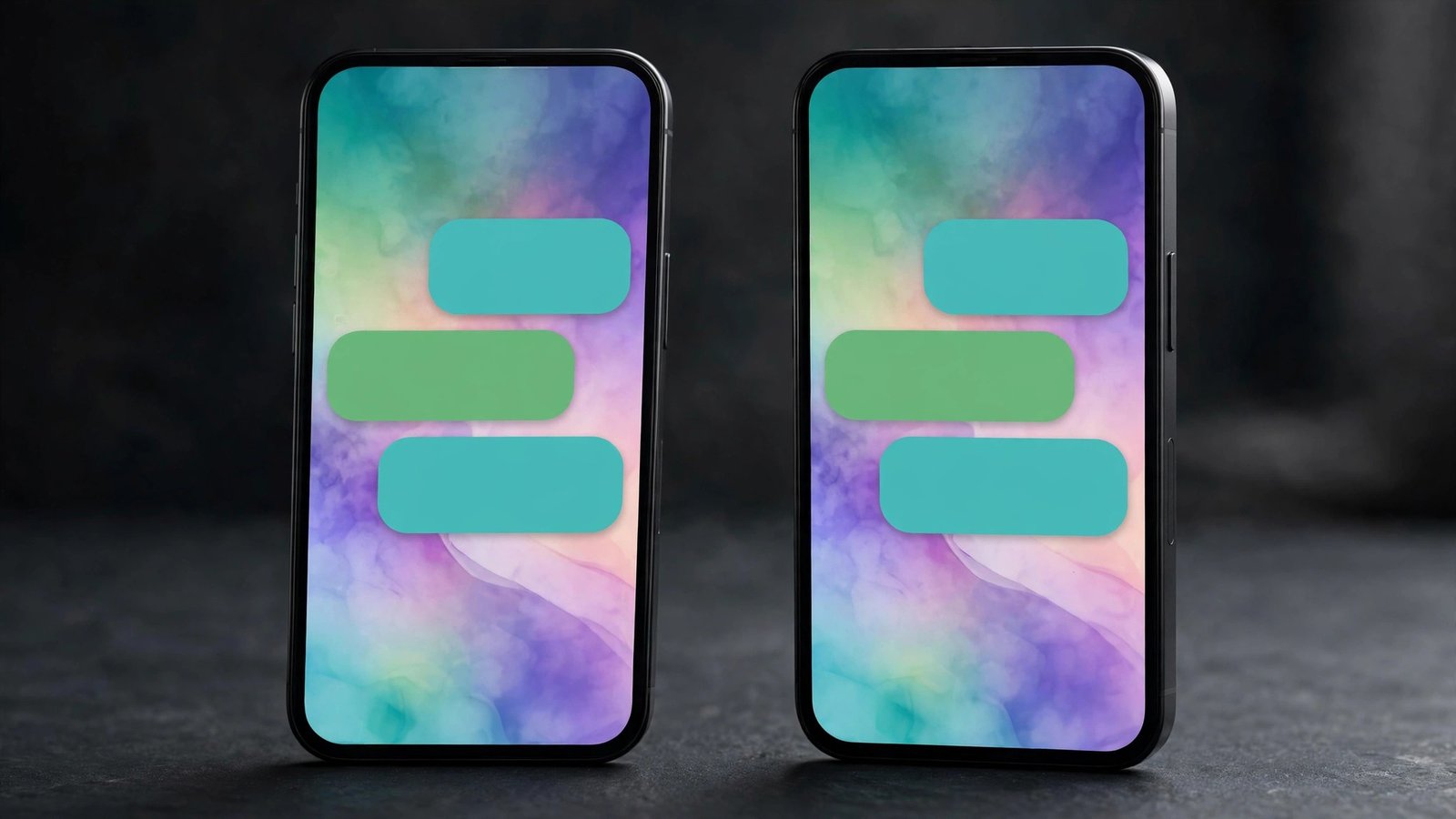
Until now, a WhatsApp chat theme has been a private thing. You could give a conversation a new wallpaper and bubble colour, but only you would ever see it — the person on the other side kept whatever theme they had chosen for themselves. The two sides of the same conversation could look completely different, and neither of you would know.
WhatsApp is now changing that. The app is rolling out WhatsApp shared chat themes, a feature that lets you apply one theme to everyone in a conversation — the same wallpaper and the same bubble colour, on every phone in the chat, at the same time. It started on Android beta on November 20, 2026, and reached iPhone beta testers a day later, on November 21. It is the most social that WhatsApp’s personalisation has ever been — and it comes with one privacy detail you should know before you tap anything, because the default choice shares your theme with everyone.
What shared chat themes actually do
A chat theme on WhatsApp controls two things at once: the wallpaper behind your messages and the colour of your message bubbles. Pick a preset theme and both change together; or mix a wallpaper of your own with a bubble colour you like. Until this update, that choice lived only on your device.
With shared chat themes, setting a theme becomes a shared action. When you pick a theme or wallpaper for a conversation, WhatsApp now asks who it is for. Choose “Everyone” and the same wallpaper and bubble colour are applied to every participant’s view of that chat — automatically, with no action needed from them. The recipient does not have to open settings, accept anything or update anything. The chat simply changes on their screen.
Choose “You” instead and nothing changes for anyone else: the theme stays personal, exactly as it worked before. That choice matters more than it first appears, because according to WABetaInfo the default option in the sharing sheet is “Everyone”. If you want to keep a theme private, you have to actively switch the selection to “You” before confirming. Tap through without looking and your theme is shared.
How to share a chat theme on Android
The feature is rolling out in WhatsApp beta for Android version 2.26.46.8, available through the Google Play beta programme. If your account has it, the steps are:
- Open the conversation you want to theme.
- Tap the three-dot overflow menu in the top-right corner.
- Select “Chat theme”.
- Pick a theme or a wallpaper — a preset, or a photo from your gallery.
- In the bottom sheet that appears, choose who the theme is for: “Everyone” to share it with the whole conversation, or “You” to keep it on your phone only.
- Confirm, and the theme is applied.
Once the theme is shared, WhatsApp adds a system message to the chat saying the theme changed — and who changed it. That message also carries a shortcut, so anyone in the conversation can jump straight to the theme settings and pick something different if they prefer another look. If someone else shares a theme you do not like, you can change it again from the same theme page; nobody’s choice is permanent.
How it works on iPhone
The same feature reached iPhone beta testers with WhatsApp beta for iOS 26.45.10.72, distributed through TestFlight. The flow is nearly identical, with one difference in where it starts:
- Open the conversation and go to the chat info screen.
- Change the chat theme or wallpaper.
- When the bottom sheet appears, choose “Everyone” to share it with the other person, or “You” to keep it private.
- Confirm, and the theme is applied for everyone in the chat.
As on Android, a system message appears in the conversation showing who changed the theme, with a shortcut to change it again. The feature works the same way in one-to-one chats and in groups — in a group, every member sees the shared wallpaper and bubble colour, and any member can update the theme at any time.
WhatsApp had actually been testing this idea on iOS for a while: WABetaInfo first spotted a theme-sync option in the iOS beta build 26.37.10.16, weeks before the Android rollout. The November 21 release is the first time it is actually reaching iPhone beta testers.
It works in groups too — and anyone can change it
Shared themes are not limited to one-to-one chats. In a group, any member can share a theme with everyone else, and the whole group sees the same wallpaper and bubble colour. The system message names the member who made the change, so there is no mystery about who restyled the group — and no single person owns the look. Any member can replace a shared theme at any time, which means a group theme is really a shared space that the most recent editor controls, not a setting one person locks in.
That is worth keeping in mind for busy groups. A theme set for a family group at a birthday, a friends’ group for a trip, or a work group for a project can be a nice touch — but anyone in the group can also overwrite it five minutes later. The system message at least makes the change visible to everyone, rather than happening silently.
You are not limited to WhatsApp’s presets
One of the more useful details is that shared themes are not restricted to WhatsApp’s ready-made theme categories. You can share a custom wallpaper from your photo library as well — any image from your gallery can become the shared background for a conversation, with the bubble colour to match.
That turns the feature into something more personal than a colour picker. A photo from a shared trip, a picture of a newborn, or a team photo can become the backdrop of the chat it belongs to, visible to everyone in it. It also raises the obvious question of what happens to a personal photo once it is shared as a wallpaper — and that is where WhatsApp’s encryption comes in.
Shared themes are end-to-end encrypted
According to WABetaInfo, shared chat themes and wallpapers are protected by WhatsApp’s end-to-end encryption. WhatsApp itself cannot see which theme or wallpaper you choose to share, and a shared custom wallpaper is secured with the same encryption used for messages. Nobody outside the conversation can see the theme or the image the participants shared.
That is consistent with how WhatsApp treats the rest of the conversation — themes are part of the chat, so they travel inside the same encrypted channel as the messages themselves. It does not change who inside the chat can see the theme: everyone in the conversation sees it, by design. The encryption protects it from everyone outside the conversation, including WhatsApp.
Who gets it, and when
For now, shared chat themes are a beta feature, and a limited one at that. On Android it is rolling out to some testers on beta version 2.26.46.8; on iOS it is available to some TestFlight users on beta version 26.45.10.72. WhatsApp is expanding access gradually, and WABetaInfo notes that not every beta tester will see the option straight away — if the sharing sheet does not appear for you yet, it should reach more accounts over the coming weeks.
WhatsApp has not announced when shared themes will reach the stable version of the app for everyone. Beta features on WhatsApp usually take weeks to a few months to go stable, and some never do — but a feature that has now rolled out on both Android and iOS betas, after weeks of testing, is a strong candidate for a wider release. If you are not in the beta programme, the honest answer is that you will have to wait; there is no setting to switch it on early.
If you are a beta tester and the option is missing, check that you are on the right build — 2.26.46.8 on Android or 26.45.10.72 on iOS — and that your app is fully updated. Beyond that, there is nothing to do but wait for the gradual rollout to reach your account.
Why this matters
Chat themes have always been one of WhatsApp’s quieter features — useful, but invisible to the person you are talking to. Sharing them turns a personal setting into a small social act: a couple can give their chat a shared look, a family group can mark a holiday, a project group can match its theme to what it is working on. It is the same instinct behind shared playlists and shared photo albums, applied to the app where most of the world’s private conversations already happen.
The catch is the default. Because “Everyone” is pre-selected, the feature is designed to be shared first and kept private second. That is fine when you mean to share — but it means the one time you pick a theme quickly, without reading the sheet, your wallpaper becomes everyone else’s too. If you value keeping your chat’s look to yourself, make a habit of checking that sheet every time it appears, and choosing “You” before you confirm.
Related: WhatsApp has been changing group chats in other ways too — WhatsApp Groups Can Now Hold 1,500 Members: What Changes and How to Manage It covers the bigger groups that just rolled out, and the shared-theme system message works the same way there. For another recent change to how messages look and behave, see WhatsApp View-Once Text Messages Are Rolling Out on Android — Send a Text That Disappears After One Read. And if you want to know what else WhatsApp has been adding to chats, WhatsApp Smart Text Actions: Dotted Underlines Turn Numbers, Dates and Addresses Into One-Tap Shortcuts explains the one-tap shortcuts that turn phone numbers, dates and addresses in your messages into actions.
Sources
- WABetaInfo — “WhatsApp is rolling out a feature to sync chat themes on iOS” (Nov 21, 2026)
- WABetaInfo — “WhatsApp is rolling out shared chat themes on Android” (Nov 20, 2026)
- AndroidPure — “WhatsApp Beta Lets You Set a Chat Theme for Everyone on Android” (Nov 20, 2026)
- Undercode News — “WhatsApp Brings Shared Chat Themes to iOS, Letting Users Personalize Conversations Together” (Nov 20, 2026)
