



WhatsApp is finally giving your chat backups a home of their own. Starting November 17, 2026, some Android beta testers can back up their chats to WhatsApp’s own servers instead of Google Drive — with 2GB of free space and end-to-end encryption switched on by default. The same option is also showing up in the iPhone beta as an alternative to iCloud.
It is a small settings change with a big consequence. For years, Android users have had exactly one place to put a WhatsApp backup: Google Drive, where it eats into the same 15GB of free storage shared by Gmail, Google Photos and Drive itself. Now WhatsApp is becoming its own backup provider — and for anyone whose Google storage is constantly full, that is genuinely good news.
Here is everything we know so far: what the new WhatsApp cloud backup does, how much space you get, how the encryption works, how to switch, and the catches you should know about before you move your chats.
What Is WhatsApp Cloud Backup?
WhatsApp cloud backup is a new backup provider built into WhatsApp itself. Instead of sending your chat history to Google Drive on Android or iCloud on iPhone, the app stores it on WhatsApp’s own servers.
The feature was spotted by WABetaInfo in WhatsApp beta for Android version 2.26.46.4, available through the Google Play Store. It is rolling out gradually, so only some beta testers see it for now, with availability widening over the coming weeks. The iPhone version of the same option has appeared in beta 26.45.10.71 on TestFlight.
When the feature reaches your phone, the redesigned backup screen offers a choice of provider: “WhatsApp cloud storage” or “Google storage” on Android, and the equivalent iCloud choice on iPhone. You pick one, and you can switch between them at any time — WhatsApp does not lock you into the provider you choose first.
This is not a surprise launch. WABetaInfo first spotted WhatsApp building its own backup provider back in April 2026, in Android beta 2.26.22.7, when the plan was already clear: 2GB of free storage and mandatory end-to-end encryption for anything stored on WhatsApp’s servers. Seven months later, that plan is now reaching real users.
Why This Matters: The Google Drive Problem
To understand why WhatsApp building its own backup matters, you have to understand the problem it solves — and for Android users, that problem has a name: the 15GB limit.
Every free Google account comes with 15GB of storage shared across Gmail, Google Drive and Google Photos. Since December 2023, WhatsApp backups have counted toward that same 15GB. A few years of family photos, videos and voice notes in WhatsApp can easily swallow several gigabytes, and once the quota fills up, Google stops your backups, blocks new emails and refuses photo uploads until you pay for more space or delete things.
That is the trap millions of users sit in: the backup that is supposed to protect your chats is the same backup eating the storage your whole Google account runs on. WhatsApp’s own cloud storage breaks that link. A backup stored on WhatsApp’s servers does not touch your Google Drive quota at all, which means your Gmail keeps working and your Google Photos keeps syncing even if your WhatsApp backup is large.
The iPhone side has the same pain in a smaller package. Apple’s free iCloud tier is just 5GB, shared across the whole phone, and a WhatsApp backup alone can fill it. An iCloud-free alternative from WhatsApp itself is arguably even more useful there, which is why the option appearing in the iOS beta matters as much as the Android rollout.
How Much Storage Do You Get?
The headline number is 2GB free. Choose WhatsApp as your backup provider and you get 2GB of storage on WhatsApp’s servers at no cost, with no Google account or iCloud plan involved.
That is enough for text-heavy chat histories and a modest amount of media, but it will not cover everyone. Years of HD video in family groups can push a WhatsApp backup well past 2GB, and WhatsApp has a paid ladder ready for exactly that case:
- Free: 2GB of WhatsApp cloud storage for every user who picks WhatsApp as their backup provider.
- WhatsApp Plus: 100GB. Subscribers to WhatsApp’s paid plan get their backup storage automatically raised to 100GB. WhatsApp Plus is the same subscription behind other premium perks — the new Original quality option is being developed as a benefit for WhatsApp Plus subscribers only, for example — so backup space is now one more reason to consider it.
- Meta One: up to 4TB. Users who need even more room can upgrade through Meta One, Meta’s wider subscription bundle, which offers storage plans up to 4TB.
WhatsApp has not announced pricing for the Plus or Meta One storage tiers in every market, and local prices reported in some countries should not be treated as global. What is confirmed is the structure: free 2GB for everyone, 100GB with Plus, and up to 4TB through Meta One.
Encryption Is Mandatory — Not Optional
The most important detail of WhatsApp cloud backup is not the storage. It is the encryption.
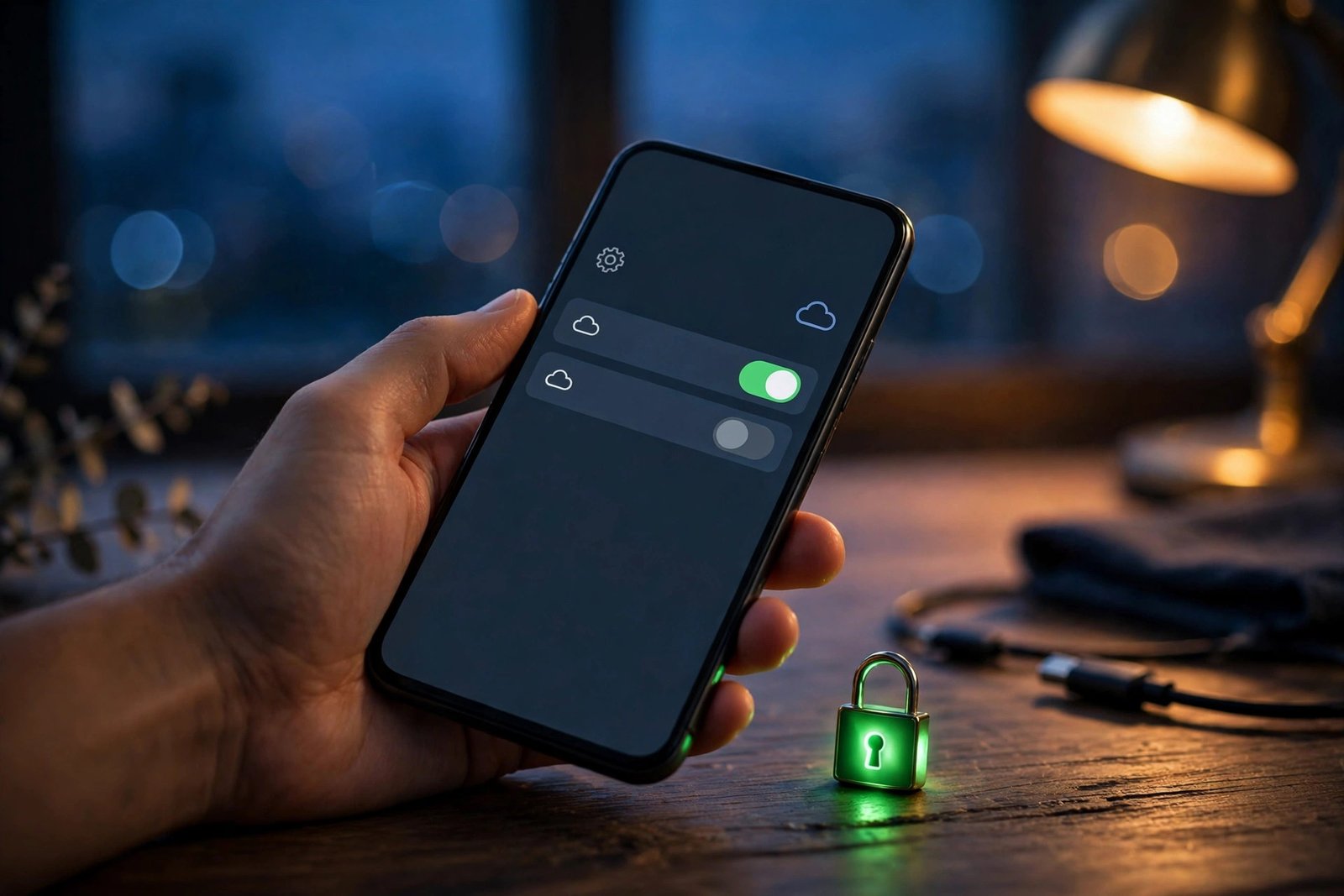
Every backup stored on WhatsApp’s servers is end-to-end encrypted by default, and you cannot turn that encryption off. If you want to use WhatsApp as your backup provider, encryption comes with it — there is no unencrypted option to choose by mistake.
WhatsApp uses a passkey as the default encryption method. If you prefer, you can instead encrypt your backup with a 64-digit encryption key. Either way, the result is the same: neither WhatsApp nor Meta can read the contents of your backup. The encryption happens on your device before anything is uploaded, and only you hold the means to unlock it.
That is a meaningful difference from the old setup. Google Drive backups have offered optional end-to-end encryption for a while, but it was something you had to switch on yourself — and many users never did. By making encryption mandatory on its own servers, WhatsApp removes the weakest link in the chain: the user who never opened the settings page.
There is a flip side you should understand before switching. Because only you can decrypt the backup, losing your passkey or your 64-digit key can mean losing the backup permanently. WhatsApp cannot recover it for you. If you choose the 64-digit key option, store it somewhere safe — a password manager, not a screenshot in your camera roll.
How to Switch to WhatsApp Cloud Storage
Switching providers happens in the backup settings, and WhatsApp has just redesigned that screen to make the choice obvious. The app’s backup page now presents the provider choice up front, with the two options shown side by side.
If the feature has reached your account, the steps are:
- Open WhatsApp and go to Settings.
- Tap Chats, then Chat backup. The backup page now leads with the provider choice — a tidier chat backup screen that puts the decision front and centre.
- Choose WhatsApp cloud storage as your backup provider. Google storage remains listed as the other option, and you can switch back at any time.
- Set up encryption. Because backups on WhatsApp’s servers are end-to-end encrypted by default, you will be asked to enable it before the first backup is created — either with a passkey or a 64-digit encryption key.
- Pick your backup schedule — daily, weekly or monthly — and whether to include videos, exactly as before.
One honest warning: the option is rolling out gradually, and not every beta tester sees it yet. WhatsApp’s own Help Center notes that the feature “may not be available” to all users right now. If the provider choice does not appear on your backup screen, the only fix is to wait — installing the latest beta helps, but it does not guarantee access, because the rollout is controlled server-side.
What Happens If Your Subscription Ends?
Paid storage always raises the same question: what happens to my data if I stop paying? WhatsApp has answered it in advance, and the answer is more generous than many services offer.
If your WhatsApp Plus or Meta One subscription ends, WhatsApp does not delete your backup immediately. It keeps your latest backup on its servers for four months after the subscription ends. If you renew within those four months, your backup is safe. If you do not renew, the backup is deleted permanently after the grace period expires.
That four-month window matters for two reasons. First, it protects you from an accidental lapse — a failed card payment does not instantly wipe years of chats. Second, it gives you time to move: you can switch your backup provider back to Google Drive or iCloud and re-create the backup there before the deadline.
The free 2GB tier, of course, has no subscription to lapse. It stays available as long as you use WhatsApp cloud storage.
Who Gets It, and When?
Right now, WhatsApp cloud backup is a beta feature with a limited rollout. Here is where things stand:
- Android: rolling out to some beta testers on version 2.26.46.4 or newer, via the Google Play Store. Availability expands over the coming weeks.
- iPhone: the same option is appearing in beta 26.45.10.71 on TestFlight, as an alternative to iCloud.
- Stable release: WhatsApp has not announced when the feature will reach everyone. No date has been given, and beta features sometimes change before release — or never ship at all.
That last point is worth repeating. Everything in this article describes a feature in testing. The 2GB figure, the Plus and Meta One tiers, and the four-month grace period all come from the beta build and WhatsApp’s own documentation as reported by WABetaInfo. The shape of the feature could still change before the stable rollout.
Still, the direction of travel is clear. WhatsApp has spent seven months building this, from the first code spotted in April to a live rollout in November, and it has now appeared on both Android and iOS betas. A stable release in the coming months looks likely, even if WhatsApp has not put a date on it.
Should You Switch? Our Take
If the option appears on your phone, the decision comes down to one number: the size of your current backup.
Check it first. In WhatsApp, go to Settings, then Chats, then Chat backup, and look at the backup size. If it is under 2GB, switching to WhatsApp cloud storage is an easy win: your chats get encrypted by default, and your Google Drive or iCloud quota is freed for everything else. The 2GB free tier covers you with room to spare.
If your backup is bigger than 2GB, the free tier alone will not hold it. You have three options: exclude videos from the backup to shrink it under 2GB, pay for WhatsApp Plus and its 100GB, or stay on Google Drive or iCloud for now. For most people with years of media in their chats, trimming videos out of the backup — they are usually still in your phone’s gallery anyway — is the simplest free fix.
There is one more consideration for heavy users. WhatsApp’s backup is a single-provider snapshot of your chats, not a general cloud drive. It does not replace Google Drive or iCloud for your files, photos and documents. Think of it as moving one job — chat backup — off your main cloud storage, not as a replacement for that storage altogether.
For the millions of Android users who have watched their Google storage fill up because of WhatsApp, though, this is the fix they have been waiting for. The backup that used to compete with your email for space now has a home of its own — encrypted, free up to 2GB, and one tap away in settings.
Frequently Asked Questions
What is WhatsApp cloud backup?
WhatsApp cloud backup is a new option that stores your chat backups on WhatsApp’s own servers instead of Google Drive on Android or iCloud on iPhone. It is rolling out to some Android beta testers on version 2.26.46.4, with 2GB of free storage and mandatory end-to-end encryption.
How much free storage does WhatsApp cloud backup give you?
WhatsApp cloud backup includes 2GB of free storage. WhatsApp Plus subscribers get 100GB automatically, and Meta One plans offer up to 4TB for users who need more room.
Is WhatsApp cloud backup end-to-end encrypted?
Yes. End-to-end encryption is mandatory for all backups stored on WhatsApp’s servers and cannot be turned off. WhatsApp uses a passkey by default, or you can choose a 64-digit encryption key instead, and neither WhatsApp nor Meta can access the backup.
How do I switch to WhatsApp cloud backup?
Go to WhatsApp Settings, then Chats, then Chat backup, and choose WhatsApp cloud storage as your backup provider instead of Google storage. You will need to set up encryption with a passkey or a 64-digit key before the first backup, and you can switch providers at any time.
What happens to my WhatsApp backup if my subscription ends?
If your WhatsApp Plus or Meta One subscription ends, WhatsApp keeps your latest backup on its servers for four months. If you do not renew within four months, the backup is deleted permanently, so renew or switch providers before the deadline.
Related Guides
- WhatsApp keeps adding paid perks behind its subscription — the new Original quality option is being developed as a benefit for WhatsApp Plus subscribers only, and backup storage is now part of the same package. Read our full breakdown: WhatsApp Is Testing Original-Quality Photo and Video Sharing — But Only for WhatsApp Plus Subscribers
- The backup screen itself just got a redesign — a tidier chat backup screen is part of WhatsApp’s new Material 3 settings overhaul, and it is where the provider choice now lives. Read our full breakdown: WhatsApp Is Redesigning Its Settings Page With Google’s Material 3 Look
- WhatsApp’s latest chat upgrade is all about speed — all you have to do is tap the dotted underline to turn a phone number, date or address into a one-tap action. Read our full breakdown: WhatsApp Text Actions Turn Phone Numbers, Dates and Addresses Into One-Tap Shortcuts
Sources: WABetaInfo (November 17, 2026); Gadgets360 (November 17, 2026); AndroidPure (November 17, 2026).
