


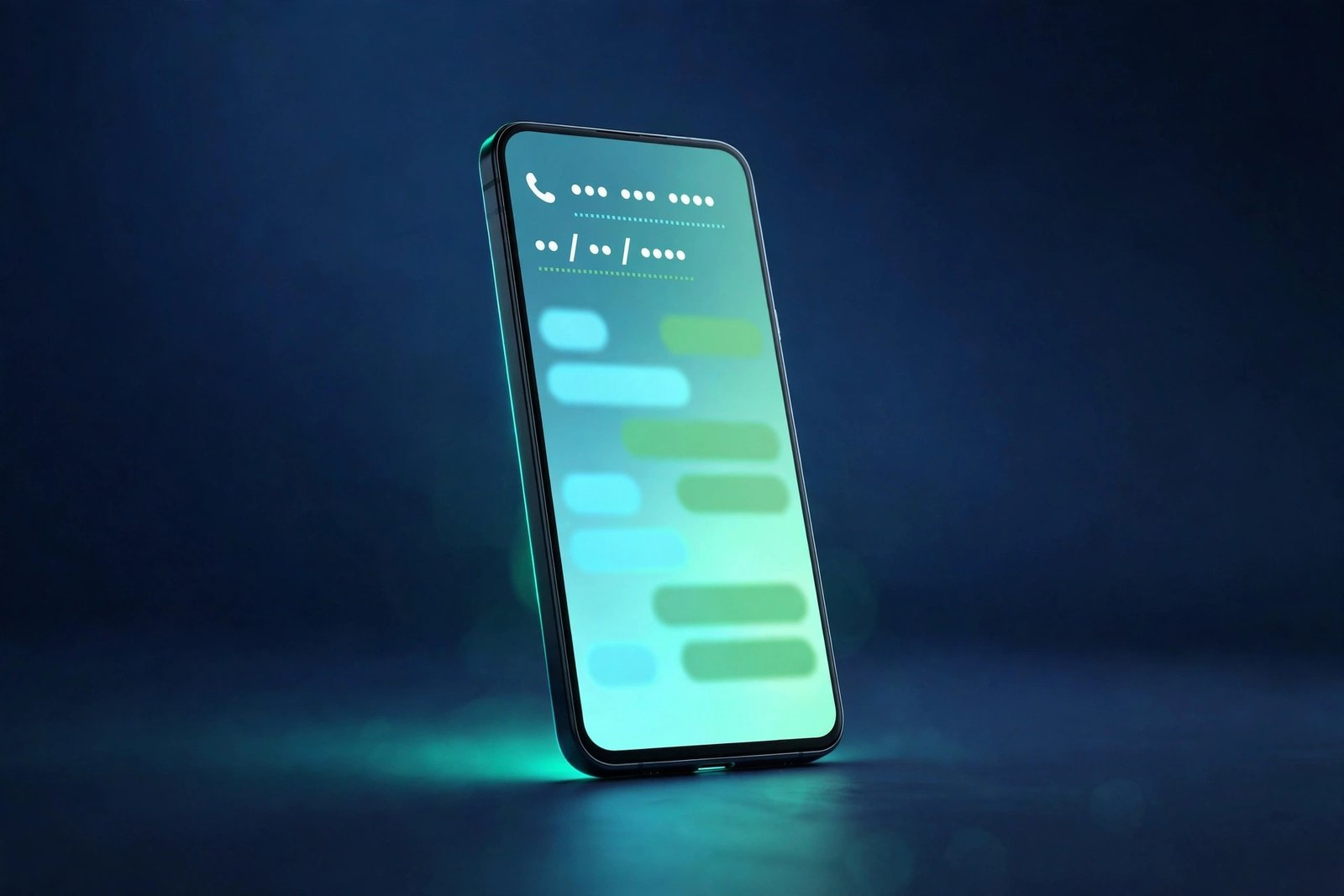
WhatsApp is quietly making your chats more useful — without adding another button, menu or AI chatbot to the app. The messaging service has started rolling out text actions on Android and iOS, a feature that spots useful details inside ordinary messages and turns them into one-tap shortcuts. A phone number becomes a call. A date becomes a calendar entry. An address becomes a map. An email becomes a draft. All you have to do is tap the dotted underline.
The rollout was first reported by WABetaInfo on November 2, 2026, and the feature has been reaching more accounts in stages since then. It works in both incoming and outgoing messages, on the latest versions of WhatsApp for Android and iOS, and — in a detail that matters for a messaging app built on privacy — the detection happens entirely on your phone. WhatsApp’s servers never see the message, and your end-to-end encryption is untouched.
It is a small change with an everyday payoff. Anyone who has ever copied a phone number out of a chat, pasted it into their contacts, then gone back to the chat to find the address and pasted that into a maps app knows the friction this removes. Text actions collapse that whole dance into a single tap.
Summary
- The news: WhatsApp is rolling out text actions on Android and iOS, first reported by WABetaInfo on November 2, 2026, with wider availability following in stages.
- What it does: The app detects four kinds of detail in chat messages — phone numbers, dates and times, physical addresses, and email addresses — marks them with a dotted underline, and offers a shortcut when you tap one.
- How it works: Detection runs on your device using pattern matching. According to WABetaInfo, message content is not uploaded to WhatsApp’s servers, so end-to-end encryption is not affected.
- Who gets it: A limited subset of users on the latest WhatsApp versions so far. The rollout is staged and server-side, so updating the app does not guarantee you will see it immediately, and WhatsApp has not announced a date for everyone.
- What it is not: This is not an AI reply system. It does not write messages for you, and it does not send anything on your behalf. It only recognises familiar text patterns and attaches actions to them.
What WhatsApp Text Actions Actually Do
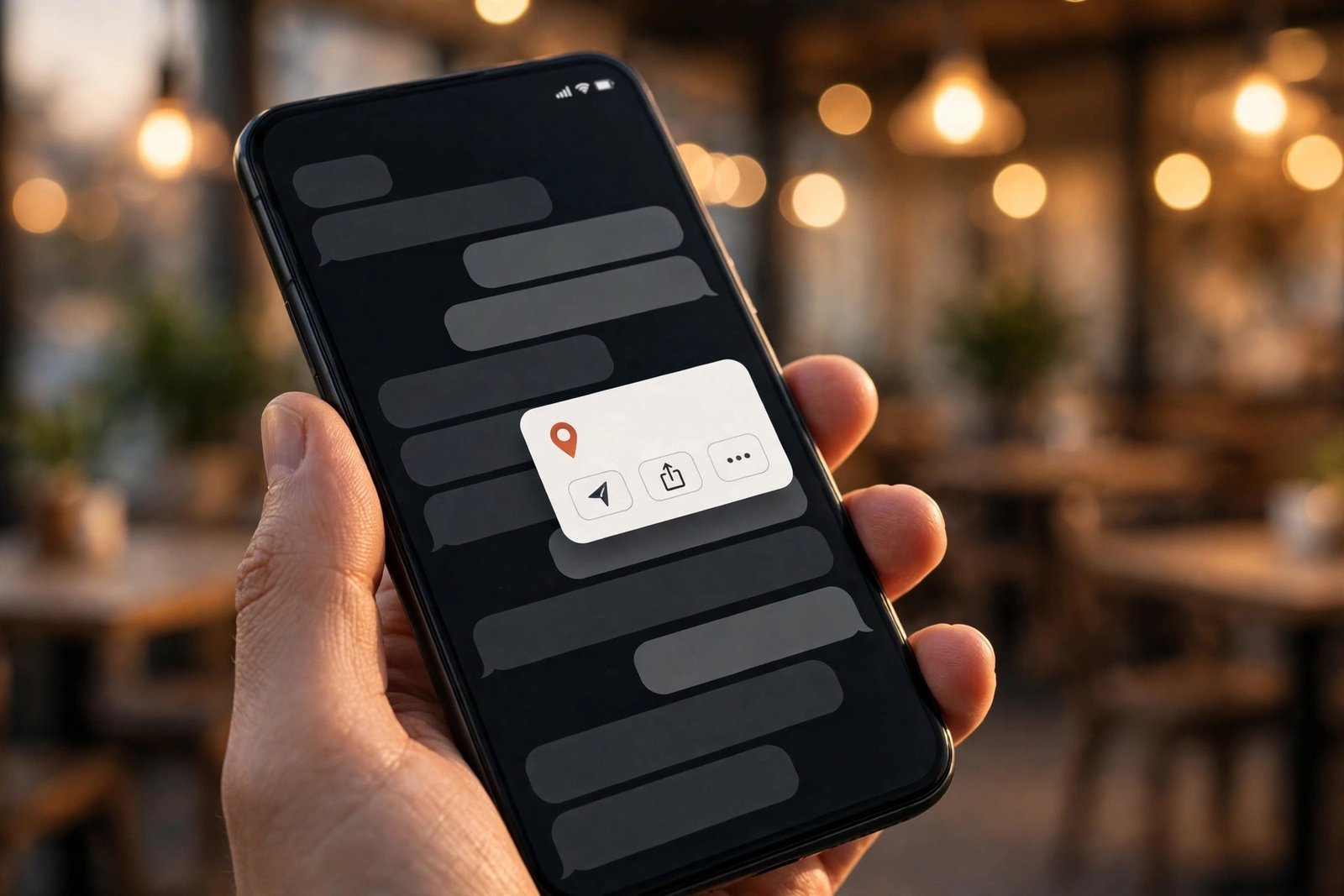
The idea is simple enough that it is easy to miss how much work it saves. When WhatsApp spots one of the four supported kinds of detail in a message, it draws a dotted line underneath it. Tap the underlined text and a small panel slides up, showing the detected text at the top — so you can check the app read the right thing — with a row of shortcuts underneath.
Each kind of detail gets its own set of actions. A phone number can be copied, added to your contacts, or called through your phone carrier. If it is a business number, tapping it can also show that business’s information. A date or time can be copied, added to your calendar, or turned into a WhatsApp event. An address can be copied or opened directly in your maps app. An email address can be copied or opened in your email app.
That last point is worth pausing on, because it shows how WhatsApp is thinking about this. The feature does not try to do everything inside WhatsApp. It hands you off to the right app — your calendar, your maps, your email — instead of rebuilding those tools itself. The shortcut is the product.
It also works both ways. The detection applies to messages you receive and messages you send, so you can tap a detail in your own message to act on it just as easily as in someone else’s. That matters more than it sounds: most of the time you are the one who typed the address or the date into the chat in the first place.
The Privacy Part: Everything Happens on Your Phone
The most important detail about text actions is not what they do, but where they do it. According to WABetaInfo, the detection runs entirely on your device, using plain pattern matching — regular expressions that scan the message text for recognisable formats like a phone number or an email address. Neither the message nor the resulting suggestion is sent to WhatsApp’s servers.
That matters because WhatsApp’s whole pitch is end-to-end encryption: only you and the person you are talking to can read a message. A feature that sent chat text to a server to analyse it would break that promise. By keeping the analysis on the device, WhatsApp gets the convenience without touching the encryption. WABetaInfo is explicit on this point — the feature operates without compromising the app’s standard end-to-end encryption.
There is one nuance worth stating plainly. Some reporting notes that WhatsApp may receive a flag when a suggestion is used, for feedback purposes — but the message content itself is not uploaded. That distinction is reported by WABetaInfo rather than confirmed by Meta, and WhatsApp itself has not published any details of how text actions work. If you are the cautious type, the safe way to think about it is this: the detection is local, the message stays encrypted, and nothing in the reporting suggests your chat text leaves your phone.
It is also worth noting what text actions are not. This is not an AI feature. There is no language model reading your chats, no generated reply, no summary. It is automated pattern matching — the same kind of thing your phone’s keyboard has done for years when it underlines a web address. WhatsApp has simply brought that behaviour into the chat itself, with a consistent look and a consistent set of shortcuts.
Why This Is New When Some of It Already Existed
If some of this sounds familiar, that is because parts of it are. WhatsApp and your phone’s operating system have long offered scattered versions of these shortcuts — long-press a number to copy it, tap a link to open it. What is new is that all four kinds of detail now live in one place, with the same dotted underline, the same tap, and the same panel of options.
That consistency is the whole point. Before text actions, you had to know which long-press or which menu held the shortcut you wanted, and the experience changed depending on the detail. Now the rule is the same every time: if it is underlined, you can tap it and do something with it. It turns a set of hidden tricks into a visible, learnable habit.
The timing fits a wider pattern in WhatsApp’s recent work. The app has been steadily adding small quality-of-life features around the edges of messaging — a floating bottom navigation bar in the Android beta, a Contacts tab replacing Communities, view-once text messages, and a new Instants camera for disappearing photos and videos. Text actions belong in that same family: none of them changes what WhatsApp is, but each of them removes a little friction from using it every day.
How to Get Text Actions — and What to Do If You Don’t See Them Yet
There is no switch to flip. Text actions arrive through a staged, server-side rollout, which means WhatsApp enables them account by account even among people running the same version of the app. Updating to the latest version from the Google Play Store or the App Store is the only thing you can do on your side — and even that does not guarantee the feature shows up right away.
If you have the latest version and you still do not see dotted underlines, that is normal. WABetaInfo expects more accounts to get the feature over the coming weeks, and WhatsApp has not said when it will reach everyone. There is no manual activation option described anywhere, and no beta build you can join to force it.
When it does arrive, there is nothing to set up. The underlines appear automatically under recognised details in your chats, and tapping one is the whole interaction. You do not need to enable anything in settings, and you do not need to be on a particular phone — the feature is rolling out on both Android and iOS.
One practical tip: the panel shows you the detected text at the top before you pick an action, so take a second to check it. Pattern matching is good at recognising formats, but it cannot know your intent — a date in a message might be a birthday, a deadline, or just a number that happens to look like a date. The preview is there so you can catch a misread before you create the wrong calendar event.
What We Still Don’t Know
As with most WhatsApp rollouts, the honest answer is that several details are still unconfirmed. WhatsApp has not published an official announcement or a help page for text actions, so almost everything known about the feature comes from WABetaInfo’s reporting rather than from Meta directly.
The biggest unknown is the timeline. Nobody outside WhatsApp knows when the rollout will reach all users, or whether some regions or languages will get it before others. The feature has been rolling out since early November, and the only guidance available is that more accounts should get it over the coming weeks.
It is also unclear whether the feature will expand beyond the four current categories. Other kinds of structured text — flight numbers, tracking codes, prices — would be natural candidates, but WABetaInfo has not reported any such expansion, and WhatsApp has said nothing. For now, the four categories are the whole feature.
Finally, the reporting does not cover every surface. WABetaInfo has not mentioned channels, community announcement groups, WhatsApp Web or the desktop apps, so it is not clear whether text actions appear there or only in regular chats on your phone. Until WhatsApp says more, the safe assumption is that this is a mobile chat feature first.
None of that diminishes what is here. Text actions are a small, practical upgrade to the app most of the world already opens dozens of times a day — and the fact that they work without touching your encryption is exactly the kind of detail that makes them worth noticing.
Frequently Asked Questions
What are WhatsApp text actions?
Text actions are a WhatsApp feature that detects phone numbers, dates and times, physical addresses, and email addresses in chat messages, marks them with a dotted underline, and offers one-tap shortcuts — such as calling a number, adding a date to your calendar, or opening an address in Maps — when you tap the underlined text.
Which phones get WhatsApp text actions?
Text actions are rolling out on the latest versions of WhatsApp for Android and iOS. You need an up-to-date app, but updating does not guarantee immediate access because WhatsApp enables the feature in stages, account by account.
Do WhatsApp text actions read my messages?
According to WABetaInfo, the detection runs entirely on your device using pattern matching, and neither your message text nor the resulting suggestion is sent to WhatsApp’s servers. End-to-end encryption is not affected, and WhatsApp has not published its own details of how the feature works.
How do I use WhatsApp text actions?
You do not need to turn anything on. When the feature reaches your account, recognised details in your chats appear with a dotted underline. Tap the underlined text and a panel appears with the detected text at the top and shortcuts underneath — pick the action you want.
When will WhatsApp text actions reach everyone?
WhatsApp has not announced a date. The feature has been rolling out gradually since early November 2026, and WABetaInfo expects more accounts to get it over the coming weeks. If you do not see it yet, keep WhatsApp updated and wait for the staged rollout to reach your account.
Related Reading
- WhatsApp Usernames: Reserve Yours and Hide Your Number
- WhatsApp View-Once Text Messages Are Rolling Out on Android — Send a Text That Disappears After One Read
- WhatsApp Is Testing Instants — a Lightning-Bolt Camera for Photos and Videos That Disappear After One View
Sources: WABetaInfo, November 2, 2026 (via TechBytes, November 2 and November 8, 2026); BetaNews, November 2, 2026; AndroidPure, November 8, 2026; wha.tools, November 9, 2026.
