


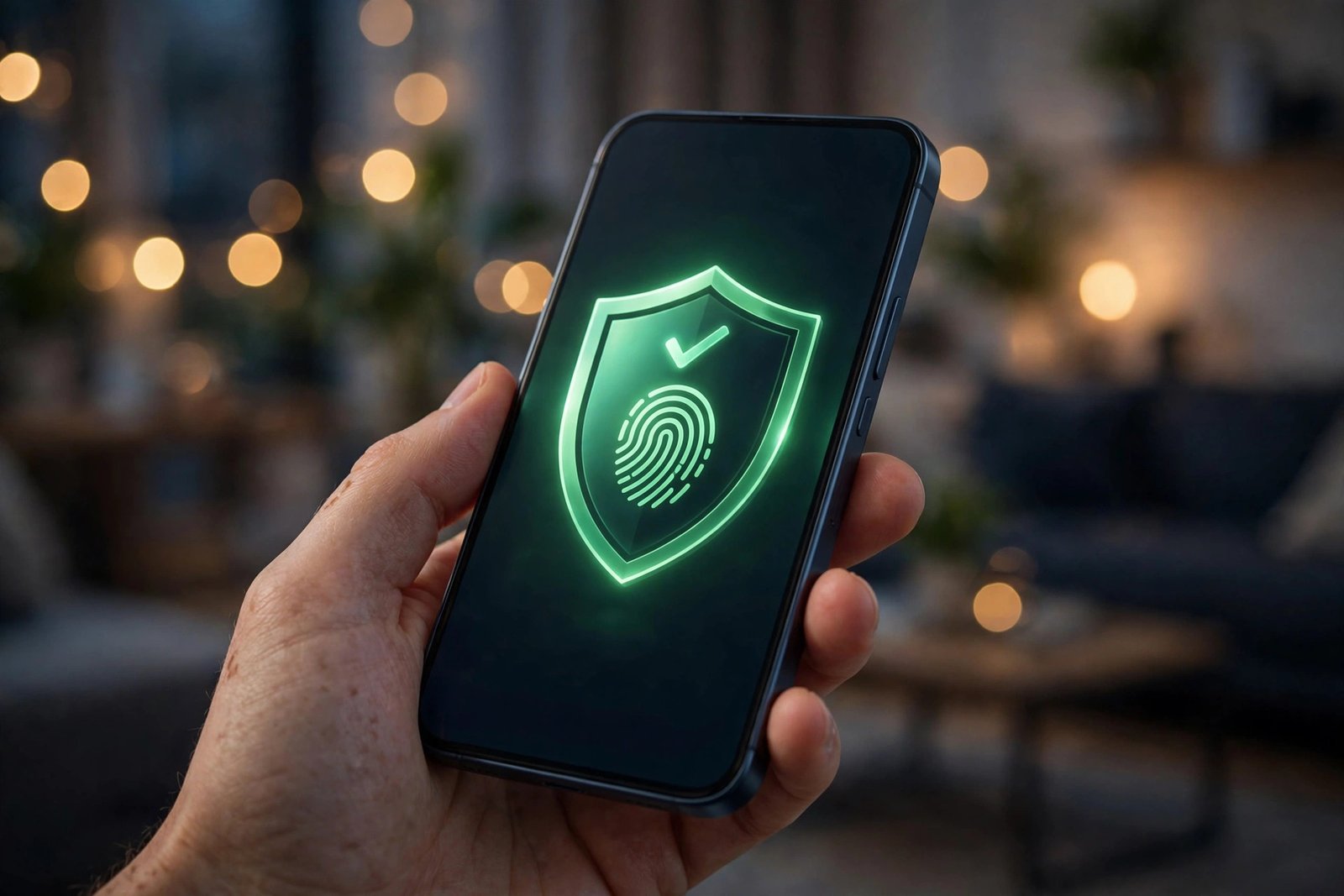
WhatsApp has rolled out its biggest account-security upgrade in years, and if you still sign in with a six-digit PIN — or no second layer at all — now is the time to change that. The update brings three changes at once: support for multiple passkeys on one account, a full password to replace the old six-digit two-step verification PIN, and extra context about unknown callers on Android so you can decide whether to pick up.
More than one billion people already use a passkey to get back into WhatsApp, according to Meta, which announced the package on August 25, 2026. Fresh coverage on November 23, 2026 confirms the features are now reaching users more widely. The timing matters: WhatsApp account takeovers usually start with a stolen one-time code or a guessed PIN, and each of these three changes closes a different door scammers use. Here is what each one does, who gets it, and exactly how to turn it on.
What Happened
Meta announced three WhatsApp security features together. First, passkeys — the fingerprint, face or screen-lock way of verifying it is really you — can now be added more than once to the same account, so people who use both an Android phone and an iPhone can register a passkey on each device. Second, two-step verification is no longer limited to a six-digit PIN: you can now set a full password that is longer, alphanumeric and can include special characters. Third, Android users now see extra context when a number that is not in their contacts calls — including whether the number is from another country and whether you share any groups with the caller.
The rollout is gradual, as WhatsApp rollouts usually are. Some users will see the new options as soon as they update the app; others will get them over the following weeks. Updating WhatsApp to the latest version from the Google Play Store or Apple’s App Store is the first step, but an update alone does not guarantee the features appear immediately — availability also depends on your account and region.
For more context, see our coverage of other recent WhatsApp changes.
What Is a Passkey, and Why It Beats a PIN or SMS Code
A passkey lets you log back into WhatsApp with the same method you use to unlock your phone — your fingerprint, your face, or your screen-lock code. There is no password to remember, no PIN to type and no SMS code to wait for. That matters because passkeys are resistant to phishing in a way codes are not: a fake login page can steal a password or a one-time code, but it cannot collect a reusable passkey, because the passkey is bound to the real service and stays on your device or in its credential manager.
WhatsApp first added passkey support on Android in October 2023, then extended it to iOS in early 2024. The one-billion-user milestone shows the idea has gone mainstream — the FIDO Alliance estimates around 5 billion passkeys are in use worldwide, and about three in four consumers have enabled one on at least one account. Until now, though, WhatsApp allowed only one passkey per account, which was a real limitation for people who switch between Android and iPhone or use both. That limitation is now gone: you can add more than one passkey to the same account, one per device.
How to Set Up a Passkey on WhatsApp
Setting up a passkey takes about a minute, and you do it from inside WhatsApp — not from a website or a link anyone sends you. On both Android and iPhone, open WhatsApp, go to Settings, tap Account, then tap Passkeys and follow the instructions on your device. Your phone will ask you to confirm with your fingerprint, face or screen-lock code, and that is it — the passkey is created and stored on that device.
If you use both Android and iOS, repeat the same steps on your second device so each one has its own passkey. That way, whichever phone you pick up, you can verify it is you without waiting for a code. And remember the golden rule of passkeys: WhatsApp will never ask you for one in a chat message, an email or a phone call. Anyone who does is a scammer.
Two-Step Verification Upgrades From a 6-Digit PIN to a Full Password
Two-step verification is the extra layer that protects your account even if someone gets hold of your one-time registration code. Until now, that extra layer was a six-digit PIN. The problem is that six-digit PINs are easy to guess — and many people used obvious ones. WhatsApp itself put it bluntly in its announcement: “If you’ve been using ‘123456,’ this is your sign to upgrade.”
The upgrade replaces the PIN with a full password: longer, alphanumeric, and able to include special characters, which makes it far harder to guess or brute-force. It works the same way as before — WhatsApp will occasionally ask you for it to make sure you still remember it — but the credential itself is much stronger. The change matters most in the exact scenario scammers rely on: they trick you into sharing your one-time SMS code, then try to register your number on their own phone. With a strong two-step verification password in place, that attempt fails even though they have the code.
How to upgrade your two-step verification
Open WhatsApp, go to Settings, tap Account, then Two-step verification, and tap Turn on (or Change password if you already have a PIN set). Choose a password that is long, unique to WhatsApp, and not one you use anywhere else — a password manager can generate and store it for you. While you are there, make sure an email address is linked to your account: that is your recovery route if you ever forget the password. If you do not set the new password, nothing changes — your old PIN stays in place, and so does its weakness.
Smarter Context for Calls From Unknown Numbers — Not Call Screening
The third change is the one most likely to be misunderstood, so it is worth being precise. Some reports describe it as “call screening,” but WhatsApp is not screening or blocking calls for you. What Android users now get is extra context before they answer a call from someone who is not saved in their contacts: whether the number comes from another country, and whether you have any groups in common with the caller.
That small amount of information is genuinely useful. Scam calls rely on urgency — a stranger calls, claims to be a bank, a courier or a relative in trouble, and pressures you to act before you think. Seeing that the number is international, or that you share no groups at all with the caller, gives you a reason to pause. The feature appears automatically on supported Android devices; there is nothing to switch on. WhatsApp has not announced the same caller context for iPhone yet, so iPhone users will not see it for now.
Who Is Affected — and Who Should Act First
Everyone with a WhatsApp account is affected, because the features change how account security works for all users. But three groups should act first. First, anyone who still uses a weak two-step verification PIN — especially “123456” or a birth year — should upgrade to the full password today. Second, anyone who uses WhatsApp on both Android and iPhone should add a passkey on each device instead of relying on SMS codes when switching phones. Third, anyone who regularly receives calls from unknown numbers — small business owners, sellers, and people who post their number publicly — will benefit most from the new caller context on Android.
There is one important catch: none of this is retroactive or forced. If you do nothing, your account keeps working exactly as before, with the same old PIN or no passkey at all. The security only improves when you turn the features on. That is why the rollout itself is only half the story — the other half is users actually enabling the protections.
What Happens Next
WhatsApp says the features are rolling out gradually, with wider availability planned over the coming months. The passkey and two-step verification upgrades are already appearing for users on the latest versions of the app on both Android and iOS; the caller-context feature is Android-only for now. Related privacy work is also in progress: WhatsApp is testing a phone-number privacy setting that would let people with a username choose who can see their number, with “Nobody” as the default — a natural companion to these security changes.
If you do not see the new options yet, update WhatsApp, restart the app, and check again after the next update. Do not install modified or unofficial versions of WhatsApp to get the features early — unofficial apps are a common route for account theft and malware, and they can get your number banned. The official app from the Play Store or App Store is the only safe way to get them.
The Bottom Line
WhatsApp’s security upgrade is three small changes that add up to a much harder target for scammers: passkeys you can now use on every device you own, a two-step verification password that is actually hard to guess, and enough context about unknown callers to think before you answer. Each one takes a minute or less to set up. Open Settings > Account in WhatsApp today, set up a passkey, upgrade that old PIN to a real password, and your account will be meaningfully safer by tonight.
FAQs
What is a WhatsApp passkey?
A passkey is a phishing-resistant way to verify your WhatsApp account using your fingerprint, face ID or screen-lock code instead of a password, PIN or SMS code. You set it up in WhatsApp under Settings > Account > Passkeys, and more than one billion people already use one.
Can I add more than one passkey to my WhatsApp account?
Yes. WhatsApp now lets you add more than one passkey to the same account, so if you use both an Android phone and an iPhone you can register a passkey on each device and sign in from either one without waiting for a code.
How do I change my WhatsApp two-step verification PIN to a password?
Open WhatsApp, go to Settings > Account > Two-step verification, then tap Turn on or Change password. You can now set a full password that is longer and alphanumeric and can include special characters, replacing the old six-digit PIN.
Does WhatsApp call screening block spam calls automatically?
No — WhatsApp is not blocking or screening calls for you. On Android, WhatsApp now shows extra context about a caller who is not in your contacts, such as whether the number is from another country and whether you share any groups, so you can decide whether to answer.
I updated WhatsApp but I do not see passkeys or the new 2FA password — why?
The features are rolling out gradually, so availability depends on your account and region as well as your app version. Update WhatsApp to the latest version, restart the app, and check again after the next update. Do not install unofficial versions of WhatsApp to get the features early.
Sources: Gadgets360 (23 November 2026); Meta Newsroom (25 August 2026); The Hacker News (25 August 2026); Malwarebytes (25 August 2026).
