


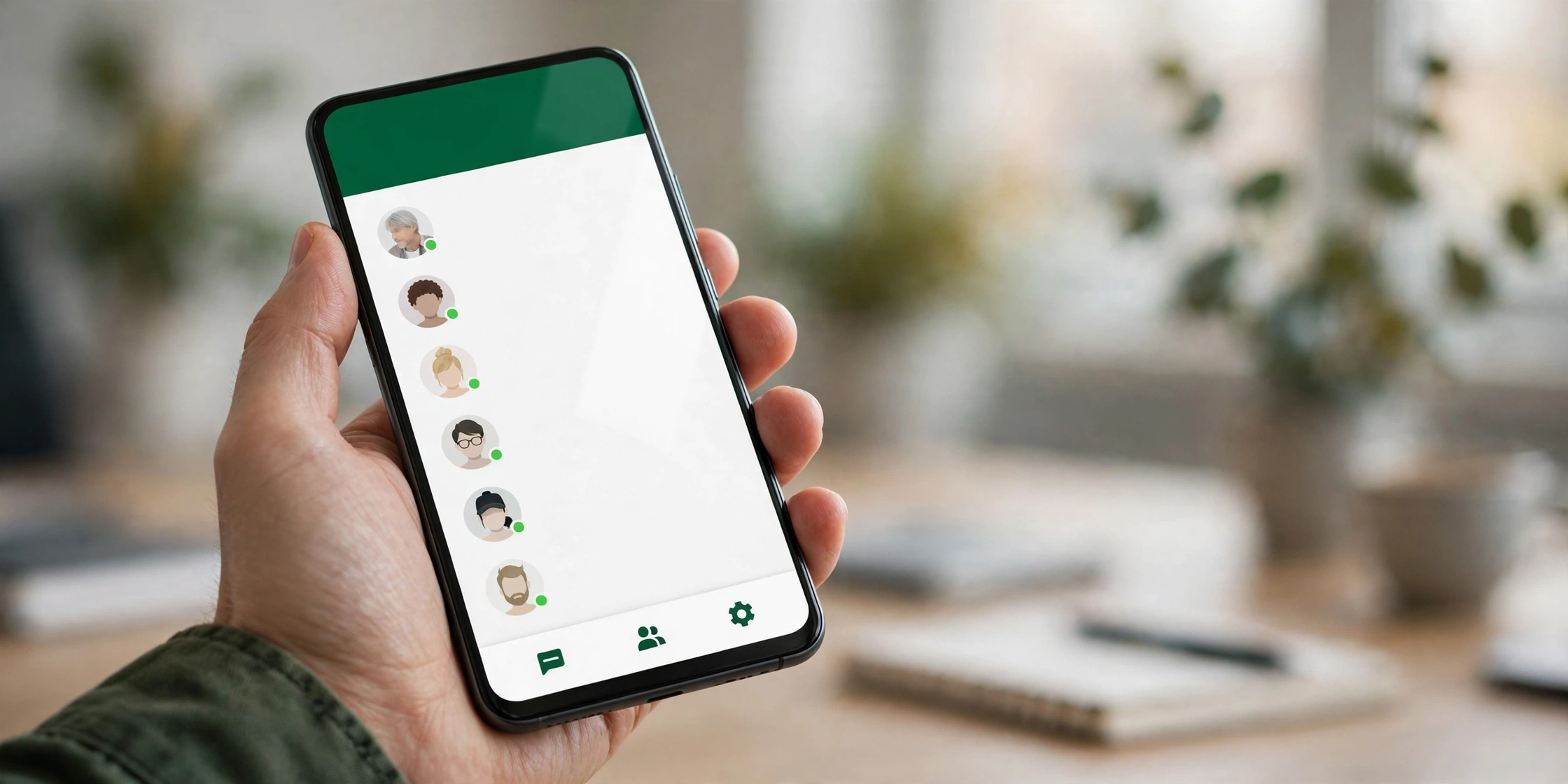
WhatsApp is rolling out a brand-new Contacts tab on Android, and it changes how you find people in the app. Spotted in the latest Android beta, the new tab sits in the bottom navigation bar and shows you who’s online right now — no more opening each chat one by one to check.
The rollout started with WhatsApp beta for Android version 2.26.45.2, available through the Google Play Store. It is reaching some beta testers first and will expand to more users over the coming weeks.
Key Takeaways
- WhatsApp is rolling out a new Contacts tab on Android beta, spotted in version 2.26.45.2 (2.26.45.1 is also compatible).
- The tab replaces Communities in the bottom navigation bar — but Communities itself is not going away.
- You can see who’s online right now, search contacts by name, number or username, sort them, and start a new chat in seconds.
- A birthday reminder shows a cake icon next to contacts whose birthday is saved in your phone’s address book.
- The feature is rolling out gradually to some beta testers only, and installing the beta does not guarantee you’ll see it yet.
What Is the WhatsApp Contacts Tab?
The Contacts tab is a dedicated space in WhatsApp’s bottom navigation bar for your people. Until now, WhatsApp never had a proper contacts list on its main screen — you either started a new chat from the compose button or scrolled through your conversations.
That changes with this update. Tap the new Contacts tab and you get your full contact list in one place, with a search bar at the top so you can find someone by name, phone number or username. You can sort contacts alphabetically or by recent activity, and tap any contact to start a new conversation straight away.
The headline feature is the live online status. A green dot next to a contact’s profile photo shows who is online right now, so you can tell at a glance who’s available to chat before you type a message.
Birthday Reminders Built In
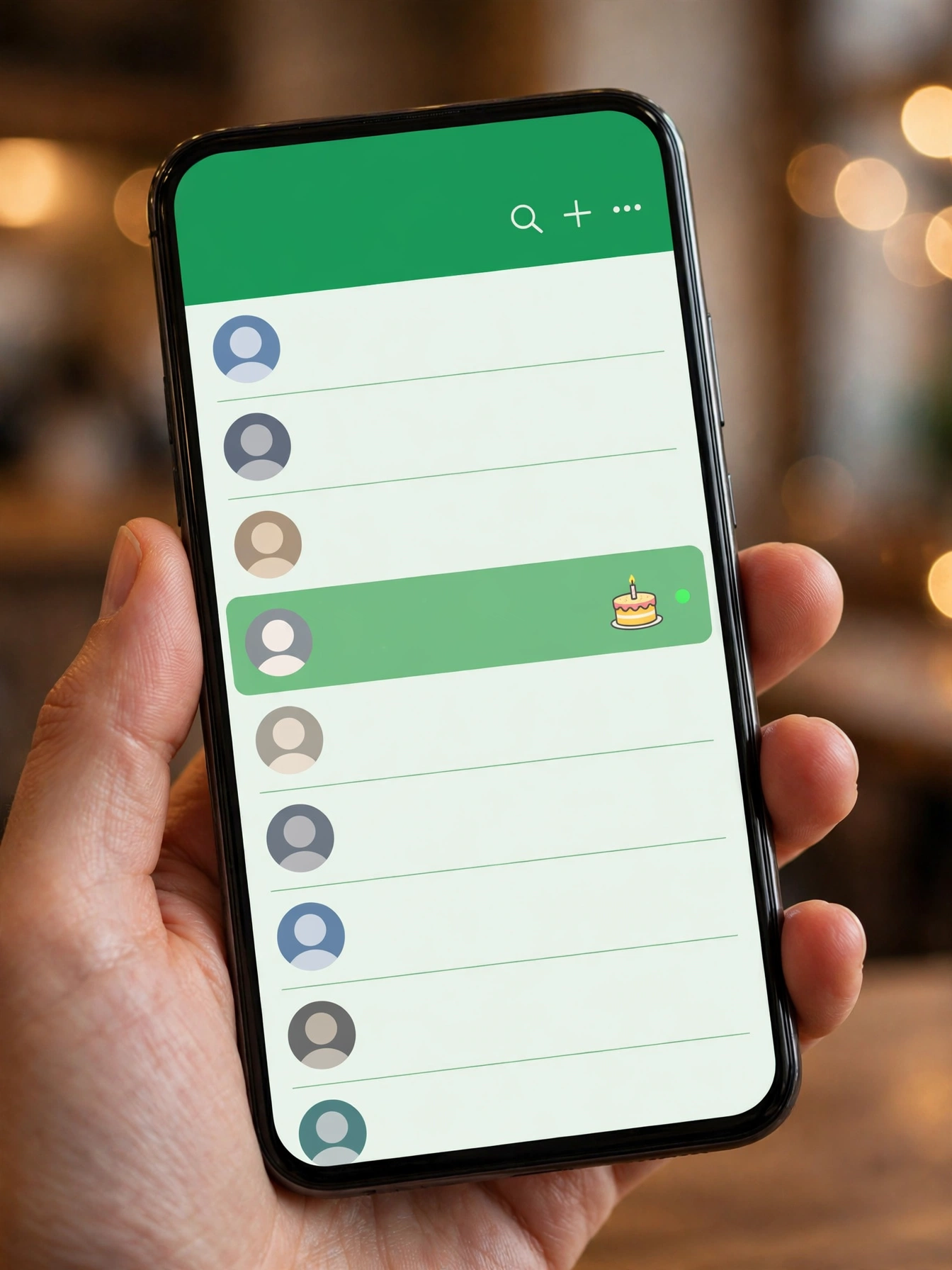
The Contacts tab also keeps track of birthdays. If a contact’s birthday is saved in your phone’s address book, a small cake icon appears next to their name when the day arrives — a quiet nudge so you don’t forget to wish them.
It is a small touch, but it fits the direction WhatsApp is heading: the tab is becoming a hub for your people, not just a list of names. Earlier beta builds also showed a shortcut to Meta AI at the bottom of the contacts list, along with an option to invite new people to join WhatsApp — though WhatsApp is testing different configurations, so the final layout may look different.
Where Did the Communities Tab Go?
If you use Communities, don’t panic: the feature is not being removed. WhatsApp already added a Communities filter to the chat list, which makes the dedicated Communities tab in the bottom bar redundant. That freed-up slot is what the Contacts tab now occupies.
Your communities are still there, reachable from the chat list filter. WhatsApp is simply moving them out of the bottom navigation to make room for contacts.
Part of a Bigger WhatsApp Redesign
The Contacts tab is not a one-off change — it is one piece of a wider reshuffle of WhatsApp’s navigation. Earlier reports found WhatsApp testing moving Channels into the Chats tab, which would eventually leave the Updates tab with nothing in it. If Status and Channels both live in Chats, the Updates tab itself could disappear, with the Contacts tab taking its place in the bottom bar.
WhatsApp is testing different versions of this layout with different groups of users before settling on a final design, so expect the navigation to keep evolving over the next few months. The company has not confirmed the final layout or a date for the stable release.
How to Check If You Have the Contacts Tab
The feature is rolling out gradually, so even beta testers may not see it immediately. Here’s how to check:
- Update WhatsApp to the latest beta from the Google Play Store (version 2.26.45.1 or newer).
- Open WhatsApp and look at the bottom navigation bar.
- If you see a Contacts tab where Communities used to be, you have it.
If the tab is not there yet, there is nothing else to do — availability depends on a server-side switch from WhatsApp, not just the app version. It should reach more beta testers over the coming weeks.
One privacy note: the online status in the Contacts tab respects your existing “last seen” and “online” privacy settings, so people only see what your settings already allow them to see.
When Will Everyone Get It?
WhatsApp has not announced a date for the stable rollout, and there is no confirmation yet about iPhone availability — so far the tab has only been spotted on Android beta. The feature was first discovered in development back in beta version 2.26.40.3 in early October, when it was still hidden code rather than a live rollout. Now that it is reaching real beta testers, a wider release is a matter of when, not if — but features in testing can still change before they reach everyone.
For now, Android beta users should keep an eye on the bottom bar. The next time you open WhatsApp, your contacts — and who’s online — may be one tap away.
Frequently Asked Questions
What is the WhatsApp Contacts tab?
The Contacts tab is a new section in WhatsApp’s bottom navigation bar on Android that shows your full contact list, who is online right now, and birthday reminders. It is rolling out in WhatsApp beta for Android 2.26.45.2.
Which WhatsApp version has the Contacts tab?
The tab is rolling out in WhatsApp beta for Android version 2.26.45.2, and version 2.26.45.1 is also listed as compatible. It is available to some beta testers only, and WhatsApp is expanding it gradually.
Does the Contacts tab replace Communities on WhatsApp?
It replaces the Communities tab in the bottom navigation bar, but Communities itself is not removed. Communities remain accessible through a filter in the chat list.
How do I see who is online on WhatsApp with the Contacts tab?
Open the Contacts tab in the bottom bar. Contacts who are currently online show a green dot next to their profile photo. Online and last-seen information still follows your privacy settings.
When will the WhatsApp Contacts tab roll out to everyone?
WhatsApp has not announced a public release date. The tab is rolling out gradually to Android beta testers, and there is no confirmation yet about when it will reach the stable app or iPhone.
Related Guides
- WhatsApp Chat Previews Come to Android: Peek at Chats Without Blue Ticks
- WhatsApp Original Quality Media Sharing: The Catch
- WhatsApp Settings Redesign: Material 3 Look and a New Backup Page Explained
Sources: WABetaInfo, Undercode News
