


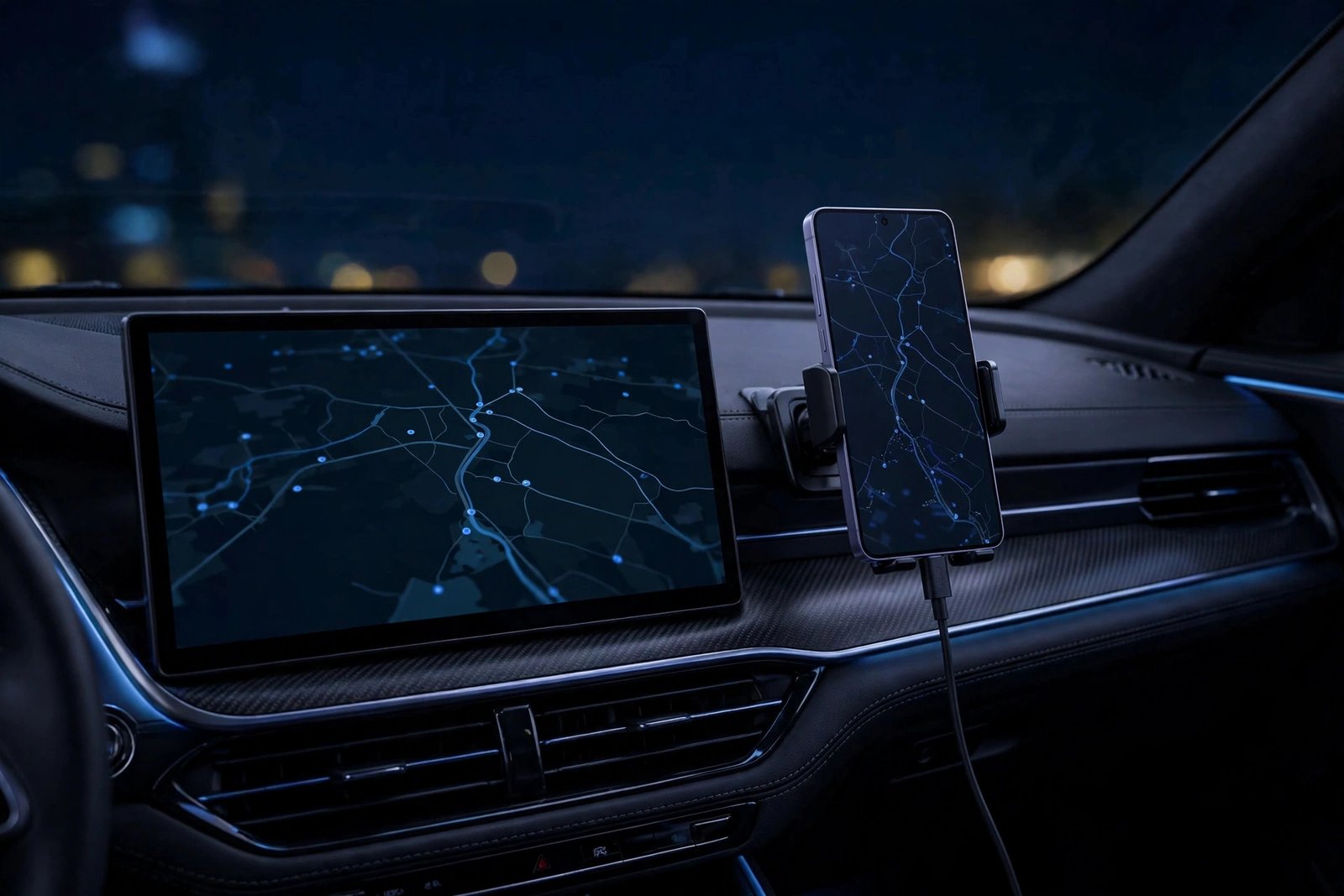
If your Galaxy phone updated to One UI 9 and Android Auto suddenly stopped working in your car, you are not imagining it — and you are not alone. Across Reddit, Samsung’s community forums and Google’s own support boards, Galaxy owners have reported the same pattern since Samsung’s Android 17-based update started rolling out: Android Auto refuses to connect, drops out mid-drive, or stutters so badly it is unusable.
The good news is that Google has already responded. The company told Android Authority on November 2, 2026 that a fix was rolling out, and on November 3 it told 9to5Google that “a fix has been rolled out.” The less good news is that Google has not said exactly how that fix reaches your phone — or when it reaches every phone. Some Galaxy owners are still seeing problems three weeks later, because the fix may arrive through the Android Auto app, Google Play services, a server-side change, or a combination of all three.
This guide explains what went wrong, what Google has actually confirmed, and the exact steps to take — in the order that matters — so you can get your car connection back without resetting your phone or replacing a cable that was never the problem.
What Is Going Wrong With Android Auto on One UI 9?
One UI 9 is Samsung’s software built on Android 17. It has been spreading across the Galaxy lineup through the autumn of 2026 — flagships first, then foldables and A-series phones — and for most owners it has been a smooth upgrade. But for a noticeable group of drivers, the update broke the link between phone and car.
Owners have reported three distinct symptoms:
- Android Auto will not start at all. The phone charges when plugged in, or connects over Bluetooth, but the car’s display never shows Android Auto.
- Random disconnects mid-drive. The connection comes up, then drops for no clear reason — sometimes repeatedly on the same journey.
- Stuttering audio and lag. Navigation and music stutter, and the interface on the head unit feels sluggish or unresponsive.
The reports name several models, including the Galaxy S24 Ultra, the Galaxy S26 and the Galaxy A55 5G. One comparison highlighted by Android Authority made the case neatly: a Galaxy S25 Edge still running One UI 8.5 behaved normally in the same car, while a Galaxy S24 Ultra running One UI 9 reproduced the stutter straight away. That points at the software update rather than the car, the cable or the phone’s hardware.
It is worth being honest about scale. This is not every Galaxy phone, and it is not every car. Many One UI 9 owners use Android Auto every day without a problem. But the reports are consistent enough — and spread across enough models and head units — that Google treated it as a real issue rather than a handful of bad cables.
Why One UI 9 Broke Android Auto
Android Auto is not a single app. It is a chain of components that all have to work together: the Android Auto app itself, Google Play services, Bluetooth and Wi-Fi for wireless connections, the USB data connection for wired ones, and your car’s infotainment system at the other end. A major Android version change touches several of those links at once, which is why a phone that worked perfectly on One UI 8.5 can suddenly fail on One UI 9.
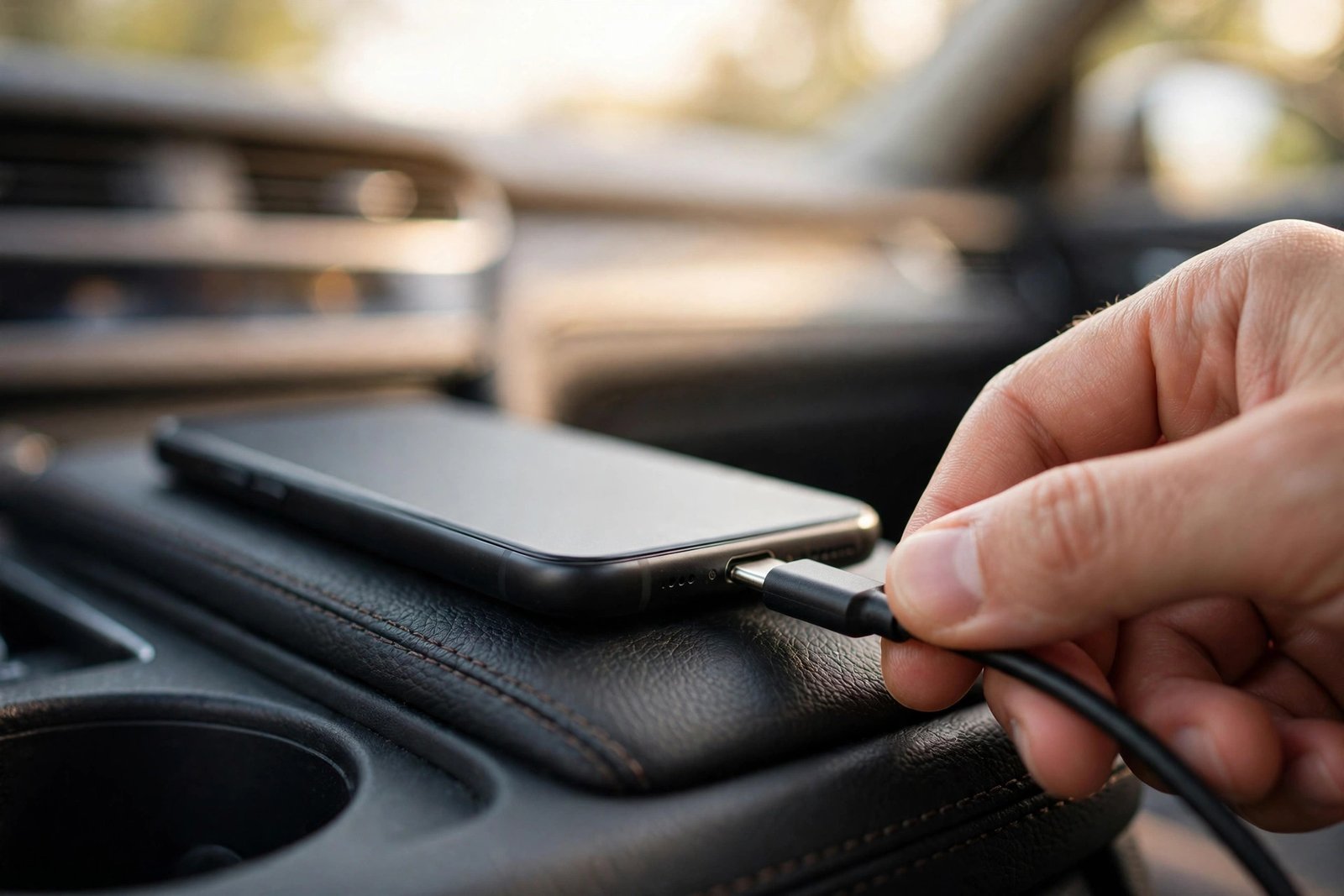
One specific change matters for wired users. Starting with One UI 8, Samsung changed the default USB mode to charging only. That means a phone plugged into a car may charge happily while refusing to start Android Auto, because the USB connection is not set to transfer data. After a big update, that setting can catch people out — the car shows a charging icon and nothing else, and the phone looks like it is working.
There is also an irony in the timing. Google’s changelog for the November 2026 Pixel update included a fix for a charging indicator that appeared when no charger was connected. That is a different issue, and it is unlikely to be related to the Android Auto problem — but it shows how many small charging and connection behaviours a major update can disturb at once.
Neither Google nor Samsung has published a technical explanation of the root cause. Google has not said which component carried the bug, and Samsung has not issued its own statement. What we do know comes from what Google has told reporters, and from the pattern of the reports themselves.
What Google Has Said — and What It Has Not
The timeline of Google’s response is short, and it is worth laying out in full, because it tells you how much you can rely on the fix — and what is still uncertain.
The first sign that Google was paying attention came on the Android Auto Help forum, where a Google Community Specialist replied that a report of the problem had been passed to the Android Auto team. Then, on November 2, 2026, a Google spokesperson told Android Authority that a fix for what Google called an “Android 17 / One UI 9” issue was rolling out, and that “the issue should be resolved soon.”
A day later, on November 3, Google went further. Speaking to 9to5Google, the company confirmed that “a fix has been rolled out” for Android Auto issues on Galaxy devices running One UI 9. That is the strongest statement on record: not a fix in testing, not a fix coming soon, but a fix already deployed.
Here is what Google has not said. It has not published a blog post or a support page about this issue. It has not said whether the fix arrives through the Android Auto app, Google Play services, a server-side switch, or a Samsung firmware update — and because Google ships the Android Auto app and related services itself, the fix can land without anyone waiting for a full Samsung update. It has not said which Android Auto version, Play services version or firmware build carries the fix. And it has not given a timeline for when the fix reaches every affected phone. The rollout is staged, so some owners may still see problems until the relevant updates and background components reach their devices.
One German report has suggested the fix is server-side, which would mean no separate download is needed. Google has not confirmed that itself, so treat it as unconfirmed — and do not skip the update steps below on the strength of it.
How to Make Sure You Get Google’s Fix
Because Google has not said exactly how the fix is delivered, the practical approach is to update everything the fix could travel through, then test. Work through these steps in order, and check Android Auto in the car after each one before moving on.
1. Update Android Auto and Google Play services
Open the Google Play Store, search for Android Auto, and tap Update if one is available. Then do the same for Google Play services. Samsung and Google have both pointed to outdated versions as a common cause of drops on One UI 9, and since Google’s fix may be delivered through either component, both need to be current. Restart your phone after the updates install.
2. Install any pending Samsung system update
Go to Settings, then Software update, and check for a new build. The One UI 9 rollout is still in progress, and later builds may include additional fixes. The November 2026 security patch has also been reaching Galaxy phones through the month, so a pending update may carry more than just security fixes. Install anything that is waiting, then restart.
3. Install any pending Google Play system update
In Settings, check for a Google Play system update as well. Play system updates carry low-level components that Android Auto depends on, and they are separate from the Samsung system update in step 2. This is an easy one to miss, and it costs a minute.
4. Clear Android Auto’s cache — not its data
A corrupted cache left over from the update can cause stuttering or repeated disconnects even after the app itself is up to date. Go to Settings, then Apps, then Android Auto, then Storage, and tap Clear cache. Do not tap Clear data unless nothing else works: clearing data removes your saved Android Auto preferences and car pairings, and you will have to set them up again.
5. Check the USB mode (wired connections)
If you connect with a cable and Android Auto still will not start, check the USB mode. Plug the phone into the car, pull down the Quick panel, and look for the USB notification. It should be set to “Transferring files / Android Auto” — not “Charging only.” Since One UI 8, Samsung’s default has been charging only, and that silently blocks wired Android Auto before it can even start. You can also find the setting under Settings, then Connections, then Bluetooth, where the USB mode option appears. Switch it, unplug, and plug in again.
6. Try a different USB cable
Worn or low-quality cables cause a large share of “Android Auto stopped working” problems, and a cable that worked on One UI 8.5 can still be the weak link after an update changes how the phone negotiates the connection. Try a short, high-quality USB cable — ideally the one that came with your phone, or a certified cable from a known brand. Avoid very long cables and old cables with frayed ends.
7. Forget the car and re-pair it
If the connection still drops or stutters, remove the car from Android Auto’s connected cars list and from your Bluetooth paired devices, then pair it again from scratch. An update can leave a pairing in a half-broken state that no amount of restarting will fix, and a clean pairing is the fastest way to clear it. On the phone, go to Android Auto’s settings, open previously connected cars, and remove yours; then in Bluetooth settings, forget the car as well. Reconnect in the car and accept the prompts.
What to Do If It Still Does Not Work
If you have worked through all seven steps and Android Auto still will not connect, a few things are worth checking before you assume the phone is at fault.
First, check whether your car’s infotainment system has an update of its own. Car makers ship head-unit updates that fix phone compatibility, and your car’s manual or the manufacturer’s website will explain how to check. Second, test with a different car or a different phone if you can — that tells you quickly whether the problem follows the phone or the car. Third, check whether wireless Android Auto works when wired does not, or the other way round; the two paths use different radios, and one working while the other fails narrows the problem down.
If nothing helps, report the problem through Android Auto’s own feedback option so it reaches Google’s team with your phone model, build number and car details attached. Neither Google nor Samsung has published an official troubleshooting checklist for this specific issue, so user reports are the main way the remaining cases get counted — and counted cases are what get fixed.
One thing not to do: do not factory-reset your phone as a first resort. Nothing in Google’s statements or in the reports suggests a reset is needed, and a reset wipes your data for a problem that, for most owners, is fixed by the update steps above.
What Happens Next
The One UI 9 rollout is still reaching more Galaxy phones each week, so the number of drivers who could hit this problem is still growing — even though the fix is already out. That is the awkward part of a staged fix: Google can say it has rolled out, and still leave owners waiting for the components to reach their particular phone.
Two things are worth watching. The first is Android Auto 18.1, which Google is also rolling out and which continues preparation for a redesign and a new light mode. The second is Samsung’s November 2026 security patch, which has been detailed and is reaching phones through the month; later One UI 9 builds may bundle further connection fixes.
For now, the practical advice is simple. Update Android Auto and Google Play services, install any pending Samsung update, clear the cache, and check the USB mode before you blame the cable or the car. Google says the fix is out. These steps are how you make sure your phone actually has it.
Frequently Asked Questions
Has Google fixed Android Auto on One UI 9?
Yes, according to Google. A spokesperson told Android Authority on November 2, 2026 that a fix was rolling out, and on November 3 Google told 9to5Google that “a fix has been rolled out” for Android Auto issues on Galaxy devices running One UI 9. Google has not said which component the fix ships in, so updating Android Auto, Google Play services and your Samsung system software is the safest way to make sure you have it.
Why did Android Auto stop working after I updated to One UI 9?
One UI 9 is Samsung’s Android 17 update, and it changes several parts of the system Android Auto depends on — the Android Auto app, Google Play services, Bluetooth, Wi-Fi and the USB data connection. Owners report three symptoms: Android Auto will not start, it disconnects mid-drive, or audio stutters. Google has acknowledged the issue and says a fix has rolled out, though it has not published a technical explanation of the cause.
Which Galaxy phones are affected by the Android Auto problem?
Reports name the Galaxy S24 Ultra, Galaxy S26 and Galaxy A55 5G, among others. The issue is not universal — many One UI 9 owners use Android Auto without any problem — and Google has not published a list of affected models. If your phone runs One UI 9 and Android Auto misbehaves in the car, the steps in this guide apply regardless of model.
How do I fix Android Auto not connecting after One UI 9?
Update Android Auto and Google Play services from the Play Store, install any pending Samsung system update and Google Play system update, restart the phone, and test again. If it still fails, clear Android Auto’s cache (Settings, Apps, Android Auto, Storage, Clear cache), check the USB mode is set to “Transferring files / Android Auto” rather than “Charging only,” try a different USB cable, and forget and re-pair the car. Do not clear Android Auto’s data or factory-reset the phone first — those steps wipe your settings and are rarely needed.
Why does my phone charge in the car but Android Auto will not start?
This usually means the USB connection is in charging-only mode. Since One UI 8, Samsung’s default USB mode is charging only, which lets the phone charge while blocking the data connection Android Auto needs. Plug the phone in, pull down the Quick panel, and switch the USB mode to “Transferring files / Android Auto.” If that option does not appear, try a different cable and check the setting under Settings, then Connections, then Bluetooth.
Related Guides
- Android Auto Gets Gemini Intelligence With Proactive Suggestions — Pixel Phones First
- Android Auto 18.2 Update Brings Light Mode
- One UI 9 Battery Drain? Here’s the Fix That Actually Works
Sources: 9to5Google (Nov 3, 2026) — https://9to5google.com/2026/11/03/some-samsung-galaxy-phones-are-having-android-auto-issues-with-one-ui-9/ ; Android Authority via TechRepublic (Nov 2, 2026) — https://www.techrepublic.com/article/news-android-auto-one-ui-9-fix/ ; The Tech Hacker (Nov 5, 2026) — https://thetechhacker.com/2026/11/05/fix-android-auto-not-connecting-one-ui-9/ ; gHacks (Nov 3, 2026) — https://www.ghacks.net/2026/11/03/google-says-a-fix-is-rolling-out-for-android-auto-connection-problems-on-samsung-phones-with-one-ui-9/
