


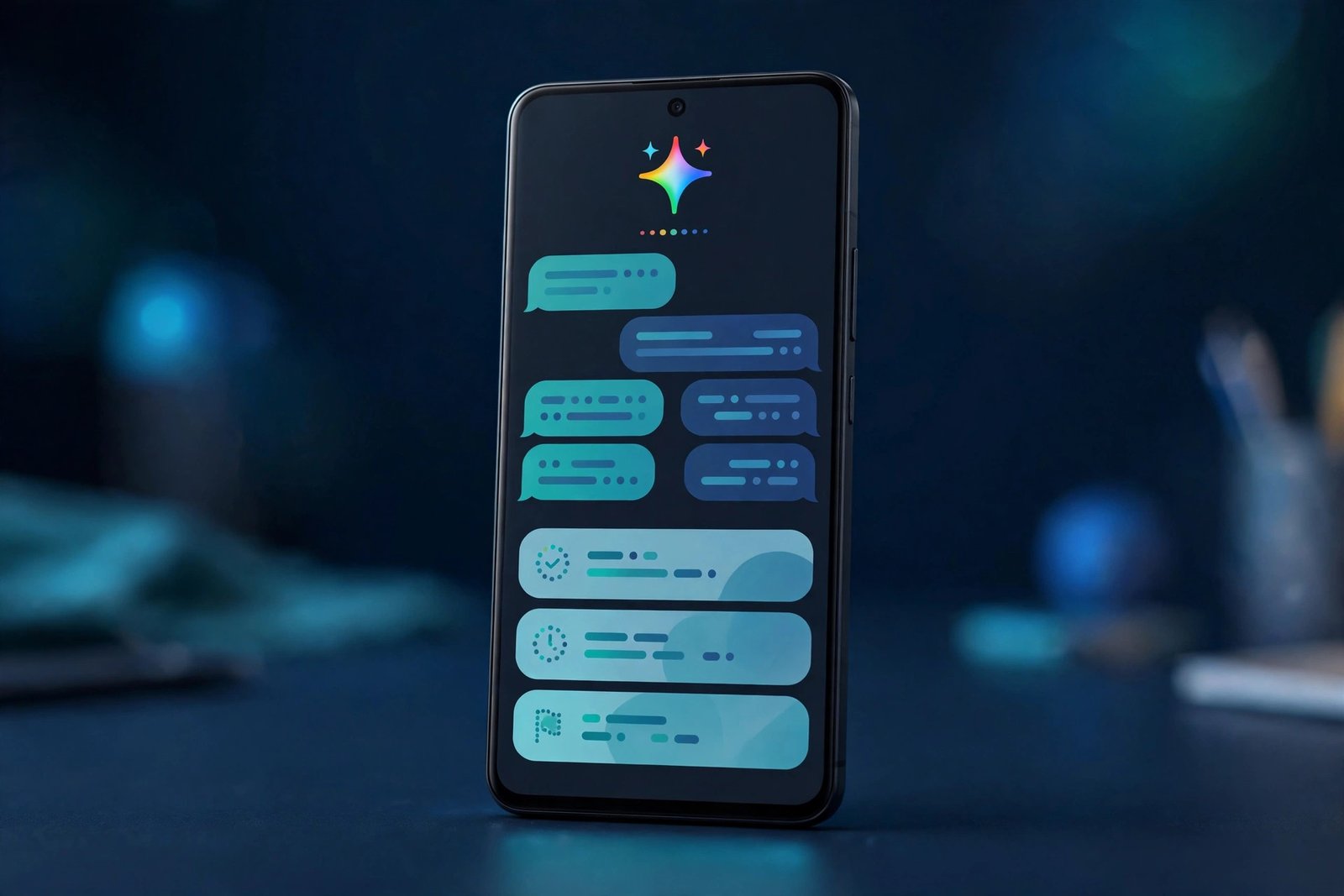
Google Messages is about to change the way Gemini talks to you — and this time, Gemini may start the conversation. Code and behaviour spotted in the latest beta of Google Messages show the app replacing its old Gemini chat shortcut with a new, proactive Gemini Tasks chat that can text you first with a morning briefing, a price-drop alert, a package-delivery update, or a reminder that a subscription is about to renew.
The change was spotted in Google Messages beta version 20261120_01_RC00 and reported on November 24, 2026 by 9to5Google, with Gadgets360 covering the same finding. It builds directly on Gemini “Channels”, the feature Google announced only last week, on November 17 — and it turns Google Messages from a place where you ask Gemini questions into a place where Gemini keeps track of things for you and checks in when something happens.
As with every beta sighting, the honest caveat comes first: this is not a stable rollout. Google has not announced it, the feature is only visible in beta code, and there is no release date. Features found in beta builds sometimes change shape before release, and some never ship at all. But the pieces here are already live in other parts of Google’s ecosystem, which makes this one look like a matter of when, not if.
What changes in Google Messages
The current Gemini experience in Google Messages dates back to 2024. Tapping the Gemini shortcut opened a plain question-and-answer window: you typed a prompt, Gemini answered, and the conversation only moved when you did. It was useful, but it was passive — a chatbot sitting inside your messaging app, waiting to be asked.
The new setup works differently. In the beta build, the Gemini floating action button — or the top-right icon in the redesigned Messages homepage — now opens a setup flow at gemini.google.com/channels on a fresh install. Once setup is complete, that same button opens a new Tasks chat instead. The chat runs over RCS Business Messaging, which means it appears in your conversation list like any other chat, but it is a business messaging thread with Gemini rather than a conversation with a person.
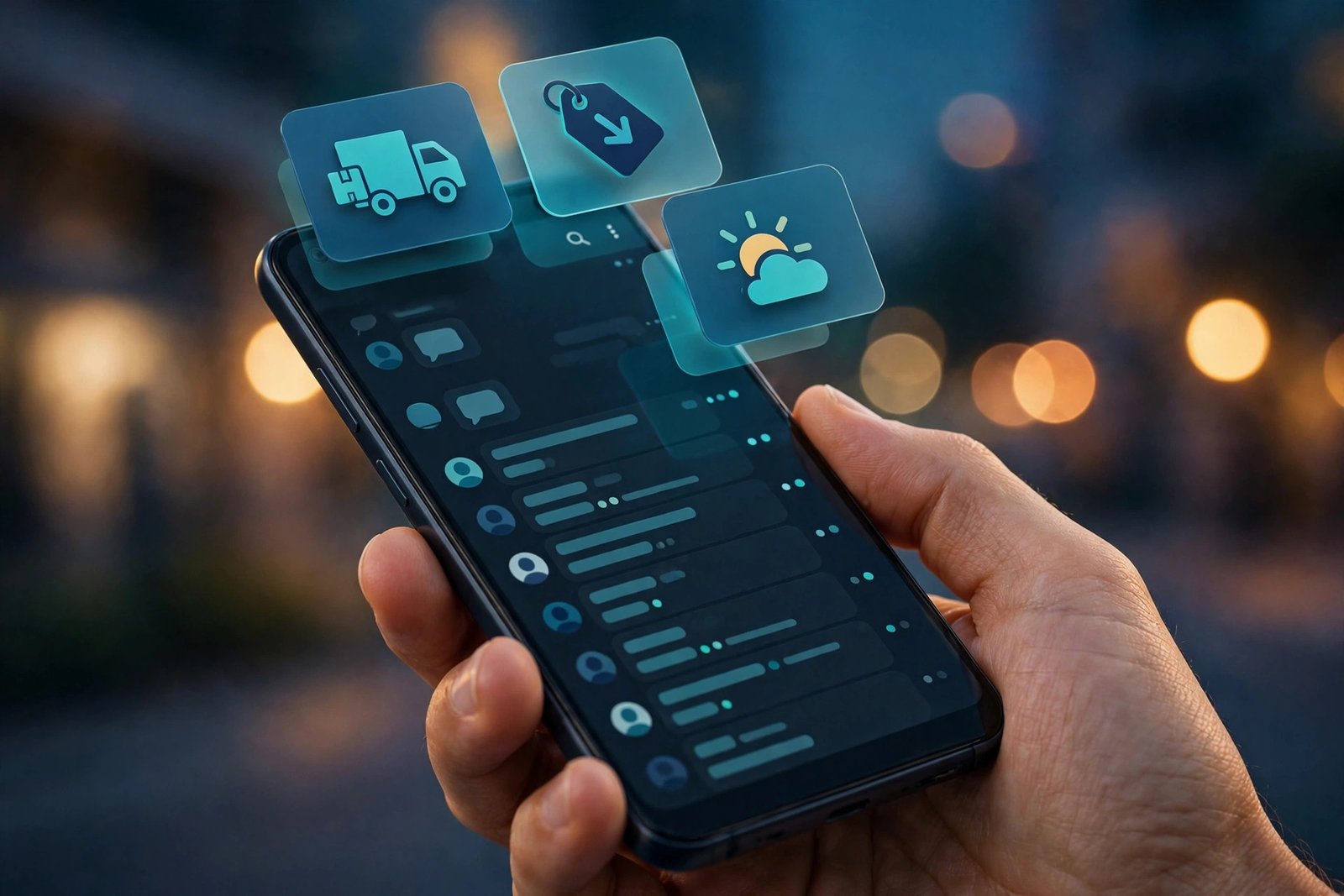
The difference is what that chat can do without being asked. According to the beta findings, the Tasks chat can reach out first: a morning briefing summarising your day, an alert when the price drops on something you were watching, a delivery update when a package moves, a reminder before a subscription renews, and travel updates when your plans change. Instead of opening Gemini and asking what you need, Gemini tells you when something you care about has happened.
Tasks that start by text also show up as task threads inside the Gemini app itself, so the same job is visible in both places. You can reply mid-run to steer a task — for example, changing the details of a price watch or asking for an update — and the conversation continues from there. Email with Gemini exists too, through gemini@google.com, for people who prefer to start tasks from their inbox.
Gemini Tasks, and the road from Spark
The Messages integration is the latest step for a feature that has had a busy few weeks. Gemini Tasks was previously known as Spark, and Google has now made Tasks free for users in six countries: the United States, Canada, India, Australia, Japan, and South Korea. The idea is simple — ask Gemini to do something that takes time, and it works on it in the background and reports back when it is done, rather than answering in a single exchange.
Gemini “Channels”, announced on November 17, is the infrastructure underneath it. Channels let you text or email with Gemini to start a task and receive updates, so the assistant is no longer confined to a single chat window in the Gemini app. The Messages beta is Channels arriving in the app where most Android users already spend their messaging time.
There are limits, and they matter. The Messages integration is US-only for now, and it requires Tasks to be enabled in the Gemini app before it will work. Setup runs through the Gemini app: Menu, then Settings, then Channels, then “Set up” next to “Text with Gemini”, where you select and verify your phone number. Beyond that, the requirements are specific: a US personal Google account set to English, a US phone number on a supported carrier, and RCS chats enabled in Google Messages. If any of those is missing, the feature will not appear.
The privacy trade-off is real
The most important detail in this story is not a feature — it is a privacy warning, and Google is upfront about it. Texts with Gemini are not end-to-end encrypted, and they may be accessible by the carrier. That is the nature of RCS Business Messaging: the conversation travels through carrier infrastructure in a way that ordinary RCS person-to-person chats, with their encryption, do not.
That matters because of what the Tasks chat is designed to know. A morning briefing touches your calendar and your day. Price-drop alerts touch what you shop for. Delivery updates touch what you buy and where it is going. Subscription reminders touch what you pay for. None of that is inherently dangerous, but it is personal, and it will be passing through a channel that is not encrypted end to end. Users who switch the feature on should understand that trade-off before they hand Gemini their shopping lists and travel plans.
Google has built in one safeguard that is worth noting. Gemini asks for one-tap confirmation before taking any major action, such as a booking or a payment. The assistant can research, track, and remind on its own, but the moment a task turns into spending money or committing to something, you get a confirmation prompt first. That is the right line to draw for an assistant that messages you first — helpful, but not autonomous with your wallet.
Who is affected, and what happens next
For now, the answer is: a small group of US beta users, and only those who have Tasks enabled. The Messages integration has no stable-rollout date, and Google has not said when — or whether — it will expand beyond the United States, or to the other five countries where Tasks itself is already free. The beta sighting is a signal of intent, not a launch.
If it does roll out, it will affect every Google Messages user who opts in, and Google Messages is the default messaging app on most Android phones. The change would be most visible for people who already use Gemini for everyday planning: the morning briefing alone replaces a handful of separate checks across calendar, email, and shopping apps, and delivery and price alerts would otherwise require dedicated apps or browser extensions.
It also fits a pattern that has been building across Google’s apps all year. Gemini is steadily moving from a chatbot you visit into an assistant that lives where you already are — in Search, in the Gemini app, in Gmail, and now in your text messages. The Android Auto build spotted earlier this month pointed the same way, with Gemini offering proactive suggestions on the drive. Messages is the most personal of those surfaces, which is also why the privacy question matters more here than anywhere else.
What happens next is a matter of watching the beta channel. The setup flow already exists at gemini.google.com/channels, Channels is already announced, and Tasks is already free in six countries — the groundwork is done. The realistic expectation is that the Tasks chat will appear for more beta users first, then move to a wider rollout if Google is happy with how it behaves. Until then, the old Gemini chat remains the version most people will see, and the proactive version stays a beta promise.
For Android users, the message is simple: Gemini in Messages is about to stop waiting to be asked. Whether that feels helpful or intrusive will depend on how well it picks its moments — and on whether users are comfortable with what travels unencrypted to make it work.
Frequently Asked Questions
What is the new Gemini Tasks chat in Google Messages?
It is a proactive chat with Gemini inside Google Messages, spotted in beta version 20261120_01_RC00. Unlike the old Gemini chat from 2024, which only answered questions you asked, the Tasks chat runs over RCS Business Messaging and can text you first with a morning briefing, price-drop alerts, package-delivery updates, subscription-renewal reminders, and travel updates.
Is the Gemini Tasks chat in Google Messages available yet?
No. It has only been spotted in the Google Messages beta, and Google has not announced a stable rollout date. The integration is US-only for now and requires Gemini Tasks to be enabled in the Gemini app before it will appear.
How do I set up Gemini Tasks in Google Messages?
Setup runs through the Gemini app: open the Menu, go to Settings, then Channels, and tap “Set up” next to “Text with Gemini”, then select and verify your phone number. You need a US personal Google account set to English, a US phone number on a supported carrier, and RCS chats enabled in Google Messages.
Are texts with Gemini in Google Messages end-to-end encrypted?
No. Texts with Gemini are not end-to-end encrypted and may be accessible by your carrier, because the Tasks chat runs over RCS Business Messaging. Google also asks for one-tap confirmation before Gemini takes major actions such as bookings or payments.
What is the difference between Gemini Tasks and the old Gemini chat?
The old Gemini chat in Google Messages, dating from 2024, was a plain question-and-answer window that only responded when you messaged it. Gemini Tasks, previously called Spark, works on jobs in the background and reports back — and the new Messages chat can start the conversation itself when something you are tracking changes.
Which countries can use Gemini Tasks?
Google has made Gemini Tasks free for users in six countries: the United States, Canada, India, Australia, Japan, and South Korea. However, the Google Messages integration spotted in beta is US-only for now, with no date announced for other countries.
Related reading:
– Google Messages Is Working on iMessage-Style Threaded Replies
– Gemini App Gets Camera Redesign and GIF Creation on Android
– Google AI Mode Personal Intelligence Now Reads Wallet, Drive and Gemini
Sources: 9to5Google (November 24, 2026, reporting on Google Messages beta version 20261120_01_RC00); Gadgets360.
