


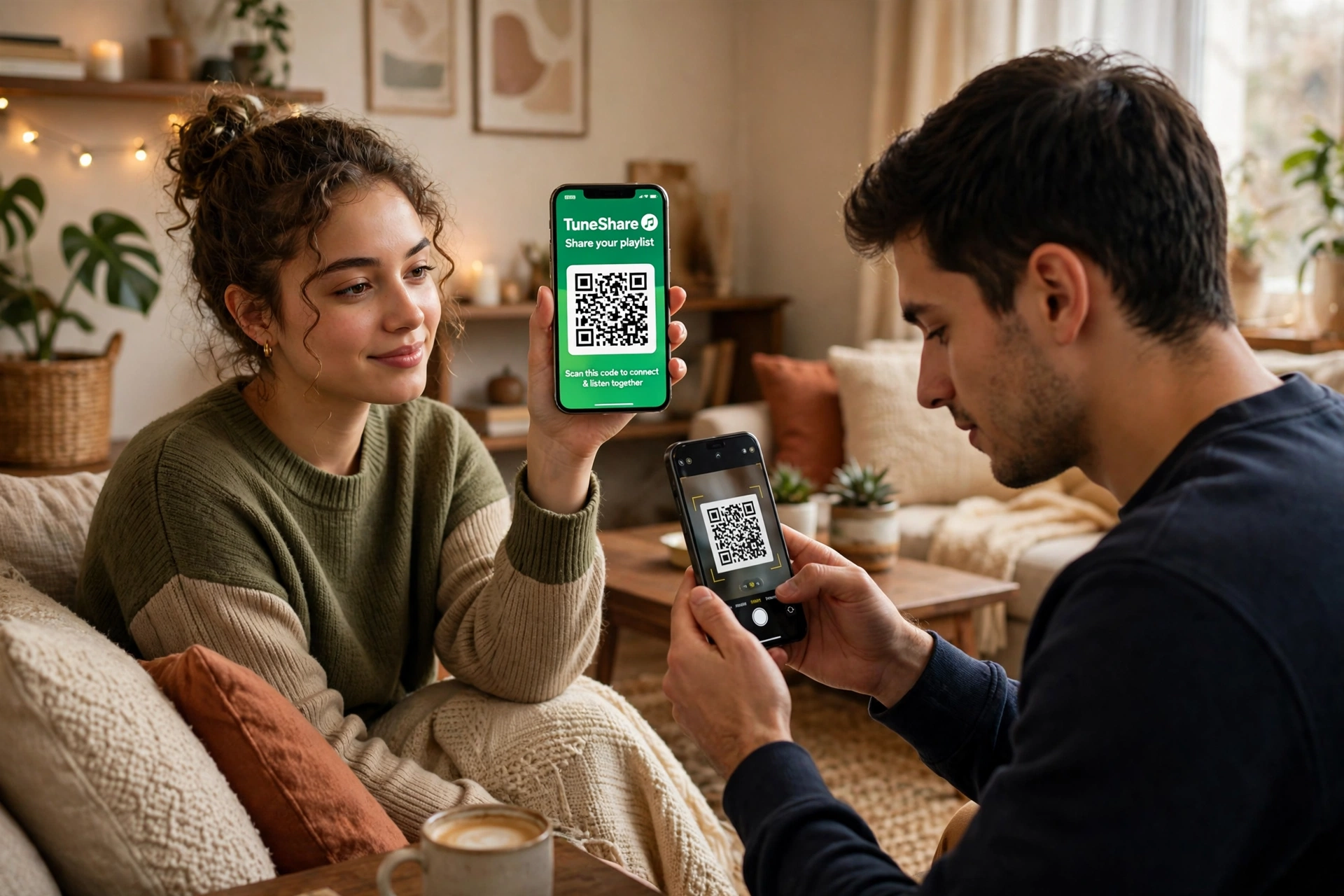
Spotify is getting serious about who counts as family. Some Family plan members are now being asked to prove they actually live at the same address — by scanning a QR code in person. If you miss the deadline, you do not just get a warning: you lose Premium, and you could be blocked from Family plans for a full year.
Key Takeaways
- Spotify is rolling out in-person QR verification for some Family plan members.
- A member must scan a QR code shown on the plan manager’s device, in person.
- You have 7 days to complete verification once you are asked.
- Failing verification means losing Premium and reverting to the free tier.
- A failed check can also trigger a 12-month ban from Spotify Family plans.
How the QR Verification Works
- The plan manager starts verification. The Family plan manager receives a prompt in the Spotify app to verify a member.
- A QR code is shown on the manager’s device. The code is unique to that verification request.
- The member scans it in person. The member opens Spotify on their own phone and scans the manager’s QR code while they are together, proving they are in the same place.
- Spotify confirms the check. Once scanned, the verification is recorded and the member keeps Premium — until the next time Spotify asks.
The key detail is the in-person part. This is not a link you can forward to a friend in another city, or a code you can type in from home. The whole point is to confirm that members are physically together, which is much harder to fake than an address form or an emailed confirmation.
What Happens If You Fail?
- You lose Premium. Your account reverts to Spotify Free, with ads and playback limits.
- You get a 7-day window, not an open-ended one. Once Spotify asks, the clock starts — miss it and the consequences apply.
- You can be banned from Family plans for 12 months. A failed verification can block you from joining or rejoining a Family plan for a year.
- The plan manager is affected too. Repeated failures can put the whole Family plan under scrutiny, so managers should only invite people who genuinely live with them.
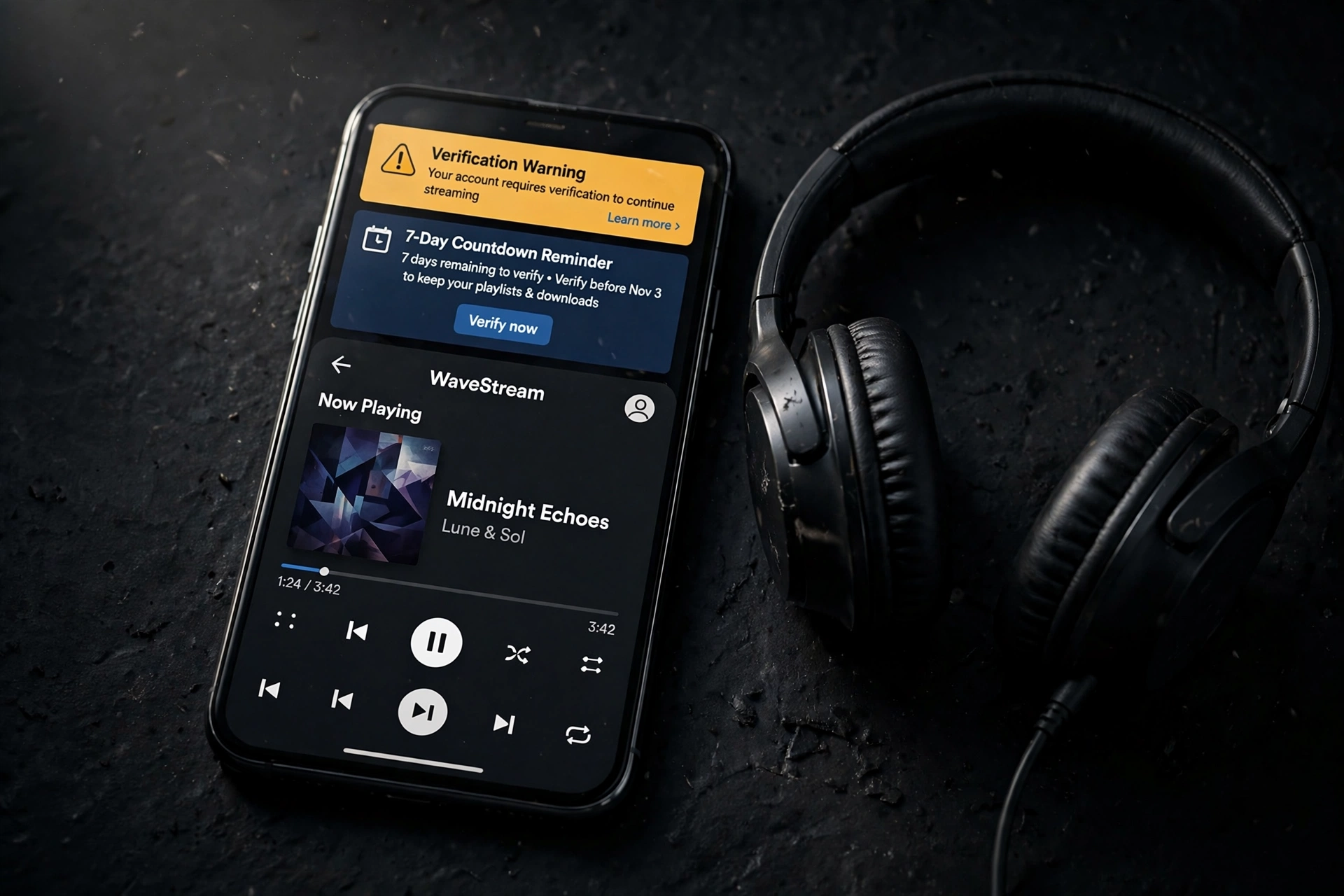
The warning, as shown above, makes the stakes clear: complete verification in time, or lose Premium access.
Why Is Spotify Doing This Now?
Family plans are meant for people living at the same address, but they have long been shared between friends, extended family, and even strangers splitting the cost. That costs Spotify money, and it undermines the plan’s pricing. QR verification is Spotify’s most direct attempt yet to close that gap, and it follows a wider trend of apps tightening how accounts are shared and organized — from WhatsApp Business message folders that help organize chats to WhatsApp’s new Reels shortcut for sharing Instagram Reels in chats, apps are increasingly tying features to verified, in-app activity rather than loose account sharing.
What Should You Do?
- Check your email and app notifications. Do not ignore a verification prompt — the 7-day deadline starts when Spotify asks.
- Arrange to meet the plan manager. If you genuinely live together, scanning the code in person should be straightforward.
- Make sure your account details are up to date. Your address and payment details should match the Family plan.
- If you do not live together, switch plans. A Duo, Individual, or Student plan is cheaper than losing Premium and facing a 12-month Family ban.
- Do not try to game the system. Screenshots, forwarded codes, and location tricks risk a ban that lasts far longer than the verification takes.
Frequently Asked Questions
How long do I have to complete Spotify Family QR verification?
You have 7 days from when Spotify asks you to verify. After that, you risk losing Premium.
Can I verify remotely by having someone send me the QR code?
No. The verification is designed to be completed in person, with the member scanning the code directly from the plan manager’s device.
What happens if I fail verification?
You lose Premium and revert to Spotify Free, and you may be banned from Family plans for 12 months.
Does every Family plan member have to verify?
Not necessarily at the same time. Spotify is rolling this out to selected members, so you may be asked even if other members have not been yet.
Can the plan manager verify for me?
No. The member must scan the QR code themselves, in person, on their own device.
Bottom line: If you are on a genuine Family plan and you live with the plan manager, QR verification is a minor inconvenience. If you do not, it is a clear signal to switch plans now — before a missed 7-day window costs you Premium and a year of Family access.
