


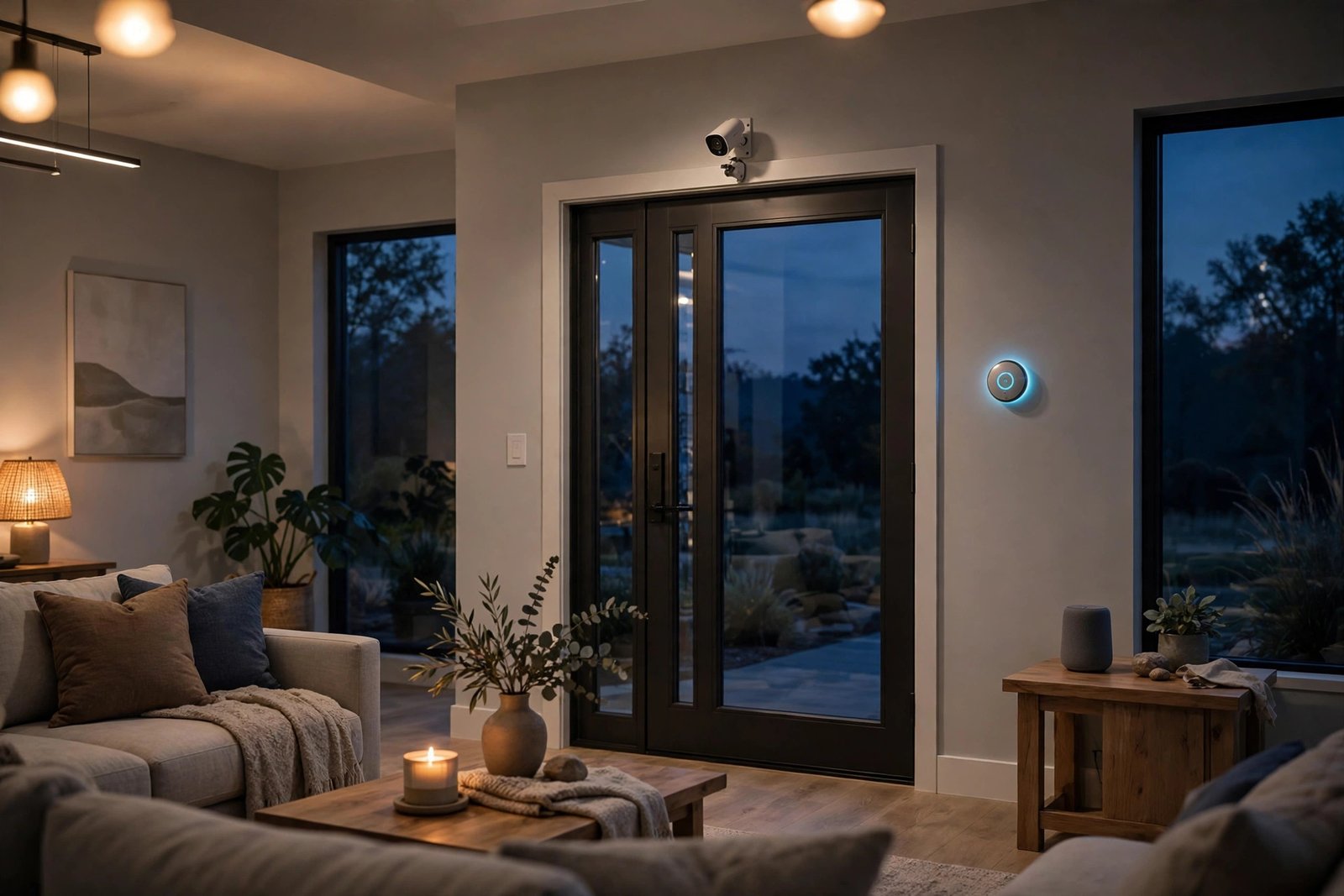
Google has pushed out another big Google Home update, and this one touches almost every corner of the smart home. Detailed in Google’s official changelog on November 25, 2026, the Google Home November Update adds a remote security siren to Nest Cam, brings Familiar Faces to Walmart’s Onn cameras, lets Nest Thermostat owners copy schedules between days, and gives Gemini for Home a fresh round of improvements — including the return of bedtime stories.
It is the latest in a steady run of Google Home updates this autumn, and it arrives at a moment when the app matters more than ever. Google is shutting down the standalone Nest app in January 2027, which means Google Home is now the single home for Nest cameras, thermostats, speakers and displays. Every feature Google adds here is a feature every Nest owner will eventually depend on.
The update is rolling out now through the latest Google Home app on Android and iOS, while the Gemini changes happen behind the scenes on Google’s servers. As usual, not everything will appear on every device on day one — Google says new features may take time to reach all users.
A 30-second siren you can trigger from your phone
The headline feature for camera owners is a new remote siren. While watching live video in the Google Home app, you can now activate — and stop — a 30-second security siren on three outdoor cameras: the Nest Cam Outdoor (wired, 2nd gen), the Walmart Onn Outdoor Camera Plug-In, and the Onn Floodlight Camera Hardwired.
The idea is simple. If you spot someone suspicious on your live feed, you no longer have to just watch them. A tap in the app sounds a 30-second siren from the camera itself, which may be enough to send an intruder on their way before anything happens. You can stop the siren from the same live view once the situation is over.
It is a small addition, but it turns an outdoor camera from a passive recorder into something that can actively respond. Until now, Nest Cam owners who wanted a siren had to rely on the camera’s built-in motion alerts or a separate alarm system. The siren control sits directly in the live view, so it is there exactly when you need it — in the moment you are watching something unfold.
Google has not said whether the siren will come to more cameras later. For now, the three supported models are the only ones listed in the changelog, and all three are wired outdoor cameras — the kind most likely to be watching a driveway, a garden or a front door.
Familiar Faces comes to Walmart’s Onn cameras
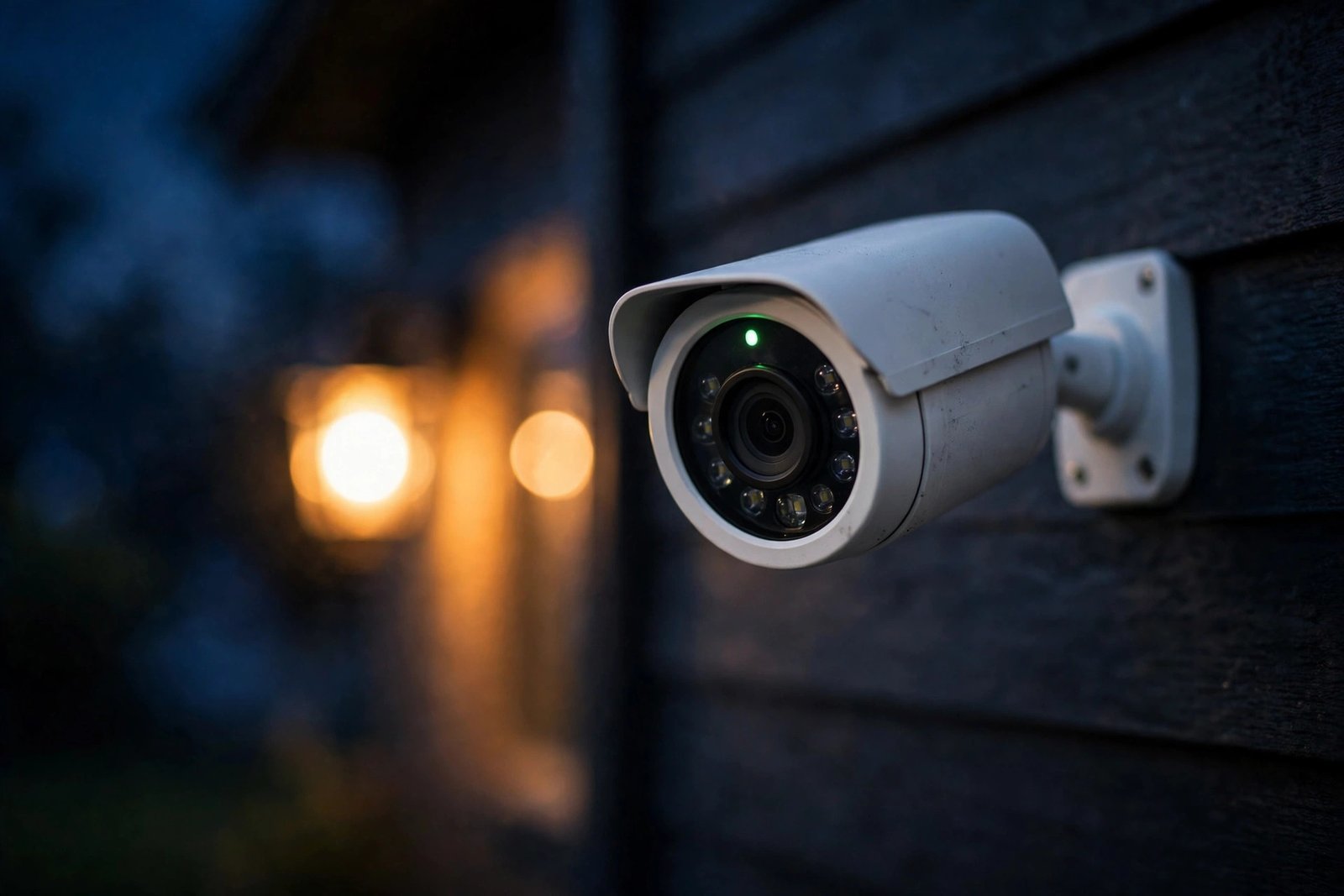
The same two Onn cameras gain another feature in this update: Familiar Face alerts. Google Home now supports Familiar Faces on the Onn Outdoor Camera Plug-In and the Onn Floodlight Camera Hardwired, so the app can tell you when it recognises a familiar person — a family member, a regular visitor — rather than just reporting generic motion.
There is a catch, and it is a paid one. Familiar Face alerts on the Onn cameras require a Google Home Premium subscription. That adds an ongoing monthly cost on top of the camera itself, which matters because the Onn cameras are sold as budget alternatives to Nest hardware. Buyers who picked an Onn camera to save money will need to weigh whether the subscription is worth it for face recognition alone.
The feature works through the same Familiar Faces system Nest camera owners already know. Faces are enrolled in the Google Home app, and alerts name the person when the camera spots them. Google has not said whether Familiar Faces will expand to other partner cameras, but the Onn rollout shows the company is willing to bring its smarter camera features beyond its own hardware.
One-step setup for premium camera features
For new camera buyers, Google has also simplified setup. Google Home Premium subscribers in the United States can now turn on premium camera features in one step while adding a new camera, instead of configuring each feature separately afterwards.
Settings on cameras you already own stay exactly as they are — the one-step setup only applies when you add a new camera. You can still customise the options or opt out before setup finishes, so nothing is forced on.
Google lists this change for US subscribers only and gives no timing for other countries. It is a small quality-of-life improvement, but it fits a pattern: Google is steadily removing friction from the camera setup flow as more households add their second or third camera.
Nest Thermostat owners can finally copy a schedule
Thermostat owners get one of the most practical changes in the update. Owners of the Nest Learning Thermostat (4th gen) and the Nest Thermostat can now copy one day’s schedule to several other days.
Anyone who has built a heating schedule by hand will understand why this matters. Until now, setting up a weekday routine meant rebuilding the same schedule five times — once for each day. With the new copy option, you set up Monday properly, then copy it across to Tuesday, Wednesday, Thursday and Friday in a few taps.
It is the kind of feature that sounds minor until you have spent an evening programming a thermostat. Heating schedules are one of those things most people set once and never touch again, so a small saving at setup time is genuinely useful — especially in late November, when households in the northern hemisphere are switching their heating on for winter.
Gemini for Home gets faster, and stories are back
The biggest set of changes in this update belongs to Gemini for Home, Google’s AI assistant for the smart home, which is still in early access. The November 25 changelog lists several improvements, and one of them is a crowd-pleaser: asking Google to tell you a story is coming back.
“Hey Google, tell me a story” is returning with Gemini able to create stories that are tailored to any adjustments you make as the story goes on. Ask for a story about a dragon who is afraid of the dark, then ask for a brave mouse to join in halfway through, and Gemini can adapt the tale as it goes. It is a small thing, but it is the kind of feature families actually use on a smart speaker in the evening.
Smart home commands are also getting further speed and performance improvements, and Google says the speed improvements have now fully rolled out. Gemini is also getting better at contextual follow-ups: you can now say “turn them back on” after turning off some lights, and Gemini should understand which lights you mean without you naming them again.
Other Gemini for Home changes in this release include a sources button now shown on supported smart displays, so you can see where Gemini got its information, and an improved version of Gemini Live rolling out over the coming weeks. Google also says follow-up requests and the stop command should work more reliably.
Taken together, the Gemini changes point in one direction: Google wants its assistant to feel less like a voice remote and more like something you can talk to naturally. The story feature and the contextual follow-ups are both steps towards that — commands that remember what you just said, instead of treating every request as a fresh start.
An Android 17 camera bug is finally fixed
The update also fixes a bug that has been annoying Android 17 phone owners. Google’s release notes say the company has fixed an issue where camera event notifications on Android 17 phones could arrive without video clip previews or image thumbnails, across widescreen Nest cameras and partner cameras.
Without a preview, a camera alert is almost useless — you have to open the app just to see whether the alert matters. A delivery driver at the door and a fox in the garden produce the same blank notification. The fix restores the clip preview and thumbnail, so you can judge at a glance whether to open the app at all.
Two other Android fixes ship alongside it. You should see fewer “Couldn’t play video” errors in event-based video history, and on Pixel phones, full-screen landscape camera controls and descriptions no longer overlap the front camera cutout.
Google’s notes do not name the affected phone models, and they do not promise the fix has reached everyone yet. The company’s page says new features may take time to roll out to all users, so if your camera previews are still missing, updating the Google Home app from the Play Store is the first step — and the fix may still need a few more days to reach your account.
Smaller fixes across the app
Beyond the headline items, the November 25 update includes a batch of smaller fixes. The iOS app gets a colour wheel for lights, making it easier to pick an exact shade. Setup issues with the Google Home Speaker have been fixed on both iOS and Android, and Stereo Pair and Speaker Group controls have been fixed on Android.
Google TV gets improvements to audio output and status, and music transfer between speakers and smart displays from Android should now work better. Nest Cam also gets improvements for video history playback and landscape controls on Android, plus feedback improvements for homes with multiple admins.
None of these is a headline on its own, but together they make the app feel more polished — which matters when Google Home is becoming the only app for the whole Nest ecosystem.
What this means for you
If you own a Nest Cam Outdoor (2nd gen) or one of the two Onn outdoor cameras, open the Google Home app and check the live view — the siren control should appear as the update reaches you. Onn camera owners who want Familiar Faces will need a Google Home Premium subscription, so check the subscription cost before switching it on.
If you own a Nest Thermostat, the schedule-copy option should save you real time the next time you set up a heating routine — worth doing now, before the coldest weeks of winter. And if you are on Android 17 and your camera alerts have been arriving without previews, update the app and give it a few days.
The wider story is that Google Home is being built up quickly. With the Nest app shutting down in January 2027, Google has only weeks left to make its single smart home app good enough for every Nest owner. The November 25 update — sirens, face recognition, thermostat shortcuts and a smarter Gemini — is another step in that direction, and more updates are likely to follow before the January deadline.
Frequently Asked Questions
What is new in the Google Home November update?
Google’s November 25, 2026 Google Home update adds a 30-second remote siren for Nest Cam Outdoor (2nd gen) and two Walmart Onn outdoor cameras, Familiar Faces alerts on the Onn cameras, thermostat schedule copying for Nest Thermostat owners, and several Gemini for Home improvements including returning bedtime stories and faster smart home commands. It also fixes missing camera previews on Android 17 phones.
Which cameras get the new 30-second siren in Google Home?
Three wired outdoor cameras support the new remote siren: the Nest Cam Outdoor (wired, 2nd gen), the Walmart Onn Outdoor Camera Plug-In, and the Onn Floodlight Camera Hardwired. You activate or stop the 30-second siren from the live video view in the Google Home app. Google has not announced the siren for any other camera models.
Do I need a subscription for Familiar Faces on Onn cameras?
Yes. Familiar Face alerts on the two Walmart Onn cameras require a Google Home Premium subscription. The cameras themselves are budget models, so the subscription adds an ongoing cost on top of the hardware. Faces are enrolled in the Google Home app, and alerts name the person when the camera recognises them.
How does the Nest Thermostat schedule copy feature work?
Owners of the Nest Learning Thermostat (4th gen) and the Nest Thermostat can now copy one day’s heating schedule to several other days in the Google Home app. Set up one weekday properly, then copy it across to the other weekdays instead of rebuilding the same schedule five times.
What is new in Gemini for Home in this update?
Gemini for Home gains returning bedtime stories — “Hey Google, tell me a story” now creates stories Gemini can adapt as you make changes mid-story — plus fully rolled-out speed improvements for smart home commands, contextual follow-ups such as “turn them back on”, a sources button on supported smart displays, and a more reliable stop command. An improved Gemini Live is rolling out over the coming weeks. Gemini for Home is still in early access.
How do I get the Google Home November update?
Update the Google Home app to the latest version from the Google Play Store on Android or the App Store on iOS. The Gemini for Home changes happen server-side, so they do not need an app update. Google says new features may take time to reach all users, so if a feature is missing after updating, wait a few days and check again.
Related reading
- Google Home Fall 2026 update
- Google is shutting down the Nest app in January 2027
- Gemini Tasks is now free
Sources: 9to5Google, “Google Home update brings new Nest Cam, Gemini features”, November 25, 2026 — https://9to5google.com/2026/11/25/google-home-update-nest-cam-thermostat-gemini-features/ ; AndroidPure, “Google Home Fixes Missing Camera Previews on Android 17”, November 26, 2026 — https://www.androidpure.com/google-home-android-17-camera-notification-fix/
