


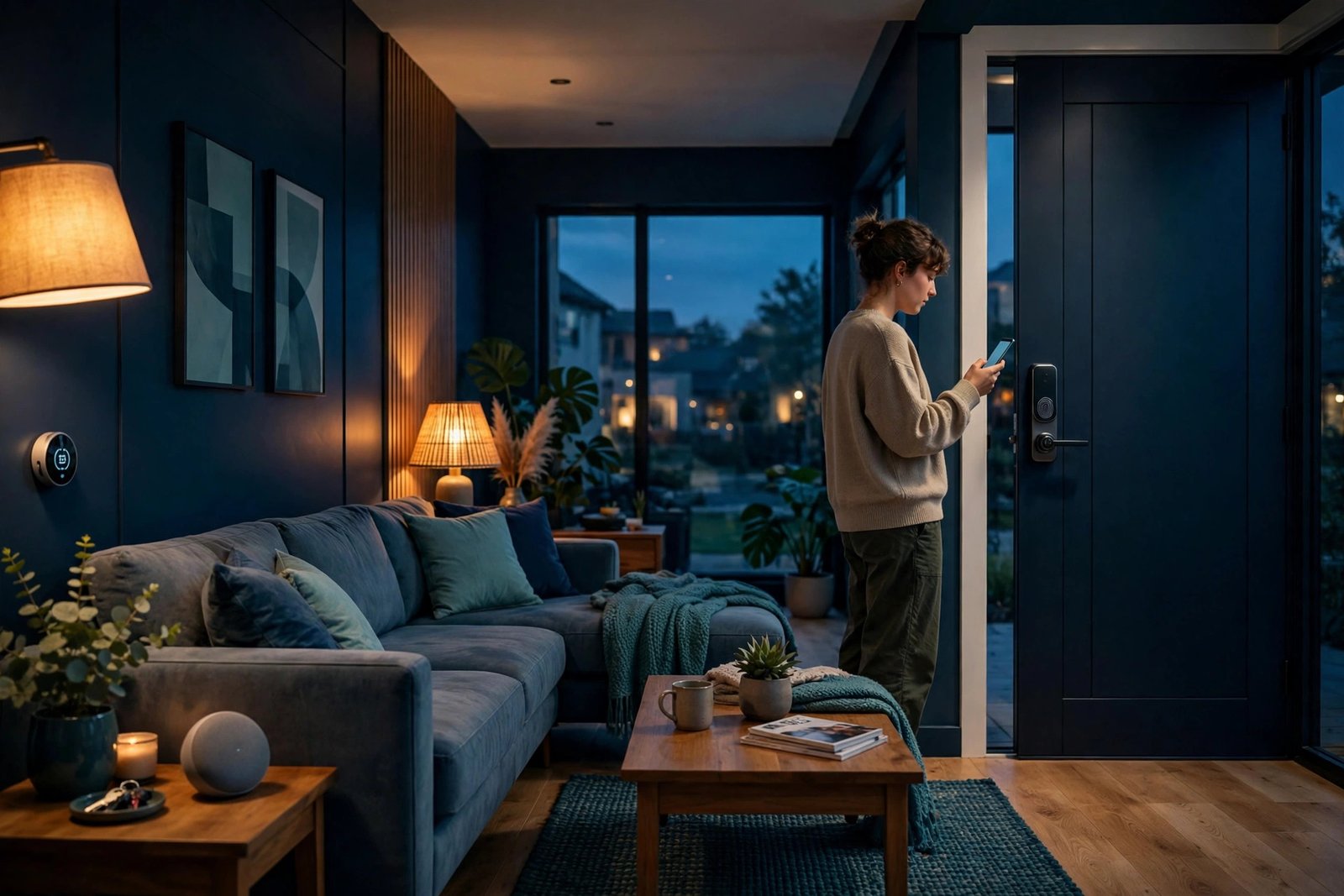
Google has rolled out its Fall 2026 update for Google Home, and this one is bigger than the usual round of bug fixes. Announced on November 17, 2026, the update touches almost every part of the smart home: your front door can now open with a tap of your phone, your cameras can tell you what they heard as well as what they saw, your Nest thermostat can show you how much money it has saved, and Gemini for Home is getting faster and reaching six new countries.
This is not a single feature drop. It is a bundle of changes rolling out over the coming weeks, and some of the biggest items — including digital home keys — are arriving as a Public Preview, which means availability will vary by device, lock and region. Here is everything that matters, who gets it, and what you need to do to use it.
Digital home keys arrive in Google Wallet
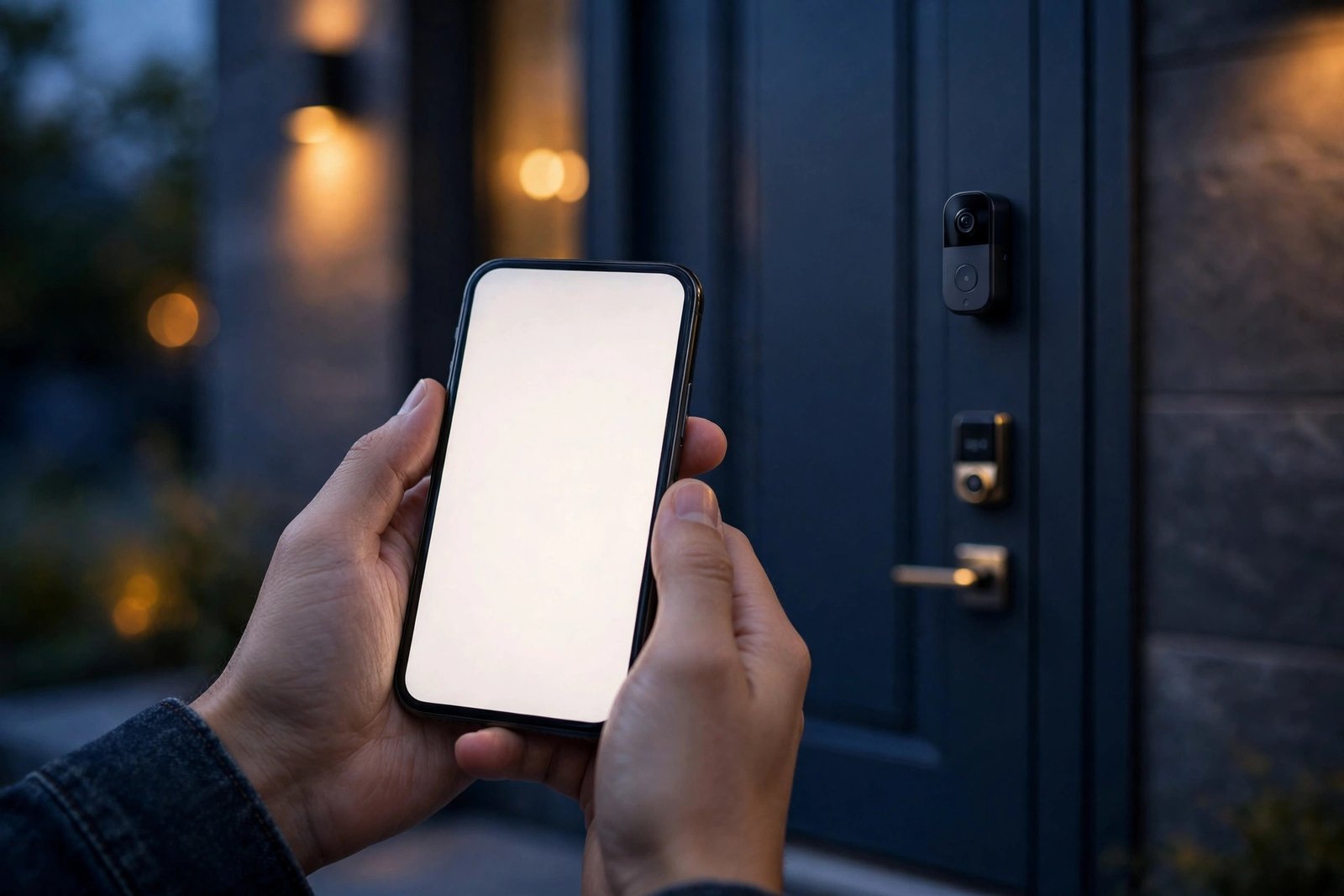
The headline feature is keyless entry. Android users can now store a digital home key in Google Wallet and unlock a compatible front door with a quick tap, or hands-free as they walk up to it. The key keeps working even when the phone is locked, so you are not stuck at the door fumbling for a passcode when your hands are full of groceries.
The feature works with compatible Matter and Aliro smart locks. Aliro is the new industry standard for digital keys, built by the same Connectivity Standards Alliance behind Matter, and Google is one of its backers. In practice, that means the locks that support home keys today are Aliro-compliant models, with Matter support widening the net.
Home keys are rolling out in Public Preview, so this is the feature most likely to reach you in stages rather than all at once. If you own a compatible lock, check the Google Home app for the option to add your key to Wallet. Support is Android-only for now, and you will need a supported Android device — Google has not published a full device list with this announcement, so the safest check is the prompt inside the Google Home app itself.
Why it matters: the front door is the last part of the smart home that still runs on a piece of metal for most people. Digital keys in Wallet put the house key next to your payment cards and transit passes, and because the key works from a locked phone, it behaves more like a real key than an app ever did.
Your cameras can now hear trouble, not just see it
The second big change is for anyone with Nest cameras or a Nest doorbell. Google Home Premium Advanced subscribers will now get detected audio — things like a dog barking or glass breaking — included in motion-triggered camera and doorbell event descriptions.
Until now, an event description might tell you that motion was detected at the front door. Now it can tell you that motion was detected and glass broke, which is a very different piece of information when you are away from home. The audio detections are also searchable through Ask Home, so you can ask a question like “When did this glass break in the hallway?” and get the matching event back instead of scrolling through hours of clips.
This is a Premium Advanced feature, so it is not part of the free Google Home experience. If you already pay for the top tier, it should appear in your event descriptions as the rollout reaches your account. If you are on the free tier, this is one of the clearest reasons Google is giving you to upgrade — and one worth weighing against how much you rely on your cameras for security rather than convenience.
Gemini for Home gets up to 20% faster and goes global
Gemini for Home, the voice assistant that replaced Google Assistant on Nest speakers and displays, is getting noticeably quicker. Google says everyday requests now run up to 20% faster, and the improvement is aimed at the requests you make most: turning lights on and off, setting timers, checking the weather and controlling devices around the house.
The speed boost lands alongside a much wider rollout. Starting in December 2026, Gemini for Home is expanding to six new countries: India, Taiwan, Singapore, Colombia, South Korea and Brazil. That is a significant expansion for a product that has so far been limited to a handful of English-speaking markets, and it puts Gemini for Home in front of hundreds of millions of new users in a single month.
A separate set of improvements from Google’s November 11 release notes backs up the speed story. Gemini is now better at handling complex smart home requests, asking a quick clarifying question — “which bedroom?” — instead of guessing when several devices match. Smart displays now show visual answers with images when they help, timers, alarms and media sleep timers respond faster, and Broadcast messages start playing across your speakers and displays more quickly.
Google is also previewing a faster, more natural Gemini Live experience for Google Home Premium subscribers. With the upgrade you will be able to say “Hey Google, let’s chat” to brainstorm dinner ideas or plan a trip out loud, interrupt naturally to change topics, and perform actions in the middle of the conversation without leaving the chat. It is the closest Google Home has come to a real conversation rather than a command-and-response routine.
Nest thermostat: see your savings and fix hot and cold spots
Nest thermostat owners get two practical upgrades. Starting in December, owners in the United States and Canada will be able to check the Google Home app for estimated cumulative savings from their thermostat — a running total of what the device’s scheduling and Eco features have saved over time. It is the kind of number that finally answers the question every smart thermostat buyer asks: was it worth it?
The second upgrade is about comfort rather than cost. Owners of the 4th-generation Nest Learning Thermostat will be able to balance hot and cold spots using compatible third-party room sensors. Google names Matter temperature sensors from IKEA, Eve and Aqara as supported, so you are not locked into buying Google’s own sensors to even out the temperature between rooms.
There are two smaller thermostat touches coming too. Dynamic Farsight faces are coming soon to the 4th-gen Nest Learning Thermostat, adding seasonal animations and a new Lunar face that tracks the phases of the moon. And compatible Nest thermostats can now detect potential problems with heat pumps and air conditioning compressors, alerting you directly on the thermostat, in the Google Home app, or by email before a small issue becomes a repair bill.
The November release notes add one more energy feature worth knowing about: Eco Mode Everywhere. If you have multiple Nest thermostats, you can now switch all of them into Eco mode with a single press, instead of adjusting each one separately.
Doorbell themes and the smaller touches
Not every change in the Fall 2026 update is about security or savings. You can now preview and apply classic and limited-time seasonal doorbell themes from inside the Google Home app, so your doorbell chime can match the season. It is a small, fun addition, but it is also the kind of personalization that makes the doorbell feel like part of the home rather than a piece of hardware bolted to the wall.
The November 11 release notes round out the update with fixes that regular users will feel: more reliable camera history playback controls on Android, fewer unnecessary Nest account linking prompts, clearer relinking for partner cameras, and restored live streaming and event thumbnails for older Nest Cam and Nest Doorbell models that have migrated to the Google Home app. Managing a Google Home Premium subscription is also easier now, with the option sitting directly in the app’s profile menu.
How to set up a digital home key
If you have a compatible Aliro or Matter smart lock, here is how to get started:
- Open the Google Home app and make sure it is updated to the latest version.
- Select your smart lock from your list of devices.
- Look for the option to add a home key to Google Wallet and follow the on-screen prompts.
- Once the key is stored, test it by tapping your phone to the lock — or simply walking up to the door if your lock supports hands-free unlock on approach.
If you do not see the option yet, the feature is still rolling out in Public Preview. Keep the Google Home app and Google Wallet updated, and check again over the coming weeks. Remember that the key works even when your phone is locked, so there is no need to wake the phone or open an app at the door.
What is free and what needs Premium
Most of the Fall 2026 update is free. Digital home keys, the faster Gemini for Home, thermostat savings, doorbell themes and the camera reliability fixes do not need a subscription. Two things do sit behind a paywall: audio detection in camera event descriptions needs Google Home Premium Advanced, and the upgraded Gemini Live experience is a Google Home Premium feature. If you are deciding whether Premium is worth it, those are the two features to weigh — everything else in this update is available to every Google Home user as it rolls out.
What happens next
The rollout continues through December. The biggest date is the Gemini for Home expansion to India, Taiwan, Singapore, Colombia, South Korea and Brazil, and the thermostat savings view for US and Canadian owners. Dynamic Farsight faces and third-party sensor support for the 4th-gen Nest Learning Thermostat are described as coming soon, with no firm date attached.
Google’s message with this update is clear: the smart home is moving from voice commands toward something closer to ambient help — a door that unlocks as you approach, a camera that tells you what it heard, a thermostat that shows its work. The Fall 2026 update is a solid step in that direction, and the home key alone makes it the most useful Google Home update of the year for anyone with a compatible lock.
Frequently asked questions
What is the Google Home Fall 2026 update?
The Google Home Fall 2026 update is a bundle of new features announced by Google on November 17, 2026. It adds digital home keys in Google Wallet, sound-aware camera and doorbell alerts, a faster Gemini for Home, Nest thermostat savings and seasonal doorbell themes, rolling out through December 2026.
How do digital home keys in Google Wallet work?
On Android, you can store a digital home key for a compatible Matter or Aliro smart lock in Google Wallet. You can then unlock your front door with a quick tap of your phone, or hands-free as you approach, and the key works even when your phone is locked. The feature is rolling out in Public Preview.
Do I need a subscription for the new Google Home features?
Most of the Fall 2026 features are free, including home keys, faster Gemini for Home, thermostat savings and doorbell themes. Audio detection in camera and doorbell event descriptions needs Google Home Premium Advanced, and the upgraded Gemini Live experience needs Google Home Premium.
Which countries is Gemini for Home expanding to?
Starting in December 2026, Gemini for Home is expanding to six new countries: India, Taiwan, Singapore, Colombia, South Korea and Brazil. Everyday requests are also up to 20% faster as part of the same update.
When will I see the Nest thermostat savings estimate?
Nest thermostat owners in the United States and Canada will be able to see estimated cumulative savings in the Google Home app starting in December 2026. Owners of the 4th-generation Nest Learning Thermostat can also use compatible third-party Matter room sensors from IKEA, Eve and Aqara to balance hot and cold spots.
Related on TechInKey:
- Gemini App Gets a Camera Redesign and GIF Creation on Android
- Google Nest App Is Shutting Down in January 2027
- Google Maps Ask Maps: Trip Itineraries and Appointment Calls
Sources: Google, “New features and updates in Google Home” (blog.google, Nov 17, 2026); Thurrott.com, “The Google Home Fall 2026 Update Arrives” (Nov 17, 2026); Droid Life, “Gemini for Home Update: Packed Full of New Features” (Nov 11, 2026); Google Home & Nest Community, “Google Home Update (Fall 2026)” (support.google.com).
