


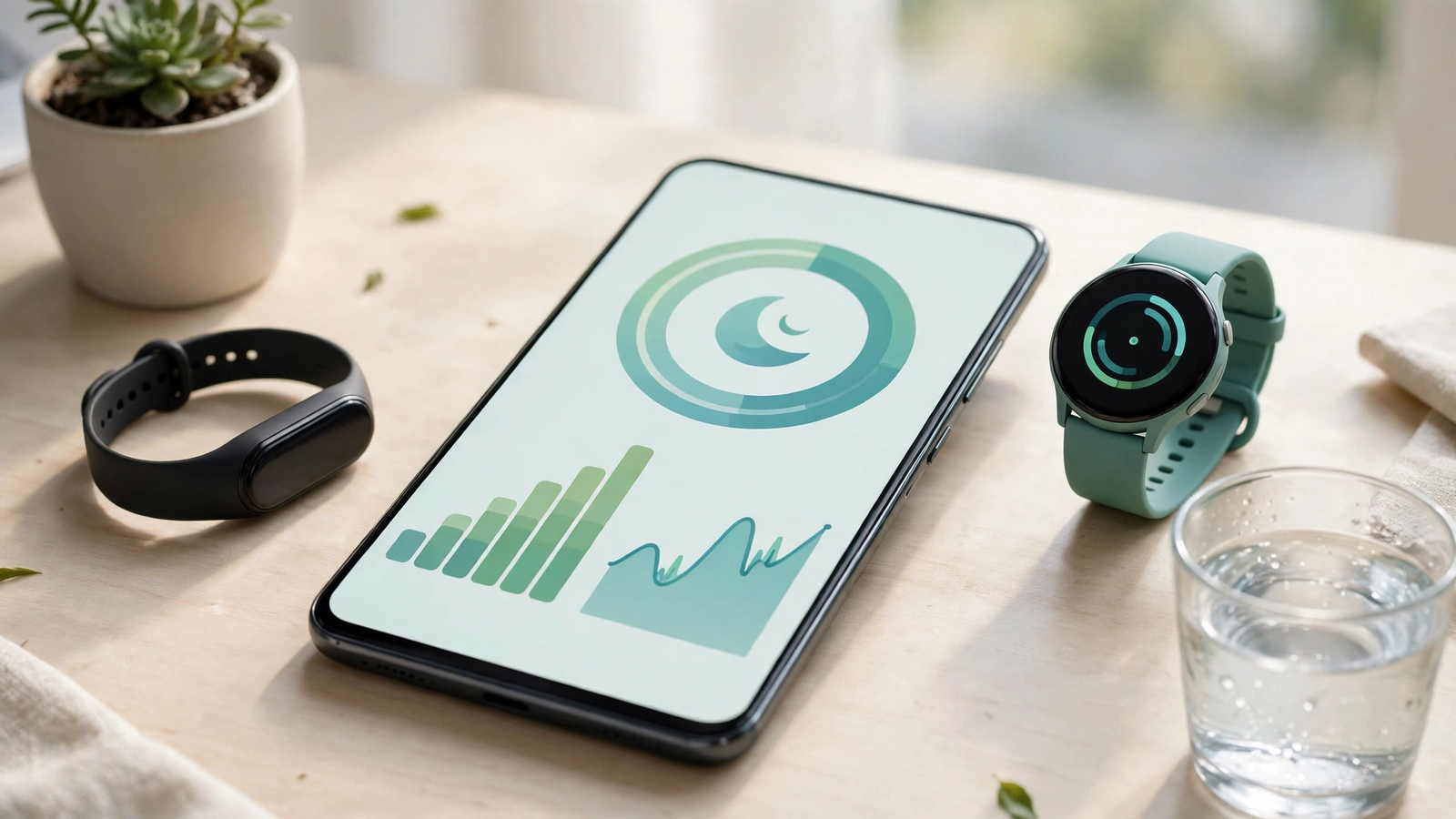
OpenAI is bringing ChatGPT Health to Android. The company has started rolling out the feature to Android users, letting them connect fitness apps and wearable devices through Google’s Health Connect platform so ChatGPT can read selected health and activity records and answer questions about their sleep, exercise and daily habits.
Until now, ChatGPT Health worked on iPhone, iPad and the web. The expansion, set out in OpenAI’s release notes dated 19 November and reported widely on 26 November, adds Android and the desktop app, along with ChatGPT Sites and Dots, OpenAI’s proactive personal agents. For Android users, it is the first time the health feature has been available on their phones at all.
The rollout is gradual, so the Health section may not appear in everyone’s ChatGPT app straight away. It is also limited for now: only eligible logged-in users in the United States, aged 18 or older, on the Free, Go, Plus or Pro plans can use it. There is no confirmed date for a wider international rollout, and users outside the US — including in India — cannot access it yet.
What ChatGPT Health actually does
ChatGPT Health is not a fitness tracker and it does not collect health data itself. Instead, it reads the records you choose to share from apps and devices that already sync with Google’s Health Connect. OpenAI names Garmin, Oura and WHOOP among the compatible services, provided they share the relevant information with Health Connect. Any other app or wearable that writes sleep, activity or workout data into Health Connect can feed in the same way.
Once the data is connected, you can ask ChatGPT about patterns in your own numbers. The examples OpenAI gives are practical rather than medical: whether days with more physical activity are followed by better sleep, or when you tend to walk longer distances. You can ask these questions in a normal ChatGPT conversation, or tag @Health to get answers based specifically on your connected information.
The idea is to turn data most people already collect — steps, sleep hours, workouts, heart-rate readings — into plain-language answers. A wearable can tell you that you slept six hours and 20 minutes; ChatGPT Health is meant to connect that to the rest of your week and say something useful about it, such as pointing out that your sleep has been shorter on the nights after late workouts, or that your activity drops on meeting-heavy days.
That last point is where Dots comes in. Unlike a regular chatbot that only answers when asked, Dots are proactive agents that can offer suggestions based on information you have connected. OpenAI’s example is a Dot suggesting another time for a workout if a meeting clashes with your usual gym schedule. Dots are currently available to Pro users, so that proactive side of Health is the most limited part of the rollout for now.
How to set it up on Android
Getting started takes a few steps, and you stay in control of what is shared at each one:
- Update the ChatGPT app on your Android phone to the latest version from the Google Play Store.
- Open Health from the sidebar or the Explore menu. If you cannot see it yet, the gradual rollout has not reached your account — there is nothing to install or enable to force it.
- Select Health Connect as the connection method.
- Choose which data categories you want to share — for example sleep, activity or workouts. You can pick categories rather than handing over everything.
Health Connect is Google’s on-device platform for sharing health and fitness data between apps, with your permission. ChatGPT reads the categories you approve; it does not get a free pass to everything on your phone. You can also disconnect or change what is shared later, and OpenAI says only files synchronised through the connection are involved — the feature does not pull in your wider history from elsewhere.
The privacy part you should read before connecting anything
Health data is the most sensitive information most people carry on their phones, so the privacy terms matter more here than in most app updates — and there is a change worth knowing about.
OpenAI says information synced through Health, including medical records and data from Apple Health or Health Connect, is not used to train its foundation models and is not used to target advertisements. That part has not changed.
What has changed is how conversations are handled. According to OpenAI’s Health Privacy Notice, updated on 19 November, conversations that reference connected health data, and content derived from that data, may now be used to improve OpenAI’s models depending on your ChatGPT settings. That follows your “Improve the model for everyone” setting in Data Controls — turn that off if you do not want health-linked chats used that way. The previous version of the notice, dated 29 June, said by default OpenAI did not use conversations in ChatGPT Health, or conversations with Health Connect enabled, to improve its foundation models. The new handling applies from 19 November.
In plain terms: your synced records themselves are not training data, but what you say to ChatGPT about those records can be, unless you switch the setting off. Anyone connecting a wearable should check Data Controls first, before asking their first health question.
Who gets it, and who has to wait
ChatGPT Health on Android is available to eligible logged-in users on the Free, Go, Plus and Pro plans — there is no paywall for the basic feature itself. But three limits narrow who can actually use it today:
- United States only. The feature is currently limited to eligible users in the US. No other countries or regions have been announced.
- 18 and over. Users must be at least 18 years old.
- Gradual rollout. Even eligible US users may not see the Health section immediately. OpenAI says it is rolling out in phases, so some people will wait days or weeks.
There is also a practical limit on the Dots side: proactive suggestions from Dots are currently a Pro feature. Free, Go and Plus users get the conversational side — asking questions and tagging @Health — but not the agent that volunteers suggestions on its own.
What it is not
It is worth being clear about what ChatGPT Health cannot do. It is a supplement to professional care, not a replacement for it. It can spot patterns and correlations in your data, but a correlation is not proof of a cause — a bad night’s sleep after a hard workout does not prove the workout caused it, and consumer trackers can misread sleep or heart data. ChatGPT’s answers are only as good as the data feeding them, and a wearable’s numbers are estimates, not medical measurements.
That does not make the feature useless — far from it. Most people collect months of health data they never look at again. A tool that can read that history and answer a direct question about it, in plain language, is genuinely useful, as long as nobody mistakes it for a doctor. For anything that looks like a real health problem, a clinician is still the right call.
Background: how Health got here
ChatGPT Health started on iPhone, iPad and the web, where users could already connect Apple Health and, on the web, other sources. Android was the obvious missing piece: most of the world’s smartphones run Android, and Health Connect is Google’s standard way of moving fitness data between apps on those phones. Bringing Health to Android, the desktop app, ChatGPT Sites and Dots in the same November update turns it from an iPhone-first experiment into a feature that follows users across their devices.
The timing also fits OpenAI’s wider push to make ChatGPT useful beyond chatting. In recent months the company has added agent-style features — Dots, a dedicated tab for its AI agents in the mobile app, and tools that let ChatGPT act on your behalf rather than just answer questions. Health is the same idea applied to personal data: connect what you already track, and let the assistant do something with it.
What happens next
For now, the story is the rollout itself. Android users in the US should watch for the Health section appearing in the sidebar or Explore menu over the coming days and weeks. The bigger questions come after that: when OpenAI takes Health beyond the US, whether more wearable brands and health apps join Health Connect support, and whether the proactive Dots side opens up beyond Pro users.
One thing to watch closely is the privacy setting. The change to how health-linked conversations are treated only took effect on 19 November, and it is the kind of detail many users will miss. If you connect your wearable, check Data Controls first — it takes a few seconds, and it decides what happens to the most personal conversations you will have with ChatGPT.
Frequently Asked Questions
What is ChatGPT Health on Android?
ChatGPT Health is a feature in the ChatGPT app that reads health and fitness data you connect through Google’s Health Connect — from apps and wearables such as Garmin, Oura and WHOOP — and answers questions about your sleep, activity and workout patterns.
How do I turn on ChatGPT Health on Android?
Update the ChatGPT app, open Health from the sidebar or Explore menu, select Health Connect, and choose which data categories to share. If you cannot see Health yet, the gradual rollout has not reached your account.
Which wearables and apps work with ChatGPT Health?
Any app or wearable that shares data with Google’s Health Connect can feed in. OpenAI specifically names Garmin, Oura and WHOOP, provided they share the relevant information with Health Connect.
Is ChatGPT Health available outside the US?
Not yet. It is currently limited to eligible logged-in users in the United States who are at least 18 years old, on the Free, Go, Plus or Pro plans. OpenAI has not announced a date for other countries.
Does OpenAI use my health data to train its AI models?
Data synced through Health — including medical records and Health Connect data — is not used to train OpenAI’s foundation models or to target ads. However, conversations that reference connected health data may be used to improve its models depending on your settings; you can turn off “Improve the model for everyone” in Data Controls.
Can ChatGPT Health replace a doctor?
No. It is a supplement to professional care, not a replacement. It can spot patterns in your tracked data, but its answers are only as good as consumer tracker data, and correlations it finds are not proof of a cause. See a clinician for any real health concern.
