


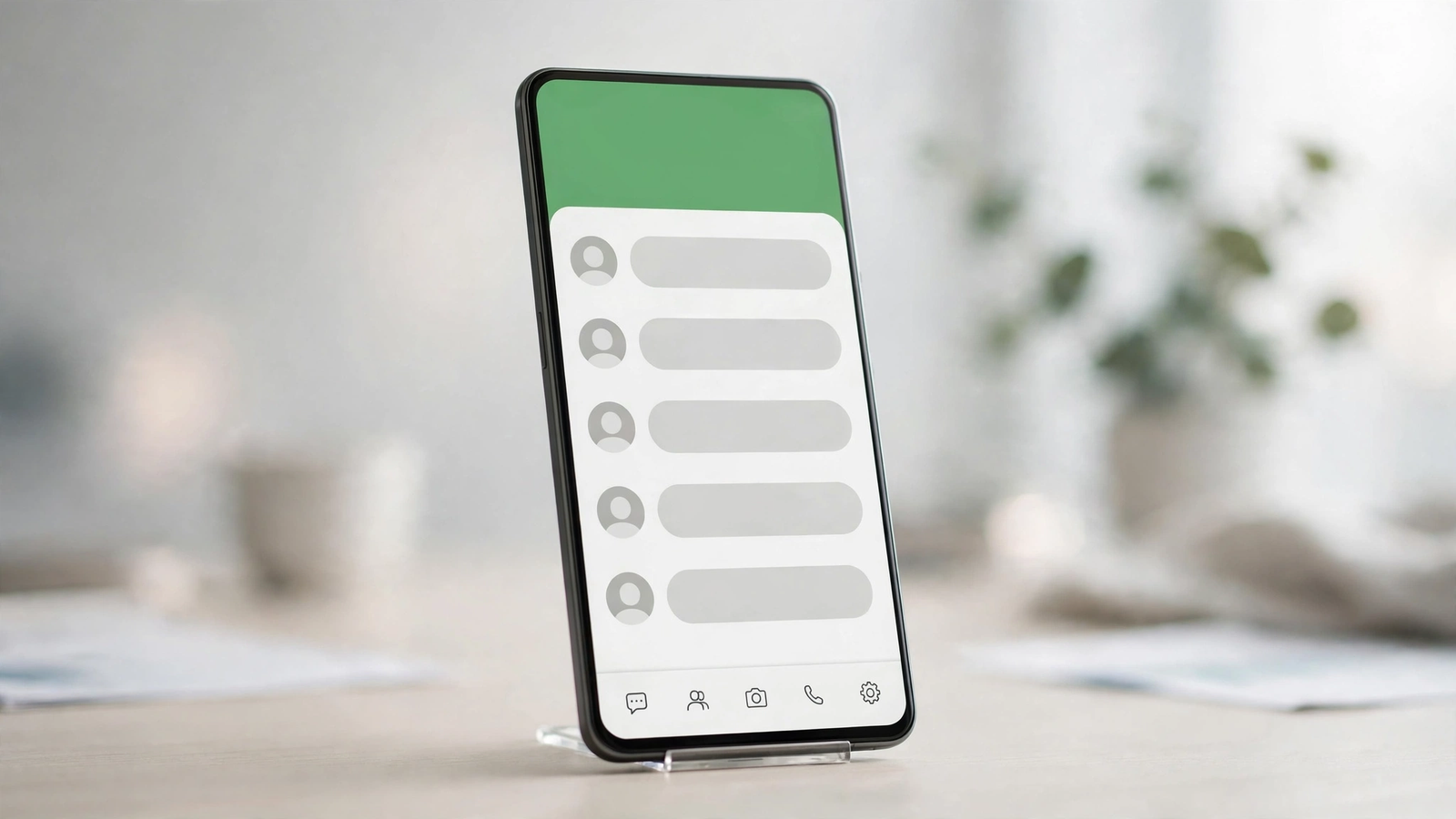
WhatsApp is giving its iPhone app another visual cleanup. The messaging app has started rolling out a minimal design for the tab bar on iOS, removing the text labels that used to sit underneath the navigation icons. The change was spotted in WhatsApp beta for iOS version 26.46.10.71, available through Apple’s TestFlight programme, and it is reaching some beta testers now, with a wider rollout expected over the coming weeks.
It is a small change on paper — no buttons move, no tabs disappear — but it is one you will notice the moment you open the app. The bottom of the screen now shows five clean icons and nothing else. The result is a tab bar that takes up less space, looks less cluttered, and brings the iPhone app in line with the simplified navigation WhatsApp already introduced on Android.
What exactly is changing
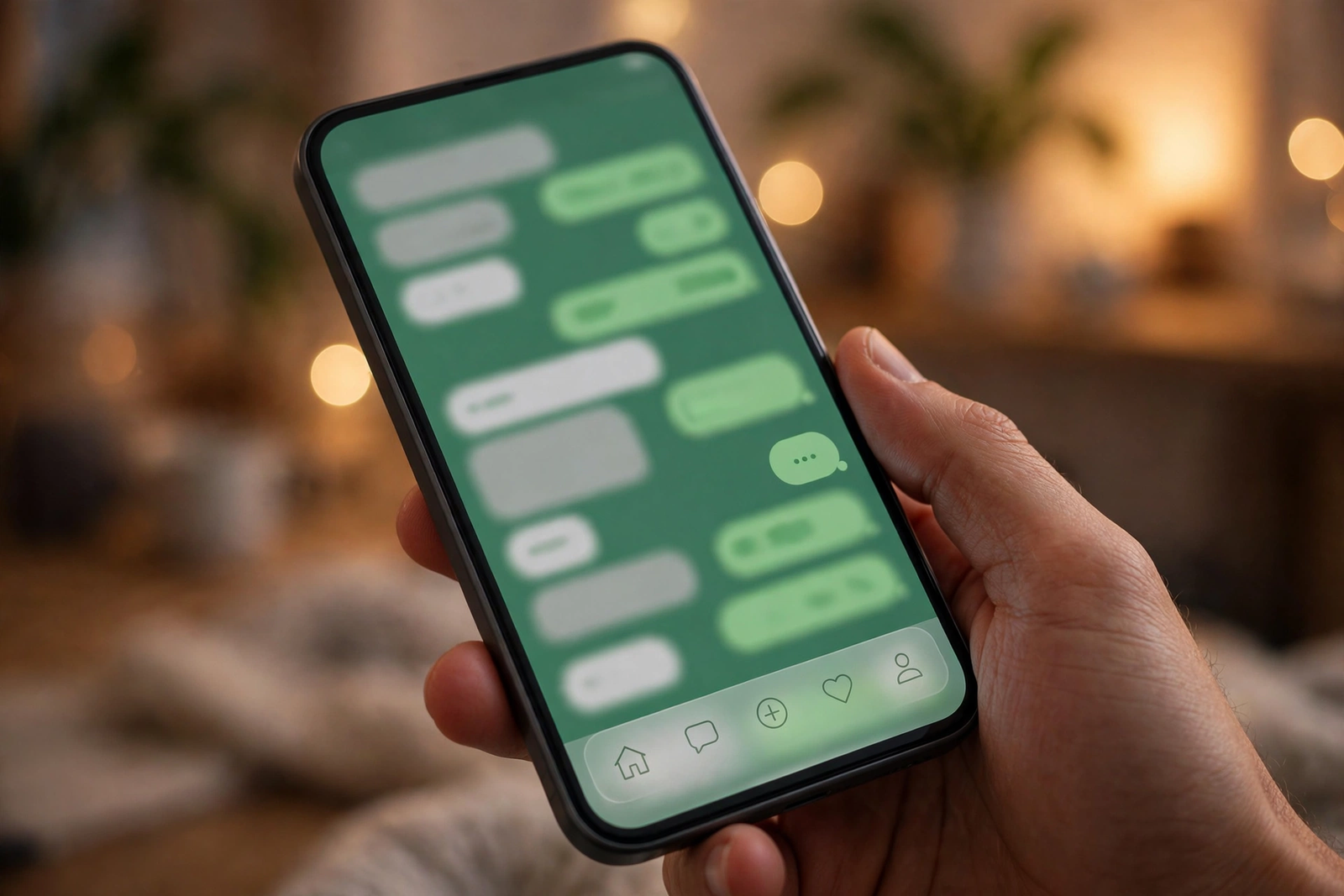
Until now, the WhatsApp tab bar on iPhone showed an icon with a small text label underneath it: Updates, Calls, Contacts, Chats and You. With the new design, those labels are gone. The tab bar now shows only the icons for the same five sections, in the same order, with no text at all.
Because the labels no longer need space, the icons sit lower and the bar itself becomes more compact. Text labels push every icon higher up so the words can fit below them; without them, the bar takes up less room at the bottom of the screen, giving your chats and content a little more breathing room. WhatsApp has made the icons clear and recognisable enough that users can still identify every tab immediately, and the company notes the new look is similar to the tab bar in Threads for iOS, which also uses icons alone.
Nothing about how the app works changes. Tapping the Chats icon still opens your conversations, Updates still shows Status and Channels, Calls still holds your call history, Contacts still lists the people you can message, and You still opens your account settings and profile. There is no new tab to learn and no old one to find — the redesign is purely visual.
Who is getting it now
The minimal tab bar is rolling out gradually to some users who install WhatsApp beta for iOS 26.46.10.71 from TestFlight. Installing the latest beta does not guarantee immediate access: WhatsApp enables the feature server-side for selected accounts, so availability varies from one beta tester to another. If you still see the old design with labels, the update should reach your account automatically as the rollout expands over the coming weeks.
WhatsApp has not announced when the redesigned tab bar will reach the stable version of its iOS app. That is the usual pattern for these interface rollouts — beta testers get it first, WhatsApp watches for problems, and the stable release follows once the company is confident. There is no manual toggle to switch the new design on or off; it appears on your account when the rollout reaches you.
The background: WhatsApp’s iPhone redesign has been building for months
The minimal tab bar is the latest step in a longer redesign of WhatsApp on iPhone, and it makes the most sense when you see what came before it.
The biggest change arrived with Apple’s iOS 26 design language. WhatsApp adopted the Liquid Glass interface in its iOS app, giving the tab bar a translucent, glass-like appearance that floats above the content instead of sitting flat at the bottom of the screen. That update, which reached some users with WhatsApp for iOS 25.28.75, made the app look noticeably more modern — but it kept the text labels inside the tab bar. The iPad app, interestingly, never showed those labels at all. This week’s update finishes the job on iPhone by removing the remaining labels while keeping the Liquid Glass design underneath.
Android users got a bigger version of the same idea earlier. In the WhatsApp beta for Android 2.26.45.5 update, WhatsApp introduced a redesigned bottom navigation bar that floats above the screen, shrinks into a compact pill when you scroll down and expands again when you scroll back up. That Android bar also dropped its text labels, added a progressive fade effect and introduced a selection colour that reflects the app’s theme. On iPhone, WhatsApp is taking a more restrained approach: it removes the labels while preserving the existing design, rather than rebuilding the bar around floating and shrinking behaviour.
Put together, the two platforms are converging on the same visual language — icons only, less chrome, more room for the content itself. It is the same direction WhatsApp has taken across its recent updates: a cleaner interface, with the interface itself getting out of the way of the conversation.
Part of a busy week for WhatsApp
The minimal tab bar is not the only thing WhatsApp has shipped this week. On November 25, the company officially launched scheduled messages on Android and iOS, letting users write a message and choose when it is sent, from 10 minutes to 14 days in advance, in both one-to-one chats and groups. A day later, WhatsApp announced Travel eSIM data plans, a new feature that lets travellers buy and install a data plan for their destination from inside the app, in partnership with 1Global and carriers including Reliance Jio and Verizon. Sound stickers — animated stickers that play a short audio clip when tapped — have also been rolling out on both platforms, on Android through beta version 2.26.47.1.
Read together, the pattern is clear. WhatsApp is shipping in two lanes at once: headline features that add something new, like scheduled messages and eSIM plans, and quiet design refinements like the minimal tab bar that make the app feel simpler. The design lane rarely gets an announcement of its own — these changes surface in beta first and reach everyone later — which is why they are easy to miss until they suddenly appear on your phone.
What happens next
For now, the minimal tab bar remains a beta-only change. Beta testers on iOS 26.46.10.71 will see it appear over the coming weeks as WhatsApp widens the rollout, and the stable release will follow after that, although WhatsApp has not given a date. When it does arrive for everyone, it will land as part of a regular App Store update — there will be nothing to set up, and nothing to turn on.
If you are on the beta and you still see the labels, there is nothing wrong with your app. The rollout is account-based, so the only thing to do is keep the app updated and wait for your turn. And if you are not a beta tester, the change will simply appear one day when the stable update reaches your phone — five familiar icons, a little more space, and no words underneath them.
FAQ
Q: What is the WhatsApp minimal tab bar on iOS?
A: It is a redesigned tab bar for WhatsApp on iPhone that removes the text labels from underneath the navigation icons. The bar now shows only the icons for Updates, Calls, Contacts, Chats and You, making it more compact and cleaner.
Q: Which WhatsApp beta version has the minimal tab bar on iOS?
A: The minimal tab bar was discovered in WhatsApp beta for iOS version 26.46.10.71, available through Apple’s TestFlight programme. It is rolling out gradually to some beta testers.
Q: How do I get the minimal tab bar on WhatsApp for iPhone?
A: Install the latest WhatsApp beta for iOS from TestFlight and wait — WhatsApp enables the feature gradually per account, so installing the beta does not guarantee immediate access. The design will reach the stable app in a future update, with no date announced yet.
Q: Does the minimal tab bar remove any WhatsApp features?
A: No. All five tabs — Updates, Calls, Contacts, Chats and You — are still there in the same order and work exactly as before. Only the text labels underneath the icons have been removed.
Q: Is the minimal tab bar available on WhatsApp for Android too?
A: Android got a similar change earlier: the WhatsApp beta for Android 2.26.45.5 introduced a redesigned floating bottom navigation bar that also dropped text labels, and adds a shrink-into-a-pill effect while scrolling and a progressive fade.
Q: Can I turn the text labels back on in WhatsApp?
A: No. There is no setting or toggle to bring the labels back. The minimal tab bar appears automatically when the rollout reaches your account, and WhatsApp has not offered a way to switch between the old and new designs.
Sources: WABetaInfo and Undercode News
