


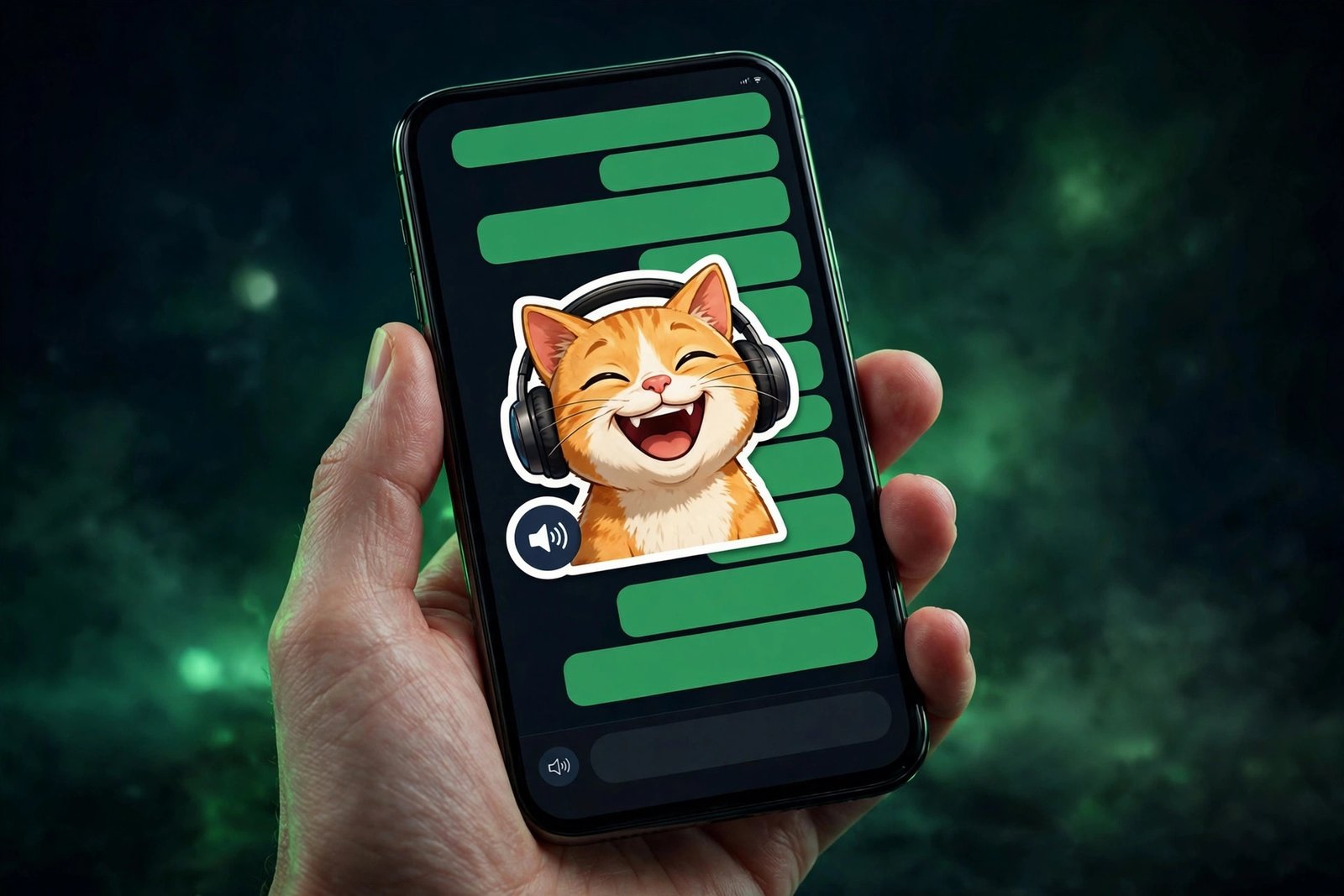
WhatsApp’s stickers are learning to talk — and now iPhone users get their turn. Just days after the feature started reaching Android beta testers, WhatsApp has begun rolling out sound stickers on iOS, letting iPhone users create animated stickers with an audio track attached. The feature was spotted in WhatsApp beta for iOS version 26.46.10.70, available through TestFlight, and it is reaching some beta testers now, with more accounts to follow over the coming weeks.
A sound sticker works exactly as the name suggests. It looks like a normal animated sticker in the chat, but it carries a short audio clip with it. The recipient sees a small audio icon on the sticker, taps it, and hears the sound — a laugh, a sound effect, a snippet of the original video’s audio, or even a voice note recorded by the sender. Until now, WhatsApp stickers have been completely silent. Sound stickers change that, turning the sticker into something closer to a tiny video message: moving pictures plus sound, sent in a single tap.
The iOS rollout matters because it closes the gap with Android almost immediately. WhatsApp first began rolling out sound stickers on Android through beta version 2.26.47.1, and the iPhone version has followed within days rather than the weeks or months that often separate the two platforms. It is the latest step in a fast-moving month for WhatsApp’s expressive features — and a sign that the company wants sound stickers to become a normal part of everyday chats on both platforms, not an Android-only experiment.
What are sound stickers?
A sound sticker is an animated sticker with an audio track attached to it. WhatsApp stickers have always been silent: static stickers are still images, animated stickers move, but neither has ever produced a sound. Sound stickers add the missing dimension. The animation plays like any other animated sticker, but a small audio icon on the sticker tells the recipient there is sound attached — and tapping the icon plays the clip.
The format borrows the best of two things WhatsApp users already love. From stickers, it takes the visual joke — the reaction, the meme, the perfectly timed picture. From voice notes, it takes the personal, immediate feel of hearing someone’s voice or a familiar sound. Put together, a sticker of a laughing pet becomes a small moment replayed, and a sticker of a friend’s reaction becomes a voice message and a picture at the same time.
The idea is not entirely new to messaging. Other chat apps have offered audio stickers for some time, and WhatsApp users previously had to rely on third-party sticker-maker apps to get anything similar. What is new is that WhatsApp is now building the format directly into the app, with a creation flow that needs no extra downloads. As with other WhatsApp messages, sound stickers are sent inside WhatsApp’s end-to-end encrypted chats, so the audio you attach is protected in the same way as the message around it.
According to WABetaInfo, which first spotted the iOS rollout, WhatsApp had been developing the format for weeks before the Android release. The tracker announced sound stickers as in development in its report on WhatsApp beta for Android 2.26.41.3, describing a sticker format that would let users attach a sound to a sticker created from a video. That development work has now turned into live rollouts on both platforms, with Android first and iOS following close behind.
How to create a sound sticker on iPhone
Creating a sound sticker on iOS starts in a place iPhone users already know: the sticker keyboard. Open any chat, tap the sticker icon, and choose the “Create sticker” option. WhatsApp then asks you to pick a video from your phone’s gallery, and the app converts the video into an animated sticker automatically, just as it already does for regular animated stickers.
The new part appears at the top of the sticker editor. With the iOS beta update, a new audio button sits there, and tapping it opens the audio library where the sticker gets its voice. From that screen, you can choose which audio track to attach and preview it before creating the sticker, so you can hear exactly what the recipient will hear before you send it.
The creation flow is deliberately simple. There is no separate sticker-maker app to install, no file conversion to manage, and no export step. Pick a video, add a sound, send the sticker. That simplicity matters, because it is what could take sound stickers from a novelty for power users to something ordinary people use every day — a birthday clip with a voice note attached, a reaction video with a sound effect, or a favourite moment with its original audio intact.
What audio can you add to a sound sticker?
WhatsApp offers several ways to give a sound sticker its audio, and the choice is yours at creation time. If the video you picked already has the perfect audio — a laugh, a song snippet, a spoken line — you can keep the original sound exactly as it is, without replacing it.
If the original audio does not fit, you can choose a preset sound effect from the audio library. The library includes tracks with names like Human Voice Wow, Evil Laugh, Weird Kid Laugh, Crickets, and Cat Purr, along with more effects to browse. These built-in sounds give a sticker its punch without any extra work, and they are the quickest way to make a sticker feel complete.
For more control, you can import an audio file from the Files app on your iPhone, attaching a specific sound you already have saved. And if none of those options is right, you can record a voice note directly in the sticker editor and attach that as the sticker’s sound. That last option is the most personal of all: a sticker that literally speaks in your own voice.
The range of options shows how WhatsApp is thinking about the feature. It is not just a sound effect picker. It is a small creative tool, closer to the video editors inside the app than to the old sticker packs, and it gives users a reason to make stickers rather than only download them.
How sound stickers look and play in a chat
When you send a sound sticker, the recipient sees it in the chat with a small audio icon on top of it. The icon is the signal that this sticker carries sound, so the recipient knows before tapping that there is more to it than the animation.
Sound stickers do not play their audio automatically. To avoid interrupting conversations — or embarrassing anyone in a quiet room — WhatsApp mutes them by default. The recipient has to tap the audio icon to hear the sound. Once tapped, WhatsApp plays the audio track three times in a loop before stopping, matching the way the animated sticker itself plays three times in the chat. That gives the recipient a chance to catch the sound without it repeating endlessly, and if they would rather not hear it, they can simply avoid tapping the icon.
That muted-by-default choice is an important design decision. Autoplaying audio in a busy group chat would quickly become annoying, and WhatsApp has clearly chosen to let the recipient stay in control. The sticker still animates on its own, so it works as a normal animated sticker even if the sound is never played — the audio is a bonus, not a requirement.
Who can use sound stickers on iOS right now?
The rollout is gradual, and that is the honest answer for anyone checking their phone today. WABetaInfo discovered the feature in WhatsApp beta for iOS 26.46.10.70, available on TestFlight, and it is rolling out to some beta testers. The feature is also reaching some users on the regular App Store version of WhatsApp, which means you do not necessarily need to be a beta tester to see it — but not every beta tester will see the audio button in the sticker editor right away.
If the audio button does not appear yet, it should become available to more accounts over the coming weeks as WhatsApp widens the rollout. WhatsApp has not announced when the feature will be available to everyone, and there is no date for the stable release. The pattern matches how WhatsApp normally ships new features: a limited rollout first, watching for problems, then a wider release once the feature proves stable.
iPhone users who want the best chance of getting it early should make sure WhatsApp is updated to the latest version from the App Store, or join the TestFlight beta if a slot is available. Even then, access is controlled server-side by WhatsApp, so updating alone does not guarantee the feature appears immediately.
Sound stickers on iOS vs Android: what is different?
The iOS and Android versions of sound stickers are the same feature, built the same way. Both let you create a sticker from a video, add audio from the same kinds of sources, and send it with a tap-to-play audio icon that loops three times. The main differences are the version numbers and the timing: Android’s rollout began through beta version 2.26.47.1, while iOS is arriving through beta version 26.46.10.70.
That near-simultaneous arrival is notable. WhatsApp features often reach one platform weeks before the other, and early testers on the second platform can wait months. Here, the gap is a matter of days. It suggests WhatsApp developed the format for both platforms together and is treating sound stickers as a flagship feature for the app, not a side experiment.
There is one practical difference for iPhone users: on iOS, audio files are imported from the Files app, while Android users import from their own file system. The creation steps, the audio library, and the playback behaviour are otherwise the same on both platforms, and sound stickers sent from an iPhone will play on Android phones and vice versa.
WhatsApp’s sticker push keeps accelerating
Sound stickers are the latest in a rapid run of sticker and expression updates from WhatsApp. In the past few weeks alone, the app has expanded its text stickers with 10 new designs, started testing sticker reactions on messages, rolled out a dual camera mode on Android, and brought view-once text messages to iPhone beta users. Scheduled messages have also launched for everyone on both Android and iOS, letting users send texts, photos, and videos up to two weeks in advance.
The direction is clear: WhatsApp wants chats to feel less like plain text and more like a conversation you can see and hear. Stickers are already one of the most-used expressive features in WhatsApp, especially in group chats, where a well-timed sticker can say more than a paragraph. Adding sound gives the most active sticker users a new way to stand out — and it gives WhatsApp a feature its rivals have had for a while, now built in, without third-party apps.
WABetaInfo has also reported that WhatsApp is working on a standalone Stickers app that would let users discover, share, and download sticker packs — and upload their own packs to make them public. That project is still in development, not rolling out, but it points the same way: stickers are becoming a bigger part of WhatsApp, and sound is only the latest layer.
What happens next
The next step is the wider rollout. If the beta test goes well, sound stickers should reach all iPhone users in the coming weeks, following the same path the Android version is already on. WhatsApp has not given a date, and beta features sometimes take longer than expected — or, rarely, change before the public release. For now, the feature is live for a slice of iPhone beta testers and some App Store users, and the rollout will keep expanding account by account.
For iPhone users, the practical advice is simple: update WhatsApp, open the sticker keyboard, and look for the audio button when creating a sticker from a video. If it is not there yet, it is coming. And when it arrives, the humble sticker will finally have a voice.
Frequently Asked Questions
What are WhatsApp sound stickers on iOS?
Sound stickers are animated stickers with an audio track attached. They were spotted in WhatsApp beta for iOS 26.46.10.70 and are rolling out to some beta testers. The recipient taps a small audio icon on the sticker to hear the sound.
How do I create a sound sticker on iPhone?
Open a chat, tap the sticker icon, choose “Create sticker”, and pick a video from your gallery. WhatsApp converts it into an animated sticker. Then tap the new audio button at the top of the editor to add a sound from the audio library.
What audio can I add to a sound sticker?
You can keep the video’s original sound, pick a preset effect such as Evil Laugh, Cat Purr, or Human Voice Wow, import an audio file from the Files app, or record a voice note directly in the sticker editor. You can preview the audio before creating the sticker.
Do sound stickers play automatically?
No. WhatsApp mutes sound stickers by default. The recipient must tap the audio icon on the sticker to hear the sound, and the audio loops three times before stopping.
Why can’t I see sound stickers on my iPhone yet?
The feature is rolling out gradually to some beta testers on TestFlight and some App Store users. WhatsApp has not announced a full release date. If the audio button is missing, it should appear for more accounts over the coming weeks.
Are sound stickers available on Android too?
Yes. Sound stickers first rolled out on Android through WhatsApp beta version 2.26.47.1, days before the iOS rollout. The feature works the same on both platforms, and sound stickers sent from an iPhone play on Android phones and vice versa.
Sources: WABetaInfo — “WhatsApp is rolling out sticker messages with audio on iOS” (November 25, 2026), https://wabetainfo.com/whatsapp-is-rolling-out-sticker-messages-with-audio-on-ios/ ; The News — “WhatsApp introduces audio-enabled stickers for iOS users” (November 25, 2026), https://www.thenews.com.pk/latest/1425069-whatsapp-introduces-audio-enabled-stickers-for-ios-users
