


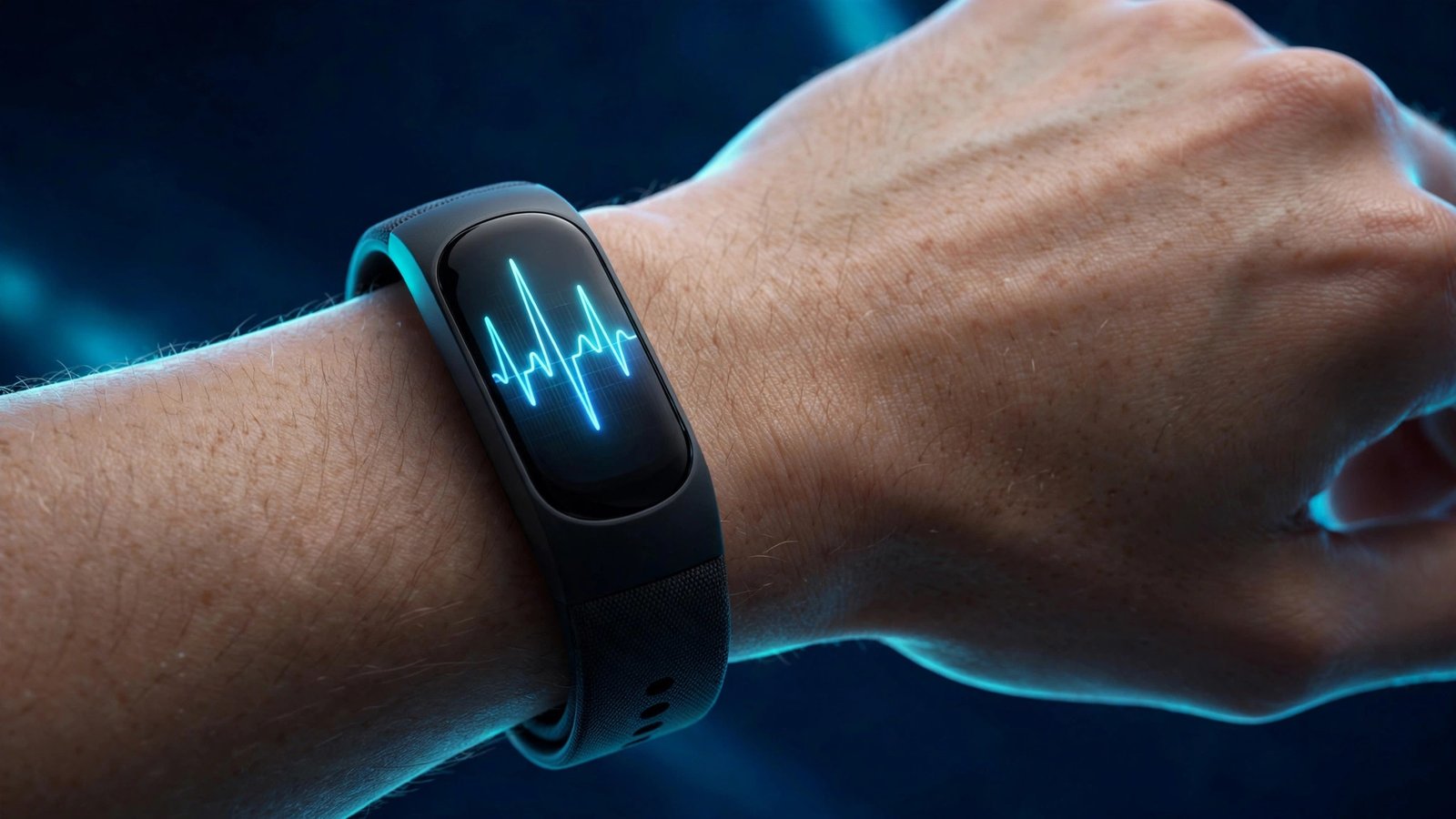
Google’s Fitbit line has a new middle child, and it is the most interesting tracker the company has made in years. The Fitbit Edge is a slim, screen-toting fitness band that replaces the Charge 6 in all but name — there is no Charge 7 — and it fixes several of the things people complained about in older Fitbits while quietly taking one feature away and putting some of its best health tools behind a subscription.
It costs $179.99 in the US (£159.99 in the UK, AU$269 in Australia), went on sale on October 27, 2026, and the first full reviews landed in mid-November. TechRadar gave it 4 out of 5, PCMag also scored it 4 out of 5, and TrustedReviews praised it in a review published November 17. But the reviewers all flagged the same two weaknesses: GPS accuracy that wobbles on runs, and a Google Health app that keeps pushing you toward a paid plan.
So is the Edge worth $180? The honest answer is that it depends on what you want a tracker to do — and on whether you are willing to pay $9.99 a month on top of the hardware. Here is everything that matters, including the catches Google does not put on the box.
What the Fitbit Edge is
The Edge is Google’s 2026 Charge-class tracker: a slim aluminium band with a colour display, built-in GPS, workout tools and health sensors. It sits between two siblings in Google’s new wearables range. At the bottom is the Fitbit Air ($99.99), a screenless band that collects data and shows it only in the phone app. At the top is the Pixel Watch 5, a full smartwatch. The Edge is the middle option — a tracker with a screen, but not a smartwatch.
It runs a redesigned Fitbit OS with tiles and watch faces, not Wear OS. That matters, because it means there is no app store, no on-device Gemini chat, no wrist calling and no Google Wallet. What you get instead is a focused fitness device that stays out of the way: it weighs just 17.7 grams without its bands, it is 11.5 mm thick, and reviewers repeatedly describe it as comfortable enough to forget you are wearing it, including overnight for sleep tracking.
The 1.34-inch colour display is the largest and brightest panel Google has put on a tracker, according to the company, and it has an always-on option with adjustable brightness. A real mechanical side button wakes the screen, opens the app list or pauses a workout, and also handles media control and simple notification viewing. The band is rated 5 ATM and IP68, so it is fine for swimming, and the straps are swappable, with Active Sport bands in the box and Magnet, Metal Link and fabric Performance Loop options.
Fitbit Edge specs at a glance
- Price: $179.99 / £159.99 / AU$269
- Display: 1.34-inch Hybrid OLED colour display, always-on option
- Battery: Up to 7 days (always-on display off); around 2 days with always-on on
- Weight: 17.7 g (without bands); 11.5 mm thick aluminium body
- GPS: Built-in (GPS, Galileo, GLONASS, BeiDou, QZSS) — phone-free route tracking
- Sensors: Optical heart rate, SpO2, dedicated skin temperature sensor, ECG app, altimeter, ambient light sensor, accelerometer, gyroscope
- Water resistance: 5 ATM + IP68, swim-proof
- Sports: 50+ workout modes with automatic activity detection
- Compatibility: Android 11+ and iOS 16.4+, syncs to the Google Health app
- What it does not have: No NFC (no tap-to-pay), no calls, no app store, no on-device Gemini
What the reviews say: strong heart rate, shaky GPS
TechRadar’s reviewer wore the Edge for a week alongside a Garmin Fenix 9 Pro, using the Garmin as a benchmark. The heart-rate sensor came out well: readings stayed within 5 bpm of the Garmin during workouts, which the reviewer counted as very accurate. On a 5 km test run the Edge averaged 156 bpm against the Garmin’s 153 bpm. Automatic activity detection was also praised as accurate, and the tracker now recognises more than 100 activities, up from 10 — including strength training, which Google added to Fitbit devices in its October 12 update. Heart rate can also be broadcast to compatible gym equipment.
Sleep tracking was more uneven. Sleep scores sometimes matched the Garmin closely and at other times drifted by 10 points or more. The biggest weakness was GPS and the metrics that depend on it, such as pace. On every test run, the Edge overestimated both pace and distance compared with the Garmin, typically by around 0.5 km — on one 5.15 km course it logged 5.45 km, roughly a 6 percent overestimate. Google claims route tracking is up to 40 percent more accurate than the Charge 6, but TechRadar’s testing suggests the GPS is adequate for casual outings and less suited to strict pace training. TrustedReviews, in its November 17 review, called the GPS “impressively accurate” — so results may vary by route and conditions, but runners who train by pace should know the risk before buying.
Battery life largely lived up to the claim. Google rates the Edge for up to 7 days per charge with default settings, and reviewers at PhoneArena, DC Rainmaker and TechRadar reported 6 to 7 days of normal use with continuous heart rate monitoring, daily notifications and three to four GPS-tracked workouts. With the screen always on, runtime dropped to roughly 2 days, so the 7-day figure depends on leaving always-on off.
The two catches: no tap-to-pay, and the subscription
The Edge completely removes NFC, which means no contactless payments. The older Charge 6 supported Google Wallet, and Google’s head of product for Health told The Verge that fewer than 1 percent of Charge 6 owners used the feature — which is why it was cut. Android Police, Android Authority and TechRadar all criticised the decision on a $180 device, and it is the single most common complaint in the reviews. If you pay for coffee with your wrist today, the Edge will feel like a step backwards.
The second catch is the subscription. Core tracking works without paying anything, but Google’s best new health tools — the Health Guardian features — sit behind Google Health Premium, which costs $9.99 a month or $99.99 a year. The Edge includes three months of Premium in the box. After that, blood pressure trends and insulin resistance trends require the subscription on the Edge (and on the Fitbit Air). The same two tools are included free with Pixel Watch 3, 4 and 5. And one Health Guardian feature, sleep breathing quality trends, is not supported on the Edge or the Air at all, even with Premium — Pixel Watch owners get it, Fitbit owners do not, and Google has not confirmed whether that will change.
Google is careful about what these tools are: blood pressure trends and insulin resistance trends are estimates built from heart rate, activity and sleep data, not real measurements, and Google says they are not intended for medical purposes. They arrive as monthly reports after about a month of wear, and insulin resistance tracking needs seven days and seven nights of wear, which do not have to be consecutive.
The Google Health app itself is the other recurring complaint. TechRadar’s reviewer disliked its AI-forward design, which is built around the premium Google Health Coach chatbot, and said the free tier has difficulty surfacing historic numbers. The app is where the Edge’s data lives — the band has no app store and limited on-screen history — so the experience of the app matters more here than on a full smartwatch.
Fitbit Edge vs Fitbit Air vs Pixel Watch 5
| Fitbit Edge | Fitbit Air | Pixel Watch 5 | |
|---|---|---|---|
| Price | $179.99 | $99.99 | Full smartwatch pricing |
| Screen | 1.34-inch colour AMOLED | None | Full smartwatch display |
| Built-in GPS | Yes | No | Yes |
| ECG app | Yes | No | Yes |
| Blood pressure / insulin trends | Premium ($9.99/mo) | Premium ($9.99/mo) | Free |
| Sleep breathing quality | Not supported | Not supported | Supported |
| Tap-to-pay | No | No | Yes |
| Calls, apps, Gemini on wrist | No | No | Yes |
| Battery | Up to 7 days | Up to a week | Days, not a week |
The $80 gap between the Air and the Edge buys you the display, built-in GPS, ECG readings, an altimeter for counting floors climbed and a workout intensity map. The step up to a Pixel Watch 5 buys you the full smartwatch experience — and the Health Guardian tools for free, which is worth doing the maths on: a year of Premium costs about $100, so two years of Premium on an Edge costs more than the price difference to a watch.
Who should buy the Fitbit Edge — and who should skip it
Buy it if you want a light, comfortable tracker with a screen and phone-free GPS, you track general fitness rather than training by exact pace, you like the idea of a week of battery, and you are happy with free core tracking or already pay for Premium. It is also, notably, Google’s first repairable tracker, built with modular internals and a replaceable battery, which is a genuine step forward for a category that usually treats hardware as disposable.
Skip it if you pay with your wrist, you train by precise pace and distance, you want the full set of AI health trends without a subscription (a Pixel Watch 3, 4 or 5 gives you those free), or you want a real smartwatch with apps and calls. Dedicated runners would do better with a running watch, as TechRadar concluded, and anyone who already owns a Charge 6 should weigh the GPS and screen upgrades against losing tap-to-pay.
The verdict
The Fitbit Edge is a good tracker with two honest flaws. The hardware is comfortable, the battery lasts a week, heart-rate tracking is accurate and automatic workout detection works well. But the GPS overestimates distance, the app pushes hard toward a paid plan, and the removal of tap-to-pay is hard to defend at this price. For casual exercisers and everyday tracking, it is an easy recommendation at $179.99. For runners, pay-by-wrist users and anyone who wants Google’s full health toolkit without a monthly fee, the Pixel Watch line is the better buy.
Related Guides
- Google Health 5.12 adds blood pressure and pregnancy logging, plus a new glucose graph
- How to connect Google Wallet to Gemini and ask it about your spending
- Sony’s retro Walkman headphones bring USB-C and a 38 g design
Is the Fitbit Edge the same as the Charge 7?
No. Google never released a Charge 7. The Edge is the successor to the Charge 6 in the company’s tracker lineup, with a new name, a brighter display, built-in GPS and a redesigned Fitbit OS — but it drops the Charge 6’s NFC tap-to-pay.
How much does the Fitbit Edge cost?
The Fitbit Edge costs $179.99 in the US, £159.99 in the UK and AU$269 in Australia. It went on sale on October 27, 2026, and includes three months of Google Health Premium in the box.
Does the Fitbit Edge have GPS?
Yes. The Edge has built-in GPS (plus Galileo, GLONASS, BeiDou and QZSS), so it can record your route and pace without carrying your phone. Reviewers found GPS accuracy mixed, with distance typically overestimated by around 0.5 km per run.
Do you need a subscription for the Fitbit Edge?
No for core tracking — steps, heart rate, sleep and workouts work without paying. But blood pressure trends and insulin resistance trends require Google Health Premium ($9.99 a month), and sleep breathing quality trends are not available on the Edge at all. Pixel Watch 3, 4 and 5 owners get the same trends free.
Can you pay with the Fitbit Edge?
No. The Edge has no NFC, so Google Wallet tap-to-pay does not work on it. The older Charge 6 supported it, but Google removed it, saying fewer than 1 percent of Charge 6 owners used the feature.
Sources: TechRadar (Fitbit Edge review, Nov 11, 2026); Android Authority (Google Health features free vs Premium reporting, Nov 2026); SlashGear (Fitbit Air vs Fitbit Edge comparison); Google (Fitbit Edge announcement, Oct 12, 2026).
