


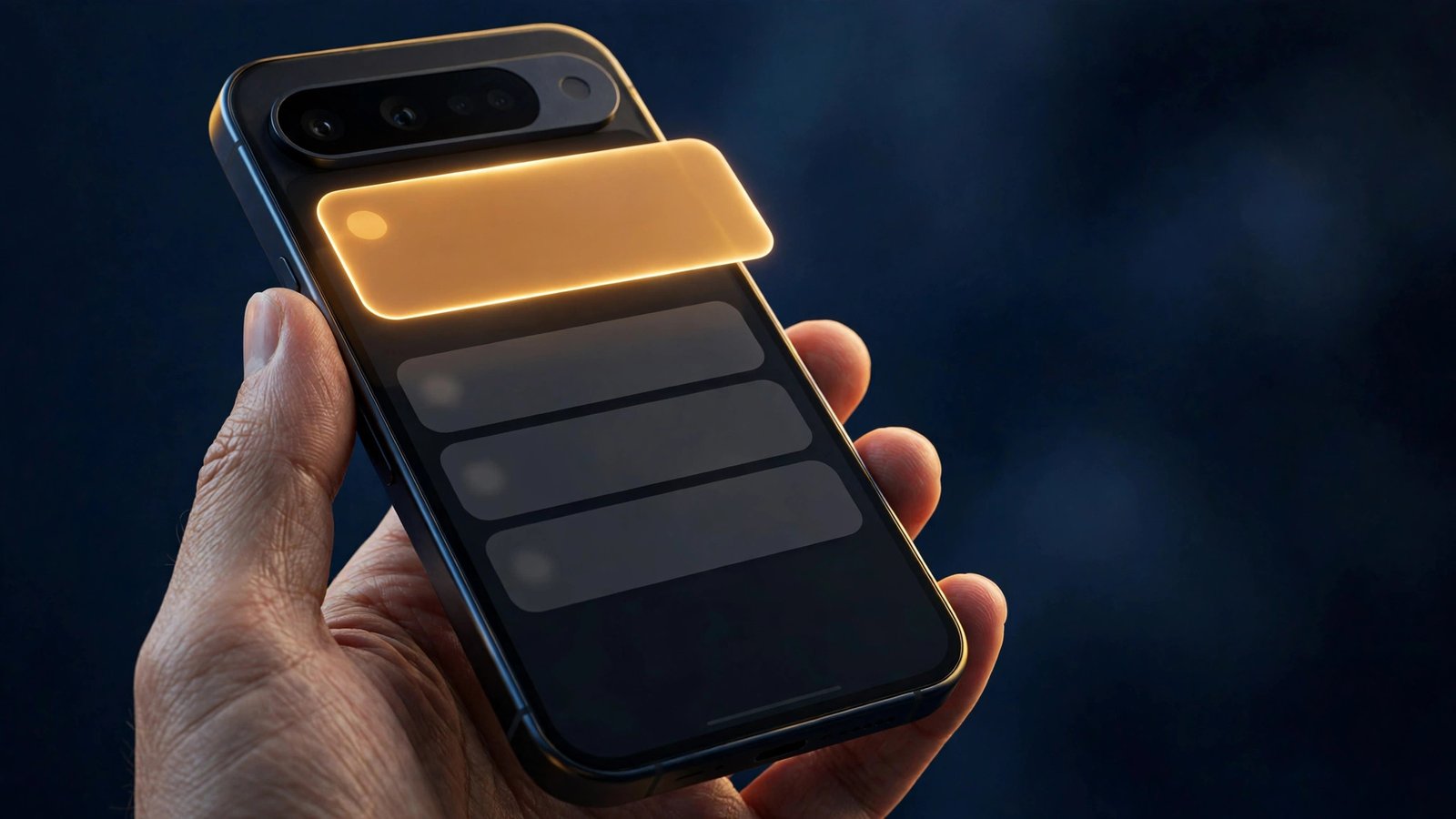
Google is working on a new way to make sure you never miss the notification that actually matters. According to a teardown published on November 26, 2026, Pixel phones could soon get AI-powered “Priority notifications” — alerts that Google’s on-device AI judges to be time-sensitive or important, pinned to the very top of the notification shade with a special colour treatment so they stand out from everything else.
The finding comes from Android Authority, working with teardown specialist AssembleDebug, who spotted the feature in work-in-progress code. A screenshot shared by AssembleDebug the same day shows the new setting in place: a toggle labelled “Use priority notifications”, sitting alongside the existing HiLight option, with a “Don’t include these apps” section and a Manage apps button underneath. In other words, this is not just a line of hidden code — the settings screen for it already exists, even if it is not switched on for anyone yet.
If it ships, Priority notifications would be the next step in a quiet reshaping of how Pixel phones handle alerts — one that has been building for a year and accelerated with the November 2026 Pixel Drop.
What Priority notifications would actually do
The idea is simple, and it is one every phone owner will recognise. Most of us get dozens of notifications a day: delivery updates, social media likes, app promotions, group-chat chatter. The genuinely urgent ones — a message from your child’s school, a two-factor code, a flight gate change — drown in the same list.
Priority notifications would let the phone sort that pile for you. Google’s system would decide which alerts are time-sensitive or important and move them to the top of the notification shade, ahead of everything else. Based on the description found in the code, those top alerts could also receive a special colour treatment — a visual highlight that makes them pop at a glance, rather than looking identical to every other card in the list.
The settings screenshot gives away two more details. First, the feature can be switched off: the “Use priority notifications” toggle means owners who prefer the plain chronological list will not be forced into the AI-sorted one. Second, there is an exclusion list. Under “Don’t include these apps”, owners can pick apps whose notifications should never be promoted, with a Manage apps button to control the list. That matters, because the whole point of a priority system is trust: if a shopping app can buy its way to the top of your shade, the feature is useless. An exclusion list gives users a way to keep it honest.
The screenshot also shows the feature sitting next to HiLight, the Pixel setting that makes the phone glow with subtle light and colour when it is face down. The two features look related in spirit — both are ways of flagging that something important just arrived without you having to pick the phone up and read the whole list. In the November Pixel Drop, HiLight on the Pixel 11 Pro, 11 Pro XL and 11 Pro Fold gained support for message notifications, blinking twice when a message arrives, with a new option for messages from favourite contacts. Priority notifications would extend that same “this one matters” idea into the shade itself.
A bigger reshuffle of Pixel notification settings
Priority notifications are not arriving alone. The same teardown found signs of a wider reorganisation of the settings page that houses all of this. Today, Pixel phones group these tools under “Notification Intelligence”, a single page that consolidates notification summaries, the Notification organizer and notification cooldown. According to the teardown, Google is working on replacing Notification Intelligence with a page called “Notifications organizer” — and the existing Notification organizer menu inside it could in turn be renamed “Notification bundles”.
That is a lot of renaming for one settings area, and it suggests Google is still working out how to present these features clearly. Notification summaries, the organizer and cooldown are genuinely useful, but they are also genuinely confusing: three overlapping tools with similar names, all doing slightly different kinds of sorting. A cleaner structure — one “Notifications organizer” page, with clearly named sections underneath — would make it easier for ordinary owners to find and understand them. For now, though, the new names are only visible in work-in-progress code, so the final labels could still change.
Where this fits: a year of Google sorting your alerts
To understand why Google is building this, it helps to look at the last twelve months. Last December, Google introduced Notification organizer, a tool that mutes unwanted notifications and groups low-priority ones into a summary, so the shade stops being a firehose. On Pixel phones, that feature lives inside Notifications Intelligence, alongside AI notification summaries that condense long conversations so you can see the key point first, and notification cooldown, which quietly lowers the volume of a chat that is buzzing non-stop.
The November 2026 Pixel Drop, which began rolling out on November 10 alongside Android 17 QPR2, pushed those tools further. Notification summaries expanded to more languages — German, French, Spanish, Italian, Hindi and Traditional Chinese — and the Notification organizer gained support for Japanese and German. The parent features require a Pixel 9 or newer, excluding the A-series models, according to Google’s own eligibility notes at the time.
Priority notifications are the obvious missing piece in that set. So far, Google’s tools have been about pushing the unimportant stuff down: muting it, summarising it, cooling it off. Priority notifications would do the opposite — actively lifting the important stuff up. Together, the two directions would give the shade a real hierarchy for the first time: urgent at the top, routine in the middle, noise summarised at the bottom.
Google is also careful about the privacy angle. Android Authority notes that Google emphasises notifications are not sent to its servers — the judgement about what counts as important happens on the device itself. That is the same approach Samsung takes with its own version of the feature, and it matters, because a system that reads your notifications to rank them is only acceptable if that reading never leaves your phone.
Samsung and Apple got here first
Google is not inventing this idea. Samsung already ships a version of it: “Prioritize notifications” on One UI 8.5 and newer versions, which uses on-device AI to surface important alerts. Apple has its own take too — Priority Notifications, part of Apple Intelligence, which puts time-sensitive alerts at the top of the lock screen and notification centre. Both rivals treat it as an AI feature, and both keep the processing on the device.
That makes Google’s move less of a breakthrough and more of a catch-up — but a meaningful one for Pixel owners, because it would complete a notification system Google has been building piece by piece. The difference is in the details: the colour highlight, the per-app exclusion list, and the way it ties into HiLight could make Google’s version the most visible of the three, if the code found in the teardown is anything to go by.
There is also an existing Pixel feature this builds on: Priority Conversations. That lets owners manually mark conversations with important people, so their messages appear at the top of the shade. Priority notifications would automate the same idea — instead of you choosing which people matter, the phone would judge which alerts matter, across every app, not just messaging. The manual control stays available, and the new exclusion list adds a second layer of user control on top.
Who would get it, and when
That is the part nobody can answer yet. Google has not announced Priority notifications, and the teardown gives no release date, no list of supported phones and no guarantee the feature will ever reach the public. Android Authority is explicit about that: all of these features are currently only being evaluated, which means they might change before they reach users, or not roll out at all.
If Priority notifications does follow the pattern of its parent features, it would most likely arrive first on newer Pixels — the Notification Intelligence tools it sits alongside are limited to the Pixel 9 series and newer, excluding the A-series — but that is an inference, not something the teardown confirms. It could also arrive as part of a future Pixel Drop, the quarterly feature releases Google uses to add new capabilities to Pixel phones, or with a later Android quarterly update. The November Pixel Drop only landed on November 10, so the next one is not due for some weeks, and Google has said nothing about what it will contain.
There is also the renaming to watch. If Google does replace Notification Intelligence with “Notifications organizer” and rename the organizer itself to “Notification bundles”, owners updating to the next release may find their settings have moved. That is a small thing, but it is exactly the kind of change that confuses people who have finally learned where a setting lives — and it is worth knowing about before the update arrives.
What to do for now
For Pixel owners, the honest answer is: nothing yet. There is no toggle to switch on, no beta to join and no APK to sideload — the feature exists only in code that AssembleDebug activated for the teardown. The best move is to make sure the notification tools you already have are set up: check Settings for Notification Intelligence, turn on notification summaries and the organizer if you have not already, and set up Priority Conversations for the people whose messages you never want to miss.
If Priority notifications does ship, it will be one of those features that is easy to miss in a changelog and hard to live without afterwards — the kind of quiet, practical AI that Pixel phones are increasingly built around. For now, it is a promising piece of code, a settings screen, and a reminder that Google still thinks the notification shade — the most glanced-at screen on any phone — is worth fixing.
Sources: Android Authority (Joe Maring), Nov 26, 2026 — teardown by AssembleDebug; Mezha, Nov 26, 2026; AssembleDebug on Threads, Nov 26, 2026; background: 9to5Google, Nov 10, 2026; Google Pixel Community, November 2026 Pixel Drop, Nov 10, 2026.
Frequently Asked Questions
What are Pixel Priority notifications?
Priority notifications are an in-development Pixel feature spotted in a November 26, 2026 teardown. Google’s on-device AI would identify time-sensitive or important alerts and show them at the top of the notification shade, possibly with a special colour highlight so they stand out from other notifications.
Which Pixel phones will get Priority notifications?
Google has not confirmed a device list. The feature sits inside Notification Intelligence, whose existing tools (notification summaries and Notification organizer) require a Pixel 9 or newer, excluding A-series models — but it is not confirmed that Priority notifications will follow the same requirements.
When will Priority notifications be released?
There is no release date. The feature was found in work-in-progress code, not announced by Google, and Android Authority notes it is still being evaluated — it could change before release or never ship at all.
Can I turn off Priority notifications?
Yes, based on the settings screenshot shared by AssembleDebug. The feature has a “Use priority notifications” toggle, and a “Don’t include these apps” list with a Manage apps button, so you can switch it off entirely or stop specific apps from being promoted.
How is this different from Priority Conversations on Pixel?
Priority Conversations is an existing feature where you manually mark chats with important people so their messages appear at the top. Priority notifications would automate that idea across all apps, with the phone’s AI judging which alerts are time-sensitive — not just messages from chosen contacts.
Do Priority notifications send my notifications to Google’s servers?
No. According to Android Authority, Google emphasises that notifications are not sent to its servers. Like Samsung’s Prioritize notifications on One UI 8.5 and newer, the ranking is done by on-device AI.
Related reading
- Android 17 QPR2 Is Rolling Out Now — A Month Early, With the November Pixel Drop
- Pixel November Update Still Missing on T-Mobile
- Pixel November 2026 Update Delayed / Android 17 QPR2 May Arrive Early
