


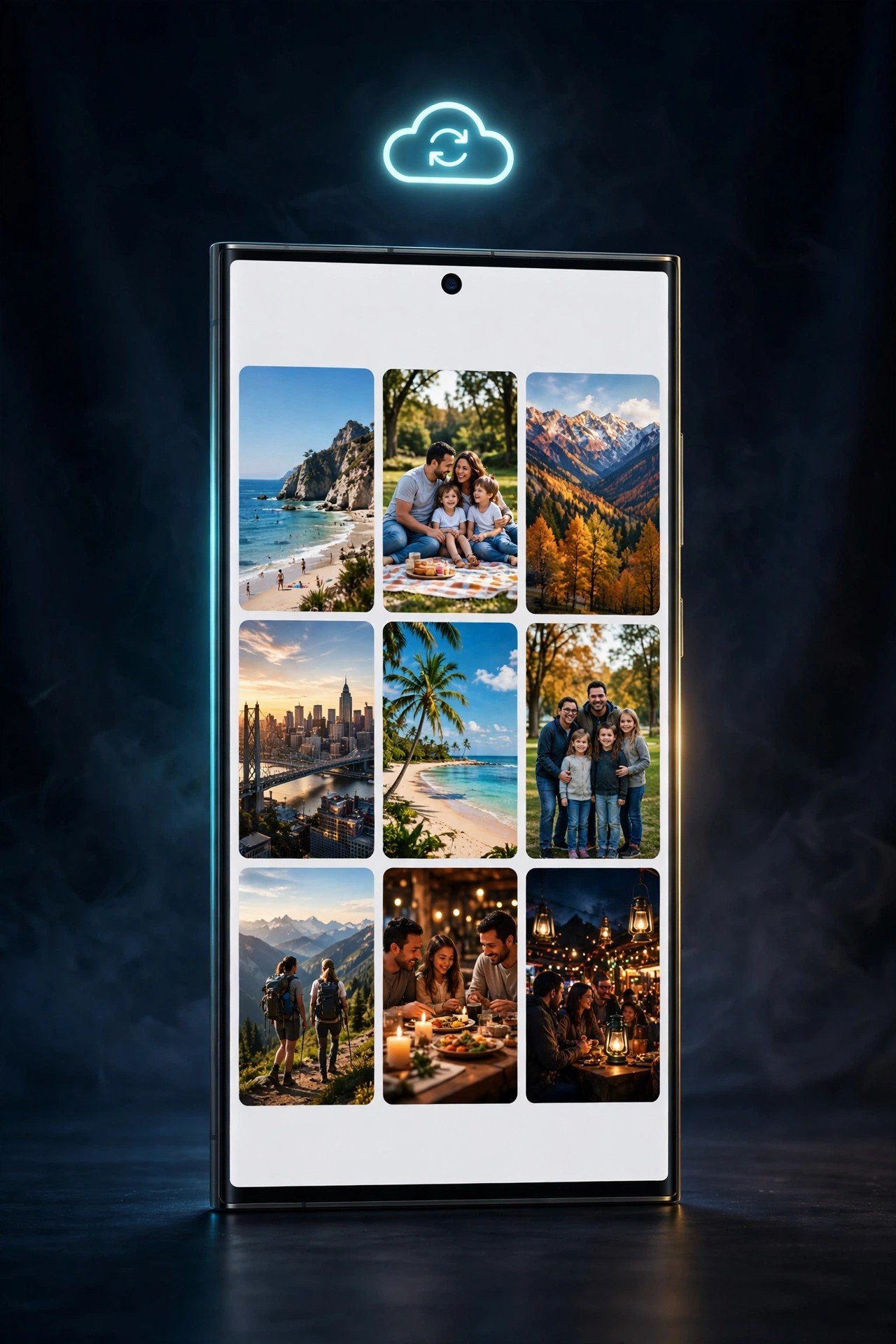
Samsung has officially confirmed what Galaxy owners have been waiting for since September: the Samsung Gallery app now syncs your photos and videos with Google Photos. The feature replaces the old Microsoft OneDrive integration, which Samsung ended on September 30, and it is rolling out to Galaxy phones and tablets running One UI 9.
The integration began reaching select devices a few weeks ago, but Samsung has now made it official. Once it is switched on, photos and videos in Gallery are backed up to your Google account automatically — no separate cloud account or extra app needed.
Key Takeaways
- What changed: Samsung Gallery now backs up photos and videos to Google Photos, replacing the OneDrive sync that ended on September 30, 2026.
- Who gets it: Select Galaxy phones and tablets running One UI 9 (Android 17) first, with a phased rollout to more models and regions.
- How to turn it on: Tap the Cloud icon in Gallery, or go to Gallery Settings and switch on Sync photos and videos.
- Storage: Backups use your existing Google account storage — the same free 15GB shared across Gmail, Google Drive and Google Photos. Samsung adds no extra space.
- Free up space: A new “Free up space” option removes original files from your device after backup, keeping thumbnails in Gallery.
From OneDrive to Google Photos
When Samsung ended Gallery’s OneDrive sync at the end of September, Galaxy users were left without a built-in cloud backup inside the Gallery app itself. Samsung was evidently working on a replacement behind the scenes, and that replacement is Google Photos.
The new integration is native: photos and videos sync directly from Gallery to your Google account. You just need to be signed into your Samsung and Google accounts on each Galaxy device you use.
How It Works Across Your Devices
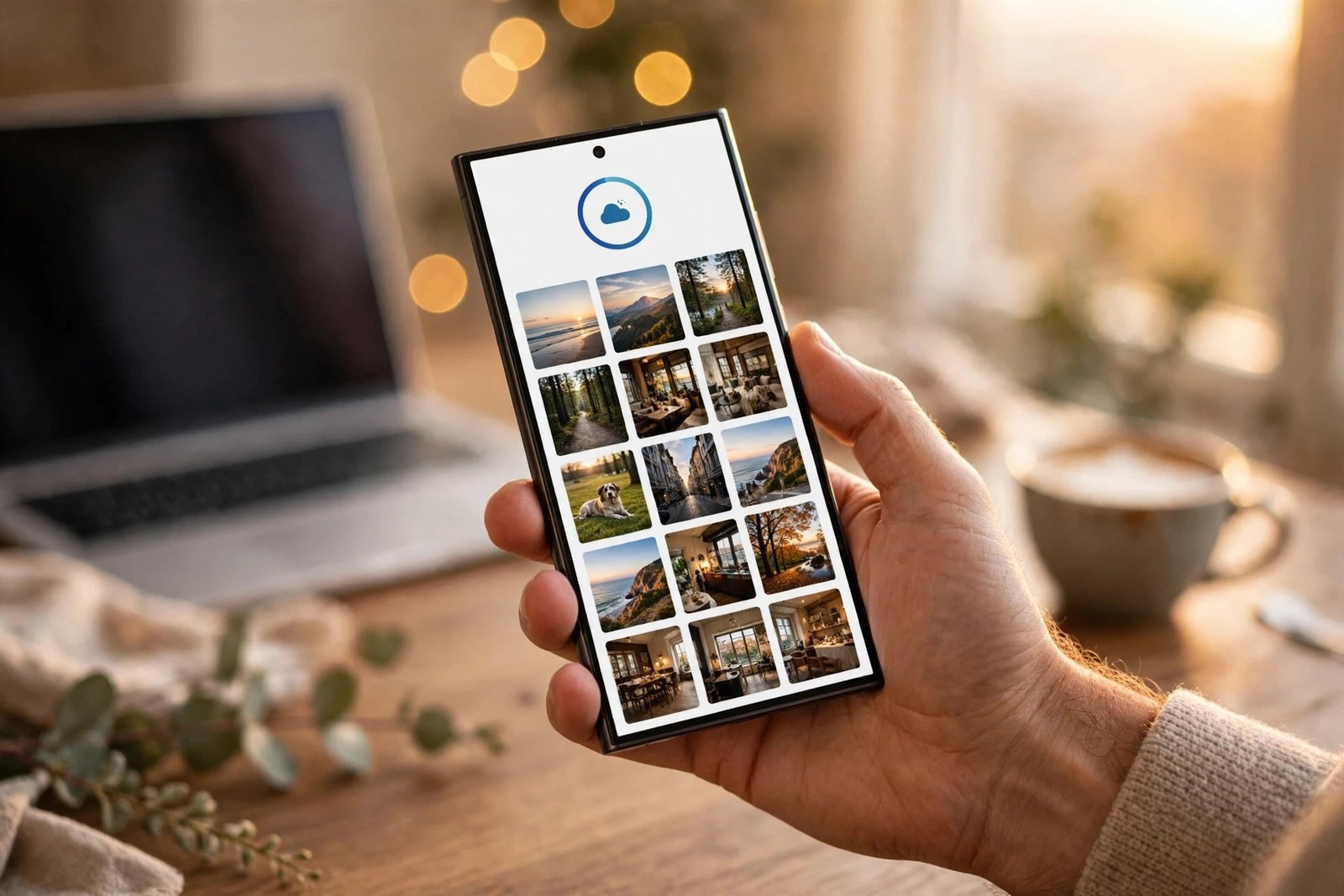
Once sync is on, photos and videos captured on your Galaxy phone show up as previews in the Gallery app on your Galaxy tablet, and vice versa. Full-resolution files download to the device only when you open them, so browsing stays fast without filling up storage.
There is one catch worth knowing: only files synced through Samsung Gallery after you enable the feature appear in the app. Photos and videos already sitting in your Google cloud storage do not automatically show up in Gallery. Samsung’s wording suggests that could change later, but for now the sync is one-way from the moment you switch it on.
Free Up Space After Backup
Once your photos and videos are backed up, a new “Free up space” feature lets you remove the original files from your device to reclaim internal storage. You can keep browsing thumbnails in Gallery, and the full-resolution version downloads when you open a photo.
This uses your existing Google storage allowance, so heavy shooters will want to check how much of their free 15GB is left — or consider a Google One plan if they need more room. Samsung does not add any storage of its own on top.
Which Devices Get It
Right now the feature is live on select Galaxy phones and tablets running One UI 9. Samsung says the rollout will expand in phases, based on regional availability and qualifying devices. The company has not published a list of supported models, countries or dates, so if the option has not appeared on your phone yet, it simply has not reached you.
To check, open Gallery, tap the Cloud icon, or head to Gallery Settings and look for the Sync photos and videos toggle.
For Galaxy owners who relied on OneDrive sync, this is the clean replacement they were waiting for — built into the app they already use, backed by the Google storage they already have.
Frequently Asked Questions
How do I turn on Google Photos sync in Samsung Gallery?
Open the Gallery app, tap the Cloud icon, or go to Gallery Settings and switch on Sync photos and videos. You need to be signed into your Samsung and Google accounts on the device.
Which Galaxy phones support Samsung Gallery Google Photos sync?
The feature is rolling out to select Galaxy phones and tablets running One UI 9 (Android 17) first, expanding in phases to more models and regions. Samsung has not published a full device list.
Does Samsung Gallery Google Photos sync use my Google storage?
Yes. Backups use your existing Google account storage — the same free 15GB shared across Gmail, Google Drive and Google Photos. Samsung does not add any extra storage.
What happened to Samsung Gallery OneDrive sync?
Samsung ended Gallery’s Microsoft OneDrive integration on September 30, 2026. Google Photos sync is its replacement.
Will my old Google Photos pictures appear in Samsung Gallery?
No — only files synced through Samsung Gallery after you enable the feature appear in the app. Photos already stored in your Google cloud storage do not automatically show up in Gallery.
Related Reading
- Samsung Memory: A New AI App That Archives Your Screenshots
- Galaxy A34 and Galaxy A54 Get One UI 9 (Android 17) in More Countries
- Galaxy F56, A15 4G and A06 5G Get One UI 9 (Android 17) — Rollout Details
Sources: SamMobile; Engadget.
