


Summary
- WhatsApp is rolling out scheduled messages to some Android beta testers, starting with WhatsApp beta for Android version 2.26.40.7.
- You can schedule a text message, a link, or one photo or video to be sent automatically at a time you choose — from 10 minutes to two weeks ahead.
- Scheduling works by long-pressing the send button in a chat, then picking a date and time. A dedicated section lets you view or delete pending messages before they go out.
- Scheduled messages stay end-to-end encrypted, and WhatsApp sends them at the chosen time even if your phone is offline or the app is closed.
- The feature is still in limited beta with no public release date, and it has also started reaching some iPhone beta testers on TestFlight.
The Feature WhatsApp Users Have Waited Years For
There is a small group of features that WhatsApp users have asked for so often that their absence became a running joke. Scheduling a message is near the top of that list. Telegram has offered it for years. Email apps have offered it for longer still. WhatsApp, the messaging app most of the world actually uses every day, has never had it — until now.
WhatsApp is finally testing scheduled messages. The feature tracker WABetaInfo first reported it rolling out to some testers on WhatsApp beta for Android version 2.26.40.7, and Gadgets 360 covered the rollout in a fresh report on 13 November 2026. It is still a limited beta, so most people cannot use it yet, but the feature is real and working — and since 22 October, some iPhone testers on TestFlight have been getting it too, on WhatsApp beta for iOS 26.42.10.19.
How Scheduled Messages Work
The way in is deliberately simple, and it lives exactly where you would expect it to. Open any chat, type your message as normal, and instead of tapping the send button, press and hold it. A scheduling panel opens, and you pick the date and time you want the message to go out. That is the whole interaction — no separate menu, no settings screen, no new tab to learn.
The window is generous but not unlimited. The earliest you can schedule a message is 10 minutes from now, and the latest is two weeks ahead. That covers the realistic uses — a birthday tomorrow, a reminder next week, a message timed for someone in another time zone — without turning WhatsApp into a calendar app.
What you can schedule is almost as flexible as an ordinary message. Text works, links work, and you can attach one photo or video to a scheduled message. That matters, because a birthday greeting with a photo attached is a very different thing from a bare text, and WhatsApp has made sure the scheduler handles both. What you cannot do, at least in this beta, is schedule a message that repeats. There is no daily or weekly option, and you cannot attach several files, a document or a voice note in a single scheduled message.
Once a message is scheduled, it does not just sit on your phone waiting. WhatsApp holds it on its servers and sends it at the chosen time even if your phone is offline or the app is closed — a detail that separates a real scheduler from the third-party workarounds people have used for years, which usually needed the phone awake and the app open. A dedicated section in the app lists your pending scheduled messages, so you can review them, change your mind, or delete one before it goes out. And because the messages are held the same way as any other WhatsApp message, they stay end-to-end encrypted: nobody at WhatsApp, and nobody in between, can read what you scheduled.
Groups Have One Rule Worth Knowing
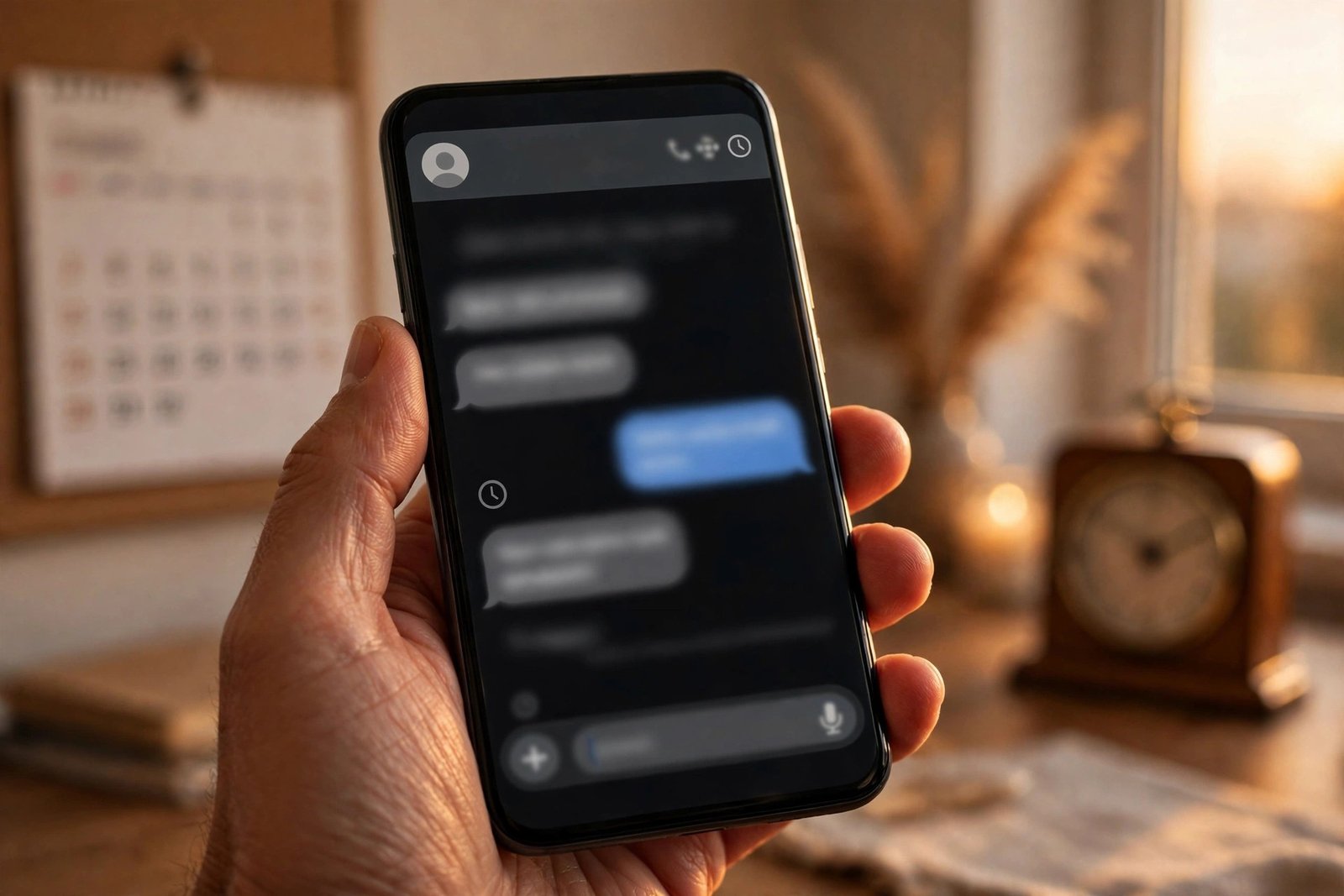
Scheduled messages work in group chats as well as one-to-one chats, but groups come with a catch that is easy to miss. Delivery is tied to the group’s membership at the moment you schedule the message. If someone joins the group after you scheduled it but before it is sent, that person will not receive it.
That is a sensible design choice rather than a bug — it stops a message written for one audience from landing in front of people who were not there when it was written — but it is the kind of detail that can surprise you if you schedule a message days ahead in a busy group. If your group adds members often, it is worth checking the member list before you schedule something important, or sending it closer to the time instead.
The same logic applies to the message itself. Once the scheduled time arrives, the message goes out as written. There is no second confirmation, so if the plan changes between scheduling and sending, the pending-messages section is the place to cancel it. WhatsApp has not said whether editing a scheduled message will be possible in a future version; for now, deleting and re-scheduling is the way to fix one.
How to Check Whether You Have It
As with every WhatsApp beta feature, scheduled messages are switched on server-side for a limited group of testers, and there is no toggle to force it on. Being on the beta does not guarantee you will see it. But there are two things you can do to give yourself the best chance.
First, make sure you are actually on the beta. You can request to join the WhatsApp beta programme from the app’s page on Google Play, although the programme is often full, and joining does not guarantee immediate access to any single feature. If you are already a beta tester, update to the latest beta build — the feature first appeared in 2.26.40.7, and later builds carry it forward.
Second, test for it directly. Open any chat, type a short message, and press and hold the send button. If a scheduling option appears, you have it. If nothing happens, your account has not been switched on yet, and the honest answer is to wait: WABetaInfo has said the rollout will reach more people over the coming weeks, and the iPhone beta getting it in late October suggests WhatsApp is actively widening the test rather than leaving it parked.
There is no public release date for the stable app, and WhatsApp has not announced one. That is normal for this stage — the company watches how beta testers use a feature, fixes what breaks, and only then sets a date. The recent pace of WhatsApp’s beta-to-stable pipeline, though, has been quick: features spotted in beta this autumn have often reached everyone within a few weeks.
Why It Took This Long — and What It Changes
It is fair to ask why a feature this obvious took WhatsApp so long. Part of the answer is scale. WhatsApp has more than two billion users, and a scheduler is not just a button: it means holding messages on servers, delivering them reliably at the right second, handling groups whose membership changes, and keeping end-to-end encryption intact through all of it. Telegram could ship it faster because it was built around cloud-stored messages from the start; WhatsApp’s architecture, built around the phone as the source of truth, had to be adapted first.
What it changes is mostly about timing and politeness. A message sent at 2am because that is when you remembered it reads very differently from the same message arriving at 9am. Scheduled messages let you write when the thought strikes and deliver when the other person is awake, working, or celebrating. For people with family and colleagues across time zones, that is not a convenience — it is the difference between being thoughtful and being a nuisance.
It also closes one of the last obvious gaps between WhatsApp and its rivals. Telegram has had scheduling, along with silent messages and self-destructing chats, for years, and power users have long pointed to that list when arguing that WhatsApp is behind. WhatsApp has been closing the gap feature by feature this year, and the scheduler is the biggest item on that list to fall so far.
What You Can Use Until It Arrives
If you do not have the beta, you are not entirely stuck. Third-party apps such as SKEDit can schedule WhatsApp messages on Android, and cloud schedulers such as Chatmaid send from your own number at the set time even if your phone is off. They come with trade-offs the native feature does not have: SKEDit generally needs your phone awake and the app open, Chatmaid is a paid service, and both require handing a third party access to your messages in a way WhatsApp’s own scheduler never will.
For most people, the sensible move is to wait. The native scheduler is already in beta on both Android and iOS, it sends even when your phone is offline, it keeps messages encrypted, and it costs nothing. The third-party options made sense when there was no official feature on the horizon. Now that there is, they are a stopgap at best — and a privacy compromise for a problem WhatsApp is about to solve itself.
WhatsApp has been on a run of practical updates lately. View-once text messages (https://techinkey.com/whatsapp-view-once-text-messages-android-rollout/) arrived in beta this month, letting you send text that can only be opened once, with screenshots and forwarding blocked. Location sharing in Status (https://techinkey.com/whatsapp-location-status-update-android/) is being tested too, so you can share where you are without attaching a photo first. And Instants, the disappearing photo and video format (https://techinkey.com/whatsapp-instants-disappearing-photos-videos-android-beta/), reached Android beta testers earlier this month as well. Scheduled messages fit the same pattern: small, useful, and aimed at the way people actually use the app. Of the four, it is the one most likely to become something you use every week.
FAQs
Q1: Can I schedule a WhatsApp message on Android?
A: Not yet, unless you are in the beta. Scheduled messages are rolling out to some testers on WhatsApp beta for Android 2.26.40.7 and later. There is no public release date for the stable app, but the rollout is widening, and the feature has also reached some iPhone beta testers.
Q2: How do I schedule a message on WhatsApp?
A: Open a chat, type your message, then press and hold the send button instead of tapping it. A scheduling panel opens where you choose the date and time. You can schedule a message from 10 minutes to two weeks ahead, and you can view or delete pending messages in a dedicated section before they are sent.
Q3: Can I schedule photos and videos on WhatsApp?
A: Yes. You can schedule a text message, a link, or one photo or video per message. You cannot attach several files, a document or a voice note to a single scheduled message, and scheduled messages cannot repeat daily or weekly.
Q4: Will a scheduled WhatsApp message send if my phone is offline?
A: Yes. WhatsApp holds the scheduled message on its servers and sends it at the chosen time even if your phone is offline or the app is closed. Scheduled messages stay end-to-end encrypted, just like ordinary messages.
Q5: Do scheduled messages work in WhatsApp groups?
A: Yes, but delivery is tied to the group’s membership when you schedule the message. Anyone who joins the group after you scheduled it will not receive it, so check the member list before scheduling an important message in a busy group.
Sources: Gadgets 360 (13 Nov 2026) + WABetaInfo (17 Oct 2026).
