


Summary
- WhatsApp is rolling out new text sticker designs to some Android beta testers, spotted in WhatsApp beta for Android version 2.26.46.1 on the Google Play Store.
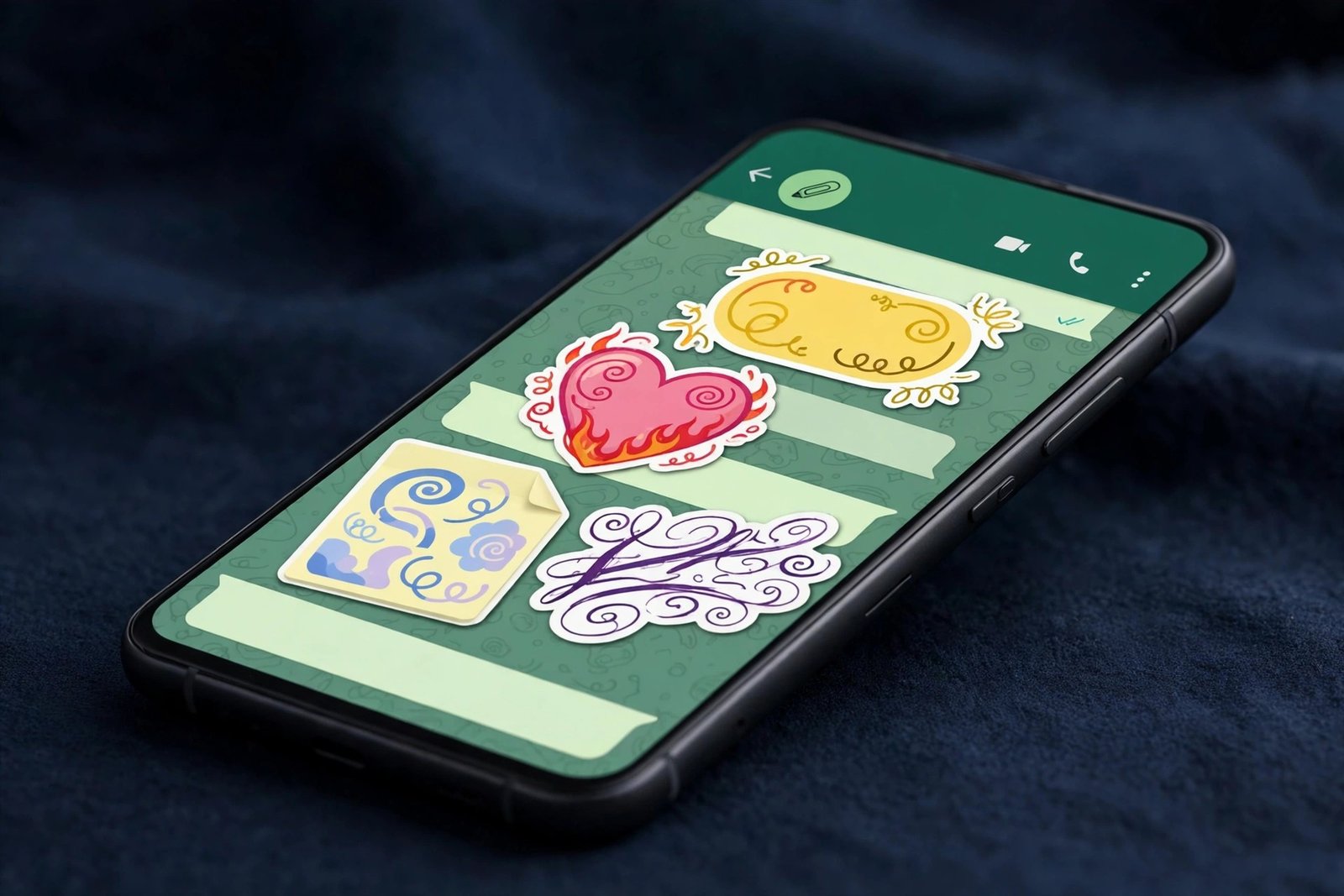
- The text sticker collection is doubling from 5 designs to 10, with new styles including a yellow label, a pink heart with flames, a post-it note and a handwritten calligraphy style.
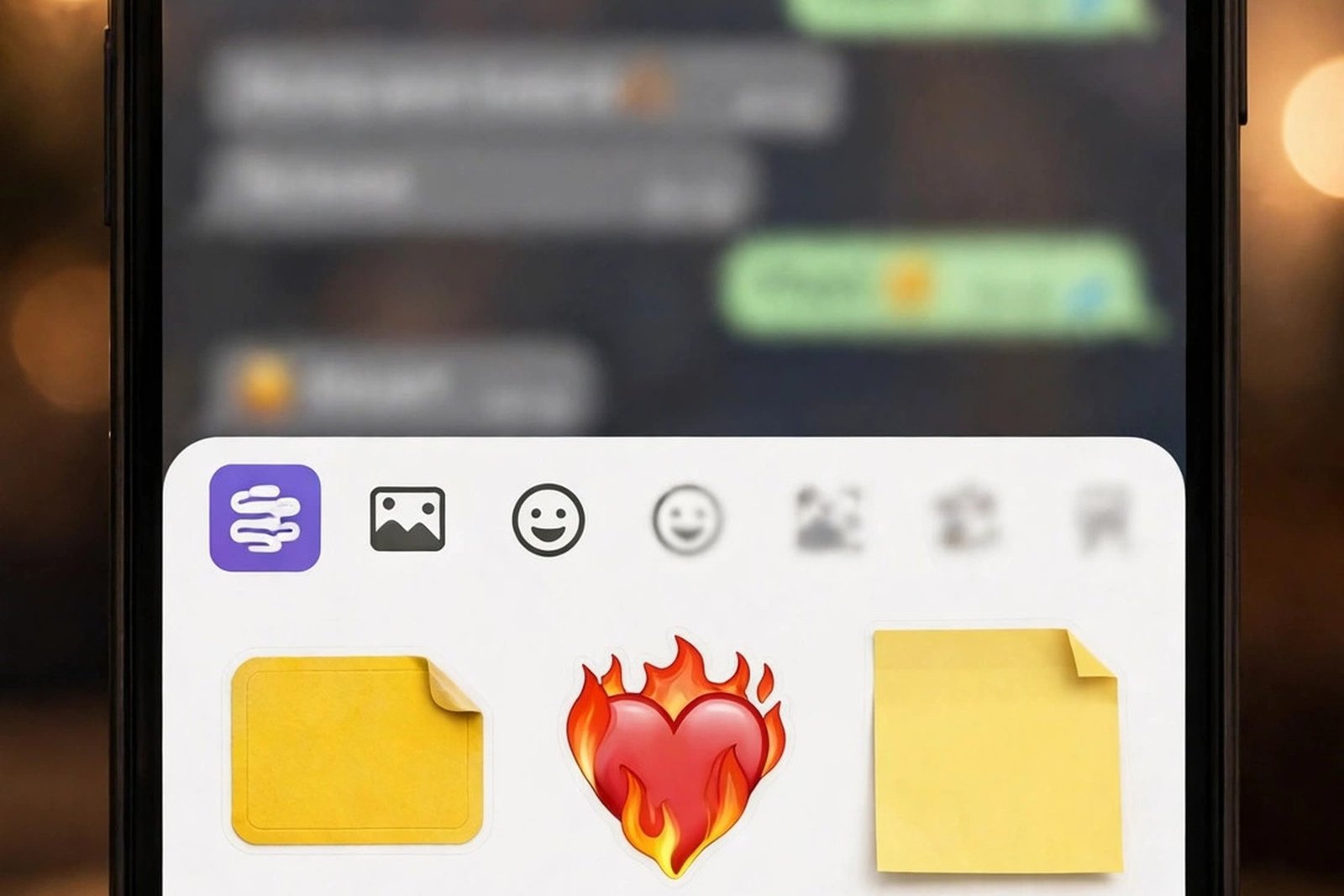
- There is also a new entry point for creating text stickers directly from the sticker keyboard, so you no longer have to dig around to find the feature.
- The rollout is gradual and server-side: only selected beta testers have it so far, with more people expected to get it over the coming weeks.
- Text stickers are not in the stable app yet, and WhatsApp has not announced a public release date.
Text Stickers Are Doubling — From Five Designs to Ten
WhatsApp’s text stickers are getting their first real expansion. The feature, which lets you turn a few typed words into a colourful sticker and send it in a chat, launched with just five designs when it first appeared in beta in January 2026. Now WhatsApp is doubling that collection to ten, and the new designs are rolling out to some Android beta testers.
The update was spotted in WhatsApp beta for Android version 2.26.46.1, available through the Google Play Store, and reported by the feature tracker WABetaInfo on 14 November 2026. Undercode News covered the same rollout a day earlier, on 13 November, confirming the details: five new designs, a new way to reach the feature, and a gradual rollout to selected testers.
It is a small update on paper. Nobody is going to switch messaging apps over five extra sticker designs. But it is the kind of small update that says a lot about where WhatsApp is heading. Text stickers were a quiet experiment when they arrived at the start of the year. Ten months later, WhatsApp is investing in them — more designs, a more prominent place in the app, and a wider rollout. That is what a feature looks like when it is working and the company wants more people to find it.
What the New Designs Look Like
The five new designs cover a wider range of moods than the original five, each built around a distinct visual idea rather than a plain coloured background. One is a yellow label design, the bold sticky-note look that works for a quick shout or a reminder. Another is a pink heart wrapped in flames, aimed at the messages people send when plain text feels too flat. There is a post-it note design for short, casual notes, and a handwritten calligraphy style for messages meant to feel personal rather than typed.
The point of a text sticker is that the words are the sticker. A regular sticker says something with a picture; a text sticker says something with your own words, dressed up so they land harder than a line of plain chat text. A birthday wish, a joke, a “good luck” before an exam — the message is yours, and the design is the wrapping. Doubling the designs doubles the chances that one fits the moment, and the new styles lean into the expressive end of that range: love, celebration, warmth, and the casual note you stick on someone’s day.
A Faster Way to Make One
The new designs are not the only change. WhatsApp has also added a new entry point for creating text stickers directly from the sticker keyboard, which is where most people already go when they want to send a sticker.
That sounds minor, but discoverability has been the quiet problem with text stickers since they launched. The feature existed, but finding it took a deliberate detour, and features that take a detour do not get used. Putting the creation option in the sticker keyboard means it shows up in the exact place where someone is already thinking about stickers. You open the keyboard, you see the option, you type a few words, and you have a sticker.
It is the same logic WhatsApp has used for its other recent additions: meet people where they already are. The sticker keyboard is one of the most-tapped surfaces in the app, and a text sticker option sitting there turns a feature people had to hunt for into one they stumble across in normal use.
How to Check If You Have It
As with every WhatsApp beta feature, there is no switch to flip and no setting to enable. The new designs are rolling out server-side to a limited group of beta testers, and being on the beta does not guarantee you will see them. But there are a few things you can do to give yourself the best chance.
First, make sure you are on the latest beta build. The new designs were spotted in WhatsApp beta for Android 2.26.46.1, distributed through the Google Play Store. Open the Play Store, search for WhatsApp, and check whether an update is available. If you are not a beta tester, you can request to join the beta programme from the same page, although the programme is often full, and joining does not guarantee immediate access to any single feature.
Second, look in the right place. Open any chat, tap the sticker icon, and check the sticker keyboard for a text sticker option or entry point. If the new designs are there, you will see the expanded collection of ten, including the yellow label, the flaming heart, the post-it note and the calligraphy style. If you only see the original five, or no text sticker option at all, your account has not been switched on yet.
Third, be patient if it is not there. WABetaInfo has said the rollout will reach more people over the coming weeks, which is the standard pattern for WhatsApp beta features: a small group first, then a wider wave once the company is happy nothing is broken. There is nothing to install, sideload or force. If your account is selected, the designs will simply appear.
Still Beta Only — No Date for Everyone Yet
It is worth being clear about where this stands. The new text sticker designs are in beta only. They are not in the stable version of WhatsApp, and there is no public release date for when everyone will get them. WhatsApp has not announced one, and that is normal at this stage.
The beta-to-stable path for WhatsApp features is usually measured in weeks rather than months, and the rollout reaching more beta testers over the coming weeks is the signal to watch: when the designs stop being a beta spot and start appearing for most testers, the stable release is usually not far behind. That gradual pace is deliberate — WhatsApp tests in waves so problems surface while the audience is still small.
Why WhatsApp Keeps Polishing Stickers
Text stickers first appeared in WhatsApp beta for Android 2.26.1.18 in January 2026, with five designs and little fanfare. At the time, it was easy to read them as a minor addition — a small creative tool tucked into an app that already had emoji, GIFs, stickers and avatars. Ten months on, the picture looks different.
WhatsApp has spent 2026 steadily adding small, expressive features to the way people communicate. Disappearing photos and videos, scheduled messages, new ways to share your location in Status, and now an expanded text sticker collection — each one is small on its own, and each one is aimed at the same thing: the way a message feels when it arrives, not just what it says.
That is the thread that connects them. A message that arrives exactly when it matters, a photo that can only be seen once, a sticker that carries your own words in a design that matches the mood — these are all ways of making a chat feel more like a conversation and less like a transcript. Text stickers fit that pattern neatly. They are not a headline feature, and they will never be the reason someone downloads WhatsApp. But they are the kind of feature people use every day once they find it, and the kind that makes the app feel a little more personal.
WhatsApp has been on a run of practical beta updates lately. Zaps, the disappearing photo and video format, arrived in Android beta this month, letting you send a photo or video that vanishes after one view. Scheduled messages are being tested too, so you can write a message now and have it sent up to two weeks later, even if your phone is offline. And on iPhone, the Contacts tab is rolling out in beta, showing who is online without opening a chat. The new text sticker designs fit the same pattern: small, useful, and aimed at the way people actually use the app.
FAQs
Q1: What are WhatsApp text stickers?
A: Text stickers let you turn a few typed words into a colourful sticker and send it in a chat. They were first introduced in WhatsApp beta for Android 2.26.1.18 in January 2026, with five designs. WhatsApp is now expanding the collection to ten designs.
Q2: How many new text sticker designs is WhatsApp adding?
A: Five new designs, taking the total from 5 to 10. The new styles include a yellow label, a pink heart with flames, a post-it note and a handwritten calligraphy design. They were spotted in WhatsApp beta for Android 2.26.46.1.
Q3: How do I create a text sticker on WhatsApp?
A: Open the sticker keyboard in any chat and look for the text sticker entry point, which WhatsApp has now added directly to the keyboard. Type your words, pick a design, and send it as a sticker. The feature is only available to selected beta testers for now.
Q4: How do I get the new WhatsApp text sticker designs?
A: You need to be a WhatsApp beta tester on Android with the latest beta build (2.26.46.1 or later), and your account must be included in the gradual server-side rollout. Update WhatsApp from the Google Play Store, then check the sticker keyboard. There is no way to force access if your account has not been switched on yet.
Q5: When will the new text sticker designs reach everyone?
A: There is no public release date yet. The designs are rolling out gradually to beta testers and are expected to reach more people over the coming weeks. They are not in the stable version of WhatsApp yet.
Sources: WABetaInfo, “WhatsApp is rolling out new text sticker designs on Android” (14 November 2026); Undercode News, “WhatsApp Introduces 10 New Text Sticker Designs on Android” (13 November 2026).
