


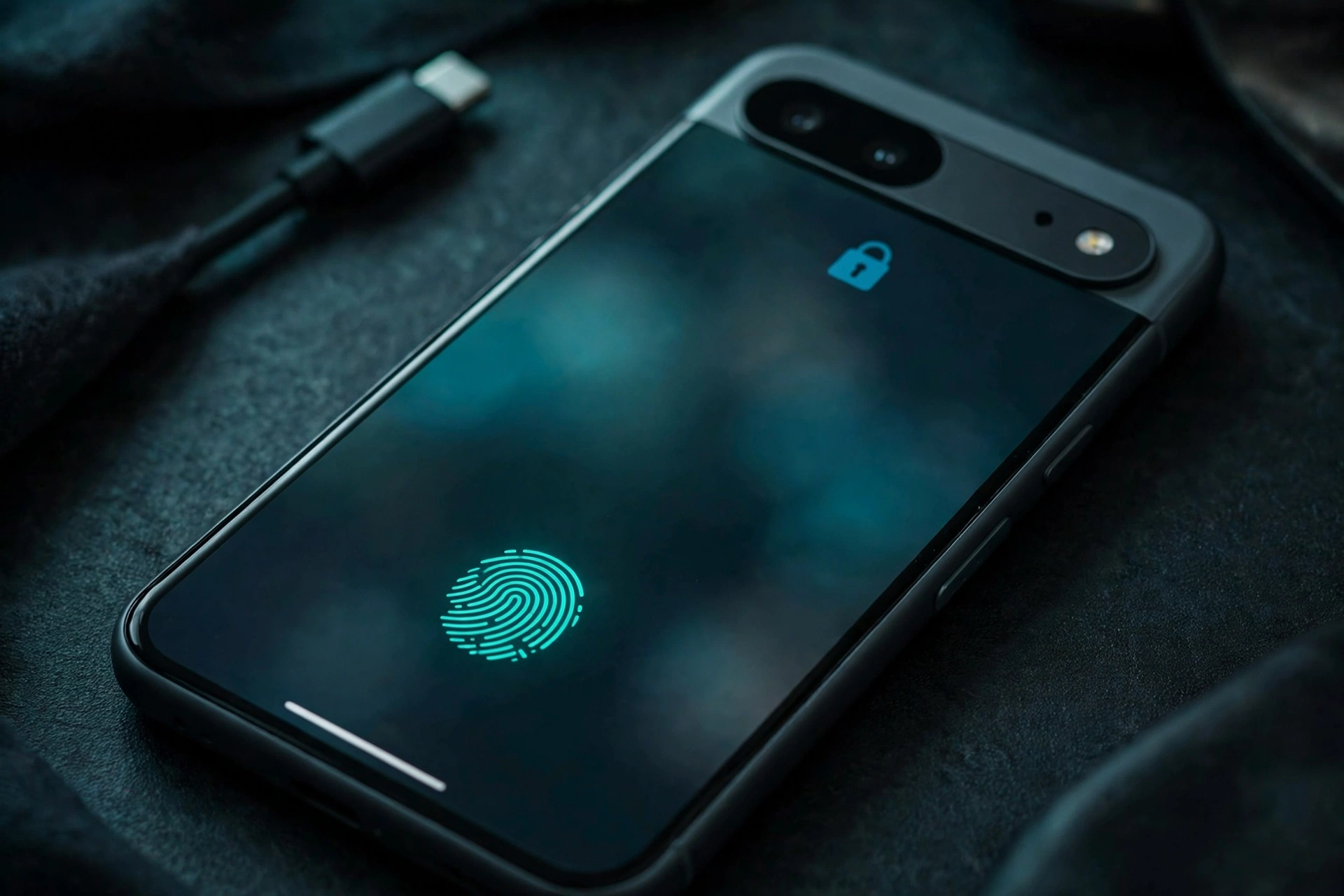
Google has pushed out Android 17 QPR3 Beta 3 to Pixel phones in the Android Beta Program — less than a month after the first QPR3 beta. Officially it is a bug-fix release, with 26 fixes in Google’s release notes. Unofficially, it is more interesting than that: several genuinely useful features that Google removed in earlier betas are back.
Key Takeaways
- Android 17 QPR3 Beta 3 is rolling out now to Pixel 6a and newer (Pixel 6 and 6 Pro are not included).
- Google’s notes list 26 bug fixes and stability improvements.
- Spotted in the build: native app lock, lock screen blur, launching apps in bubbles from Recents, a new camera Quick Settings tile, and AM/PM alarm time on the lock screen.
- Build numbers: DP11.261016.003 for most Pixels, DP11.261016.004 for the Pixel 11 family.
The Returning Features
Google’s own release notes stick to the fixes, but as Android expert Mishaal Rahman pointed out, Beta 3 quietly restores several features that had vanished from earlier QPR builds:
Native App Lock
The headline return. Android 17 is getting a built-in app lock, letting you protect individual apps — your gallery, banking app, messages — behind your fingerprint or PIN. Pixel owners have asked Google for this for years while Samsung and OnePlus users took it for granted; it is finally on its way to stock Android.
Lock Screen Blur
The blur effect is back across the lock screen — visible behind shortcuts, the fingerprint icon and notifications. It is cosmetic, but it makes the lock screen look noticeably more polished.
App Bubbles From Recents
You can now launch apps in a floating bubble directly from the Recents (overview) menu — handy for keeping a chat or calculator floating over whatever else you are doing.
A Camera Tile and a Clearer Alarm
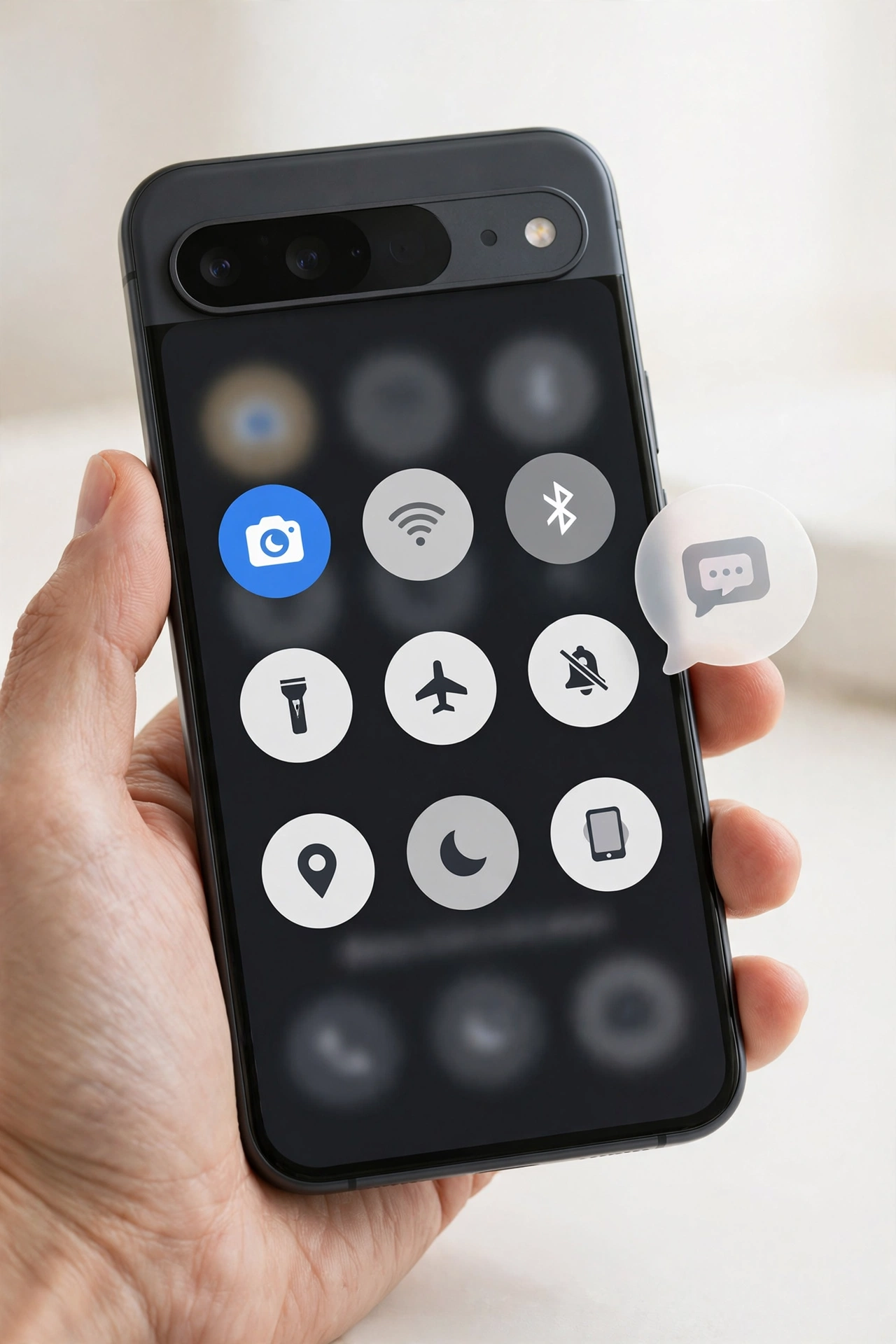
Quick Settings gains a dedicated camera tile — one more fast way to jump into the camera. And in a small but genuinely useful touch, the lock screen now shows your alarm time in AM/PM format, so there is no more squinting at 24-hour times at 6 in the morning.
26 Fixes Under the Hood
Beyond the returning features, Beta 3 is primarily a stability release. Google’s notes list 26 fixes — following Beta 2’s 21 fixes, which tackled the random reboots some testers hit in the first beta. QPR betas are where Google polishes the quarterly release that stable users will eventually receive, so long fix lists are exactly what you want to see at this stage.
Which Pixels Get It — and How
The beta covers the Pixel 6a, 7, 7 Pro, 7a, Pixel Tablet, Pixel Fold, and every Pixel 8, 9, 10 and 11 model. The Pixel 6 and 6 Pro are not included — their software support ended with the October 2026 update.
To get Beta 3, your Pixel must be enrolled in the Android Beta Program; the update then arrives over the air. A word of caution that applies to every beta: do not install it on your only phone unless you are comfortable with the occasional bug — that is the entire point of the program. The stable QPR3 release is expected to reach all Pixel users around March 2027.
Related Guides
- Google Play System Update Shows January 2027? Here’s the Truth
- iOS 27.2 Update: What’s New, Who Gets It and When
- WhatsApp’s 4 New Group Chat Features: Pin Forever, Group Status and More
FAQs
What is Android 17 QPR3?
QPR stands for Quarterly Platform Release. Between major Android versions, Google ships quarterly updates to Pixels with new features and fixes. QPR3 is the third of these for Android 17, currently in beta ahead of an expected stable release around March 2027.
Does Android 17 have a built-in app lock?
Yes — native app lock has returned in QPR3 Beta 3, letting you lock individual apps behind biometric or PIN authentication. It is expected to reach stable users with the QPR3 release.
Which Pixel phones can install QPR3 Beta 3?
The Pixel 6a and every model after it, including the Pixel Tablet and Fold models. The Pixel 6 and 6 Pro are excluded because their update support has ended.
Should I install the beta on my main phone?
Only if you are comfortable with beta software. Betas can include bugs that affect battery life, apps or stability. Most users should wait for the stable release.
