


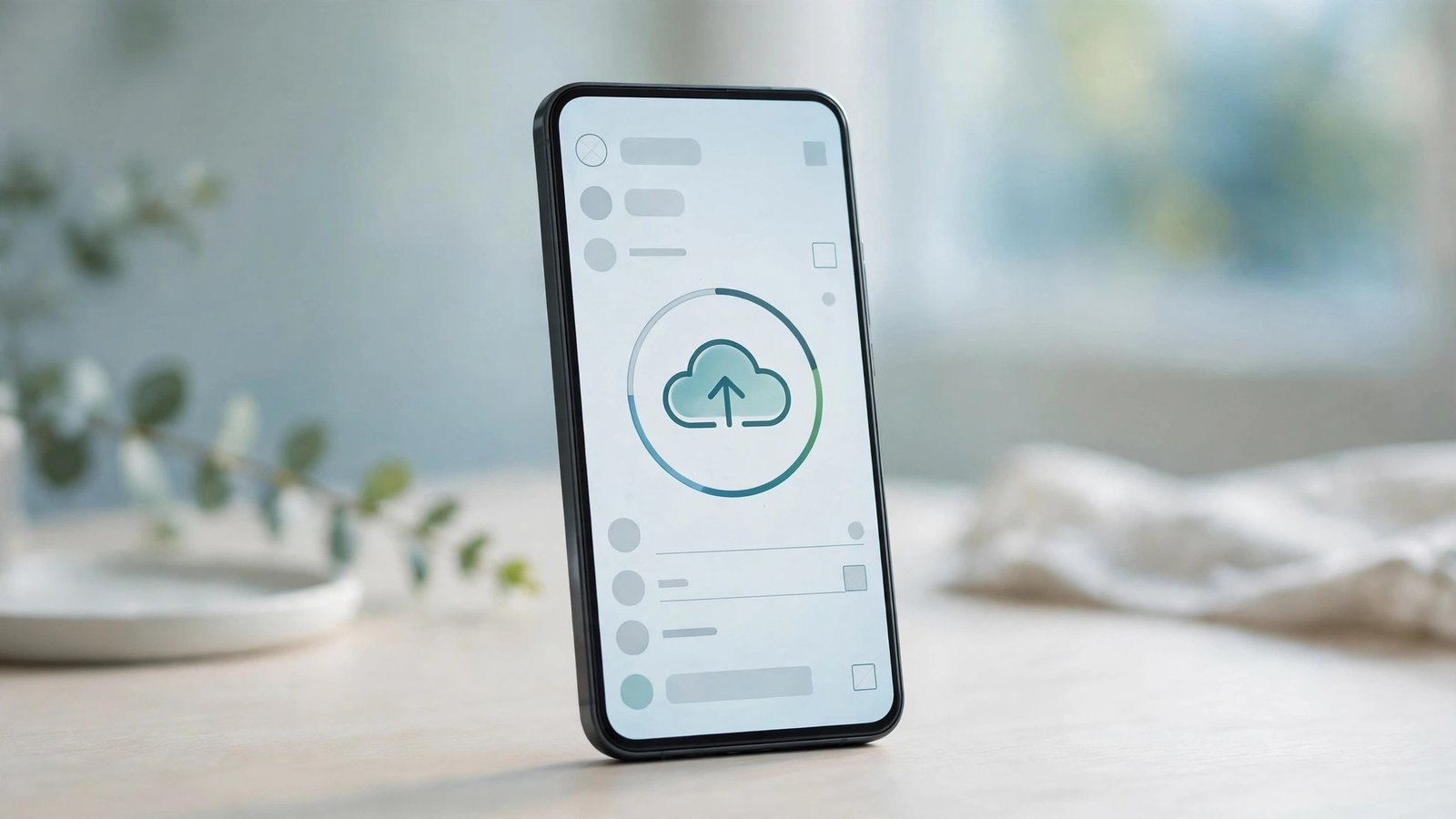
For as long as WhatsApp has existed on iPhone, there has been exactly one way to back up your chats to the cloud: iCloud. If your iCloud storage was full — and with Apple’s free tier capped at 5GB, it usually was — your WhatsApp backup simply stopped working, and the app told you to pay Apple for more space or go without a backup at all. That is about to change. WhatsApp is now testing its own first-party cloud backup for iPhone users, a new “WhatsApp cloud storage” option that sits inside the app’s Chat Backup settings and stores your chat history on WhatsApp’s own servers, with 2GB free for everyone.
The feature is live now for a small group of beta testers, and it is one of the most practical changes WhatsApp has made for iPhone owners in years. It does not just add a second backup destination — it breaks Apple’s grip on WhatsApp backups entirely, and it gives people who have never paid for iCloud a free way to protect years of chats, photos and voice notes. But there are two catches worth knowing before you get excited, and the rollout is still limited. Here is everything that is known so far.
What happened
WhatsApp has started rolling out its own cloud backup provider to iPhone users in the latest WhatsApp for iOS beta, version 26.45.10.71, distributed through Apple’s TestFlight programme. The new option appears in the app’s Chat Backup settings as an alternative cloud provider, alongside iCloud, and it is currently available only to a limited set of beta testers, with a gradual rollout expected to widen over time.
This is not a small settings tweak. Until now, an iPhone user’s WhatsApp backup had a single destination, and that destination belonged to Apple. The new option puts the backup on WhatsApp’s own infrastructure instead, so the backup lives or dies with WhatsApp, not with your iCloud plan. It is the iOS counterpart to a feature Android users have been testing since April 2026, when the same first-party backup appeared in the WhatsApp for Android beta (version 2.26.46.4). Development of the iPhone version expanded in July 2026, and it has now reached the beta-testing stage.
The timing makes sense. WhatsApp has around 3 billion users, and for a large share of them the app is the primary record of their personal life — family groups, work chats, photos of children, voice notes from relatives. Losing that history because a cloud storage plan ran out has always been a quiet, common disaster. A backup option that WhatsApp controls itself removes the most common reason those backups fail.
Why iPhone users should care: the iCloud 5GB problem
The reason this matters is not technical. It is the 5GB number. Apple gives every iPhone user 5GB of free iCloud storage, and that single allowance has to cover photos, device backups, app data, email and WhatsApp chat backups all at once. For most people, it runs out within weeks of setting up a new phone. After that, WhatsApp backups fail silently in the background, and many users only discover the problem when they get a new phone and find their chats are gone.
WhatsApp’s new option sidesteps that entirely. The free tier is 2GB of WhatsApp cloud storage, dedicated to your chat backup and nothing else — it does not compete with your photos or your device backup for space. Two gigabytes will not hold a decade of videos for a heavy user, but for the average chat history it is a genuine safety net, and it costs nothing. For anyone who has been paying Apple for iCloud storage mainly to keep WhatsApp backups running, the new option may be reason to drop a tier.
It also changes who you depend on. A WhatsApp backup that lives on WhatsApp’s servers means one less subscription standing between you and your own messages, and one less company whose storage policy can interrupt the backup. For users in countries where iCloud’s paid plans are expensive relative to local incomes, that independence is worth more than the gigabytes.
How it works
For beta testers who have the feature, the new option appears in WhatsApp’s Chat Backup settings, listed as a cloud provider alongside iCloud. Choosing it switches future backups to WhatsApp’s own cloud storage. From there, the flow is deliberately familiar: WhatsApp automatically saves your chat history on a schedule you choose, just as it does with iCloud today.
The backup is protected with a passkey, so it is encrypted and tied to you rather than to any cloud account. That encryption detail matters for the restore step, because it is what makes the next part possible: when you set up WhatsApp on a new iPhone, you can restore your chat history from the WhatsApp cloud backup without logging into Google or iCloud at all. The backup belongs to your WhatsApp account, not to your Apple ID, so the restore is self-contained inside the app.
In practice, that means a cleaner move to a new iPhone. Instead of first making sure iCloud has enough space, running a manual backup, and then hoping the restore picks it up, the backup is already there in WhatsApp’s own storage, waiting behind your passkey. For the testers who have it now, the setup is a settings choice rather than a new workflow — the same backup screen, a different destination.

The two catches
This is still a backup, not a sync service, and the distinction matters. WhatsApp’s cloud storage saves your chat history on a schedule you set — daily, weekly, or whatever interval you choose — which means the backup is a snapshot, not a live mirror of your chats. If you send messages after the last backup ran and then lose your phone, those messages are not in the backup. That is the same limitation iCloud backups have always had, and the new option does not change it. It is not the always-in-sync experience of Telegram or Messenger, where your messages live in the cloud and appear instantly on every device. WhatsApp is still, at its core, a phone-first app with a backup safety net.
The second catch is the bigger one for anyone planning to switch phones. Cross-platform restore is not supported yet: a backup made to WhatsApp’s cloud storage on Android cannot be restored on an iPhone, and an iPhone backup cannot be restored on Android. The two platforms still use separate backup worlds. If you move from Android to iPhone — or the other way around — you still need the QR-based local transfer, with both phones nearby and connected to the same Wi-Fi, exactly as before. WhatsApp has not said whether cross-platform restore for its own cloud backups will arrive later, so for now the new option helps you stay on the same platform, not move between them.
Neither catch makes the feature less useful for its main audience — iPhone users who want a reliable backup without paying Apple — but both are worth knowing before you count on it for something it does not do.
WhatsApp Plus storage pricing
The free 2GB is the default, and it is enough for text-heavy chat histories. For people whose backups include years of photos and videos, WhatsApp will offer more space through a WhatsApp Plus subscription. The confirmed figure is 100GB for $2.99 per month, and larger paid plans are also available for users who need more. Pricing for other regions has not been announced, and the exact tiers may vary by country when the feature rolls out more widely.
That puts WhatsApp’s backup storage in the same price range as the cloud plans people already buy, with one difference: it is storage for one job only. A WhatsApp Plus subscription buys backup space for your chats; it does not replace iCloud or Google One for photos and files. The sensible way to think about it is as a top-up for people whose chat history has outgrown the free 2GB, not as a general cloud storage plan.
Who gets it and when
Right now, almost nobody. The feature is in a limited beta on iOS, available to a small group of TestFlight testers running version 26.45.10.71, and the beta programme itself is full — new testers cannot join it to get early access. WhatsApp has not announced a public release date, and the rollout is expected to widen gradually rather than switch on for everyone at once. Based on the pace of similar rollouts, it could be weeks before the option reaches most iPhone users.
That is normal for WhatsApp. Features typically spend weeks in beta while the company watches for problems, then roll out in waves over the following weeks. The Android version followed a similar path, spending months in testing before reaching more users. If the iOS beta goes smoothly, the option should appear in the Chat Backup settings of the regular WhatsApp app without any action on your part — but there is nothing to do today except keep the app updated and wait.
When it does arrive, the first thing to check is your current backup. If your iCloud backups have been failing for lack of space, the new option is worth switching to on day one. And if you have been paying for iCloud storage mainly for WhatsApp, run the numbers: 2GB free from WhatsApp may be all you need.
What happens next
The next thing to watch is the public rollout — when the option leaves beta and appears for all iPhone users — and whether WhatsApp extends it to cross-platform restores, which would finally close the biggest gap in moving between Android and iPhone. Pricing in more countries and the full list of paid storage tiers will also matter once the feature goes wide.
Longer term, the interesting question is what WhatsApp does with a backup system it owns outright. A first-party cloud backup is the foundation for features that were awkward under iCloud, from restoring chats without an Apple ID to keeping a backup alive when you change phones, numbers or countries. For now, though, the win is simple and immediate: your WhatsApp chats can finally be backed up without iCloud, for free, on your iPhone.
Related reading
- WhatsApp’s own cloud backup comes to Android first — how it works and what it costs
- WhatsApp tests a new Contacts tab for easier chatting
- WhatsApp Smart Text Actions turn numbers, dates and addresses into one-tap actions
Frequently asked questions
Can I back up WhatsApp on iPhone without iCloud?
Yes, soon. WhatsApp is testing its own “WhatsApp cloud storage” backup option for iPhone, which appears in Chat Backup settings as an alternative to iCloud. It is currently limited to beta testers, with a wider rollout expected in the coming weeks.
How much free storage does WhatsApp’s own cloud backup include?
The free tier includes 2GB of WhatsApp cloud storage by default, dedicated to your chat backup. It does not share space with your photos or device backup, unlike Apple’s 5GB free iCloud allowance.
How much does WhatsApp Plus storage cost?
WhatsApp Plus offers 100GB of backup storage for $2.99 per month, with larger paid plans also available. Pricing for other regions has not been announced yet.
Will my WhatsApp backup sync live across devices like Telegram?
No. WhatsApp’s cloud backup is a scheduled backup, not live sync. It saves your chat history automatically at intervals you choose, so messages sent after the last backup are not included. It does not mirror chats in real time the way Telegram or Messenger do.
Can I restore an Android WhatsApp backup on my iPhone?
Not yet. Cross-platform restore is not supported: a backup made to WhatsApp’s cloud storage on Android cannot be restored on iOS, and vice versa. Moving between Android and iPhone still requires the QR-based local transfer with both phones nearby on the same Wi-Fi.
Sources: PhoneArena, 18 November 2026 — “WhatsApp cloud storage option in beta”; Gadgets360, 18 November 2026 — “WhatsApp Reportedly Tests Letting iPhone Users Back Up Chats Without Using iCloud” (citing WABetaInfo).
