


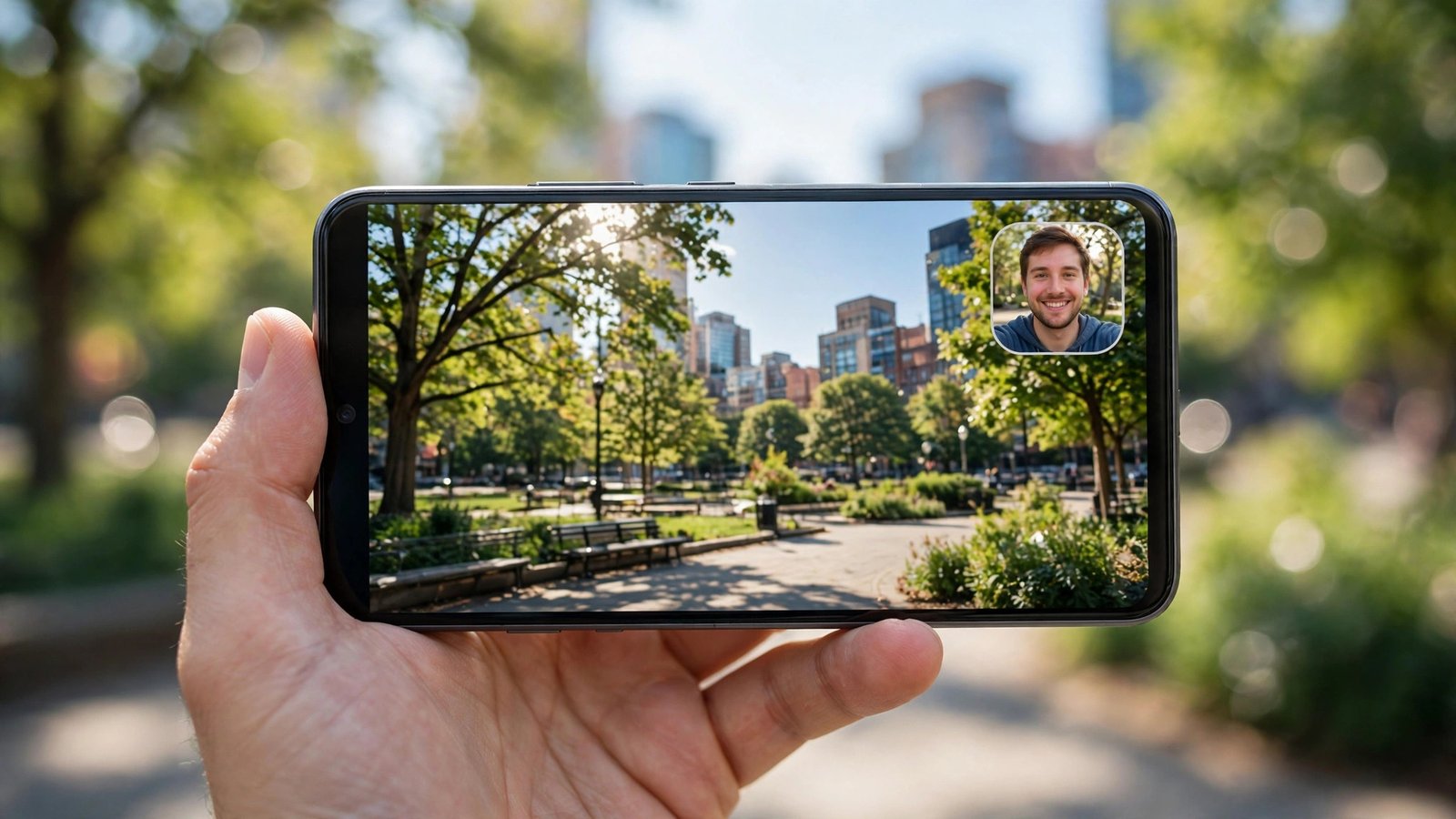
WhatsApp is rolling out a new dual camera mode on Android that lets you capture a photo or video with the front and back cameras at the same time. Spotted in WhatsApp beta for Android version 2.26.46.9, the feature puts your reaction in a small frame on top of the scene in front of you — so one tap captures both what you are seeing and how you are reacting to it. It is reaching some beta testers first, with a wider rollout expected over the coming weeks.
What is WhatsApp dual camera mode?
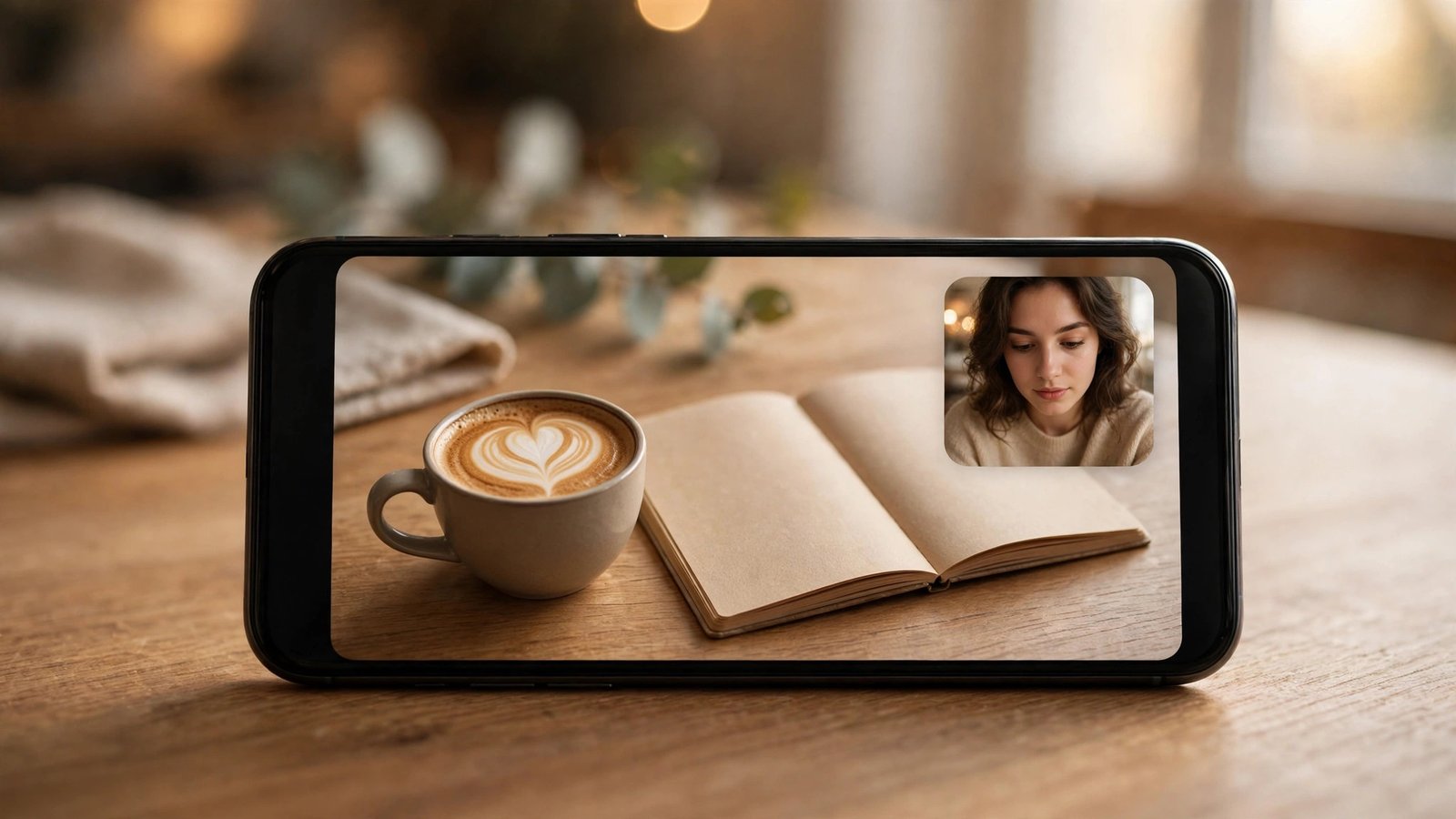
Dual camera mode is a new option inside WhatsApp’s built-in camera. When you switch it on, WhatsApp runs both cameras at once and shows both feeds on the screen at the same time.
The rear camera fills the whole screen, while the front camera appears in a smaller rectangular frame in the top-right corner. That means the photo or video you send shows the moment in front of you and your face in the same frame — the style of shot that BeReal made popular, and that some phone makers already offer in their own camera apps, now built directly into WhatsApp.
The feature was discovered by WABetaInfo in WhatsApp beta for Android 2.26.46.9, available on the Google Play Store. It is currently rolling out to some beta testers, not all of them, and WhatsApp has not announced when it will reach the stable version of the app or all users.
How to use WhatsApp dual camera mode
If the feature has reached your account, using it takes seconds:
- Open WhatsApp and tap the camera — from a chat, from the Updates tab, or anywhere else the camera opens.
- Look for the new dual camera button at the top of the camera screen and tap it.
- The rear camera fills the screen and your front camera appears in the small frame in the top-right corner.
- Take a photo or start recording a video. WhatsApp combines both views into one file.
- Add a caption, make edits in the drawing editor if you want, and send it like any other photo or video.
You can switch the layout while you are framing the shot. Tapping the rotate button swaps the two views: the front camera moves to the full screen and the rear camera drops into the small frame. And the small frame is not locked in place — you can drag it anywhere on the screen, so it never covers the part of the scene that matters most.
The mode is always available in the camera interface, no matter where you opened the camera from. That means it works the same way whether you are sending a photo in a one-to-one chat, recording a clip for a group, or posting to your status.
Photos and videos both work
Dual camera mode is not limited to still photos. It works for both:
- Photos: WhatsApp merges the front and rear camera images into a single picture.
- Videos: WhatsApp records both cameras at the same time and combines the footage into a single clip.
In both cases the result is one file that you share exactly like any other WhatsApp media — in chats, groups, channels, and status updates. After capturing, you can still add a caption or use the drawing editor before sending, just as with a normal photo or video.
Why this matters
WhatsApp’s camera has been getting a steady stream of upgrades in recent weeks, and dual camera mode is the most visible of them. The idea is simple: a photo of a birthday cake is better when your reaction is in it, a video of a concert is more personal when your face is part of the clip, and a quick travel update feels more alive when viewers can see both the place and the person.
Until now, getting that shot on WhatsApp meant taking two separate photos, or switching to your phone’s own camera app and then sharing the result. Dual camera mode removes that friction entirely — the reaction shot is part of the capture, not an afterthought.
It also fits a wider pattern. WhatsApp has been turning its camera from a basic attachment tool into a fuller creative space. Earlier in November, the beta introduced Zaps, a way to send instant photos and videos to groups, and the app has been rolling out view-once text messages and its own cloud backup storage in the same period. Dual camera mode is the next step in that direction: more of what people actually do with their phone cameras, without leaving the chat.
Who gets it first, and when will everyone get it?
Dual camera mode is rolling out gradually to some users on WhatsApp beta for Android 2.26.46.9. Being on the beta does not guarantee you will see it immediately — WhatsApp enables new features for selected accounts in waves, and the button appears only once your account has been switched on.
If you do not see it yet, there is nothing to fix on your phone. The feature should become available to more beta accounts over the coming weeks, according to WABetaInfo. WhatsApp has not announced a date for the stable release, and there is no sign of the feature on iOS yet — it is Android-only for now.
How to check if you have dual camera mode
- Update WhatsApp to the latest beta from the Google Play Store (version 2.26.46.9 or newer).
- Open any chat and tap the camera icon.
- Look for the new dual camera button at the top of the camera screen.
If the button is not there, your account has not been enabled yet. Make sure WhatsApp is fully updated, then check again after a few days — beta rollouts like this one typically expand in waves rather than arriving for everyone at once.
What happens next
The next step to watch is whether dual camera mode moves from the Android beta to the stable app, and whether iOS gets the same feature. WhatsApp’s recent camera features have typically spent a few weeks in beta before reaching all users, and the view-once text messages that arrived on Android earlier this month have already followed the same path to iOS beta. A similar timeline here would put a wider release in December, but WhatsApp has confirmed nothing yet.
For now, the feature is a small but useful upgrade for anyone who shares a lot of photos and videos on WhatsApp — and one more reason the in-app camera is starting to feel like a real camera app rather than just an attachment button.
Frequently Asked Questions
What is WhatsApp dual camera mode?
Dual camera mode is a new WhatsApp camera feature on Android that captures photos and videos with the front and back cameras at the same time, showing your reaction in a small frame over the main scene.
Which WhatsApp version has dual camera mode?
It was spotted in WhatsApp beta for Android version 2.26.46.9, available on the Google Play Store. It is rolling out to some beta testers first.
How do I turn on dual camera mode in WhatsApp?
Open the WhatsApp camera, tap the new dual camera button at the top of the screen, and the front camera appears in a small frame while the rear camera fills the screen. Tap the rotate button to swap them, or drag the small frame to move it.
Does dual camera mode work for videos too?
Yes. It works for both photos and videos. A photo merges both camera views into a single image, and a video records both cameras simultaneously into a single clip.
When will WhatsApp dual camera mode be available to everyone?
WhatsApp has not announced a date. It is rolling out gradually to Android beta testers and should reach more accounts over the coming weeks. There is no word yet on an iOS version or a stable release date.
- WhatsApp’s camera has been busy lately — the beta also recently added Zaps, instant photos and videos for groups.
- The same beta period brought view-once text messages to Android, with screenshot blocking.
- WhatsApp is also rolling out its own cloud backup storage as an alternative to Google Drive and iCloud.
Sources: WABetaInfo, “WhatsApp is rolling out a dual camera mode on Android” (November 24, 2026); TechProlonged, “WhatsApp beta on Android adds a front and back camera mode” (November 24, 2026); Undercode News, “WhatsApp Beta Introduces Dual Camera Mode” (November 2026).
