


WhatsApp has started rolling out scheduled messages globally, letting users write a message now and have it sent automatically at a chosen date and time. The feature, which WhatsApp describes as one of the most requested additions users have ever asked for, works in both one-to-one and group chats on iOS and Android, and it covers text, links, photos and videos.
The rollout was announced on Wednesday, November 25, 2026, through an official WhatsApp blog post and a teaser on the company’s official X account. WhatsApp says the feature is “rolling out globally over the coming weeks,” so it will not appear for every user on day one. The company has not given a fixed date by which everyone will have it, and availability will vary by account and device as the phased rollout progresses.
The idea is simple: you think of a message at an inconvenient moment — a birthday wish at midnight, a work update for the morning, a reminder for a group — and instead of setting a separate alarm or relying on a third-party app, you schedule it inside WhatsApp itself. Once the time arrives, the message goes out on its own.
Summary
- WhatsApp scheduled messages are rolling out globally on iOS and Android, announced on November 25, 2026.
- Messages can be scheduled from 10 minutes to 14 days ahead, in individual and group chats.
- To schedule, type a message or attach media, then long-press the send button and pick a date and time.
- Scheduled messages support text, links, photos and videos. Documents are not supported for now.
- Messages are end-to-end encrypted and queued on WhatsApp’s servers, so they are delivered even if the sender’s phone is offline.
- The person receiving the message cannot tell it was scheduled.
- The feature was tested in beta first: Android beta version 2.26.40.7 in October, followed by iOS beta version 26.42.10.19.
How to schedule a message on WhatsApp
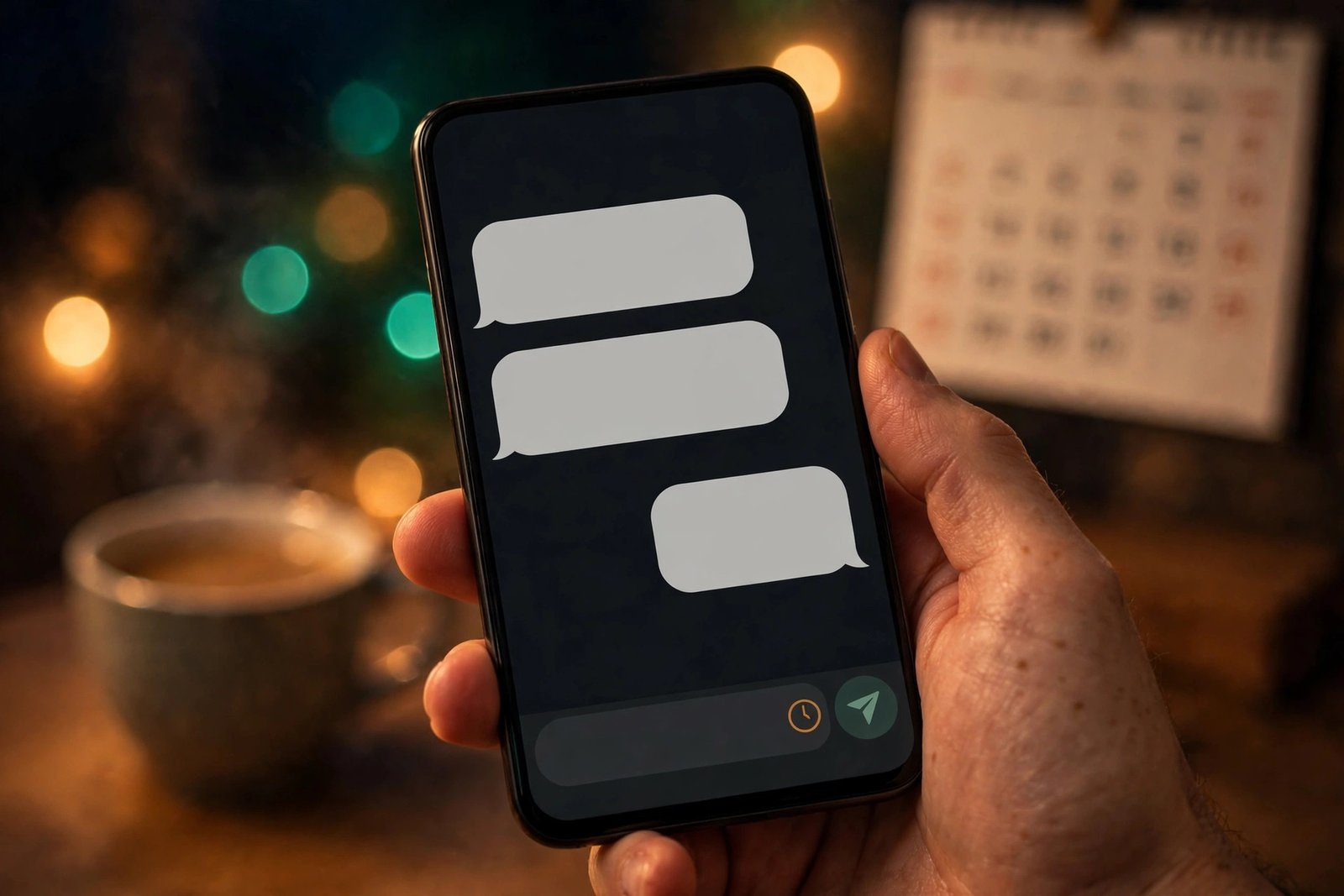
Scheduling a message takes only a few extra seconds once the feature reaches your account. Open the individual or group chat where you want to send the message, type your text or attach a photo or video, and instead of tapping the send button, press and hold it. A scheduling option appears, letting you select the date and time for delivery. Confirm your choice, and the message is queued.
The scheduling window runs from a minimum of 10 minutes ahead to a maximum of 14 days ahead. The 10-minute minimum exists so that there is enough time to delete a scheduled message before it is sent, if you change your mind. WhatsApp keeps scheduled messages in a dedicated section inside the app, where you can see what is queued and delete anything you no longer want to send.
What remains unclear is whether a scheduled message can be edited after it is queued. TechCrunch, which covered the announcement, notes that it is not clear if you can change the schedule of a message once you set it. For now, the safe assumption is that deleting and re-creating a scheduled message is the only way to change it. WhatsApp has not confirmed an edit option.
If the long-press option does not appear when you hold the send button, the feature has not reached your account yet. Gadgets 360 has verified that scheduled messages are working for some users already, which points to a phased server-side rollout rather than a single app update that unlocks it for everyone at once. Making sure you have the latest version of WhatsApp installed is still the right first step: 9to5Mac notes that the latest WhatsApp update, released on the same day as the announcement, is the version that carries the feature.
What you can and cannot schedule
Scheduled messages work with the message types most people send every day. Text messages, links, photos and videos can all be scheduled. That covers the obvious uses: a birthday message timed for midnight, a photo from a trip sent to a family group at a better hour, or a link to an article you want a colleague to see in the morning.
Documents are the one notable exception. WhatsApp does not support scheduling documents for now, according to the rollout reports. If you need to send a PDF or a file at a specific time, you will still have to send it manually. It is a small gap, but one worth knowing about before you rely on the feature for work documents.
There is one more detail that matters for how the feature feels in practice: the recipient cannot tell that a message was scheduled. Nothing in the chat marks it as sent later, so a birthday message scheduled the night before reads exactly like one typed at midnight. That is the whole point of the feature — the message arrives at the right moment, and only the sender knows it was planned in advance.
It still sends if your phone is offline
The most useful part of WhatsApp’s implementation is what happens after you schedule a message. Like all personal messages on WhatsApp, scheduled messages are protected by end-to-end encryption, so only you and the recipient can read them. And because the message is queued on WhatsApp’s servers rather than on your phone, it is delivered at the scheduled time even if your phone is off, out of signal, or out of battery.
That server-side queue is what separates WhatsApp’s version from some rivals. Signal has offered scheduled messages since early 2023, but because of Signal’s zero-knowledge server architecture, a scheduled message stays queued locally on the sender’s device. If the phone is dead or offline at the scheduled time, the message is delayed until the device reconnects. WhatsApp avoids that problem entirely: once you schedule a message, your phone’s state no longer matters.
WhatsApp is late — and that is the point
WhatsApp is not the first messaging app to offer scheduled messages. Telegram has had the feature since September 2019, and its version is more flexible in several ways. Telegram lets users schedule messages up to 365 days in advance, compared with WhatsApp’s 14-day limit. In one-to-one chats, Telegram also offers a trigger that sends a message the moment the other contact comes online, and queued messages can be edited or have their send time changed without deleting them first.
That comparison cuts both ways. WhatsApp’s 14-day window is shorter, and the lack of a confirmed edit option is a real limitation. But WhatsApp’s audience is far larger, and for most people the feature only becomes useful when it is inside the app they already use every day. A two-week window covers birthdays, anniversaries, work deadlines and group announcements — the situations where scheduling actually matters. Few people need to schedule a message a year ahead.
The long wait is also consistent with how WhatsApp rolls out features. The company tests changes with a small group of beta users for weeks or months before a wider release. Scheduled messages followed that pattern: the feature first appeared among select Android beta users in October, in beta version 2.26.40.7, and reached iPhone beta testers later the same month in version 26.42.10.19. The official announcement on November 25 marks the move from beta testing to a global rollout for everyone.
A big year for WhatsApp features
Scheduled messages arrive at the end of a year in which WhatsApp has added feature after feature. Earlier in 2026, the app rolled out @all mentions, letting users notify everyone in a group chat at once without tagging people one by one. The year also brought audio and video calling directly to WhatsApp Web, so users can make calls from their browsers without downloading the standalone desktop client for Windows or macOS.
The same week has been busy for WhatsApp in other ways. Sound stickers — animated stickers with an audio track that plays when the recipient taps them — have been rolling out on Android beta and then on iOS beta, expanding what users can express in conversations. The pace of releases underlines how much of WhatsApp’s development is now aimed at closing gaps with rivals and adding the quality-of-life features its users have been asking for.
Scheduled messages fit that pattern. It is not a flashy feature, and it will not change how most people use WhatsApp day to day. But it removes a small, daily friction: the need to remember to send a message later, or to set a reminder just to open a chat. For anyone who has ever typed a message at 2 a.m. and decided to wait until morning, the value is obvious.
Who gets it and when
WhatsApp says scheduled messages are rolling out globally over the coming weeks. That phrasing means the rollout is phased: some users already have the feature, as Gadgets 360 confirmed, while others will see it appear over the next few weeks as WhatsApp enables it account by account.
There is no way to force the feature to appear early. Updating WhatsApp to the latest version from the App Store or Google Play is the only step in your control. If the long-press option still does not show up after updating, the rollout simply has not reached your account yet, and waiting is the only option.
The feature is available on both iOS and Android from the start of the rollout, which is a change from WhatsApp’s usual pattern of testing on one platform first. The Android beta came first in October, but the official launch covers both platforms together.
What happens next
The open questions now are about refinement rather than availability. WhatsApp has not said whether scheduled messages will gain an edit option, or whether document support will be added later. Both would make the feature more useful, and both are the kind of additions that typically follow a first public release once the company sees how people use it.
For now, the feature does what it promises: write a message when you think of it, and have it arrive when it matters. After years of requests, WhatsApp users no longer need a third-party app or a reminder to send a message on time.
Frequently Asked Questions
How do I schedule a message on WhatsApp?
Open an individual or group chat, type your message or attach a photo or video, then press and hold the send button instead of tapping it. A scheduling option appears where you can pick the date and time. Confirm your choice and the message is queued.
How far ahead can I schedule a WhatsApp message?
You can schedule a message from 10 minutes to 14 days in advance. The 10-minute minimum gives you time to delete a scheduled message before it is sent if you change your mind.
Do scheduled WhatsApp messages work in group chats?
Yes. Scheduled messages work in both one-to-one chats and group chats, on iOS and Android.
Will my scheduled message send if my phone is offline?
Yes. Scheduled messages are queued on WhatsApp’s servers, so they are delivered at the chosen time even if your phone is off, out of signal, or out of battery.
Can the recipient tell my message was scheduled?
No. Nothing in the chat marks a message as scheduled, so the recipient cannot tell it was sent later rather than typed at that moment.
Can I edit a scheduled message on WhatsApp?
It is not clear yet. WhatsApp lets you view scheduled messages in a dedicated section and delete them, but it has not confirmed whether you can edit a scheduled message or change its send time. For now, deleting and re-creating the message is the reliable way to change it.
Related reading
- WhatsApp tested scheduled messages in beta before this official launch — read our earlier coverage: https://techinkey.com/whatsapp-scheduled-messages/
- Sound stickers are also rolling out this week, first on Android and now on iPhone: https://techinkey.com/whatsapp-sound-stickers-ios-beta/
- WhatsApp’s new Contacts tab shows who is online at a glance: https://techinkey.com/whatsapp-contacts-tab-android-beta/
Sources
- TechCrunch: https://techcrunch.com/2026/11/25/whatsapp-now-lets-you-schedule-messages-in-group-and-individual-chats/
- WABetaInfo: https://wabetainfo.com/whatsapp-launches-scheduled-messages-on-android-and-ios/
