


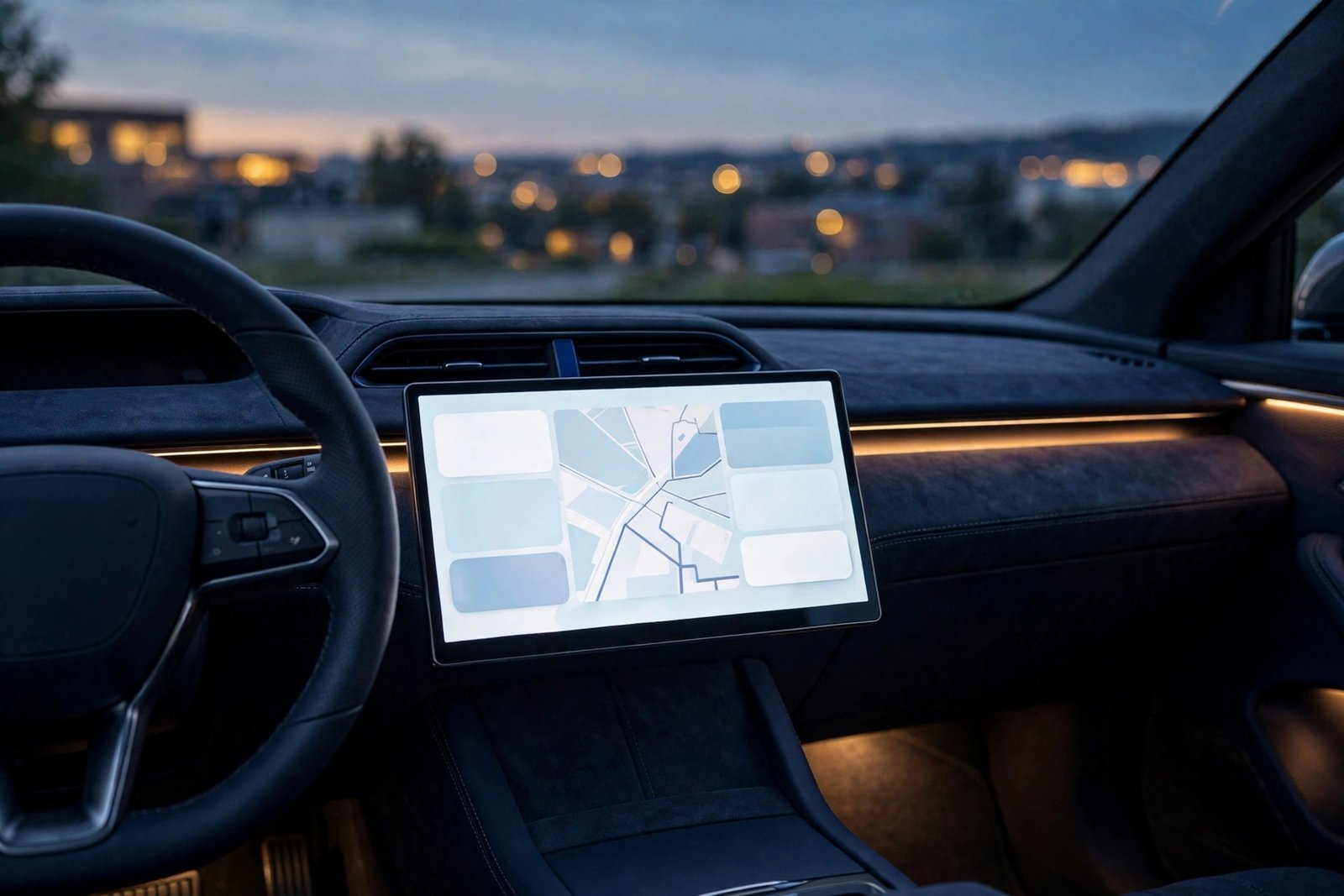
Google has started rolling out the Android Auto 18.2 update, and if you install it expecting a fresh look on your car’s display, you will be disappointed — at least for now. The update brings no user-facing changes that anyone can see. What it does bring is the strongest sign yet that Android Auto’s long-awaited light mode is inching toward reality.
The rollout began on November 13, 2026, heading first to beta users, a little over a week after Android Auto 18.1 reached the stable release track. That quick turnaround is normal for Android Auto, where most small updates fix things behind the scenes rather than adding features you can tap.
Key Takeaways
- What is rolling out: Android Auto 18.2, first to beta users from November 13, 2026.
- What you will see: Nothing new on the surface — no visible changes, no new settings, no light mode toggle yet.
- What changed under the hood: Google updated more than 100 assets inside the app in preparation for light mode support, mostly button designs.
- What it means: Light mode is still not confirmed for release, but every recent update has built out more of the feature.
- Older phones: Android 11 is confirmed as the new minimum requirement, but Android Auto 18.2 still supports phones as far back as Android 9 — the cutoff is not enforced yet.
A Quiet Update With a Loud Hint Inside
Android Auto users are used to this pattern by now. An update arrives, the version number ticks up, and the screen in the car looks exactly the same. 9to5Google puts it plainly: the update “doesn’t bring any new user-facing changes that we can see,” and that is not the same as nothing changing. Bug fixes are the primary point of these smaller Android Auto app updates, and there is no shortage of bugs to fix — recent examples include Gemini glitches, foldable phone headaches, strange user interface issues, connection problems, and songs skipping twice.
The interesting part of Android Auto 18.2 is not what it does, but what it contains. 9to5Google decompiled the latest version of the app — its APK Insight teardown — and found that Google updated over 100 assets within the Android Auto app in preparation for light mode support. The changes are largely around various button designs in the experience, including files such as res/drawable/ic_mr_button_connected_14_dark.xml and res/drawable/ic_mr_button_connected_15_dark.xml. That is the unglamorous groundwork that has to happen before a new theme can exist: every button, icon and control needs a light version before the interface can flip from dark to bright without looking broken.
The Feature Drivers Have Waited Years For
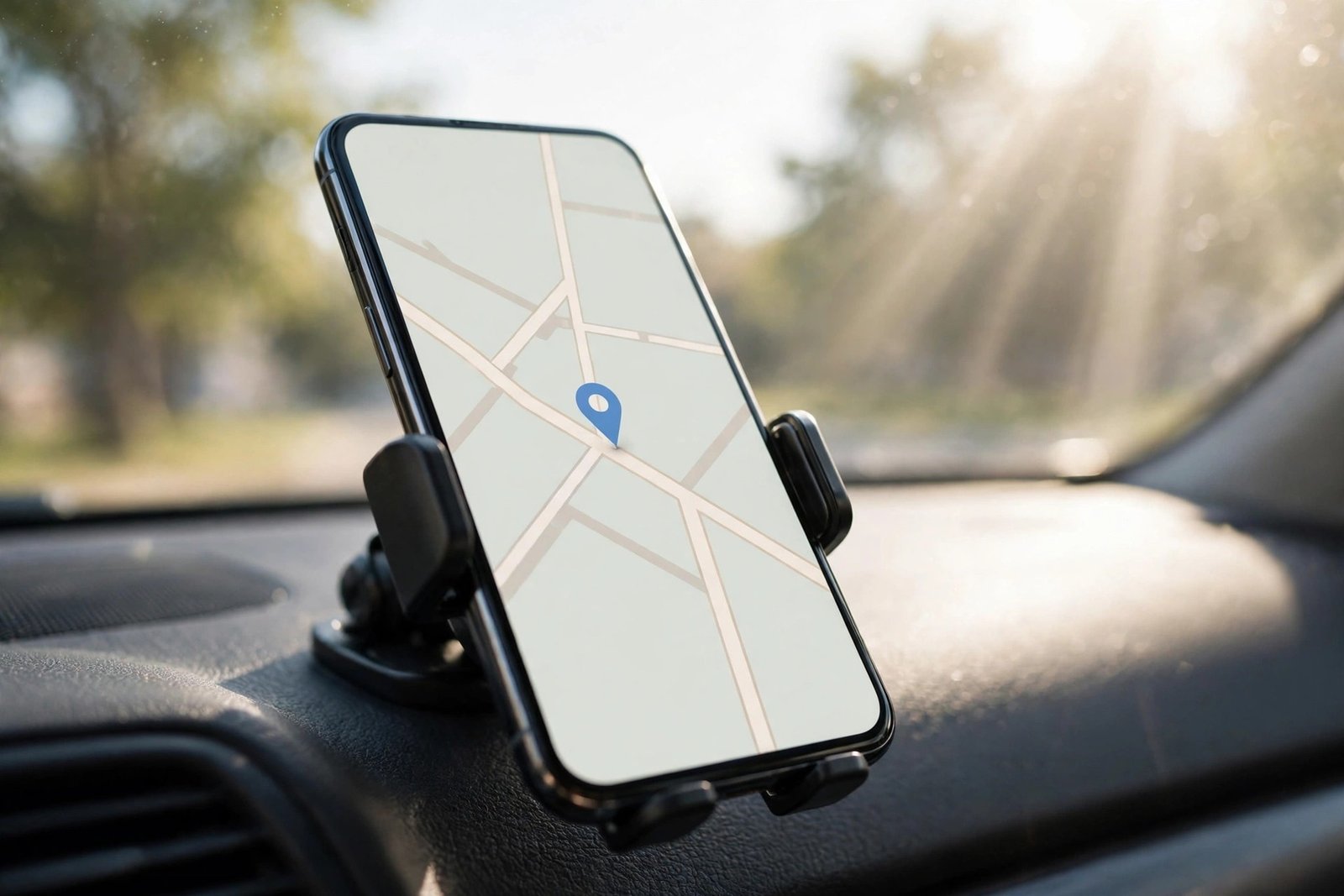
Android Auto has been dark-only since the beginning. That made sense when the platform launched: a dark interface is easier on the eyes at night, uses less power on OLED screens, and reduces glare on the windscreen. But drivers have asked for a light option for years. In bright daylight, a dark screen can be harder to read, especially through sunglasses or in a car with a lot of sun coming through the windows. A light mode would flip the interface to bright backgrounds and dark text, matching the way most phone apps already let you choose between light and dark themes.
Google has never announced light mode officially, and it has never given a release date. That is why the code evidence matters — and also why it should be taken with a pinch of salt. Code inside an app is a hint, not a promise. Android Police is honest about that: “Google doesn’t need to release this feature, and since this is just something found in code, it could end up being nothing.” At this point, the outlet writes, “it almost seems like this feature won’t ever find its way to a public release.”
That caution is fair, but the pattern of the evidence points the other way. A single update touching a handful of assets could be a false start. Update after update, each adding more light-mode groundwork, looks like a project that is slowly being finished rather than abandoned. The 100-plus assets in Android Auto 18.2 are the largest single batch of light-mode preparation yet, and they cover the fiddly details — button states and connected-device icons — that only matter when a feature is getting close to working properly. As Android Police puts it, the focus on interface elements like buttons means “we’re inching just a touch closer to an eventual release.”
Older Phones Get a Reprieve — For Now
There is one more thing worth knowing about Android Auto 18.2, and it will matter to anyone still driving with an older phone. Google has confirmed that Android 11 will be the new minimum requirement for Android Auto, replacing Android 9. That change was already documented on Google’s support page, and it ends official support for phones running Android 9 Pie and Android 10 — models like the Samsung Galaxy S9 and Galaxy Note 9, which never received an Android 11 update.
But the cutoff has not actually happened yet. Android Auto 18.2 still supports phones as far back as Android 9, so if your older phone still connects today, this update will not break it. Enforcement has been uneven: some Android 10 users started seeing warnings in October 2026 that their phones would soon lose support, while others connect without any problem. Google has not published a date for when every affected phone will lose access, so the honest advice is to keep using your current phone while it works — and to know that an upgrade to a phone running Android 11 or newer is the only supported fix when the cutoff finally lands. If you want the full picture, read our earlier report on the new requirement: Android Auto Now Requires Android 11 — What Older Phones Lose.
The Bigger Picture: Android Auto Is Quietly Getting Smarter
Light mode is not the only thing changing in the car. Over the past few months, Google has added Gemini Intelligence — a proactive AI assistant that suggests things before you ask — though it is currently exclusive to Pixel phones: Gemini Intelligence Is Coming to Android Auto — Proactive Suggestions, But Only for Pixel Phones First. Android Auto is even leaving the dashboard behind: TVS Motor recently confirmed it for the iQube electric scooter, bringing navigation, music and calls to a two-wheeler’s touchscreen: TVS iQube Gets Android Auto: Your Scooter’s Screen Is About to Feel Like a Car. The platform is being rebuilt piece by piece — smarter AI on one side, a long-overdue visual option on the other — in small version bumps, until one day the feature is simply there.
How to Get Android Auto 18.2
If you are in the Android Auto beta programme, the update should reach you through the Google Play Store as the rollout progresses. Open the Play Store, search for Android Auto, and check whether an update is available. If you are on the stable track, there is nothing to do but wait — beta rollouts usually reach everyone else in the days or weeks that follow, and this update changes nothing visible, so there is no rush.
There is no light mode toggle to switch on, no hidden setting to unlock, and no way to force the new theme early. The updated assets are preparation, not a finished feature. When — or if — Google flips the switch, it will most likely arrive as a server-side change or in a later update, and it should appear as a theme option in Android Auto’s settings.
For now, keep Android Auto updated and let the bug fixes do their quiet work. The screen in your car may look the same tomorrow as it did yesterday, but underneath it, the light mode that drivers have waited years for is one hundred buttons closer.
Frequently Asked Questions
What is new in the Android Auto 18.2 update?
Android Auto 18.2 is rolling out to beta users from November 13, 2026, with no visible user-facing changes. Its main purpose is bug fixes, but a teardown found Google updated more than 100 assets inside the app in preparation for light mode support, mostly button designs — the strongest sign yet that the long-awaited light theme is being built out.
When will Android Auto light mode be released?
Google has not announced a release date for Android Auto light mode, and it may never ship. The feature has been talked about for years, and every recent update — including 18.2, with its 100-plus updated assets — has added more of the groundwork, but code found in an app is only a hint, not a promise. There is no toggle or setting to enable it yet.
How do I get the Android Auto 18.2 update?
If you are in the Android Auto beta programme, the update rolls out through the Google Play Store — open the Play Store, search for Android Auto, and check for an update. Stable users will get it in the days or weeks after the beta rollout. The update changes nothing visible, so there is no need to rush to install it.
Does Android Auto 18.2 still work on older Android phones?
Yes, for now. Google has confirmed Android 11 as the new minimum requirement for Android Auto, which ends official support for phones on Android 9 and Android 10. But Android Auto 18.2 still supports phones as far back as Android 9, and Google has not published a date for when the cutoff will be enforced. Upgrading to a phone running Android 11 or newer is the only supported fix when it finally lands.
What is Gemini Intelligence on Android Auto?
Gemini Intelligence is Google’s proactive AI upgrade for Android Auto: it ties your phone’s apps and services together so the assistant can make suggestions before you ask, such as reminding you about an appointment or a message. It is currently exclusive to Pixel phones, and it is separate from the Android Auto 18.2 update — 18.2 adds no new Gemini features, only bug fixes and light-mode preparation.
Sources: 9to5Google, “Android Auto 18.2 update rolling out, teases light mode” (November 13, 2026); Android Police, “Android Auto’s light mode is closer than ever, according to new code” (November 13, 2026).
