


Summary
- The Pixel 11 Pro’s HiLight LED ring now glows for WhatsApp messages from your favourite contacts, not just for WhatsApp calls.
- Shenaz Zack, Google’s Senior Director of Product Management for Pixel, confirmed the addition in a video posted on X on 13 November 2026.
- The upgrade arrives with Android 17 QPR2 as part of the November 2026 Pixel Drop, which is rolling out now to all Pixel 11 Pro devices.
- HiLight is hardware, so it only works on the Pixel 11 Pro, Pixel 11 Pro XL and Pixel 11 Pro Fold — the standard Pixel 11 has no LED ring.
- Telegram, Signal, Snapchat and Instagram still do not trigger HiLight, and Google has not said when — or if — they will.
The Notification Light That Finally Earns Its Place
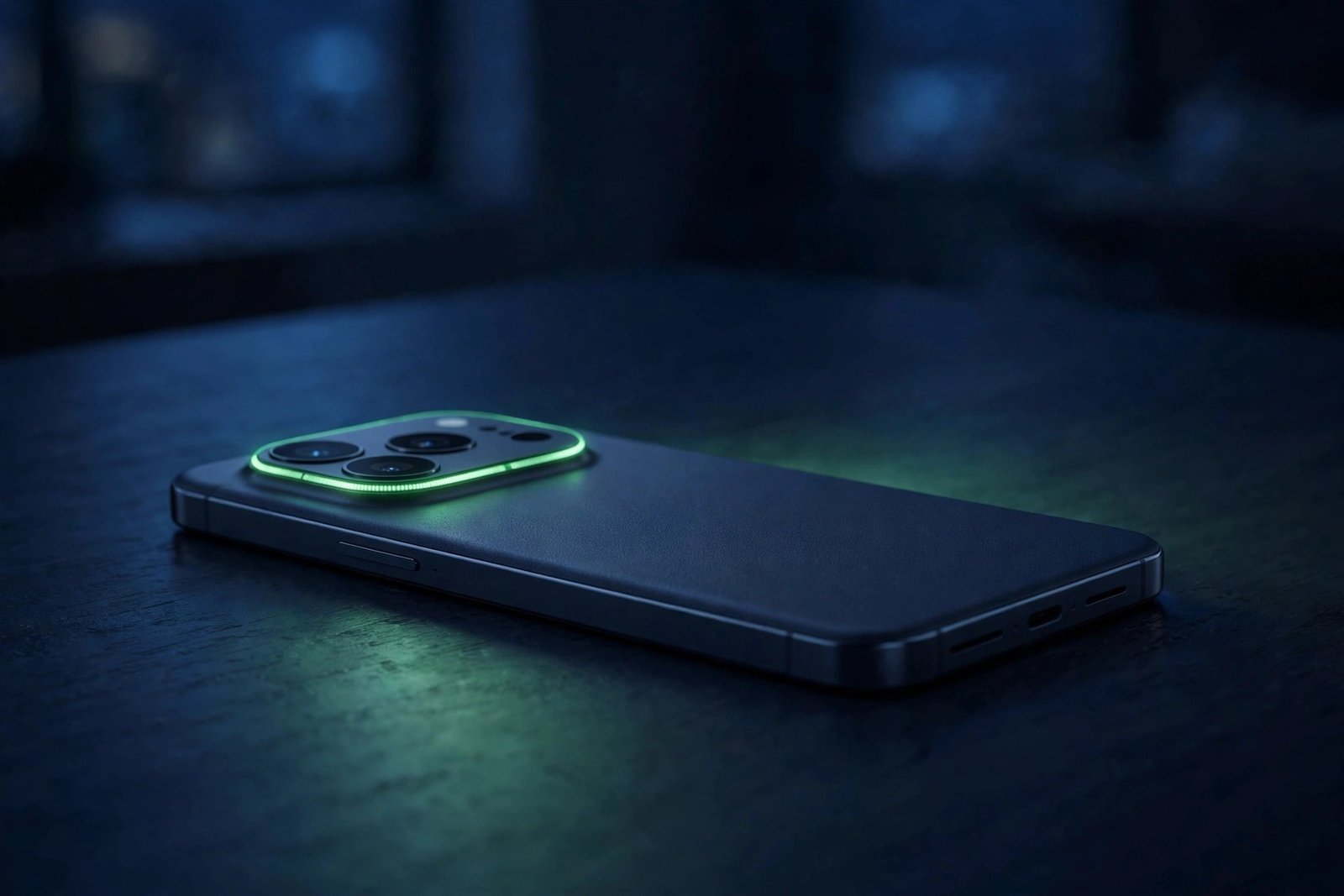
The Pixel 11 Pro brought back something Android fans had missed for years: a real notification light. HiLight is a ring of LEDs built into the phone’s camera module, and it glows when someone important tries to reach you — visible even when the phone is lying face down on a desk. It was one of the most talked-about hardware touches when the phone launched in August 2026, and also one of the most frustrating, because Google locked it to a tiny list of triggers.
At launch, HiLight only responded to phone calls from your favourite contacts, WhatsApp calls, and hands-free conversations with Gemini. That was the whole list. Text messages — the thing most people actually receive all day — did nothing. For a feature built around the idea that you should not have to pick up your phone to know who needs you, that was a strange omission, and reviewers said so plainly. Android Police called HiLight “one of the Pixel 11 Pro’s most pointless features” precisely because the hardware had plenty of potential and Google’s limited implementation held it back.
Three months later, that is finally starting to change. The November 2026 Pixel Drop added Google Messages support first, and now WhatsApp messages — the world’s most popular messaging app — have joined in too.
What Changed: WhatsApp Messages Join the Light
Google’s official November Pixel Drop announcement introduced HiLight support for the Google Messages app, letting the LED glow when a favourite contact sends you a text. What it did not mention was WhatsApp. As it turns out, WhatsApp messages are supported as well.
Shenaz Zack, Google’s Senior Director of Product Management over Pixel, confirmed it in a brief video posted on X on 13 November 2026. “HiLight already worked with WhatsApp calls and now, it works with WhatsApp messages, too, doing the heavy lifting so my favorites get the VIP attention,” she said in the video. 9to5Google first reported the confirmation, and Android Police followed with its own report the same day.
The timing makes sense. WhatsApp calls have triggered HiLight since day one, so the plumbing for the app was already there. Extending it to messages was the obvious next step — and for the many users who prefer WhatsApp over SMS or RCS, it is arguably the more useful one. A missed call is rare; a message from a family member or a close friend is an everyday event.
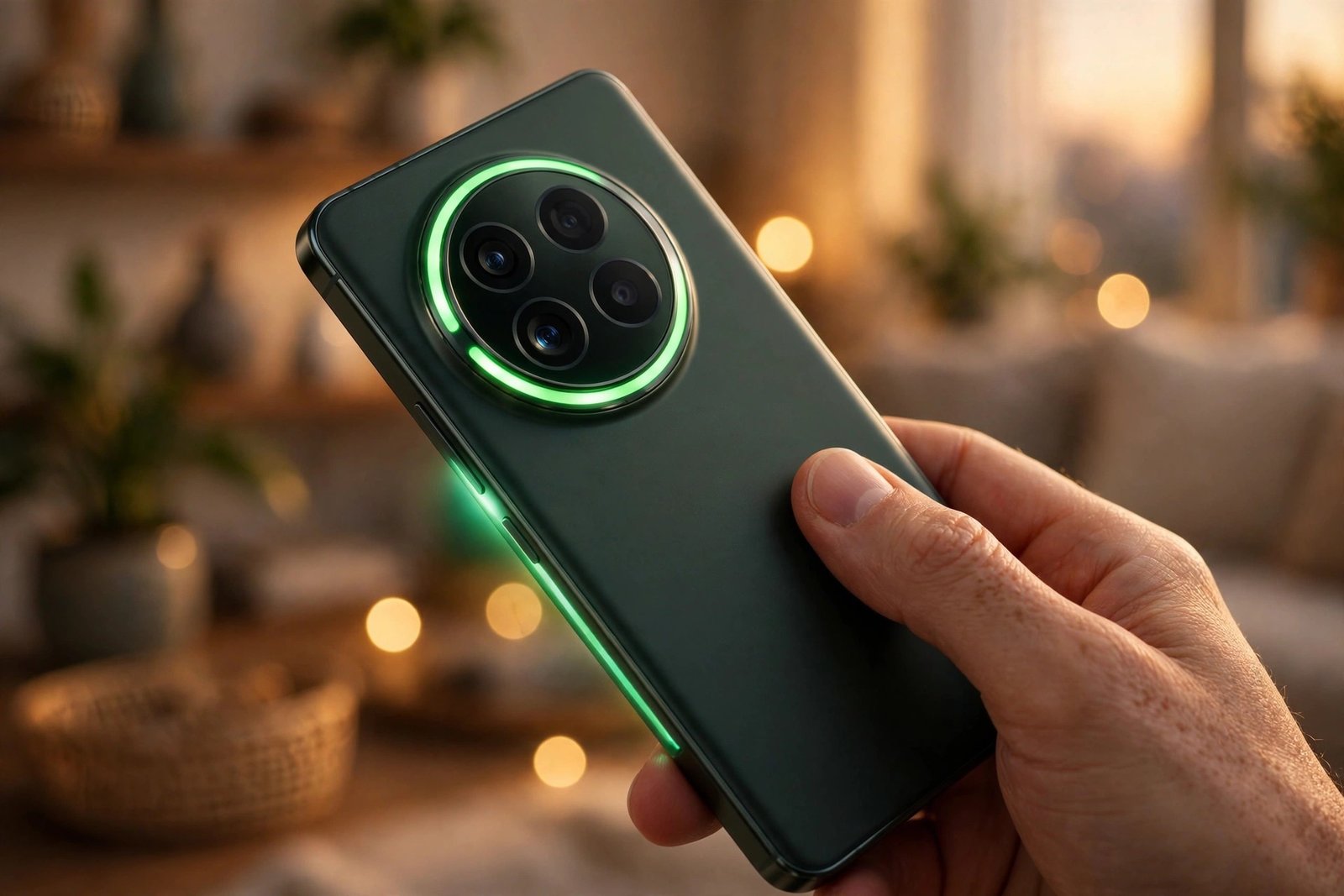
The way it works is the same as the rest of HiLight. You pick a favourite contact and assign them a specific colour of light for calls and messages. When that person texts you on WhatsApp, the LED ring around the camera module glows in their colour, so you can tell who messaged without turning the phone over. Google has been beta testing the message support since September, when 9to5Google first reported that users could select a contact and enable a specific colour light for calls and messages.
How to Set It Up
The upgrade is tied to Android 17 QPR2, so the first step is making sure your Pixel 11 Pro has the November 2026 update installed. The rollout is staged and runs over several weeks, so the update may not have reached your phone yet even if the announcement is already out.
Once you are on Android 17 QPR2, the HiLight settings live in the Settings app. The exact location of the menu can move between updates, so the reliable route is to open Settings and search for “HiLight”. From there you can pick a favourite contact, choose a colour for their light, and switch on message alerts alongside calls. The same screen covers Google Messages texts, so if you already set HiLight up for Messages in the November Pixel Drop, WhatsApp messages should follow the same pattern.
One thing worth checking: HiLight only lights up for favourite contacts. A WhatsApp message from anyone who is not marked as a favourite will not trigger the LED, no matter how new the update is. If you set it up and nothing happens, the contact list is the first place to look.
For the wider context on what else arrived with this update, see our coverage of Android 17 QPR2 and the November 2026 Pixel Drop, which bundles 33 Pixel fixes alongside the new features. And if you use Google Messages as your main texting app, the new Enhanced Protection mode adds cloud Gemini scam checks for messages from strangers — a separate update that landed on the same app this month.
What Still Does Not Work
For all the progress, HiLight remains a feature with a very short guest list. Telegram, Signal, Snapchat and Instagram still cannot trigger the light, and neither can Gmail or Google Voice. If your group chats live on Telegram or your work messages come through another app, HiLight will stay dark for them.
That is the part Google has not explained. There is no technical reason the LED could not respond to any app’s notifications — independent developers have already proved it. A third-party app called HiLight Studio, built by independent Android developers, unlocks the rear LED to work with any app you choose, with a specific light effect per app. If a small independent app can do it, Google clearly could too, and the fact that it has not is a choice, not a limitation.
There is a hint of more to come. A teardown of Android 17 QPR3 Beta 3 found code connecting HiLight to the system’s Notification Rules, which would let users pin important messages and notifications to the top of the shade and flash the LED for them. That is still sitting in early test builds, so regular owners will have to wait — most likely for a future quarterly update or Pixel Drop. For now, the official list is calls in the Phone app, WhatsApp calls and messages, Google Messages texts, and hands-free Gemini.
The pace is the other complaint. The Pixel 11 Pro launched in August, and this is its first meaningful HiLight improvement three months later — and even that does not go far enough. Android Police put it bluntly: the upgrade makes HiLight “a wee bit more useful”, which is faint praise for a hardware feature that could have done this from the start.
Why This Small Update Matters
It is easy to dismiss a notification light as a gimmick, and for the first three months of the Pixel 11 Pro’s life, that dismissal was mostly fair. But the WhatsApp addition changes the maths of the feature in a way the Messages support alone did not. WhatsApp is the default messaging app for much of the world — in many countries it is simply how people talk to each other. A notification light that ignores the app most of your contacts use is a decoration. One that responds to it is a tool.
The practical case is simple. Leave your Pixel 11 Pro face down on a desk during a meeting or at dinner, and a green glow — or whatever colour you assigned — tells you a favourite contact just messaged, without the screen lighting up the room and without you picking the phone up to check. That is the entire point of HiLight, and until now it only worked for the least common kind of message: a phone call.
It is also a reminder of how Google now treats the Pixel line. The phone you buy is not the phone you keep: the November Pixel Drop alone added Gemini Intelligence to the Pixel 10, a widget builder, and 33 fixes across the Pixel range. HiLight is part of that same pattern — hardware that gets more useful over time, if slowly. The Pixel 11’s launch pricing and specs made the Pro models a premium buy, and features like this are how Google justifies the price after the sale.
Still, the honest verdict is that HiLight remains unfinished. WhatsApp messages are the most important addition yet, but until Google opens the light to every app — or at least to the other big messengers — it will stay a feature for a handful of favourite contacts rather than the universal notification light the hardware deserves. If you are on a Pixel 11 Pro, update to Android 17 QPR2 and turn it on for WhatsApp. It is a small change, but it is the first one that makes the light worth looking at.
FAQs
Q1: What is HiLight on the Pixel 11 Pro?
A: HiLight is a ring of LEDs built into the camera module of the Pixel 11 Pro, Pixel 11 Pro XL and Pixel 11 Pro Fold. It glows in a colour you assign to a favourite contact when that person calls or messages you, so you can see who needs you even when the phone is lying face down.
Q2: Does HiLight now work with WhatsApp messages?
A: Yes. Google confirmed on 13 November 2026 that HiLight now activates for WhatsApp messages from your favourite contacts, in addition to WhatsApp calls, which have been supported since the Pixel 11 Pro launched. The feature arrives with Android 17 QPR2 in the November 2026 Pixel Drop.
Q3: Which Pixel phones have HiLight?
A: Only the Pixel 11 Pro, Pixel 11 Pro XL and Pixel 11 Pro Fold have HiLight, because it is a hardware feature — an LED ring in the camera module. The standard Pixel 11 does not have it, and no software update can add it to the Pixel 10 or older phones.
Q4: How do I set up HiLight for WhatsApp messages?
A: First update your Pixel 11 Pro to Android 17 QPR2, then open Settings and search for “HiLight”. Pick a favourite contact, choose a colour for their light, and switch on message alerts alongside calls. Only messages from contacts you have marked as favourites will trigger the LED.
Q5: Why doesn’t HiLight work with Telegram, Signal or other apps?
A: Google has only enabled HiLight for phone calls, WhatsApp calls and messages, Google Messages texts and hands-free Gemini so far, and has not announced support for Telegram, Signal, Snapchat or Instagram. A third-party app called HiLight Studio can unlock the LED for any app, and code in Android 17 QPR3 beta builds hints at wider Notification Rules support in a future update.
Sources: 9to5Google, “Pixel 11 HiLight now works with WhatsApp messages too” (14 November 2026); Android Police, “Google Pixel 11 Pro’s most pointless feature just got a useful upgrade” (14 November 2026).
