


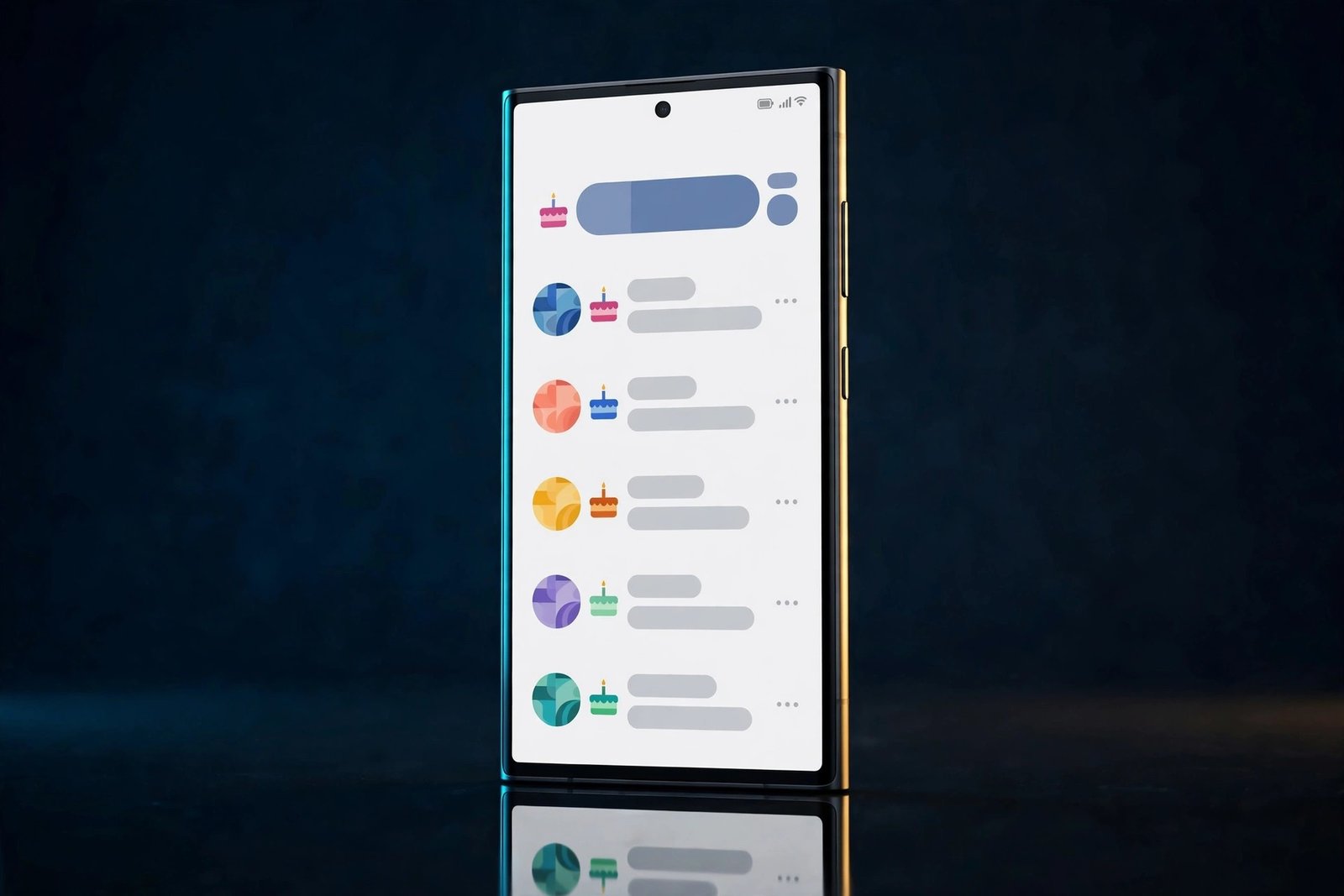
One UI 9.5 keeps getting more interesting. Samsung’s next major Galaxy update refreshes the apps people use every day — not just the headline Galaxy AI features. An internal test build shows Samsung reworking two basic apps: Contacts gets a birthdays section and a Gaming Hub tie-in, while the Phone app gets a blocked-calls dashboard.
The details come from an APK teardown by AssembleDebug, reported by Android Authority on November 12 and confirmed by SammyGuru on November 13. The features were manually enabled in a pre-release build — real and working, but not official, and anything in an internal build can still change or be dropped.
Key Takeaways
- Contacts gains a Birthdays section — Past, Today and Upcoming — with reminders and card and gift shortcuts.
- You can share your own birthday from your profile, so your contacts can see it.
- Contacts also links to Samsung Gaming Hub: play casual games without installing them and invite contacts to guilds.
- The Phone app gets a blocked-calls dashboard for the last 30 days: Potential fraud, Suspected spam and Blocked by you.
- All three are under development in an internal build; stable One UI 9.5 is expected with the Galaxy S27 series in early 2027.
Birthdays, Finally Done Properly
Of the three new features, the birthdays section is the one most Galaxy owners will notice. Today, Samsung Contacts lets you save a birthday on a contact’s profile — and then does nothing with it. No reminder, no list, no easy way to see whose birthday is coming up. That is a strange gap for an app whose entire job is keeping track of people.
In the One UI 9.5 build, Contacts gains a dedicated Birthdays section that organises birthdays into three groups: Past, Today and Upcoming. Open Contacts, and you can see whose birthday you just missed, whose is today, and whose is coming up next — turning data the app already stores into something genuinely useful.
The section goes further than a list. According to the teardown, there are shortcuts for sending birthday cards and gifts, building on the AI-generated birthday cards that already exist through Now Brief in One UI 8. You will also be able to set your own birthday in your profile and share it, so your contacts can see it.
Gaming Hub Moves Into Contacts
The second Contacts change is stranger. Samsung is integrating Gaming Hub into Contacts, so your friends list doubles as a gaming lobby. From a contact’s profile you can link games through Gaming Hub, play casual games without installing them, send friend requests, invite contacts to guilds, check gaming profiles, and see whether a contact is online or offline.
It requires the Gaming Hub app, and the linked-games option must be switched on in settings — so this is opt-in. But the direction is clear: folding Gaming Hub into Contacts gives it a social graph it does not have on its own. Your contacts are already the people you would want to play with; Samsung is just removing the step of finding them in a separate app.
Whether people want their phone book mixed with their gaming life is an open question. Contacts is a utility, and utilities work best when they stay quiet and predictable. If the integration stays optional and out of the way, it is a reasonable bet — but Samsung must keep it from getting in the way of the app’s core job: finding a phone number fast.
A Dashboard for Every Call Samsung Blocks
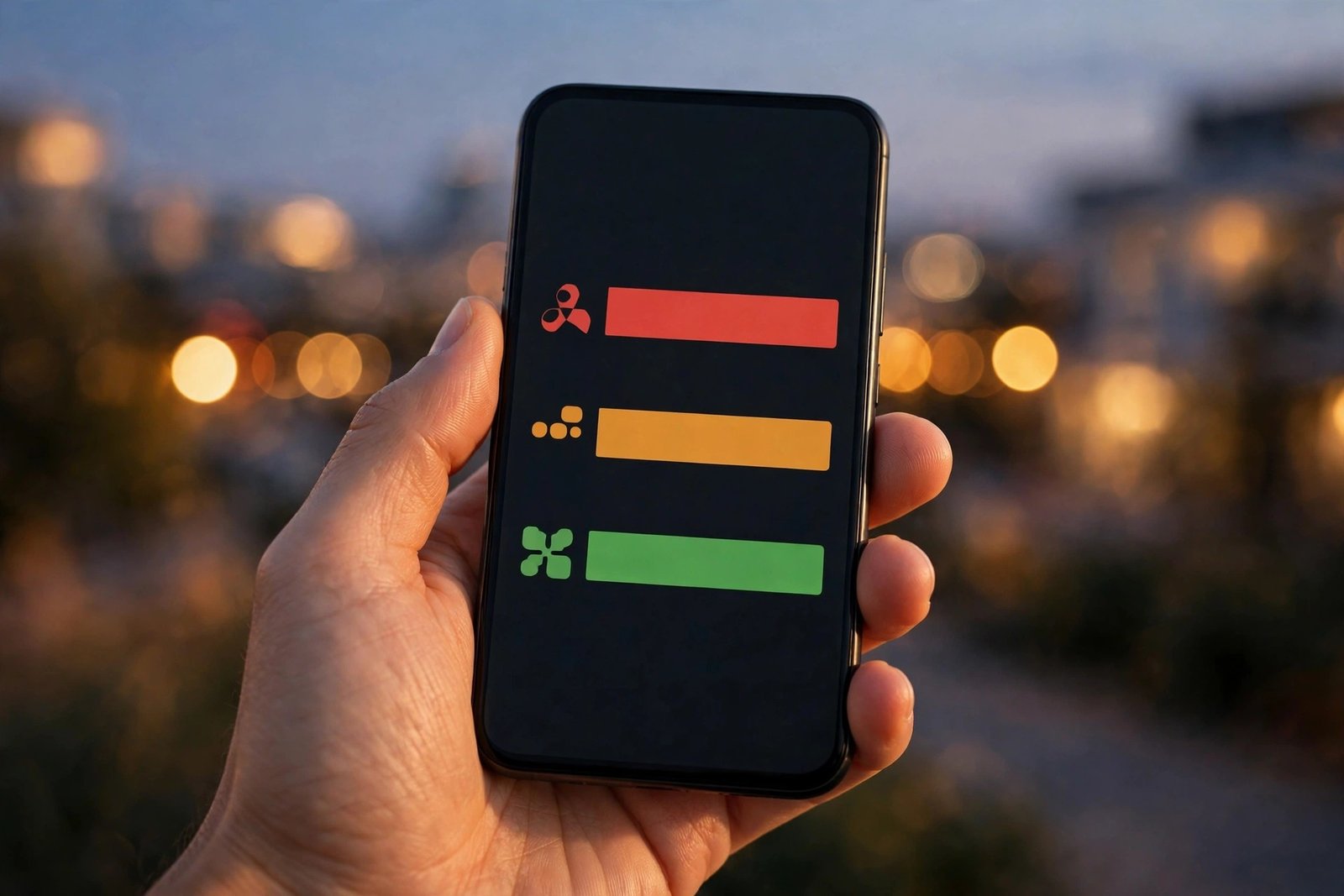
The Phone app change is the most practical of the three. One UI 9.5 adds a Blocked calls dashboard showing how many calls Samsung has blocked for you in the last 30 days, broken down in a stacked bar chart into three colour-coded categories: Potential fraud, Suspected spam, and Blocked by you.
Each category is tappable, opening a dedicated page listing those calls — so if a legitimate call was caught by the spam filter, you can find it without digging through a mixed call log. There is also a link from the dashboard to the automatic spam and scam call-blocking settings, so you can tighten or loosen the filters once you can see what they are catching.
That visibility is the point. Spam calls are a problem most people only notice when one gets through, and the blocking happens invisibly. A dashboard makes it measurable: how many calls Samsung stopped this month, and how many were fraud versus blocked by you. If the filters are too aggressive, the evidence is right there. The Phone app’s Search button is also moving into the floating pill-style navigation bar.
When Will It Arrive — and What Could Change
Nobody outside Samsung knows yet. One UI 9.5 is expected to debut with the Galaxy S27 series in early 2027, and the beta may begin later this month or in early December, with the Galaxy S26 first in line. That is the window in which these features would reach real users — if they survive.
That “if” is doing real work. All three features were found in an internal build and manually enabled by the outlets that reported them; none is live on any phone you can buy today. Samsung often tests features in internal builds that never ship, and just as often ships them in a different form from the one that leaked. The birthday section could arrive without gift shortcuts, and the Gaming Hub integration could be scaled back to a simple link.
Still, the pattern is encouraging. Earlier leaks from the same builds have shown a new AI-powered Memory app, a Rambler-style dictation cleaner in Samsung Keyboard, and call recording for WhatsApp, Telegram and Google Meet. The Contacts and Phone changes fit the same story — Samsung polishing the everyday apps, not just adding AI tricks. For Galaxy owners, the takeaway is patience: none of this can be turned on today, but if you have ever missed a birthday or wondered where a call went, One UI 9.5 may finally answer those small frustrations — if Samsung ships it as leaked.
Related Guides
- Samsung’s New Memory App in One UI 9.5 Uses AI to Organize Screenshots
- Samsung Keyboard Is Getting a Rambler-Style AI Dictation Cleaner in One UI 9.5
- Galaxy S26 November Security Update Expands to Europe and India — Here’s What’s Fixed
Frequently Asked Questions
What is new in Samsung Contacts in One UI 9.5?
Contacts gains a dedicated Birthdays section that organises birthdays into Past, Today and Upcoming, with reminders and shortcuts for sending birthday cards and gifts. You can also share your own birthday from your profile so your contacts can see it, and Contacts links to Samsung Gaming Hub for casual games, friend requests and guild invites.
How does the One UI 9.5 Birthdays section work?
It groups the birthdays saved on your contacts into Past, Today and Upcoming, so you can see at a glance whose birthday you missed, whose is today and whose is coming up. It also offers shortcuts for birthday cards and gifts, building on the AI-generated birthday cards that already exist through Now Brief in One UI 8.
What is the blocked-calls dashboard in the One UI 9.5 Phone app?
It is a new screen in the Phone app showing the total number of calls blocked in the last 30 days, broken down in a colour-coded bar chart into Potential fraud, Suspected spam and Blocked by you. Tapping a category opens a dedicated page of those calls, and a link takes you to the automatic spam and scam call-blocking settings.
How does Gaming Hub work in Samsung Contacts?
From a contact’s profile you can link games through Samsung Gaming Hub, play casual games without installing them, send friend requests, invite contacts to guilds, check gaming profiles and see online or offline status. It requires the Gaming Hub app and the linked-games option switched on in settings.
When will One UI 9.5 be available?
There is no confirmed release date. The One UI 9.5 beta may begin later in November or in early December 2026, starting with the Galaxy S26, and the stable update is expected with the Galaxy S27 series in early 2027. All three features are under development in an internal build and Samsung may change or drop them before release.
Sources: Android Authority (AssembleDebug APK teardown), Nov 12, 2026; Android Authority, Nov 12, 2026 (20:22 UTC); SammyGuru, Nov 13, 2026.
