


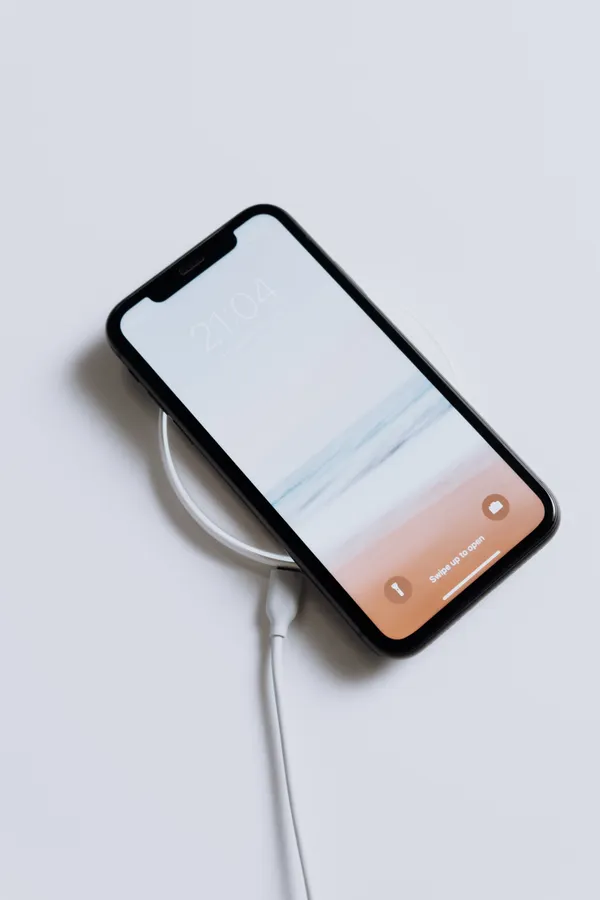
iPhone battery draining fast after the iOS 26 update is usually temporary. After a major update, your iPhone spends 2–3 days re-indexing files and optimizing in the background, which drains the battery. If the drain lasts longer, the usual culprits are Background App Refresh, Location Services, Always-On Display, and apps not yet optimized for iOS 26. The fixes below solve it in most cases.
First: Wait 48–72 Hours
After a major iOS update, background re-indexing can make your battery look worse for a couple of days. Apple considers this normal. If your battery was fine before the update and the drain started immediately after it, give it 2–3 days of normal charging before changing anything.
If the drain continues past that, work through these fixes.
1. Find the Battery Hog
- Go to Settings > Battery.
- Look at Battery Usage by App for the last 24 hours / 10 days.
- If one app is using an unusually high percentage, update it or delete and reinstall it.
2. Turn Off Background App Refresh
- Go to Settings > General > Background App Refresh.
- Turn it off entirely, or leave it on only for essential apps like Messages and Mail.
3. Limit Location Services
- Go to Settings > Privacy & Security > Location Services.
- Set non-essential apps to Never or While Using the App.
- Keep it on only for apps that genuinely need it, like Maps.
4. Turn Off Always-On Display
- Go to Settings > Display & Brightness > Always On Display.
- Turn it off. The Always-On Display uses power even when the screen looks idle.
5. Lower Brightness and Enable Auto-Brightness
- Go to Settings > Display & Brightness.
- Turn on Automatic, and keep manual brightness at a comfortable (not maximum) level.
6. Turn On Adaptive Power (iOS 26)
iOS 26 adds Adaptive Power, a smarter battery saver that makes small performance tweaks only when your iPhone is working hard (gaming, 4K video, photo editing). On iPhone 17 models it is on by default; everyone else can enable it:
- Go to Settings > Battery > Power Mode.
- Turn on Adaptive Power.
7. Use Low Power Mode When Needed
Swipe down to Control Center and tap the battery icon, or go to Settings > Battery > Low Power Mode. It pauses automatic downloads and background activity. You can set it to switch on automatically at 20%.
8. Update All Your Apps
Apps not yet optimized for iOS 26 can drain extra battery. Open the App Store, tap your profile icon, and tap Update All.
9. Force Restart Your iPhone
Press and release Volume Up, press and release Volume Down, then hold the Side button until the Apple logo appears. This clears temporary glitches and rogue background processes.
10. Reset All Settings (Last Resort)
- Go to Settings > General > Transfer or Reset iPhone > Reset.
- Tap Reset All Settings.
This returns settings to defaults without deleting your photos, messages, or apps. You’ll need to re-enter Wi-Fi passwords and reconfigure preferences afterward.
Battery Habits That Help Long-Term
- Keep your charge between 20% and 80% most of the time to slow long-term capacity loss.
- Avoid leaving your iPhone in hot cars or in direct sunlight while charging.
- Check Settings > Battery > Battery Health occasionally — if Maximum Capacity is below 80%, the battery itself may need replacement.
Frequently Asked Questions
Why is my iPhone battery draining so fast after iOS 26?
Usually background re-indexing after the update (temporary, 2–3 days), or settings/apps using more power — Background App Refresh, Location Services, Always-On Display, and unoptimized apps are the most common causes.
Is iOS 26 battery drain normal?
Yes, for the first few days after a major update. If it lasts longer than a week, apply the fixes above.
What is Adaptive Power in iOS 26?
A smarter battery saver that makes small performance tweaks only when your iPhone is working hard, instead of cutting background activity across the board like Low Power Mode.
Will Reset All Settings delete my data?
No. It resets settings to defaults but keeps your photos, messages, apps, and files. You will need to re-enter Wi-Fi passwords.
When should I replace the battery?
If Maximum Capacity in Battery Health is under 80%, or the phone shuts down unexpectedly, have the battery checked or replaced.
