


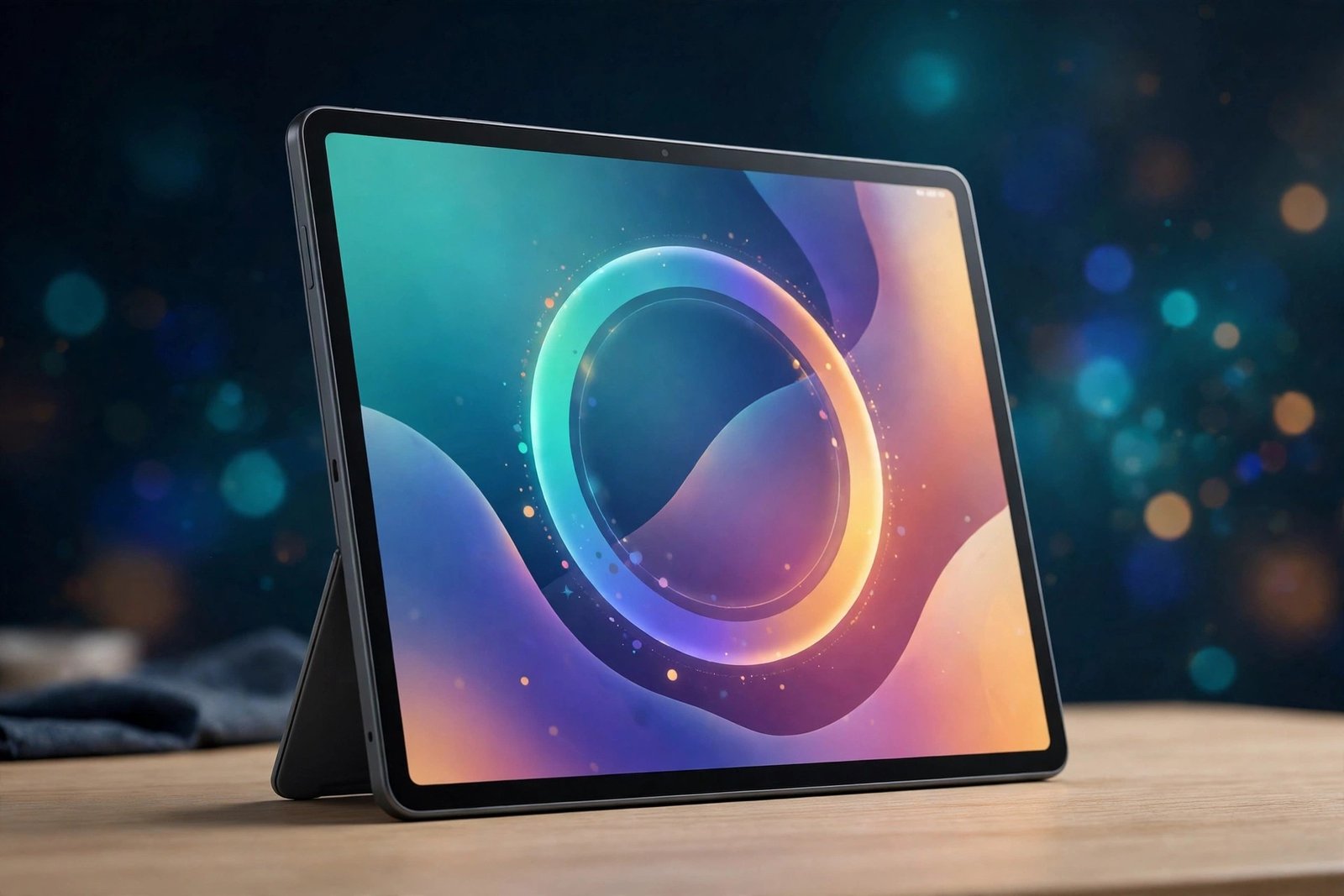
Samsung’s One UI 9 rollout is now reaching the tablets most people forget about. The Galaxy Tab A11+ and the rugged Galaxy Tab Active 5 Pro are the latest devices to pick up the stable Android 17-based update, with the rollout starting in South Korea on 18 November 2026. Both are affordable, practical tablets — one aimed at families and casual users, the other at field workers — and both are now getting the same major software upgrade that flagship Galaxy phones received weeks ago.
This is not a small security patch. One UI 9 is a full Android version upgrade, and it brings a redesigned Quick Panel, stronger privacy controls, a rebuilt Samsung Health app and new accessibility tools. If you own either tablet, here is what is rolling out, what actually changes on your device, and how to check whether the update has reached you yet.
What is rolling out, and where
Samsung has started rolling out One UI 9 to the Wi-Fi variant of the Galaxy Tab A11+ in South Korea, according to SammyGuru’s report from 18 November 2026. The update carries firmware version X230XXU7CZK7. The Galaxy Tab Active 5 Pro is receiving the update in Korea at the same time, with build version X356NKOUBDZK5.
South Korea going first is normal for Samsung. The company’s home market almost always leads its software rollouts, and the wider release usually follows within days. SammyGuru reports that Samsung could expand the rollout to more regions in the coming days as it looks to wrap up the One UI 9 rollout this month. That timing lines up with Samsung’s own schedule: Samsung Japan’s published One UI 9 roadmap listed the Galaxy Tab A11+ for a mid-November window, and this week’s Korean release lands exactly inside it.
There is no word yet on the standard Galaxy Tab Active 5, the non-Pro rugged model. SammyGuru notes there is no information on that variant yet, but says it should also get the update soon. The cellular (5G/LTE) variants of the Tab A11+ have not been confirmed either — the report specifically covers the Wi-Fi model, so owners of cellular versions should expect their update to follow separately.
The two tablets getting the update
The Galaxy Tab A11+ is Samsung’s budget large-screen tablet, positioned as an affordable option for watching videos, browsing, schoolwork and light productivity. It sits below the flagship Tab S series and is the kind of tablet bought for the family or as a second screen rather than as a laptop replacement. That is exactly why this update matters: budget tablets are often the last to get major Android upgrades, and the Tab A11+ is getting Android 17 only weeks after the flagships.
The Galaxy Tab Active 5 Pro is a very different device. It is Samsung’s rugged tablet, built for field work, warehouses, construction sites and other environments where a normal tablet would not survive. It carries tougher build standards, a replaceable battery in some configurations and enterprise features aimed at business users. For those owners, a major OS update is less about new looks and more about staying on a supported, secure version of Android with the latest device-management and security tools.
Both tablets were already confirmed for One UI 9 on Samsung Japan’s official list, which named the Galaxy Tab A11, Tab A11+, Tab A11 5G and Tab Active 5 Pro among the eligible tablets. The list also confirmed that the update would reach devices in Japan between October and November 2026, with budget models and devices outside Japan following between December 2026 and January 2027 — though the Korean release this week suggests the wider rollout may move faster than that outer estimate.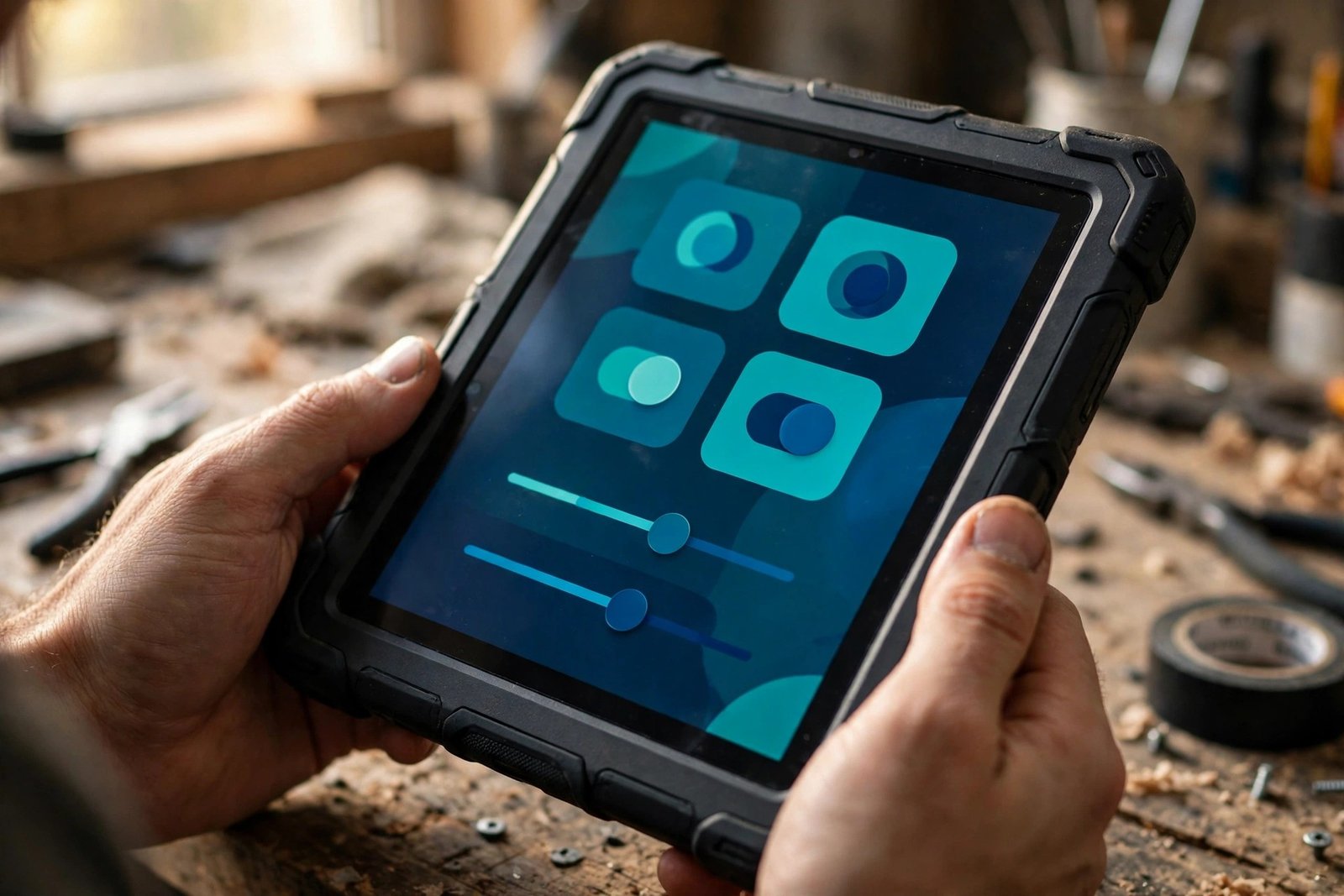
What’s new in One UI 9
One UI 9 is Samsung’s version of Android 17, and the headline change is a redesigned Quick Panel — the screen you pull down from the top for Wi-Fi, Bluetooth, brightness and sound controls. You can now rearrange the controls far more freely than before, resize the brightness and volume sliders, change the size of the media player, and separate the sound-mode button from the volume slider so it sits on its own. On a tablet, where the Quick Panel spans a much wider screen, that extra flexibility is genuinely useful.
Privacy gets several practical additions. A new blue indicator appears at the top of the screen whenever an app is using your location, so you can see at a glance which app is tracking you. Tapping it in the Quick Panel tells you exactly which app it is. There is also a quicker way to lock the tablet down: press and hold the Volume Down and Side buttons together, or use the power control in the Quick Panel, to activate a secure lock that prevents biometric authentication for the next unlock. A new Warranty and care menu in Settings brings warranty information and diagnostic checks together in one place.
Samsung Health has been redesigned with clearer visuals and improved charts. You can resize the cards on the Health home screen and organise them by category — Activity, Sleep, Mindfulness and Nutrition — and logging health data is quicker, with the option to use the camera for faster input. The wider One UI 9 changelog also describes trend analysis, sleep-vitals monitoring, heart-health tracking with a daily score, cardio-load tracking and a Fitness Index calculated from five metrics: body composition, cardio, strength, flexibility and endurance. Some of those deeper health insights depend on a compatible Galaxy Watch or Galaxy Ring, so not every feature will be fully active on the tablet alone.
Accessibility is another area where One UI 9 adds a lot. A new Text spotlight feature lets you tap any text on screen to show it enlarged and highlighted in its own window, with customisable font size and colours. Select to speak reads out whatever you select without switching on the full TalkBack screen reader. The lock screen also gets a redesigned clock that adapts to the selected wallpaper.
One thing to keep in perspective: not every One UI 9 feature reaches every device. Samsung’s changelogs note that some capabilities depend on the model, the apps installed and the region. The premium Galaxy AI features seen on flagship phones — such as the full Now Brief experience — are not part of the budget-tablet changelog, and owners should not expect them here. What the Tab A11+ and Tab Active 5 Pro do get is the core One UI 9 experience: the new interface, the privacy tools, the Health redesign and the accessibility upgrades.
How the rollout fits into Samsung’s wider One UI 9 push
The One UI 9 rollout began with the Galaxy S26 series in September 2026 and has been moving steadily down Samsung’s lineup ever since. In the past few days alone, the Galaxy A24, Galaxy A25 and Galaxy Tab S9 series picked up the update in South Korea, the Galaxy Tab S10 series expanded to Europe and several Asian countries, and the Galaxy A15 5G reached users in the US. The Galaxy M06 5G and F06 5G — two of Samsung’s most affordable 5G phones — got One UI 9 in India last week.
The pattern is consistent: Korea first, then a staged expansion over days and weeks. That is also why the Tab A11+ and Tab Active 5 Pro update may not appear on your tablet immediately. Samsung distributes these updates in stages, and even two identical tablets in the same country can receive the update days apart. If the update is not showing for you yet, it does not mean your tablet is excluded — it usually just means your turn in the rollout has not come yet.
Looking ahead, Samsung is expected to start the One UI 9.5 beta soon, according to SammyGuru. That is the next incremental update on top of One UI 9, and it will likely reach flagship phones first before filtering down to tablets like these. For Tab A11+ and Tab Active 5 Pro owners, the priority right now is simply getting One UI 9 installed.
How to check for the update
If you own a Galaxy Tab A11+ or Tab Active 5 Pro, you can check for the update manually instead of waiting for a notification. Open Settings, go to Software update, and tap Download and install. If One UI 9 is available for your tablet, the download will start from there.
Before installing a major Android upgrade, a few practical steps help. Make sure the tablet has at least 50 percent battery, or plug it in while it updates. Connect to Wi-Fi rather than mobile data, since major updates are usually several gigabytes — similar One UI 9 updates for other Galaxy devices have weighed in at around 2.2 to 2.8GB. And if you have anything important on the tablet, back it up first; major updates rarely cause problems, but a backup removes the risk entirely.
After the update installs, it is worth checking the version to confirm it landed. Go to Settings > About tablet > Software information and look for Android 17 with One UI 9. If the tablet is still on the old version after checking, wait a day or two and check again — staged rollouts do not arrive everywhere at once.
Why this update matters for budget and rugged tablets
Major Android upgrades are easy to take for granted on flagship phones, but they matter more on affordable and rugged tablets. Budget tablets tend to stay in service for years — handed down to children, used as kitchen screens, or kept as a second device — and a current version of Android keeps them secure and compatible with new apps for longer. The Tab A11+ getting Android 17 this quickly is a good sign for its remaining support life.
For the Tab Active 5 Pro, the stakes are different. Rugged tablets are bought by businesses that run them for years in demanding conditions, and staying on a supported Android version is a security and compliance requirement, not a nice-to-have. One UI 9 keeps those devices current, and the new Warranty and care tools give IT teams an easier way to check device health.
Samsung has not published an exact date for the global rollout of this update, and it has not said when the cellular Tab A11+ variants or the standard Tab Active 5 will follow. For now, the confirmed facts are the Korean rollout, the two firmware versions, and the mid-November window Samsung itself published. If you own either tablet outside Korea, the wait should not be long — and checking manually is the fastest way to know when your turn arrives.
Related reading
- Galaxy M06 and F06 Get One UI 9 (Android 17) in India
- Galaxy A25 One UI 9 update: South Korea First
- Galaxy A15 5G One UI 9 Update Reaches US and India
Frequently Asked Questions
Which Galaxy tablets are getting the One UI 9 update now?
The Galaxy Tab A11+ (Wi-Fi variant) and the Galaxy Tab Active 5 Pro are the latest tablets to receive the stable One UI 9 update, based on Android 17. The rollout started in South Korea on 18 November 2026. The standard Galaxy Tab Active 5 has not been confirmed yet, but it is expected to follow soon.
What are the firmware versions for the Tab A11+ and Tab Active 5 Pro One UI 9 update?
The Galaxy Tab A11+ update carries firmware version X230XXU7CZK7, and the Galaxy Tab Active 5 Pro update carries build version X356NKOUBDZK5. Both versions are for the South Korean rollout. Firmware versions for other regions may differ when the update expands globally.
When will the Galaxy Tab A11+ get One UI 9 outside South Korea?
Samsung has not announced an exact date for the global rollout. Samsung Japan’s published schedule listed the Galaxy Tab A11+ for a mid-November window, and the Korean release landed inside that window. Samsung is expected to expand the rollout to more regions in the coming days as it wraps up the One UI 9 rollout this month. Check Settings > Software update > Download and install to see if it has reached your tablet.
What is new in One UI 9 for the Galaxy Tab A11+ and Tab Active 5 Pro?
One UI 9 brings a redesigned Quick Panel with more customisation, a blue location-access indicator, a quicker device lockdown option, a new Warranty and care menu in Settings, a redesigned Samsung Health app with trend analysis and a Fitness Index, and accessibility features including Text spotlight and Select to speak. Some premium Galaxy AI features from flagship phones are not included on these tablets.
How do I check for the One UI 9 update on my Galaxy tablet?
Open Settings, go to Software update, and tap Download and install. If One UI 9 is available for your tablet, the download will start. After installing, you can confirm the update in Settings > About tablet > Software information, where it should show Android 17 with One UI 9. If the update is not showing yet, check again in a day or two — Samsung rolls updates out in stages.
Sources: SammyGuru (18 November 2026 — Tab A11+ firmware X230XXU7CZK7, Tab Active 5 Pro build X356NKOUBDZK5, Korea rollout); Digital Trends (23 October 2026 — Samsung Japan schedule, Tab A11+ mid-November window); SamMobile via Gadgets 360 / Samsung Magazine (17 November 2026 — A24, A25, Tab S9 One UI 9 rollout in Korea); TechInKey (13 November 2026 — Galaxy M06/F06 One UI 9 changelog details).
