


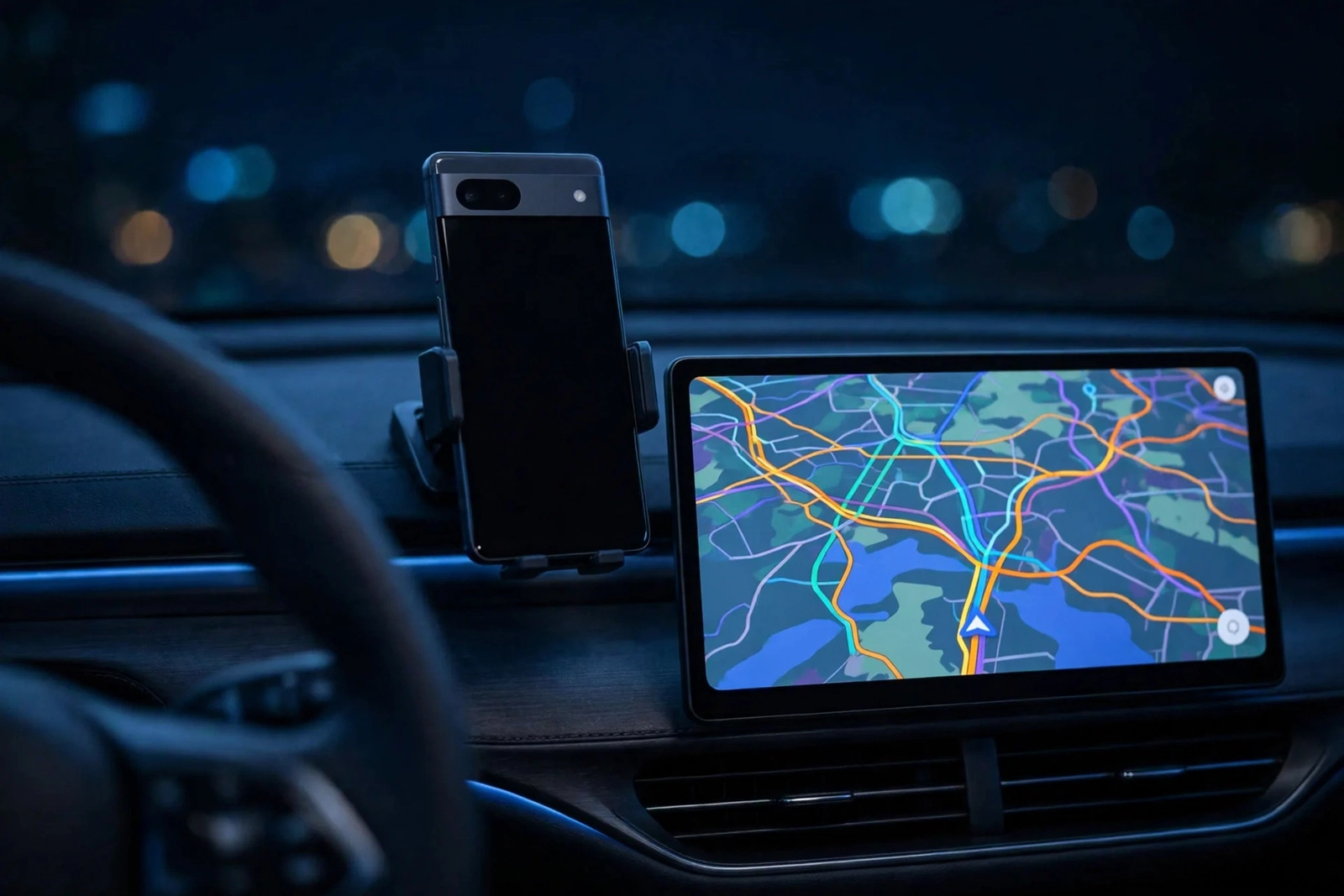
Pixel owners are reporting another problem with Google’s November update — and this one only shows up when you get in the car. Once a Pixel is connected to Android Auto, its always-on display stops working entirely. Instead of showing the time, notifications and other glanceable information, the screen stays completely black until the phone is disconnected from the vehicle.
The reports come from Pixel owners on Reddit and Google’s Android Auto Help community, and they were first documented by Android Authority on 26 November. The problem is not limited to one phone or one way of connecting. The first complaint came from a Pixel 9 Pro owner using wireless Android Auto, but owners of the Pixel 10 Pro, Pixel 11 Pro and Pixel 11 Pro XL have reported the same thing. Tech Prolonged, reporting the same day, confirms the complaints cover the Pixel 9, Pixel 10 and Pixel 11 series.
That is what makes this bug so annoying in daily use. The always-on display is supposed to be the one part of the phone you never have to think about — a quick glance at the time or a notification without waking the device. In the car, that glance matters even more, because the phone is usually sitting in a mount or a cup holder while you drive. With this bug, the screen is dead black for the whole journey. Tapping the screen still wakes the phone, but that defeats the entire point of having an always-on display in the first place.
A bug that blames the wrong setting
Some of the details owners have shared make the problem stranger than a simple display glitch. One Pixel 11 Pro owner noticed that the phone’s display settings were blaming Bedtime Mode for switching the always-on display off — even though neither Bedtime Mode nor Driving Mode was active on the phone. The phone, in other words, thinks a mode that is not running is responsible for the black screen.
That false clue matters because it sends owners down the wrong path when they try to fix it. Disabling Driving Mode — the obvious suspect when a bug only appears in the car — has not helped. Neither have recent Google Play system updates. One Pixel 11 Pro XL owner briefly got normal always-on display behaviour back, only for the problem to return the following morning. There is, at the time of writing, no workaround that reliably restores the display while Android Auto is connected.
The reports are not confined to English-speaking users, either. A Pixel 9 Pro owner on the Taiwanese forum Mobile01 has described the same broken always-on display, and also reports trouble getting Android Auto to launch automatically after the November update. That suggests the car-connection side of the update, not just the display itself, may be misbehaving.
Google is looking into it — but has not confirmed a fix
There is at least a sign that Google is aware of the reports. An Android Auto community specialist has already asked an affected user for diagnostic information to help with the investigation, and later confirmed that the team had contacted that user by email for further assistance. Android Authority says it has also asked Google directly whether the company is aware of the bug and working on a fix, and was still waiting for a response when its report was published on 26 November.
That is the full extent of the official response so far. Google has not acknowledged the bug publicly, has not given a timeline for a fix, and has not suggested any temporary workaround. Owners who are affected can only wait for a software fix — most likely a small patch or a server-side change — or report the problem themselves through the Android Auto Help community, where the specialist team is already collecting diagnostic data.
Part of a buggier-than-usual November update
The Android Auto display bug is the latest in a growing list of problems tied to the November update, which reached Pixel phones on 10 November. The update was a big one: it delivered Android 17 QPR2, the November Pixel Drop and the November security patch to 23 devices, from the Pixel 6a up to the Pixel 11 Pro Fold. Within days of its release, owners were already reporting problems.
Some of those earlier issues also involved the always-on display and the lock screen. Android Authority reported on 13 November that a Pixel 9 Pro Fold owner was seeing a faded notification drawer sitting on top of the always-on display instead of the clock, and that the phone’s inner screen no longer lit up automatically when unfolded. Other owners reported that they could not change the lock screen clock style on a Pixel 10 Pro XL, even after a reboot, and that the notification drawer had become sluggish.
The November update has also caused trouble elsewhere. Some Pixel owners have reported wireless charging problems since installing it — a problem we covered earlier this month — while others have reported that the update broke enterprise Wi-Fi connections, locking them out of work and school networks. And some T-Mobile customers in the US were still waiting for the November update itself two weeks after it started rolling out, with no revised deadline from Google.
The Android Auto bug is different from those earlier always-on display reports in one important way: it is tied specifically to the car connection. The earlier complaints were about the display misbehaving on its own — the wrong thing showing, or the screen staying dark after unfolding. This new problem only appears while Android Auto is running, and disappears the moment the phone is disconnected. That points to something in how the update handles the hand-off between the phone and the car, rather than a fault in the display hardware or the always-on display feature itself.
It is also worth keeping the scale in perspective. The reports so far come from a small number of owners across Reddit and Google’s support forums, and the outlets covering them describe the issue as sporadic rather than universal. Many Pixel owners who use Android Auto every day have not reported any problem. But the pattern is consistent across three generations of Pixel phones and across both wireless and wired connections, which makes it hard to dismiss as a one-off glitch on a single device.
What to do if your Pixel is affected
If your Pixel’s always-on display goes black when you connect to Android Auto, there are a few things worth checking — even though none of them is a confirmed fix.
First, check that the always-on display is actually switched on. Go to Settings, then Display and touch, then Always-on display, and make sure the option is enabled. Toggle it off and back on again; a few owners have found that a restart of the feature helps with other display glitches, even if it has not been confirmed for this one.
Second, check whether Driving Mode or Bedtime Mode is somehow involved. The false Bedtime Mode message one owner saw suggests the phone may be misreading its own state, so it is worth opening Settings and confirming that neither mode is scheduled or active. Turning Driving Mode off entirely has not fixed the problem for the owners who tried it, but it rules out the most obvious suspect.
Third, make sure your phone has the latest software. Go to Settings, then System, then Software update, and install anything that is offered. The November rollout was phased, and Google may push a fix as a small follow-up update rather than waiting for the December release. Play system updates are also worth installing, although the owners who tried them say they did not help in this case.
Finally, if the problem persists, report it. The Android Auto community specialist is already collecting diagnostic information from affected users, and the more reports Google has, the faster a fix is likely to arrive. You can describe the problem in the Android Auto Help community, including your phone model and whether you connect wirelessly or with a cable.
What happens next
The most likely outcome is a fix in a follow-up update. Google has already fixed several of the November update’s problems in the weeks since its release, and the company typically addresses this kind of bug with a small patch rather than waiting for the next monthly cycle. The December update is the obvious target, but a fix could arrive sooner if Google treats it as urgent.
Until then, Pixel owners who drive with Android Auto will have to live with a black screen — or tap the display every time they want to check the time. It is a small bug in the grand scheme of things, but it is exactly the kind of small bug that makes a phone feel broken in everyday use. We will update this article when Google confirms a fix or a workaround.
Frequently Asked Questions
Why is my Pixel’s always-on display not working in Android Auto? Pixel owners report that the November 2026 update breaks the always-on display while the phone is connected to Android Auto. The screen stays completely black instead of showing the time and notifications, and it only returns to normal once the phone is disconnected from the car. Google has not yet confirmed the cause.
Which Pixel phones are affected by the Android Auto AOD bug? Reports cover the Pixel 9, Pixel 10 and Pixel 11 series, including the Pixel 9 Pro, Pixel 10 Pro, Pixel 11 Pro and Pixel 11 Pro XL. The first report came from a Pixel 9 Pro owner using wireless Android Auto, but the problem has also been reported with wired connections.
Does turning off Driving Mode fix the Pixel AOD bug in Android Auto? No — owners who tried disabling Driving Mode say it did not help. One Pixel 11 Pro owner also found the phone wrongly blamed Bedtime Mode for switching the display off, even though neither Bedtime Mode nor Driving Mode was active. Recent Google Play system updates have not fixed it either.
Is there a workaround for the Pixel always-on display going black in the car? There is no confirmed workaround yet. Tapping the screen still wakes the phone, but that defeats the purpose of an always-on display. You can try toggling the always-on display off and on in Settings, checking for software updates, and reporting the issue in the Android Auto Help community, where Google’s team is collecting diagnostic data.
Has Google acknowledged the Pixel AOD Android Auto bug? Not publicly. An Android Auto community specialist has asked an affected user for diagnostic information and confirmed the team contacted the user by email, and Android Authority has asked Google directly. But as of 26 November, Google had not confirmed the bug or announced a fix.
When will Google fix the Pixel always-on display bug in Android Auto? No date has been announced. The most likely fix is a small follow-up software update, possibly with the December update. Until then, the only options are to tap the screen to wake it while driving or wait for Google to push a patch — check Settings, then System, then Software update regularly.
